



Sports banquet slideshow ideas transform end-of-season celebrations from standard award ceremonies into emotional experiences that athletes, families, and coaches remember for years. A thoughtfully crafted season recap video captures the journey—not just championship moments, but also the early-morning practices, the comeback victories, the teammates who became family, and the growth that happened when no one was watching.
Yet many coaches and athletic directors struggle to create slideshows that truly resonate. Generic photo montages set to popular music often fail to capture what made the season special. Athletes scroll through their phones during presentations that feel too long, too generic, or disconnected from their actual experience. Meanwhile, teams with compelling season recap videos create powerful shared memories that strengthen team identity and inspire future athletes.
This comprehensive guide provides creative sports banquet slideshow ideas, practical production techniques, and storytelling strategies that help you create season recap videos worthy of your team’s achievements.
Creating an impactful sports banquet slideshow requires more than compiling photos and adding music. The most memorable presentations combine strategic planning, thoughtful content selection, emotional storytelling, and technical execution that keeps audiences engaged from opening frame to final tribute.

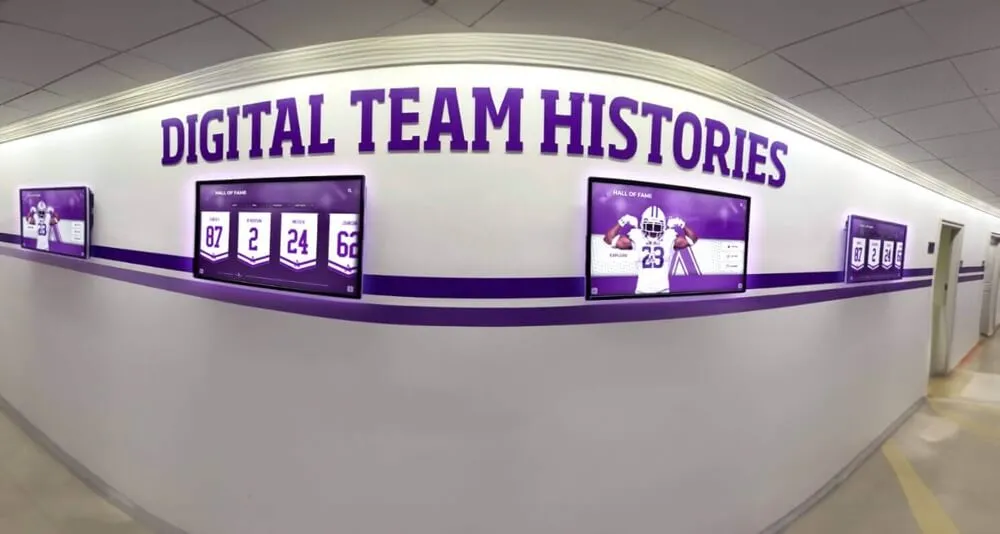
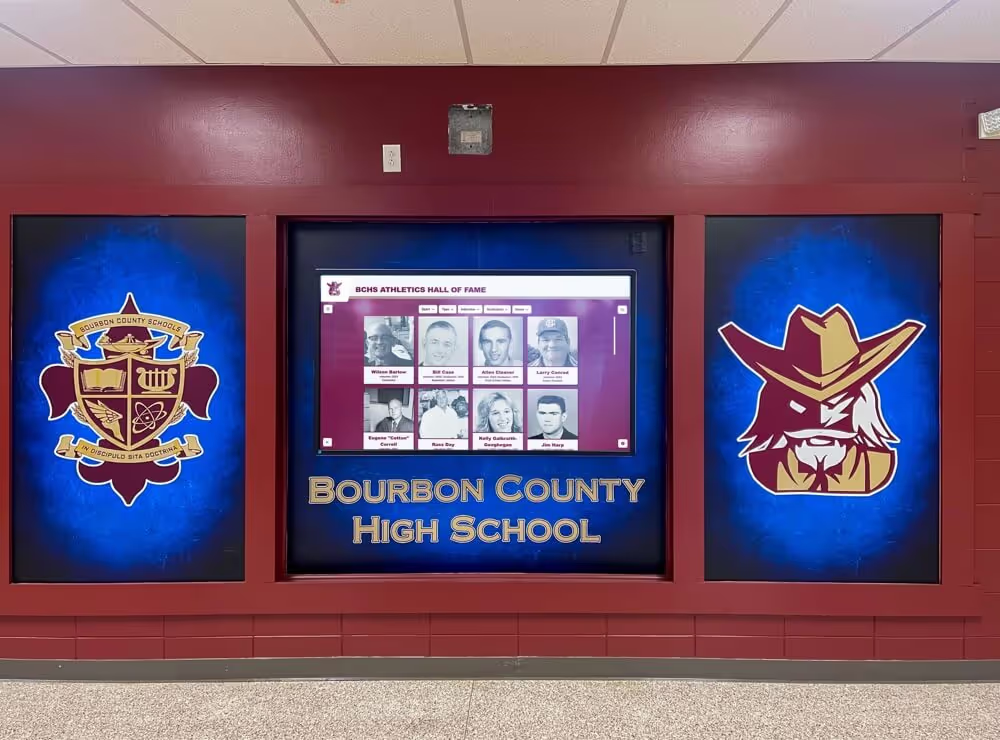
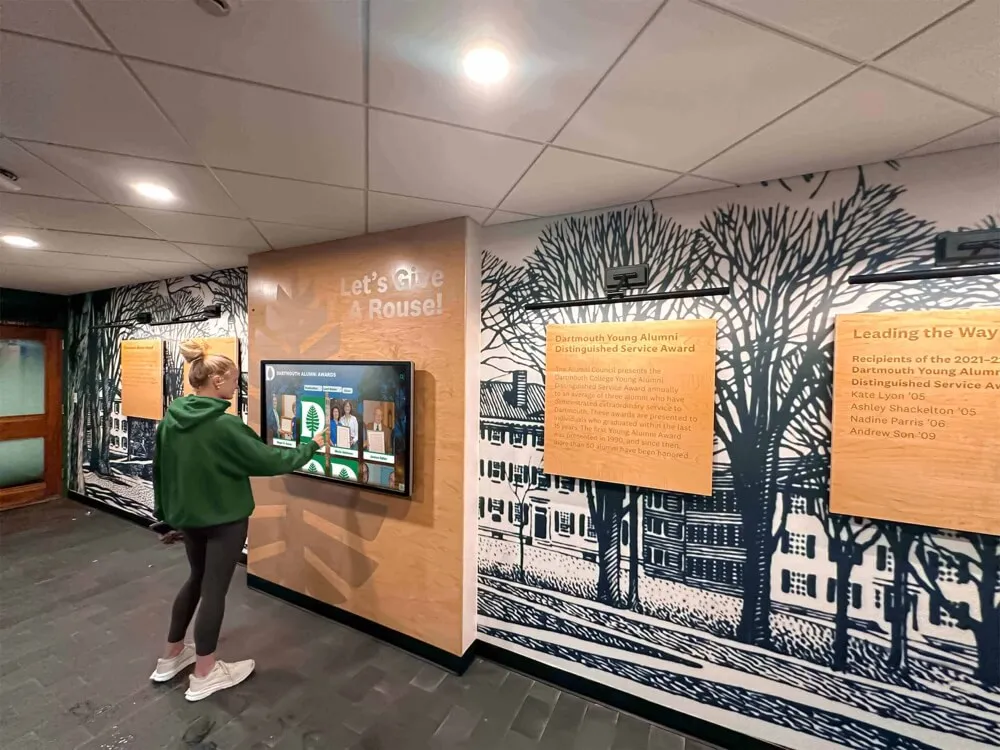
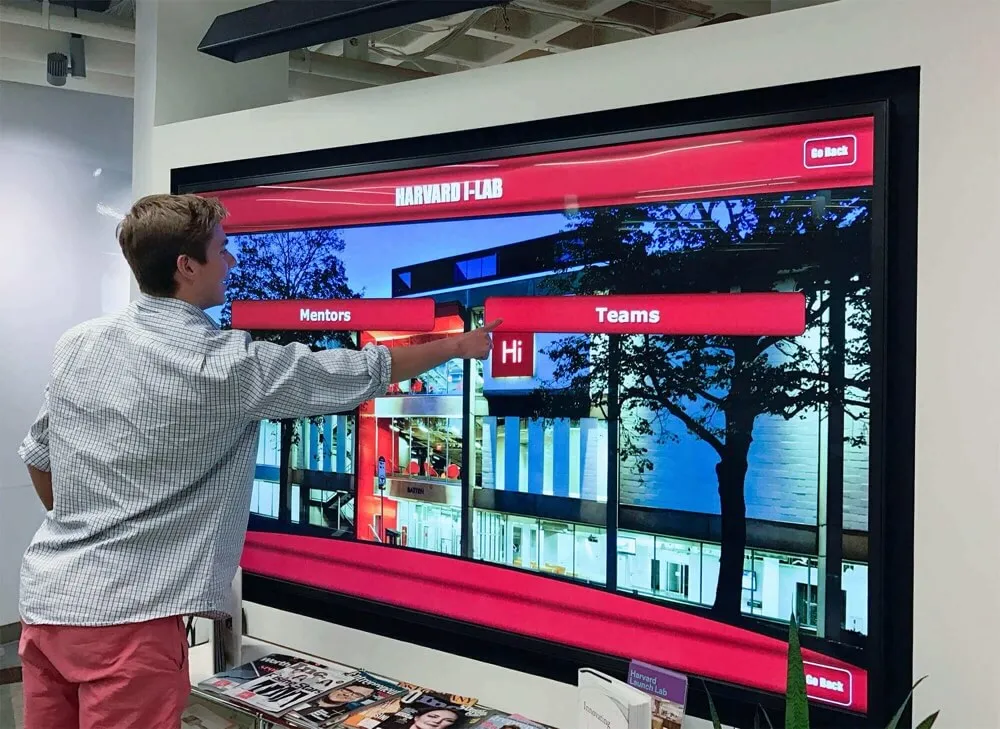
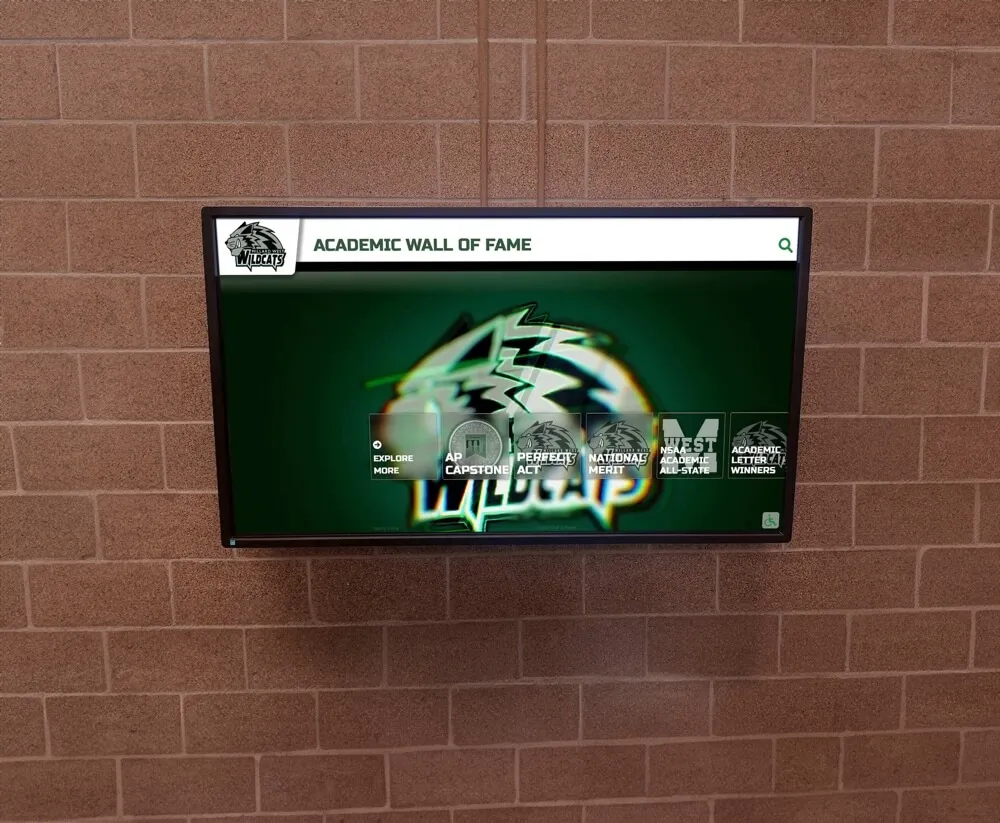
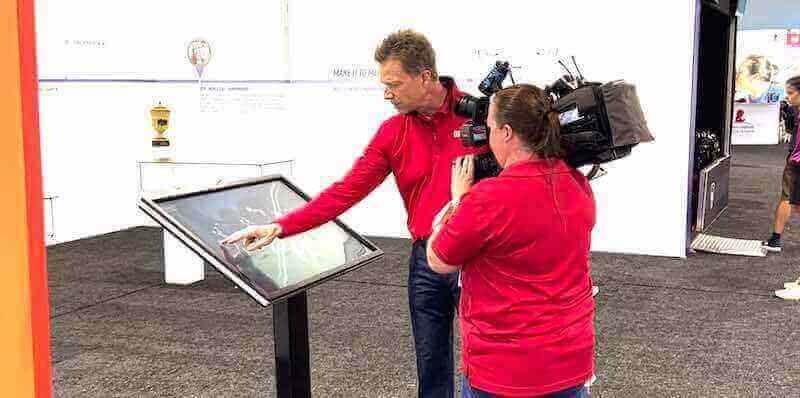
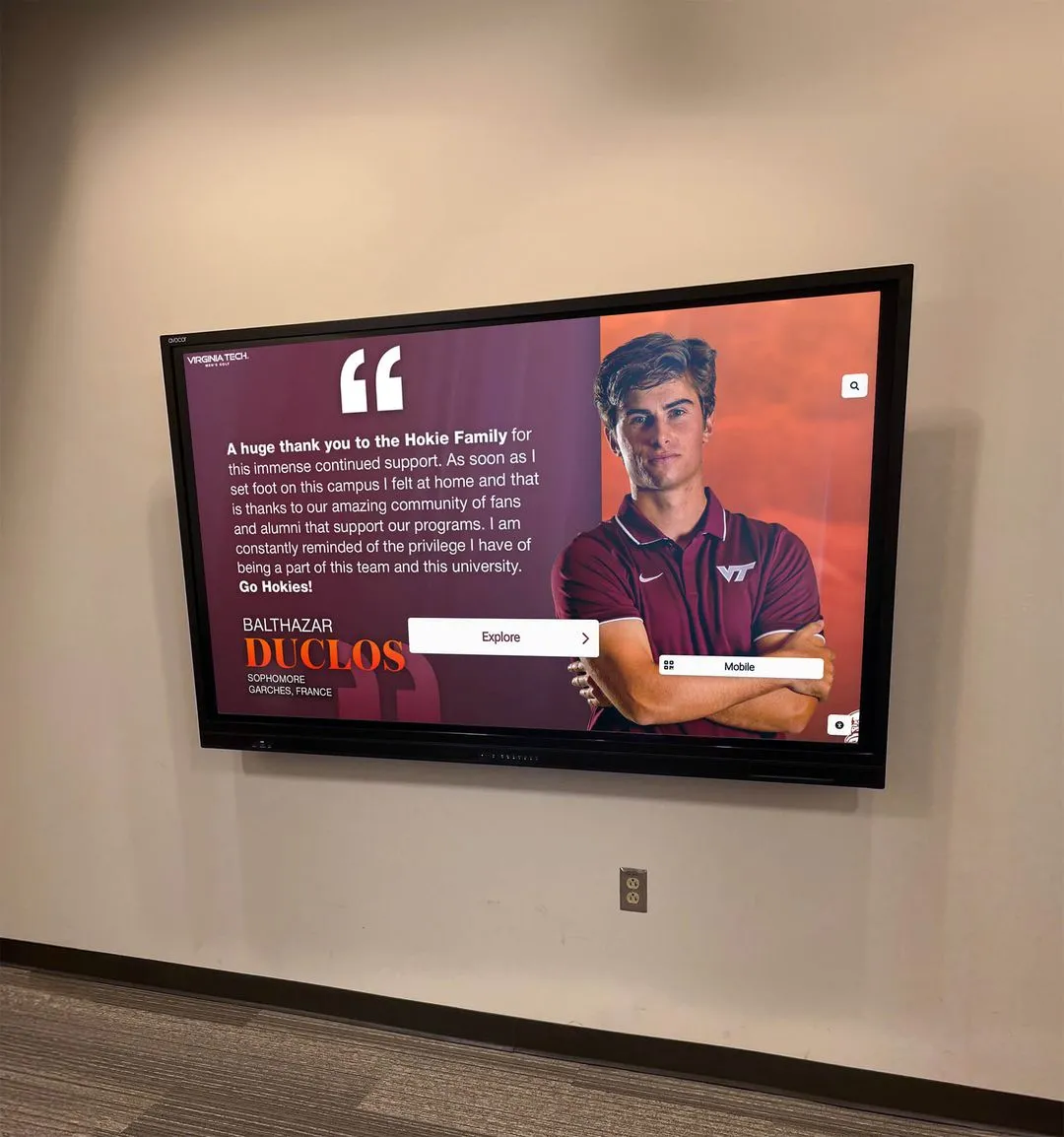
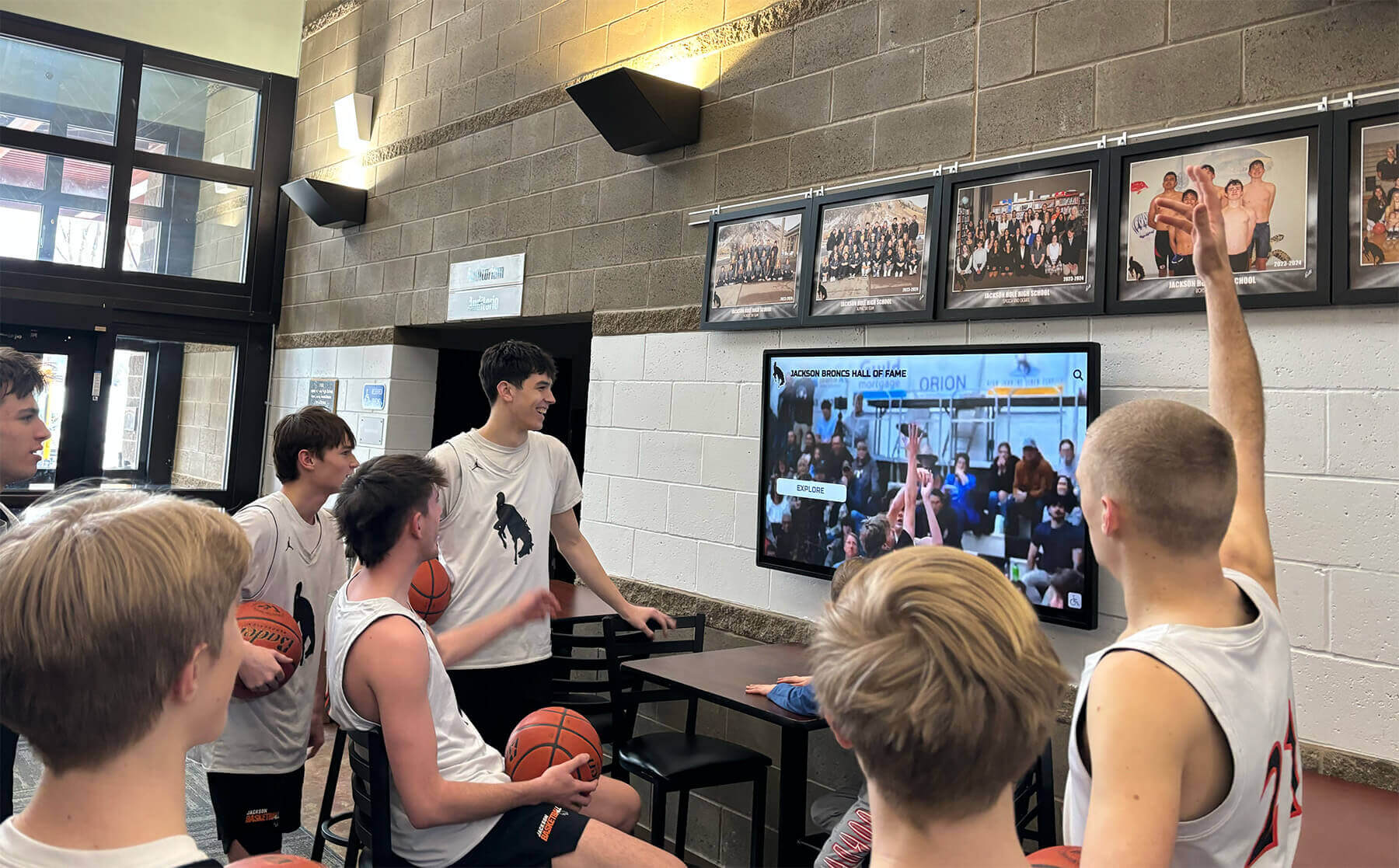
Digital displays create engaging viewing experiences where athletes relive season highlights and celebrate shared achievements
Planning Your Sports Banquet Slideshow
Effective season recap videos begin with intentional planning well before you open editing software. The difference between slideshows that captivate audiences and those that drag lies in the preparation phase where you define purpose, gather content, and establish structure.
Define Your Slideshow Purpose and Audience
Before selecting photos or music, clarify what you want your slideshow to accomplish:
Primary Objectives
- Celebrate team and individual achievements throughout the season
- Honor senior athletes and their contributions to the program
- Recognize improvement and growth beyond statistics
- Strengthen team bonds through shared memories
- Engage families and community supporters
- Create lasting documentation of the season
Your slideshow should serve current team members while also appealing to parents, younger athletes who look up to the team, and community supporters who followed the season. This multi-generational audience requires balancing inside team jokes with content that resonates more broadly.
Determining Appropriate Length
Consider your banquet schedule when planning slideshow duration:
- Main presentation (8-12 minutes): Comprehensive season journey suitable as centerpiece of banquet program
- Opening video (3-5 minutes): Energy-building highlight reel to start the event
- Senior tribute (5-8 minutes): Focused recognition of graduating athletes
- Highlight montage (2-3 minutes): Fast-paced action clips for maximum impact
Most slideshows work best between 8-12 minutes—long enough to tell a complete story without testing audience attention. If you have extensive content, consider creating multiple shorter videos rather than one lengthy presentation.
Content Gathering and Organization
Systematic content collection ensures you have diverse material representing the full season:
Photo and Video Sources
- Coach and assistant coach game photos
- Parent and family member submissions
- Team photographer or yearbook coordinator content
- Screenshots from game film and broadcasts
- Behind-the-scenes practice photos
- Team bonding activities and travel experiences
- Pre-game rituals and locker room moments
- Community service and off-field activities
- Academic achievements and recognition ceremonies
Create a shared folder or cloud storage location where team members, parents, and staff can submit content throughout the season. Collecting material continuously prevents last-minute scrambles and ensures you capture moments that might otherwise be forgotten.
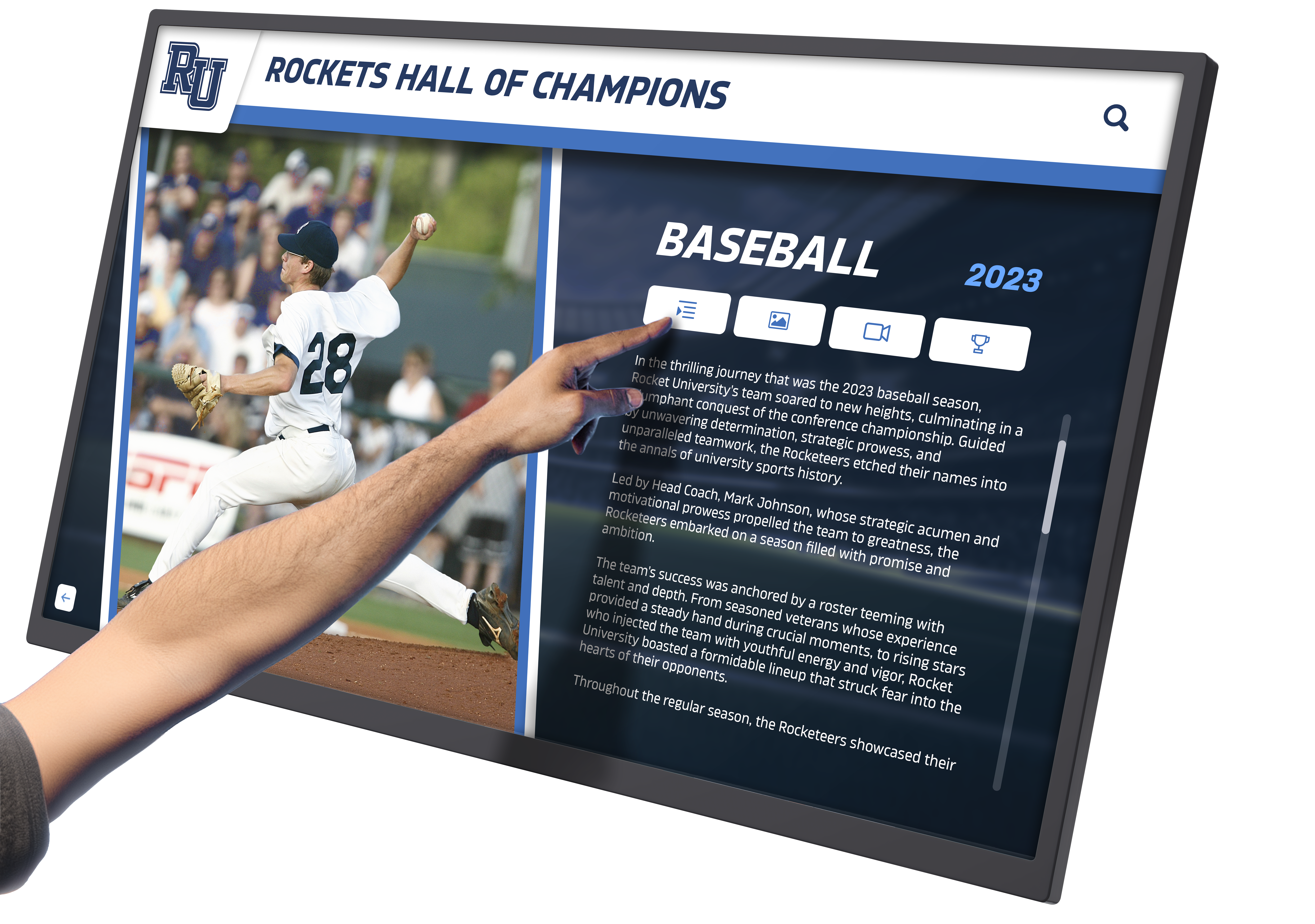
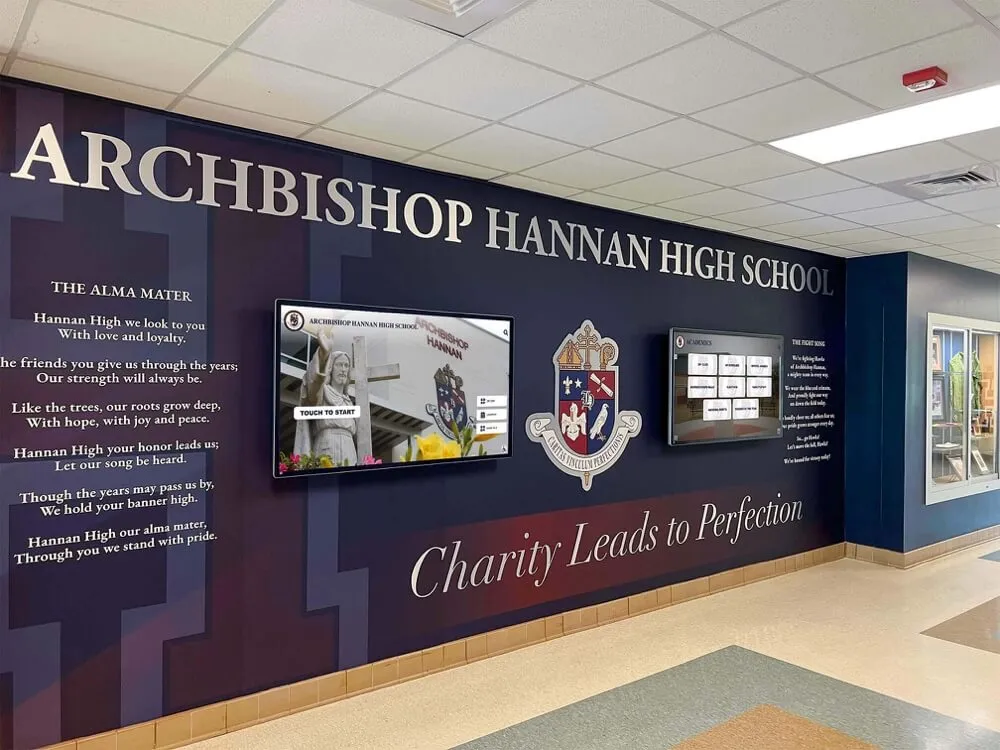
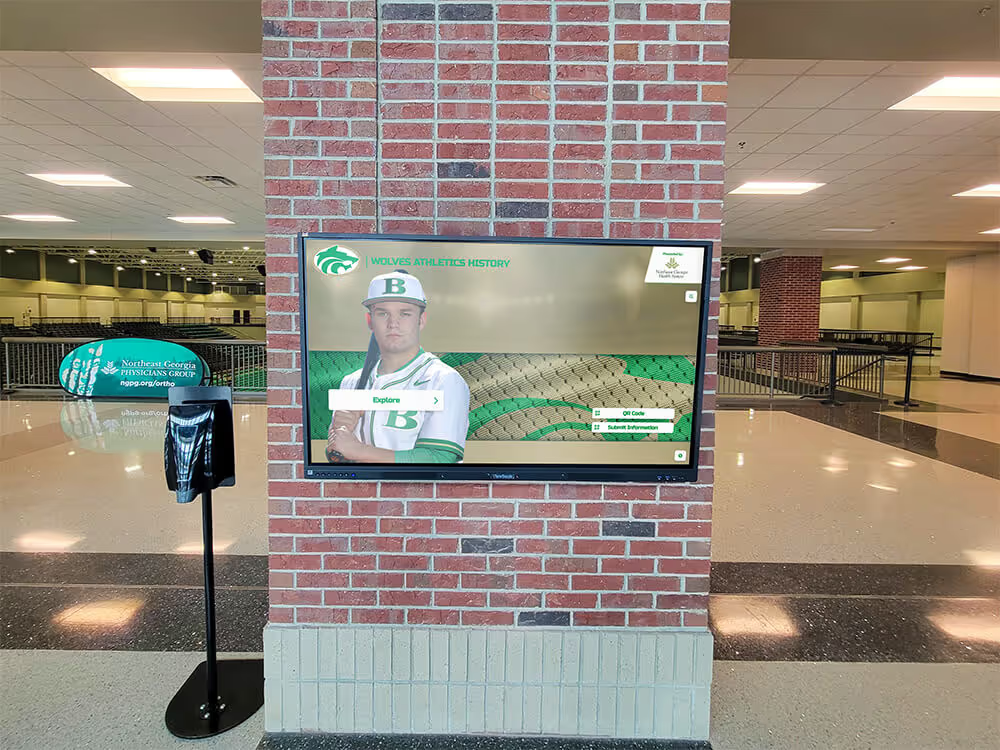
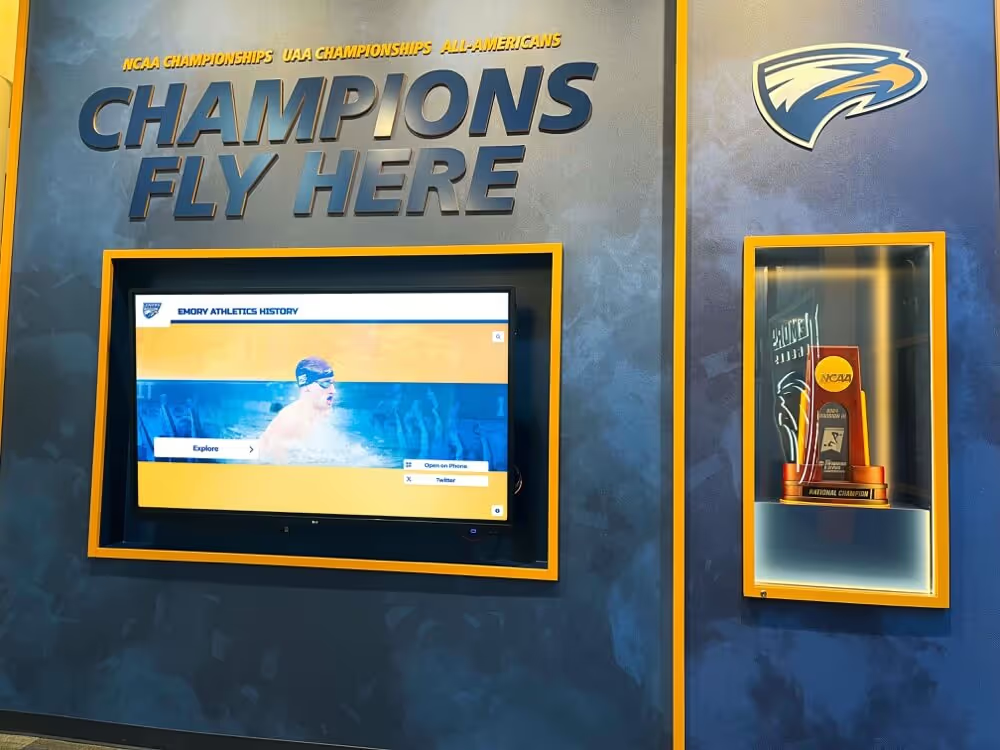
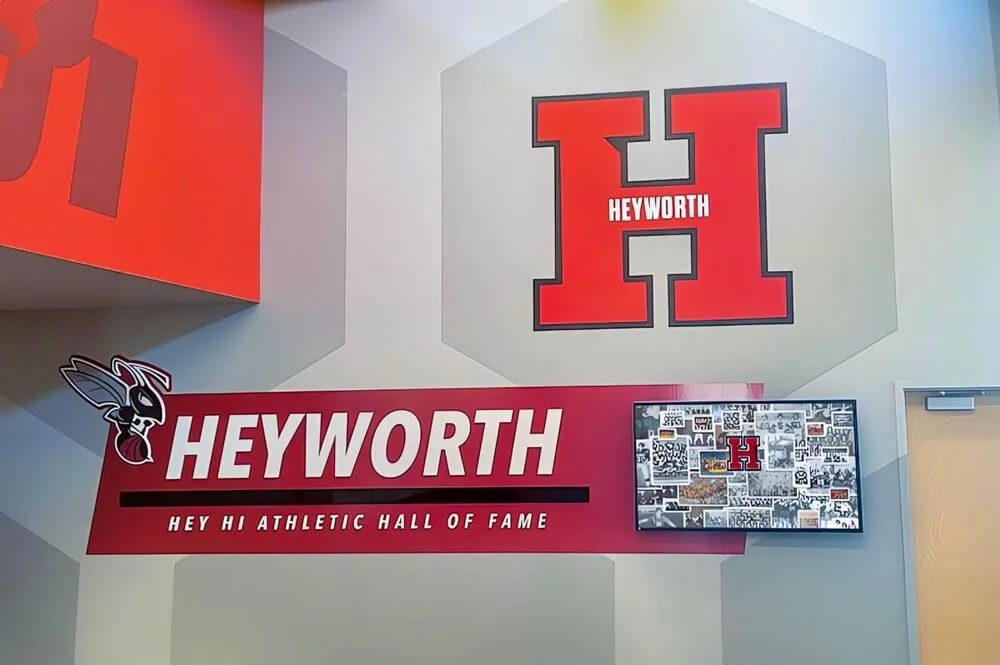
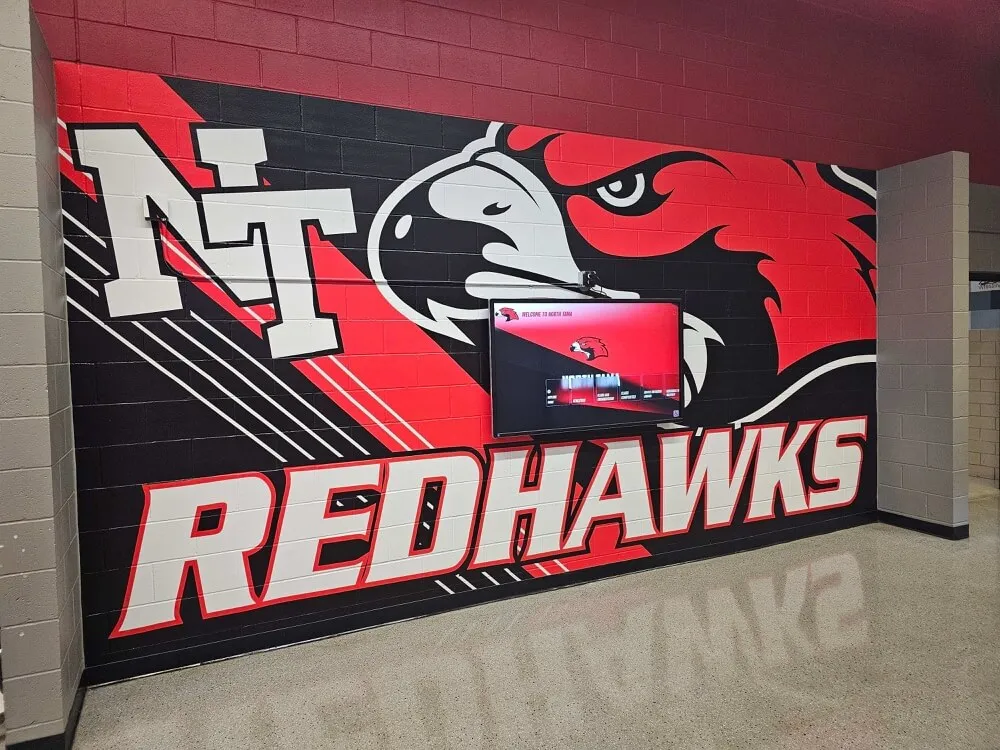
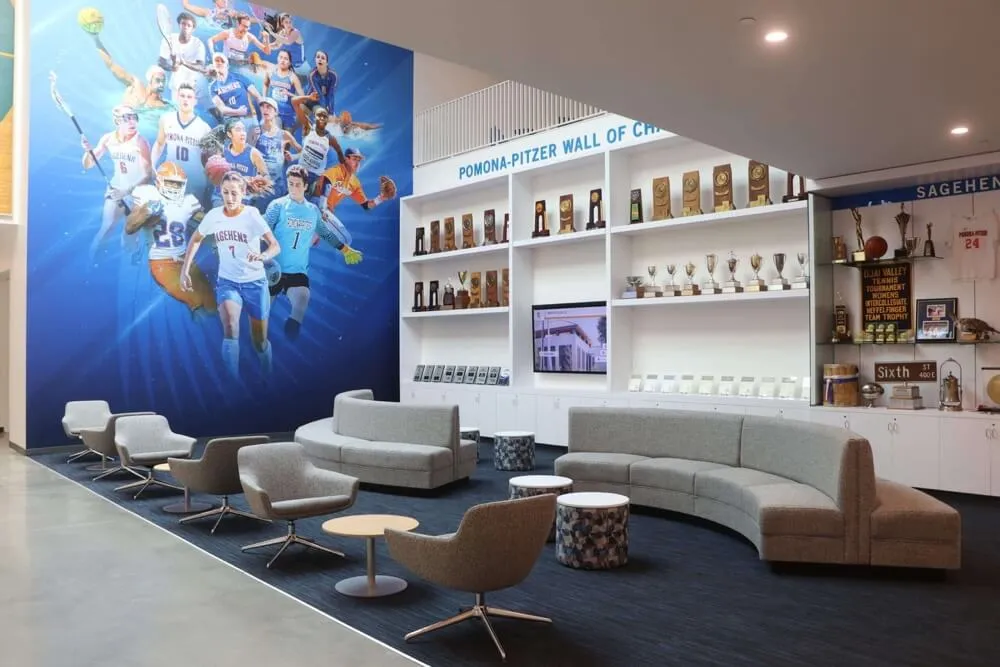
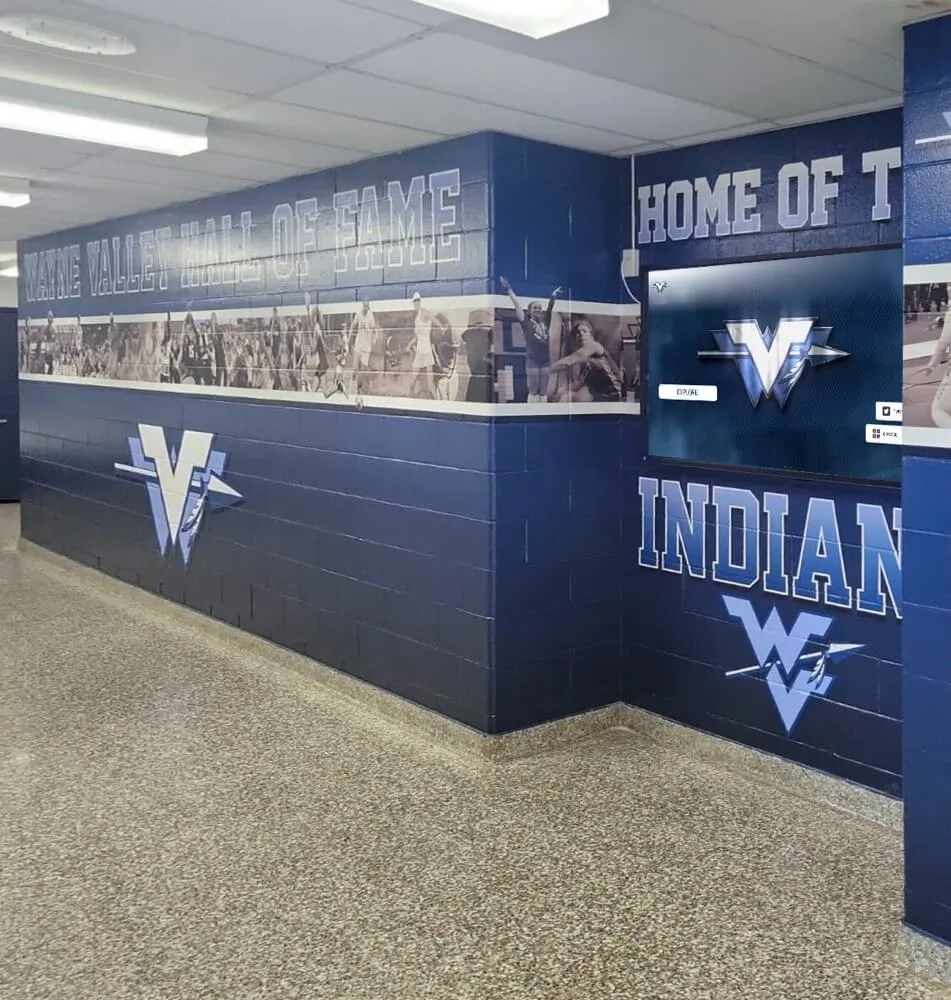
Modern digital recognition systems allow teams to showcase season highlights and athlete achievements beyond traditional banquet presentations
Content Organization Strategy
Sort collected materials into categories that facilitate editing:
- Season progression (preseason → playoffs/championships)
- Individual athlete recognition folders
- Team bonding and culture moments
- Game action and competitive highlights
- Behind-the-scenes and practice content
- Senior-specific materials for tribute sections
This organization allows you to quickly locate specific content during editing and ensures balanced representation across different aspects of the season.
Creating Your Slideshow Outline
Structure provides the framework that transforms random images into coherent storytelling:
Classic Season Journey Structure
- Opening hook (2-3 impactful moments that grab attention)
- Team introduction and preseason preparation
- Early season challenges and growth
- Mid-season highlights and turning points
- Championship push or season climax
- Individual recognition and awards preview
- Senior tributes
- Season statistics and achievements summary
- Closing message and future outlook
Alternative Structure Approaches
Consider these variations based on your team’s story:
- Thematic organization: Group content around team values, coaching philosophy, or season themes rather than chronological order
- Position/unit spotlights: Feature different positions or team units with individual recognition within each section
- Game-by-game highlights: Work through memorable games chronologically with lessons learned from each
- Before-and-after growth: Emphasize athlete development from season start to finish
Your outline doesn’t need elaborate detail—a simple bullet-point structure with approximate timing helps maintain focus during production.
Design and Content Creation
With planning complete, the creation phase brings your vision to life through deliberate design choices, content selection, and technical execution.
Photo Selection Best Practices
Quality matters more than quantity. A tight 10-minute video with 80 well-chosen images outperforms a 15-minute slideshow with 200 mediocre photos that blur together.
Photo Selection Criteria
- Emotional impact and storytelling value
- Technical quality (focus, lighting, composition)
- Representation balance across team members
- Diversity of moments (competition, practice, bonding)
- Visibility of faces and expressions
- Action and energy that translates on screen
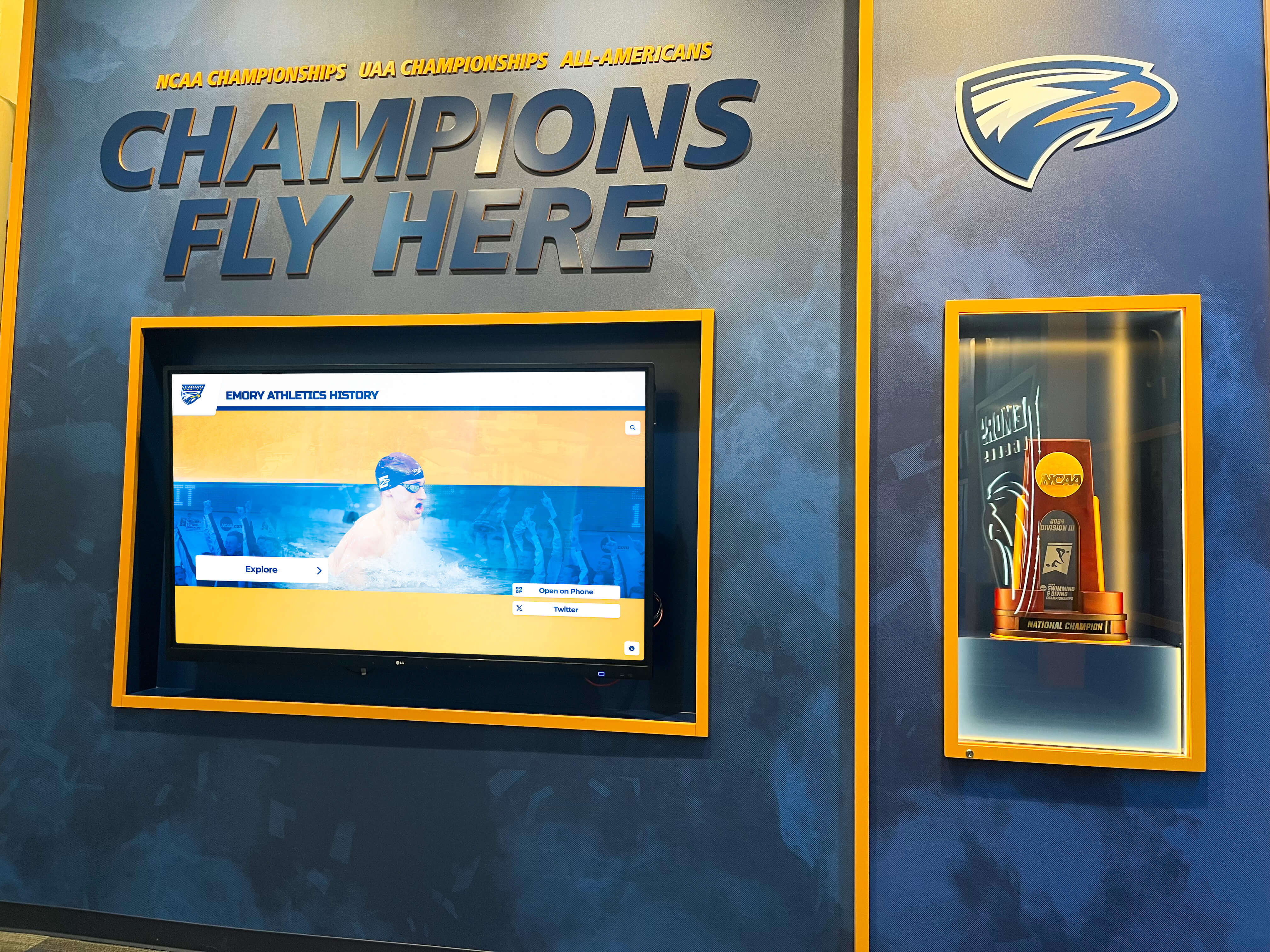
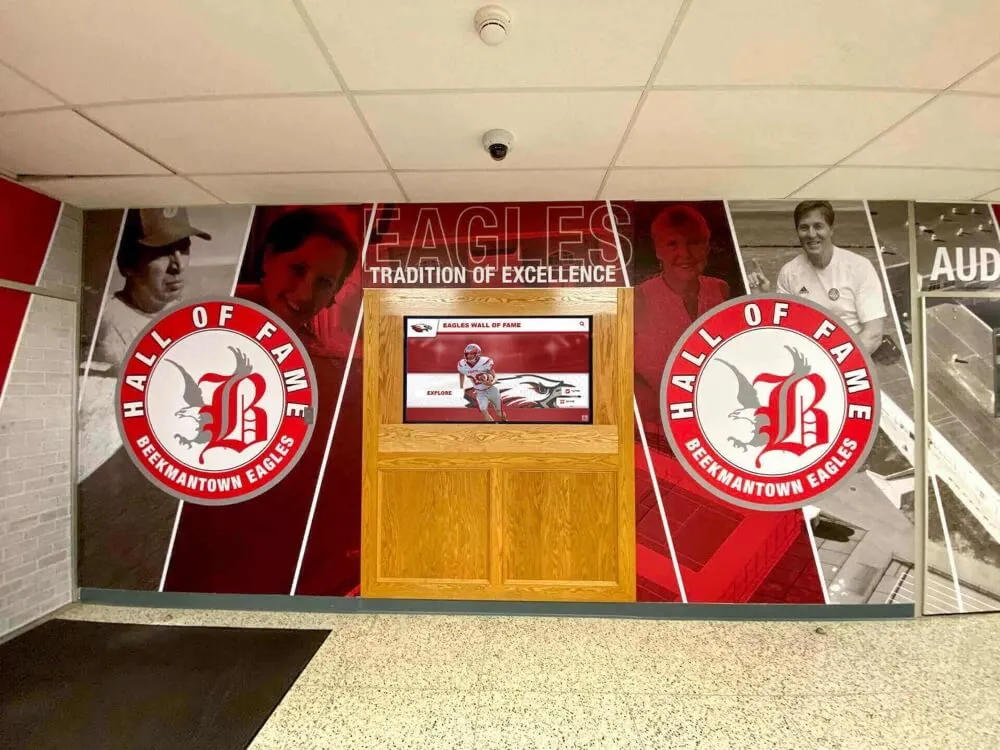
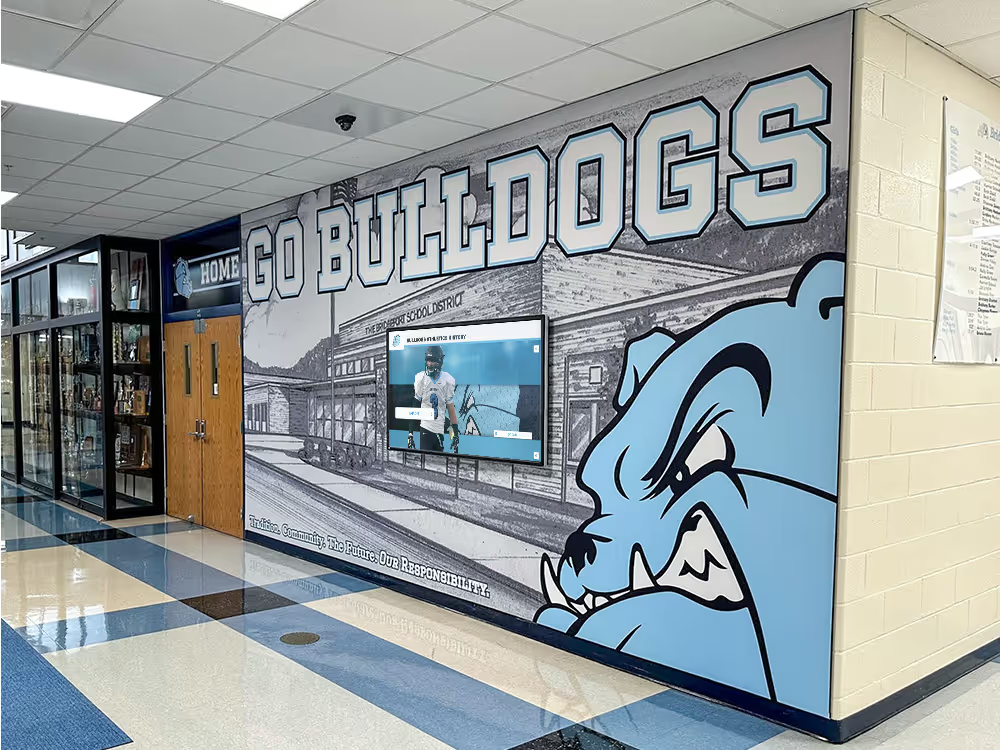
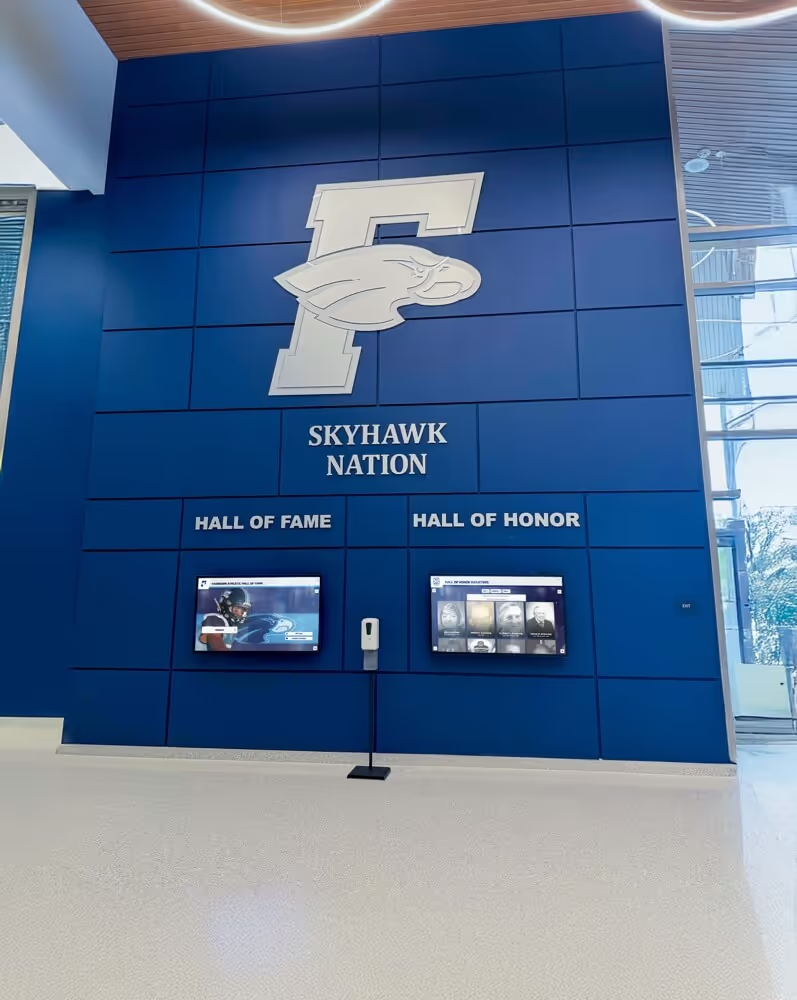
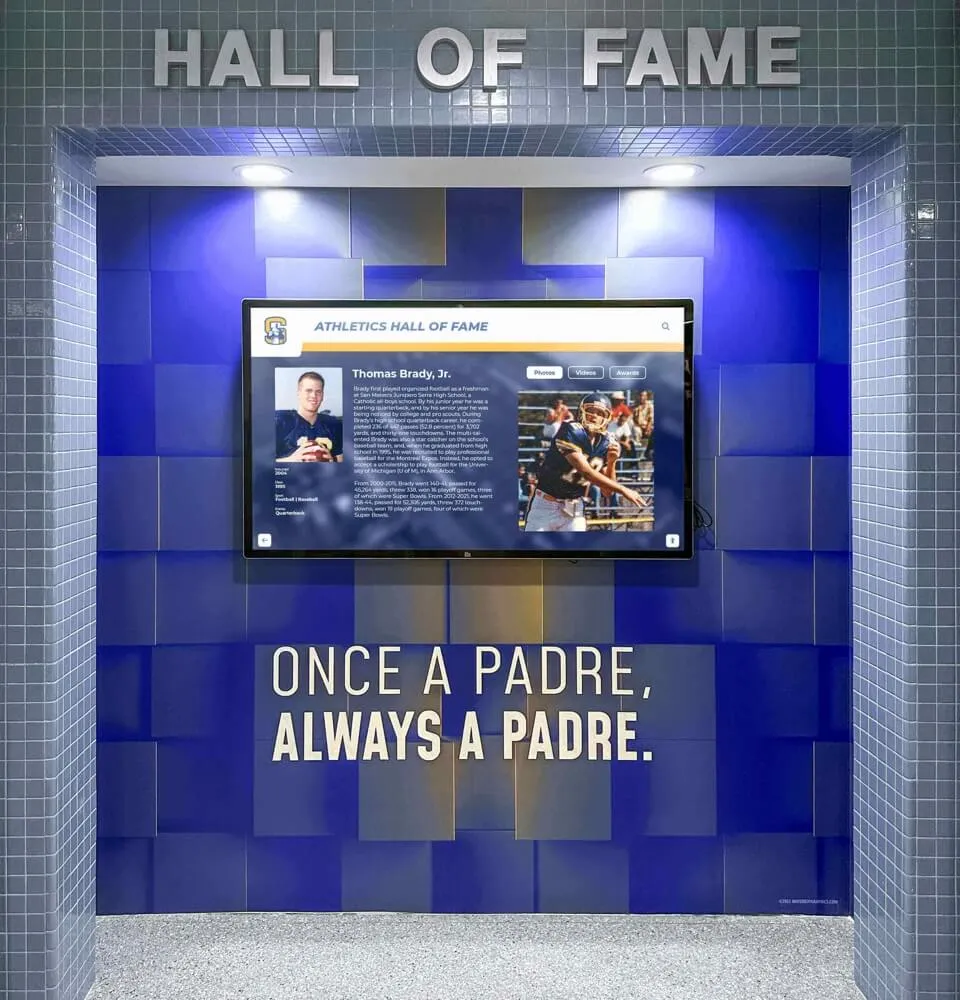
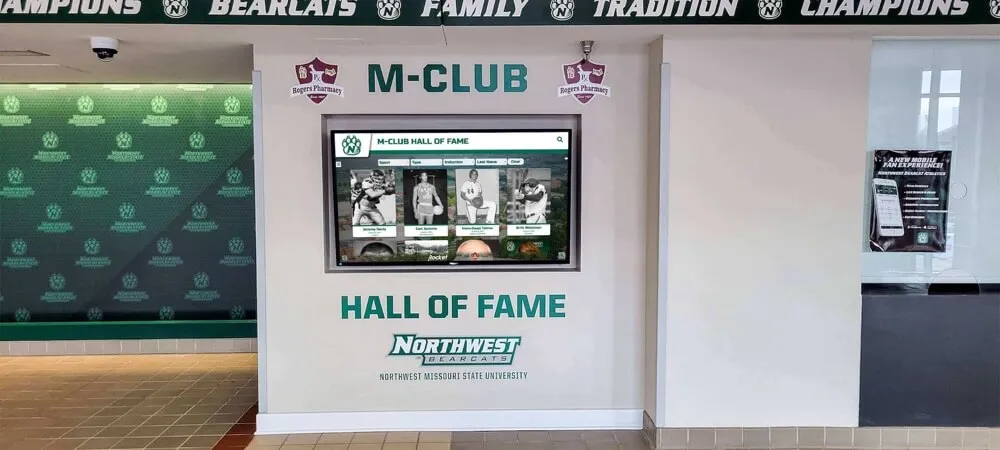
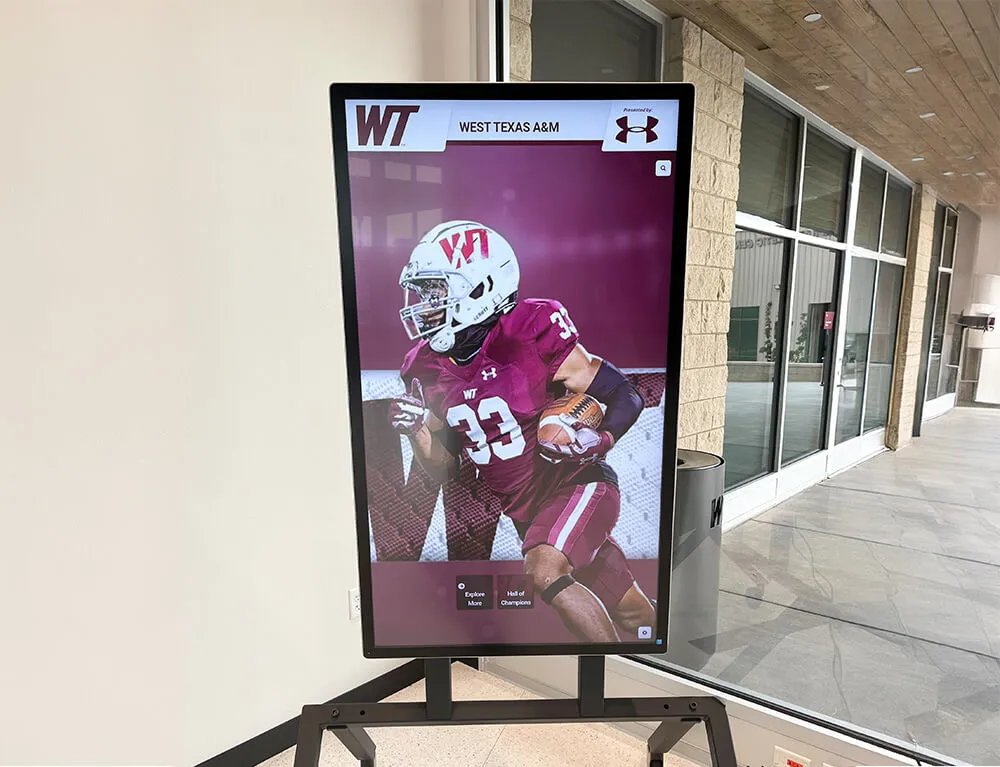
Permanent recognition displays complement slideshow presentations by creating lasting tributes to championship seasons
Avoiding Common Selection Mistakes
- Overrepresenting star players: Every team member deserves visibility, not just leading scorers
- Ignoring reserves and support staff: Recognize managers, trainers, and athletes who contributed even without extensive playing time
- Too many nearly-identical photos: Three shots from the same play don’t add value
- Poor quality over nothing: Blurry or poorly-lit photos diminish overall presentation quality
- Forgetting non-competitive moments: Team bonding activities often create the most emotional slideshow moments
Aim for approximately 6-8 seconds per image, which translates to about 75-100 photos for a 10-minute presentation. This pacing allows audiences to appreciate each image without losing momentum.
Video Clip Integration
Strategic video integration adds dynamic energy that static photos cannot match:
Effective Video Clip Types
- Game-winning plays and championship moments (5-10 seconds)
- Exceptional individual performances highlighting athleticism (8-12 seconds)
- Emotional celebrations and team reactions (3-7 seconds)
- Inspirational practice moments showing dedication (5-8 seconds)
- Locker room speeches or team huddles (10-15 seconds)
- Slow-motion replays of impressive athletic achievements
Keep video clips short—most should run 5-12 seconds maximum. Longer clips risk losing audience attention, especially if game attendees already witnessed the moment. Edit video to show the most impactful moment rather than extended setup.
Technical Considerations for Video
- Ensure consistent audio levels between clips
- Consider removing original audio and maintaining music soundtrack continuity
- Match video pacing to music energy levels
- Use transitions that complement rather than distract
- Test video playback on presentation equipment before the banquet
Text, Graphics, and Visual Elements
Thoughtful text overlay and graphics provide context and enhance emotional impact:
Strategic Text Usage
Use text sparingly but purposefully:
- Opening title card establishing team, season, and record
- Section headers dividing slideshow segments
- Game scores for championship or milestone victories
- Season statistics and records achieved
- Athlete names for senior tributes
- Award category titles previewing upcoming recognition
- Inspirational quotes from coaches or athletes
- Closing thank-you message to families and supporters
Design Principles for Text Overlay
- Use school colors and fonts matching team branding
- Ensure high contrast between text and background
- Keep font sizes large enough to read from banquet room distance
- Limit text to essential information (fewer than 10 words per screen)
- Position text consistently (lower third is standard)
- Avoid cluttering images with excessive text
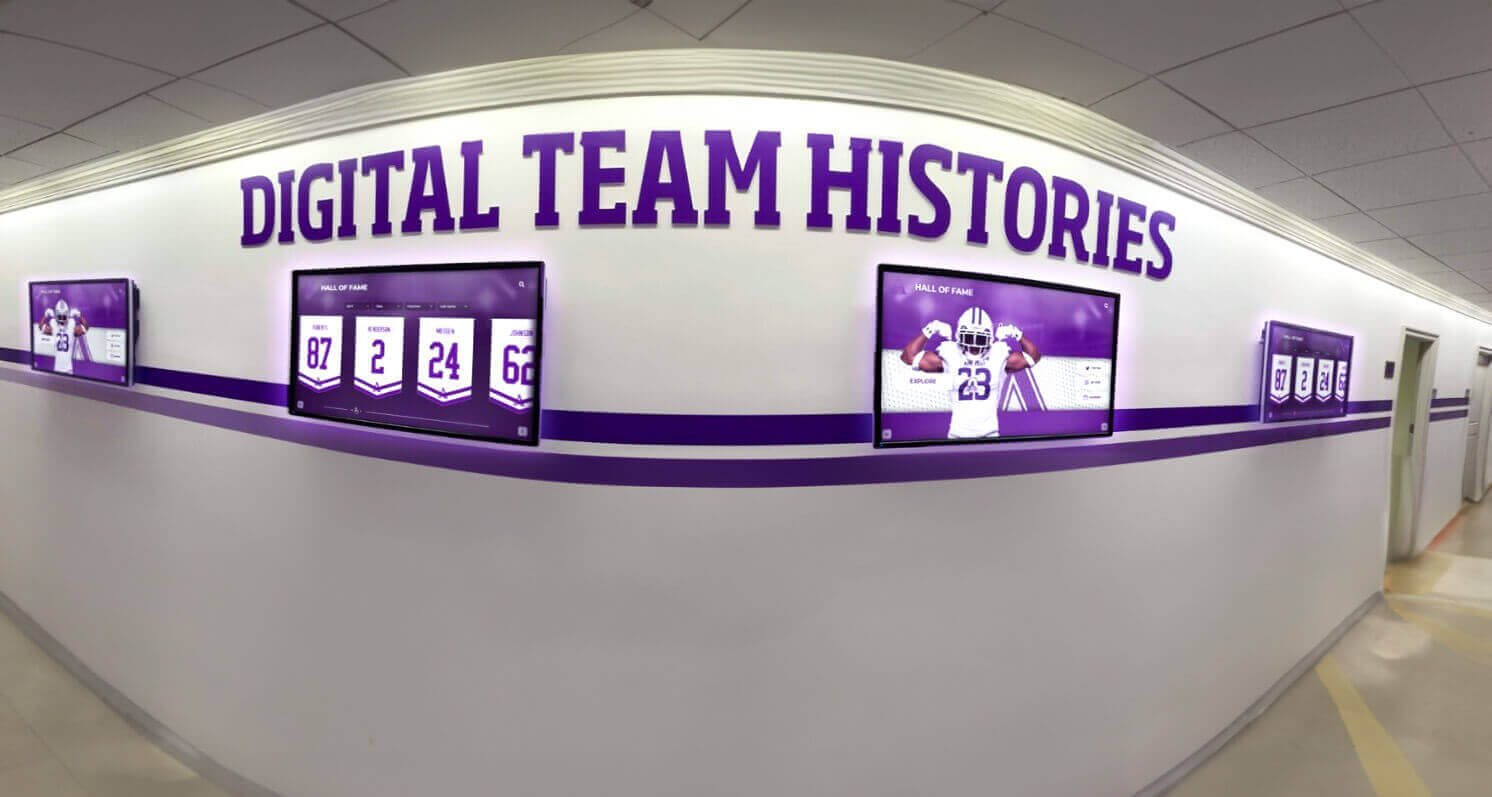
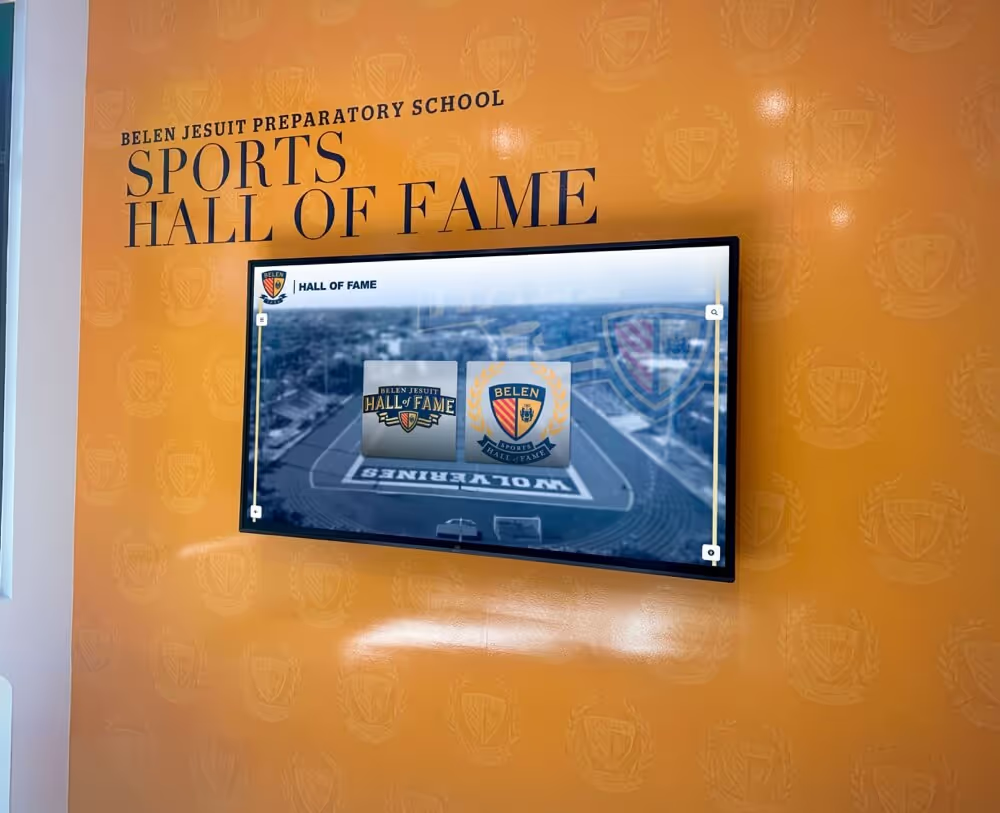
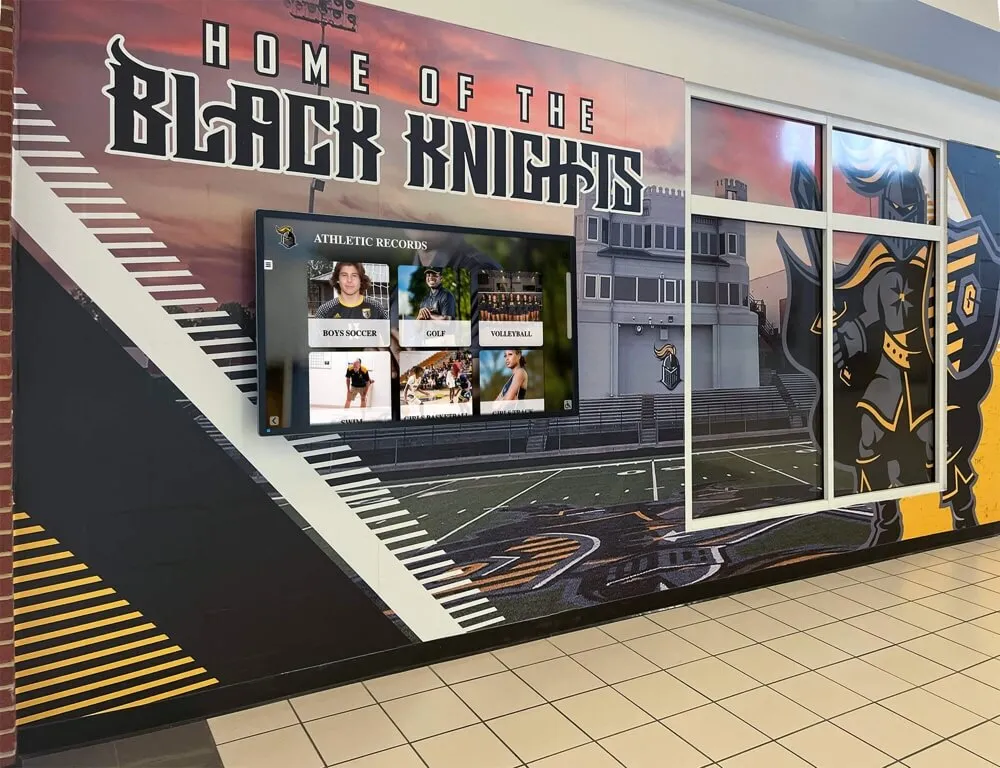
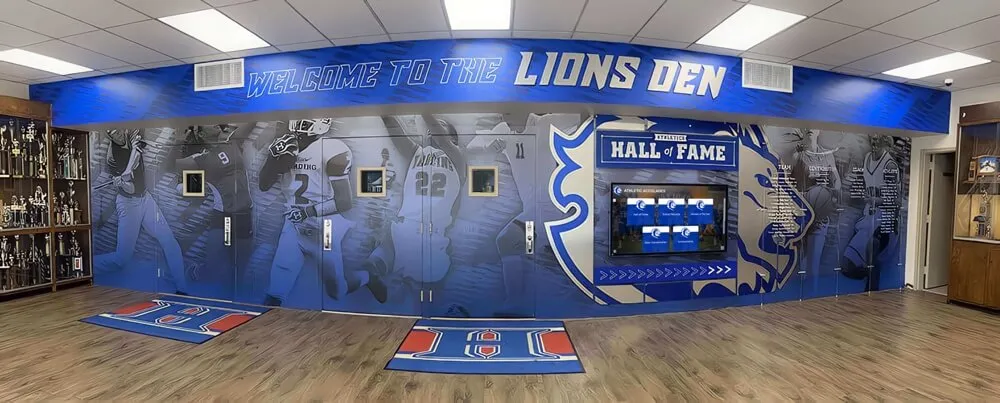
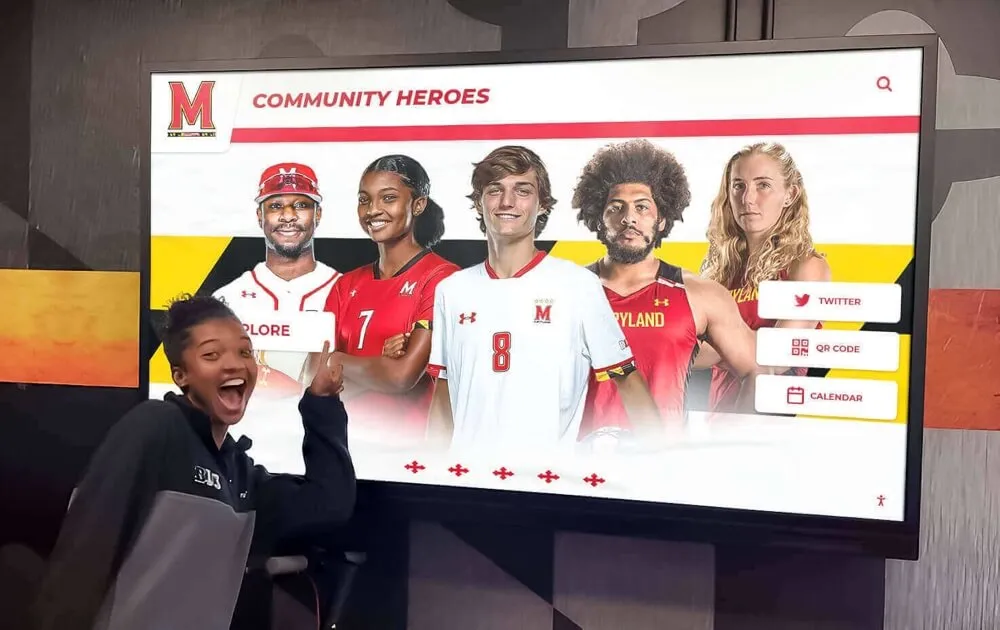
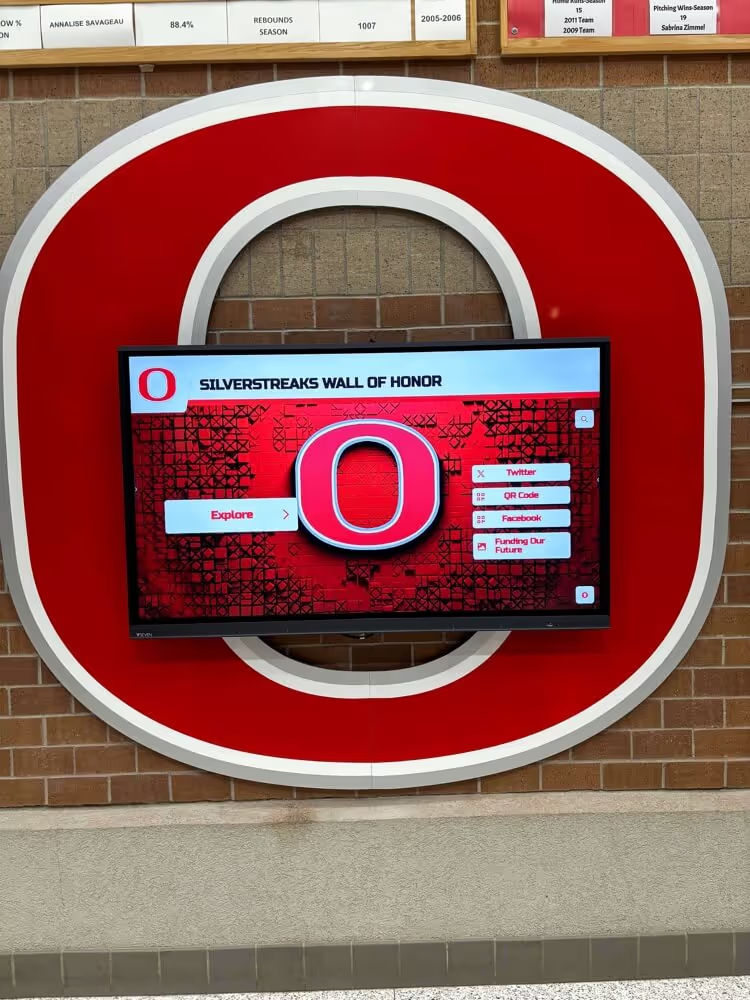
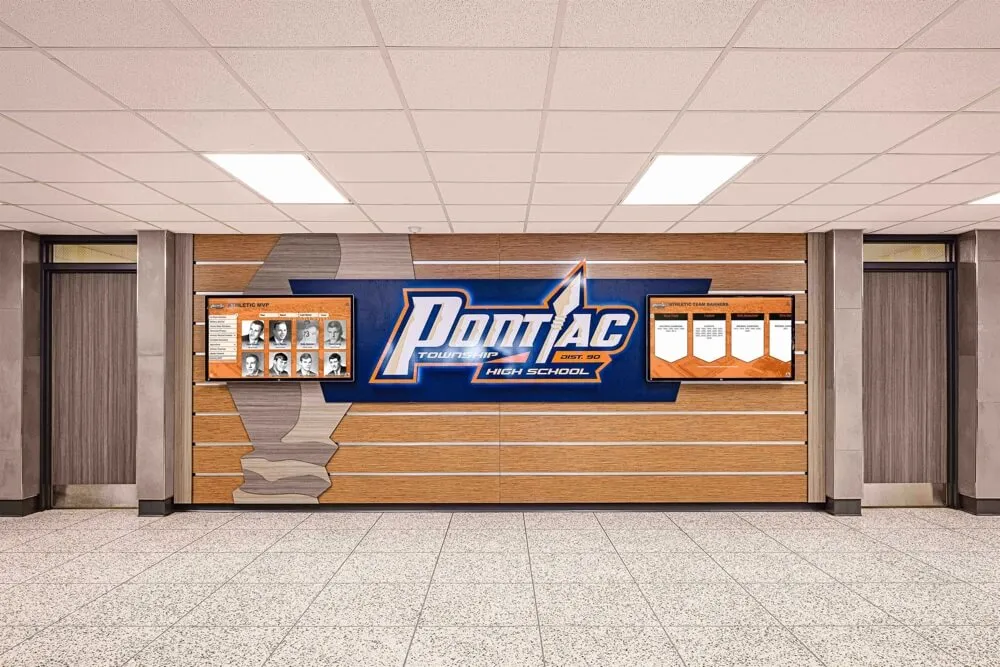
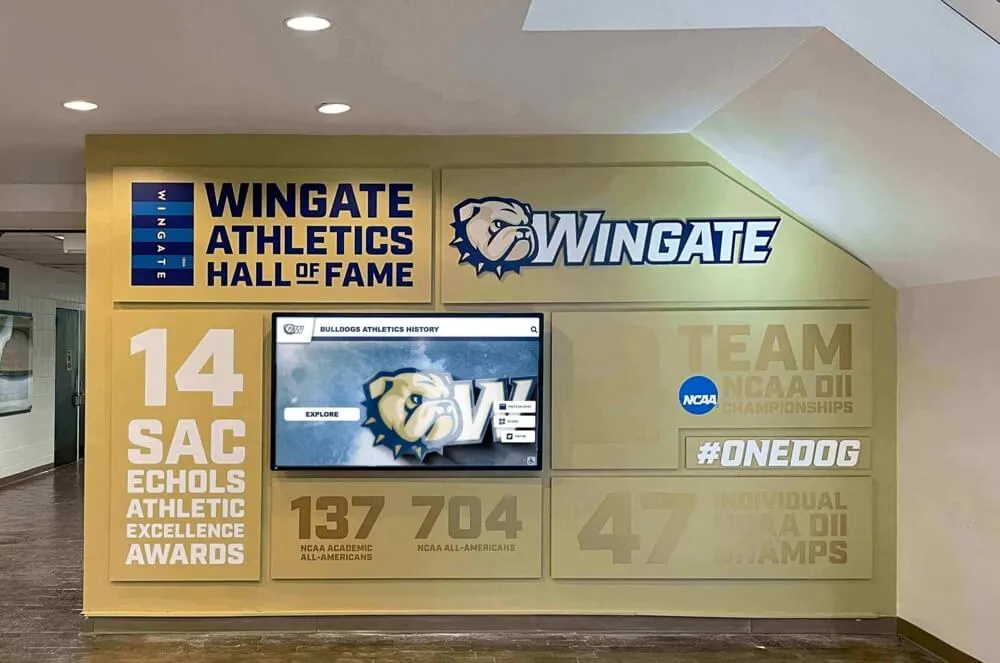
Year-round digital displays in athletic facilities maintain team spirit beyond seasonal banquets by continuously celebrating program achievements
Graphics and Visual Enhancements
Beyond text, consider these visual elements:
- School logos and athletic department branding
- Team logos and mascot graphics
- Animated statistics and achievement counters
- Map graphics for tournament travel or championship venues
- Timeline graphics showing season progression
- Award icons or trophy graphics
- Vintage photos comparing current team to historic teams
Graphics should enhance rather than dominate—the focus remains on authentic moments from your season.
Music Selection and Audio Design
Music transforms photo compilations into emotional experiences. Strategic audio choices create rhythm, build energy, and amplify the feelings your visuals convey.
Choosing the Right Music
Select music that reflects team personality while maintaining banquet appropriateness:
Music Selection Criteria
- Energy level matching slideshow pacing and tone
- Lyrics that align with team values (if using songs with words)
- Clean versions appropriate for family audience
- Music that resonates with multiple generations present
- Songs connected to team traditions or season memories
- Instrumental options for senior tribute sections requiring emotional depth
Multi-Song Structure for Dynamic Pacing
Most effective slideshows use 2-4 songs with strategic transitions:
- Opening energy (minutes 0-3): Upbeat, high-energy song establishing excitement
- Mid-section reflection (minutes 3-7): Moderate tempo allowing for storytelling and individual recognition
- Emotional climax (minutes 7-9): Slower, more sentimental song for senior tributes or season reflection
- Closing celebration (minutes 9-11): Return to upbeat energy for final highlights and thank-yous
This structure creates emotional arc similar to effective storytelling in film—building energy, creating reflective moments, and ending on celebratory notes.
Copyright and Licensing Considerations
While many teams use popular music without issue for private banquet presentations, understanding copyright helps you make informed decisions:
Copyright-Safe Options
- Royalty-free music libraries (YouTube Audio Library, Free Music Archive, Incompetech)
- Purchased licenses from stock music sites (AudioJungle, Epidemic Sound, Artlist)
- Creative Commons licensed music with proper attribution
- Original compositions or recordings by school music programs
Popular Music Practical Approach
Many schools use popular music for private banquet slideshows shown once to closed audiences without pursuing licenses. This falls into a legal gray area—technically copyright infringement but rarely enforced for non-commercial, private events.
If you plan to share your slideshow publicly (school website, social media, YouTube), copyright becomes more significant. Platforms may mute audio or remove videos containing copyrighted music. For public sharing, use licensed or royalty-free alternatives.
Audio Editing and Synchronization
Professional-feeling slideshows feature intentional synchronization between audio and visual elements:
Beat Matching Techniques
- Transition photos on musical beats or measure changes
- Match high-energy action clips to music crescendos
- Time emotional moments (senior tributes, championship wins) with powerful musical sections
- Use music tempo changes to signal slideshow section transitions
Audio Level Management
- Maintain consistent volume levels across multiple songs
- Add fade-in at opening and fade-out at closing
- Use cross-fades between songs for smooth transitions
- Lower music volume slightly during any video clips with important audio
Most video editing software includes basic audio editing tools sufficient for these techniques. Taking time to match visual transitions to music creates polish that audiences notice subconsciously even if they can’t articulate what makes the presentation feel professional.
Technical Production and Software
Creating your slideshow requires selecting appropriate tools and understanding technical best practices for smooth production and presentation.
Software Options for Different Skill Levels
Choose software matching your technical comfort and feature requirements:
Beginner-Friendly Options
- Google Slides/PowerPoint: Built-in tools most people already know, simple auto-advance features, easy sharing
- iMovie (Mac/iOS): Intuitive interface, solid transitions, good audio controls
- Windows Photos/Video Editor: Basic but functional, included with Windows 10/11
- Canva: User-friendly design platform with presentation and video features
- Animoto: Web-based with templates specifically designed for team videos
Intermediate Options
- Adobe Spark/Express: Template-driven with more customization than basic tools
- Filmora: Affordable with good balance of features and usability
- DaVinci Resolve: Free professional-grade editor with learning curve
Advanced Options
- Adobe Premiere Pro: Industry-standard with complete feature set
- Final Cut Pro (Mac): Professional editing with excellent performance
- After Effects: For motion graphics and advanced visual effects
For most sports banquet slideshows, intermediate tools like iMovie or Filmora provide the right balance—enough features for professional results without overwhelming complexity.
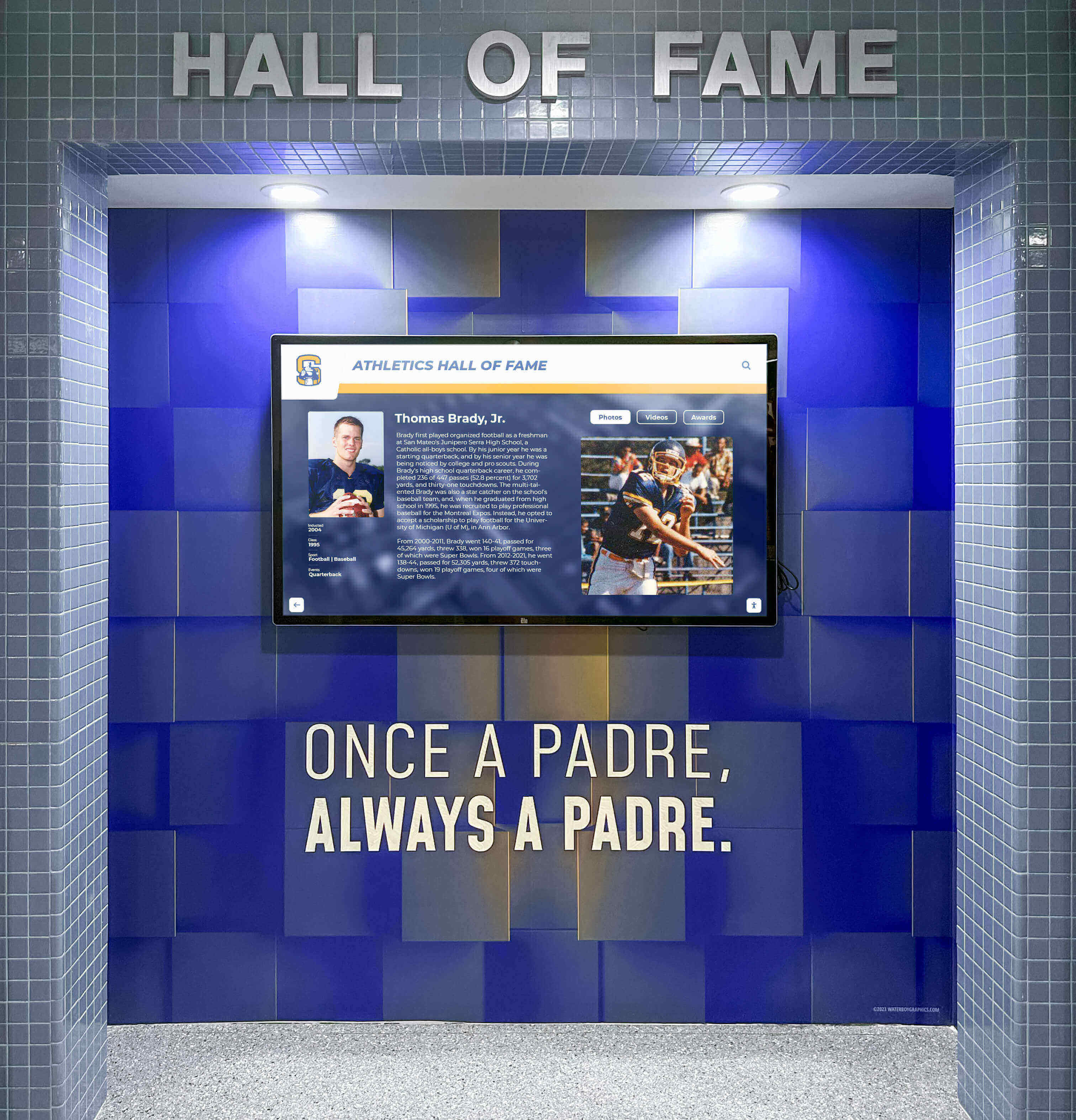
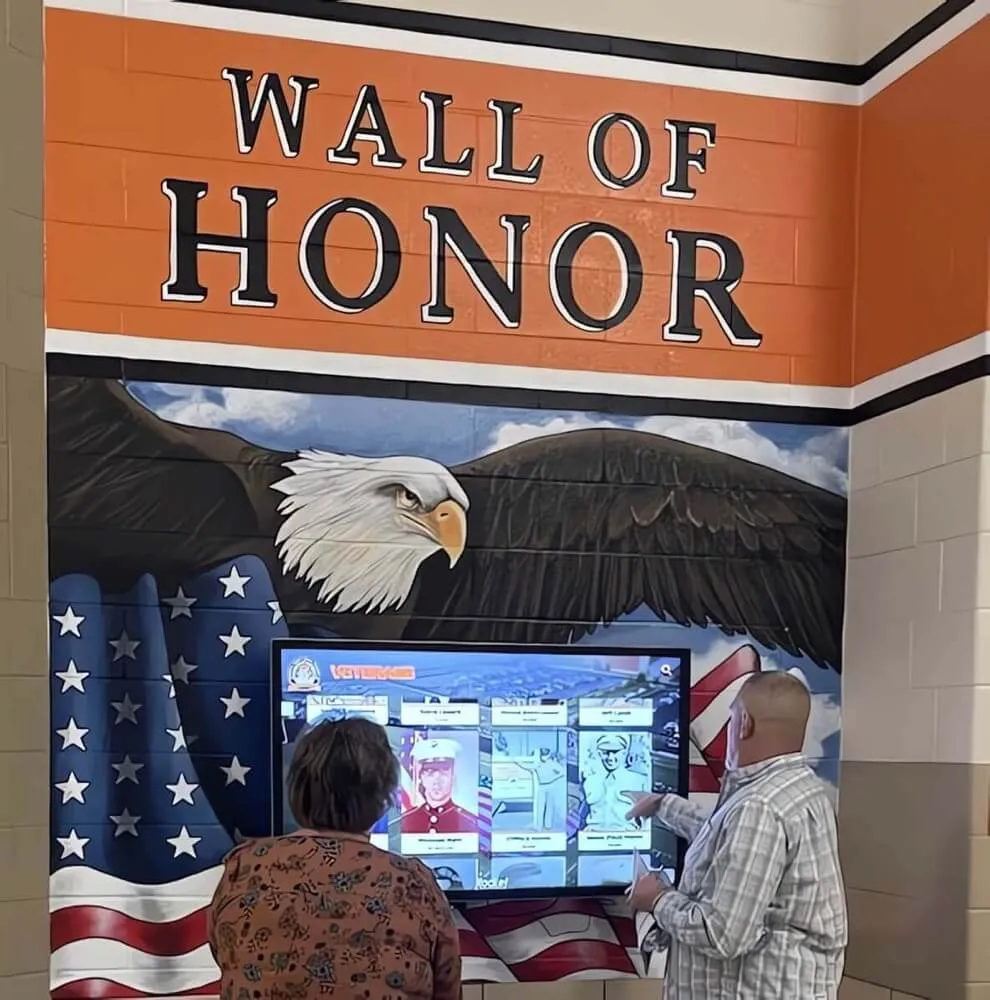
Digital recognition systems in [athletic facilities](https://digitalwalloffame.com/blog/high-school-gym-makeover-budget-friendly-ideas-transform-athletic-space/?utm_source=organic&utm_medium=seo-auto&utm_content=donordisplay&utm_campaign=sports-banquet-slideshow-ideas&utm_term=seo) provide ongoing platforms for celebrating achievements beyond single-event presentations
Production Workflow and Timeline
Avoid last-minute stress with a structured production schedule:
4 Weeks Before Banquet
- Finalize slideshow structure and outline
- Complete content gathering from all sources
- Select and organize photos and videos
- Choose music and obtain necessary files
3 Weeks Before Banquet
- Begin editing and assembling slideshow
- Create rough cut with timing and pacing
- Add text overlays and graphics
- Implement initial music synchronization
2 Weeks Before Banquet
- Refine transitions and pacing
- Fine-tune audio levels and synchronization
- Complete senior tribute sections
- Share draft with coaching staff for feedback
1 Week Before Banquet
- Implement feedback and make final revisions
- Add closing credits and thank-yous
- Export final version in presentation format
- Test playback on actual banquet venue equipment
- Create backup copies on multiple devices/drives
Starting production well before the banquet prevents rushed editing that compromises quality and allows time for thoughtful revision based on feedback.
Technical Specifications and Export Settings
Proper technical settings ensure your slideshow looks professional during presentation:
Recommended Export Settings
- Resolution: 1920x1080 (1080p HD) minimum
- Frame rate: 30 fps (frames per second)
- File format: MP4 with H.264 codec (universal compatibility)
- Audio: AAC codec, 320 kbps or higher
- Bitrate: 10-20 Mbps for high quality with manageable file size
These settings provide excellent quality while maintaining compatibility with most playback devices and projection systems.
File Management Best Practices
- Save project files with all source material in organized folders
- Export multiple backup copies on different devices
- Test final video on computers and devices available at banquet venue
- Bring laptop with project files in case last-minute changes are needed
- Have backup playback option (tablet, phone) in case primary system fails
Presentation Day Best Practices
Technical excellence means nothing if presentation logistics fail. Thorough preparation ensures smooth delivery that does justice to your creative work.
Pre-Event Technical Checklist
Arrive early on banquet day to address technical setup:
Equipment Verification
- Test slideshow playback on presentation system
- Verify audio levels appropriate for room size and setup
- Check projector or screen brightness and visibility from all seating areas
- Confirm video resolution displays properly without distortion
- Test remote control or presentation advance system
- Identify and address any playback stuttering or lag
Backup Preparation
- Load slideshow on multiple devices (laptop, tablet, phone)
- Have video file on USB drive as backup
- Test backup devices on presentation system
- Know how to switch between devices if primary fails
- Have contact information for venue technical support
Room Configuration
- Ensure seating arrangement allows clear sightlines to screen
- Adjust lighting to balance visibility (dim but not completely dark)
- Position speakers for balanced audio throughout room
- Minimize potential distractions near screen area
Taking 30-45 minutes before guests arrive to thoroughly test prevents embarrassing technical difficulties that undermine your creative work.
Integration with Banquet Program
Strategic placement within your event schedule maximizes slideshow impact:
Optimal Placement Options
Opening presentation: Sets celebratory tone immediately, builds energy for evening, works well for shorter highlight reels (3-5 minutes)
Mid-program centerpiece: Serves as transition between dinner and awards, provides natural break in program pacing, allows time for technical setup during meal
Pre-awards lead-in: Builds anticipation for individual recognition, previews award categories being presented, creates emotional foundation for awards ceremony
Closing tribute: Ends evening on emotional high note, allows senior focus without other program elements, provides natural conclusion to celebration
Consider your banquet’s overall flow—if awards presentations run long, place the slideshow earlier when attention remains high. If you want slideshow as emotional climax, position it as closing element.
Managing Emotional Moments
Season recap videos often create powerful emotional responses. Prepare for these moments:
- Have tissues readily available (seriously—senior tributes often bring tears)
- Allow brief pause after slideshow before continuing program
- Prepare brief remarks acknowledging emotions and shared experiences
- Consider having athletes or coaches introduce slideshow with context
- Use slideshow emotions as transition into heartfelt awards presentations
The goal isn’t to avoid emotions—those feelings demonstrate you’ve created something meaningful. Simply be prepared to acknowledge and honor those responses.
Advanced Slideshow Ideas and Variations
Once you’ve mastered basic season recap presentations, consider these creative variations that add unique elements to your sports banquet:
Athlete Spotlight Videos
Rather than one comprehensive team slideshow, create individual 1-2 minute videos for each senior:
Content for Individual Spotlights
- Progression from freshman through senior year
- Memorable plays and statistics from career
- Quotes from coaches about athlete’s impact
- Contributions beyond statistics (leadership, character, work ethic)
- Future plans (college attendance, continued athletics)
- Message from athlete to teammates and coaches
- Family photos showing journey from youth sports to present
Individual videos allow deeper recognition than possible in team-wide presentations, though they require significantly more production time.
Interactive Digital Displays
Rather than single one-time viewing, consider creating digital displays that showcase season content throughout the year:
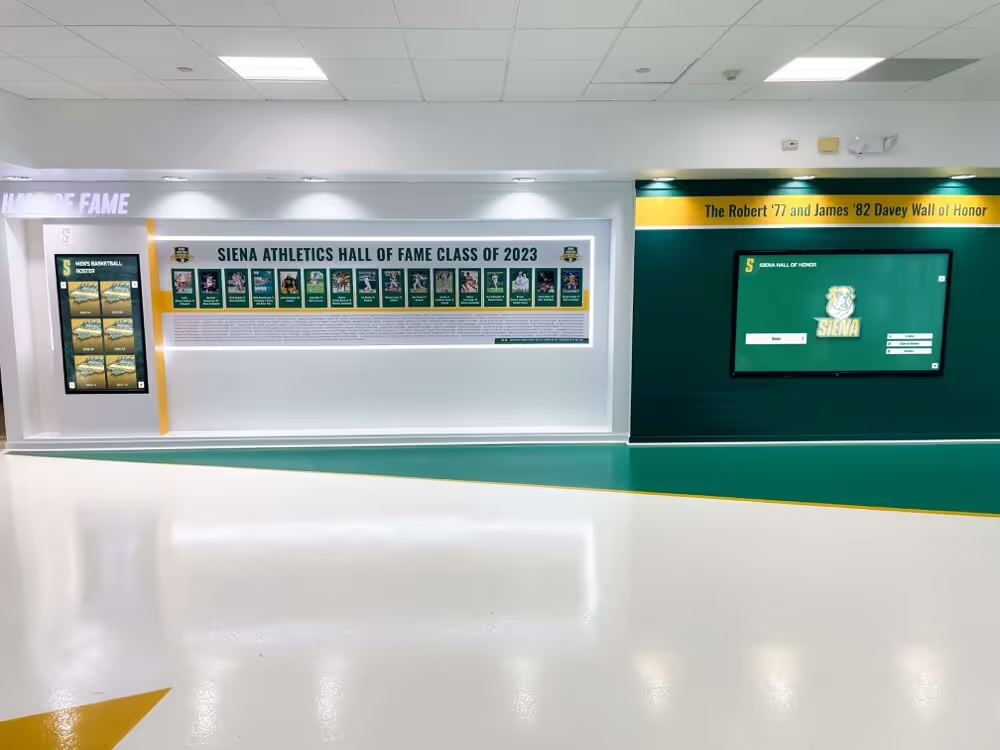
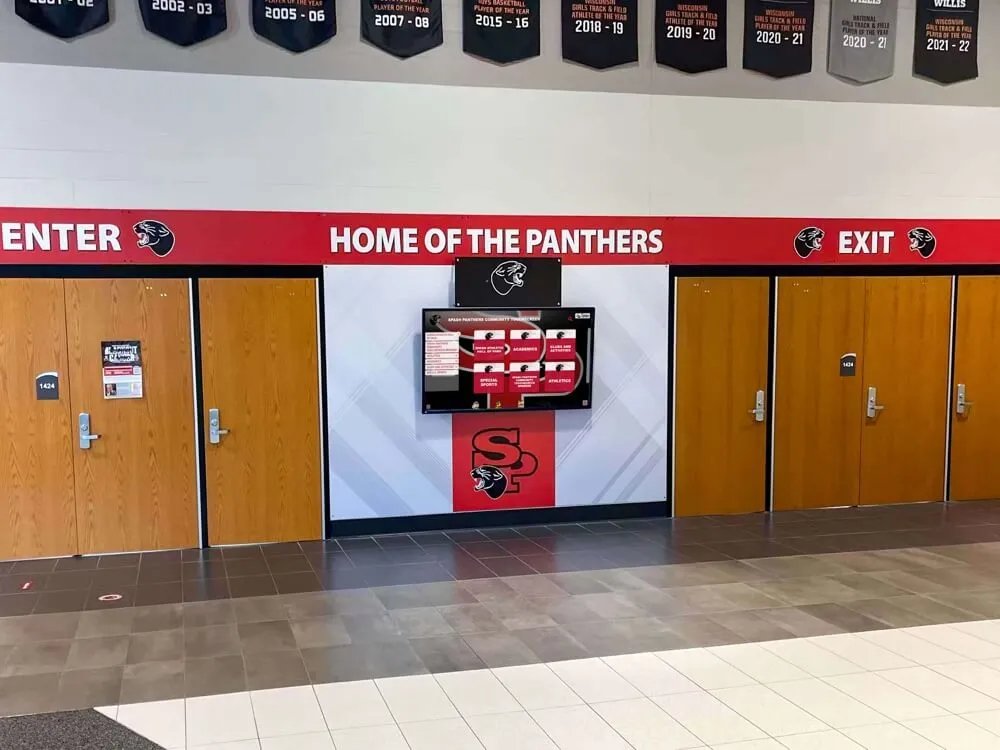
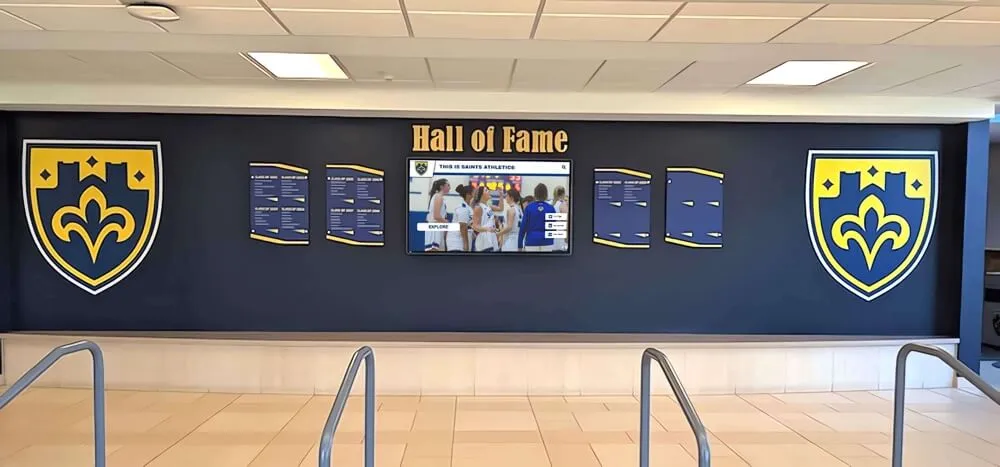
Modern digital recognition systems installed in athletic facilities, lobbies, or hallways allow you to feature season highlight videos, athlete profiles, and championship content continuously. These systems create year-round recognition that extends far beyond single banquet presentations.
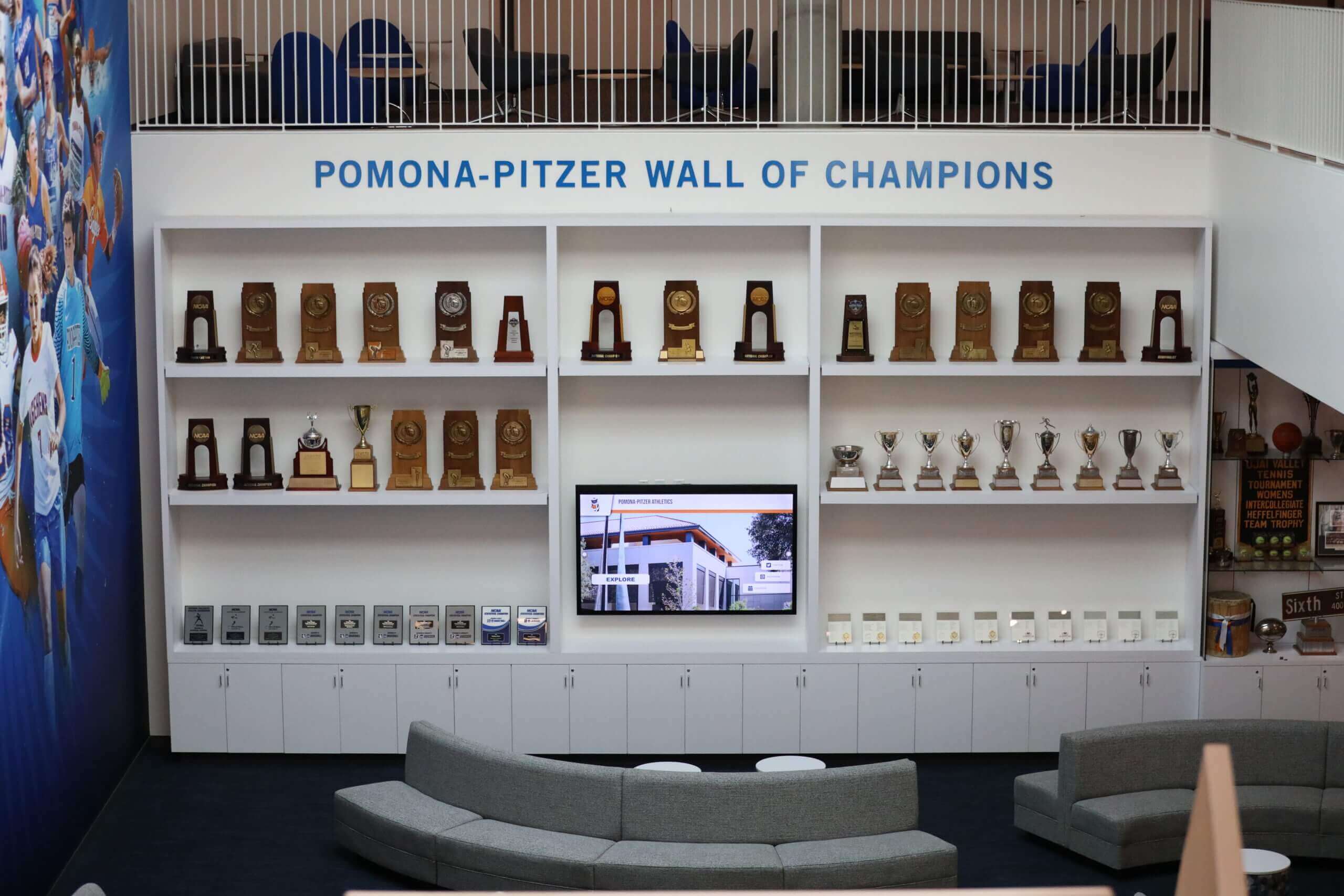
Creating permanent recognition spaces allows teams to celebrate multiple seasons and maintain athletic tradition visibility year-round
Schools using these technologies report enhanced school spirit, improved athlete recruitment, and stronger community connections as achievements remain visible rather than being limited to single-night banquet presentations.
Multi-Sport Compilation Videos
For all-sports banquets recognizing multiple teams, create compilation videos highlighting each program:
Structure for Multi-Sport Videos
- Brief introduction establishing school athletic program
- 30-60 second segments for each team
- Consistent format across sports (fair representation)
- Overall school athletic statistics and achievements
- Recognition of athletic department staff and supporters
- Closing celebration of complete athletic program
Multi-sport videos require careful balance ensuring no team feels underrepresented. Consider featuring fall, winter, and spring sports in program order rather than emphasizing certain sports based on competitive success.
Before-and-After Transformation Videos
Highlight growth and development throughout the season:
- Opening day practice footage compared to championship performance
- Individual athlete skill progression from preseason to season end
- Physical conditioning improvements over season
- Team chemistry development from strangers to family
- Facility or equipment improvements made during season
These before-and-after comparisons effectively demonstrate the transformation that occurred beyond win-loss records.
Blooper and Behind-the-Scenes Reels
Lighter content celebrating team personality and camaraderie:
Content Ideas
- Practice mishaps and humorous moments
- Travel adventures and team bonding activities
- Pre-game ritual quirks and superstitions
- Coach and athlete interactions showing relationship dynamics
- Off-field activities showcasing athlete personalities
Blooper reels work best as supplements to main season presentations rather than replacements. They provide comic relief and showcase team chemistry but shouldn’t diminish recognition of serious athletic achievements.
Common Mistakes to Avoid
Learning from others’ missteps saves time and prevents disappointment:
Technical Mistakes
- Starting production too close to banquet date, resulting in rushed, lower-quality work
- Using low-resolution photos that appear pixelated on large screens
- Setting audio levels too low or too high for venue acoustics
- Creating overly long presentations that lose audience attention
- Failing to test playback on actual presentation equipment
- Not having backup copies or alternative playback methods
Content Mistakes
- Featuring star players extensively while giving minimal recognition to reserves
- Including too many nearly-identical photos without variety
- Using inappropriate music (explicit lyrics, poor audio quality, wrong tone)
- Neglecting non-competitive moments that show team culture and relationships
- Adding excessive text that clutters images or distracts from photos
- Forgetting to recognize coaches, support staff, and families
Storytelling Mistakes
- Lacking clear structure or narrative flow (random photo compilation)
- Ignoring emotional pacing (all high-energy with no reflective moments)
- Focusing exclusively on wins while ignoring growth during challenges
- Omitting acknowledgment of support systems (parents, boosters, community)
- Ending abruptly without satisfying conclusion or forward-looking message
Awareness of these pitfalls allows you to proactively avoid them during planning and production.
Extending the Impact Beyond Banquet Night
Your slideshow’s value doesn’t end when the banquet concludes. Consider these strategies for extending its reach and impact:
Sharing and Distribution
Make your slideshow accessible to those who couldn’t attend or want to relive the experience:
Digital Distribution Channels
- School or athletic department website
- Private YouTube or Vimeo links shared with team and families
- Team communication platforms (Remind, TeamSnap, Discord)
- Social media (ensure appropriate privacy settings for athlete protection)
- Shared Google Drive or Dropbox folders for team access
- Individual copies provided to senior athletes as keepsakes
Physical Keepsakes
- USB drives with slideshow for seniors
- DVDs or Blu-rays (if families have playback equipment)
- QR codes on awards or programs linking to online video
When sharing publicly, review school policies regarding athlete image usage and obtain necessary permissions from families.
Creating Lasting Recognition Displays
Transform slideshow content into permanent recognition:
Consider how content from your banquet slideshow can become part of lasting tribute systems. Many schools are adopting digital recognition walls that display athlete profiles, season highlights, and championship content year-round in athletic facilities.
These systems allow you to showcase banquet video content continuously rather than limiting recognition to single-event presentations. Athletes see their achievements celebrated daily as they pass through training facilities, prospective recruits witness program investment in recognition, and alumni maintain connections with their athletic legacies.
Building Year-Round Content Libraries
Use banquet production as foundation for ongoing content strategy:
- Archive all photos and videos for future anniversary or reunion events
- Create shorter social media clips from main slideshow for off-season posting
- Develop historical timeline showing program evolution across multiple seasons
- Build athlete profile database for digital hall of fame displays
- Document production process to streamline future years’ presentations
Systematic archiving of season content creates valuable historical record while making subsequent banquet production more efficient.
Conclusion: Creating Banquet Experiences That Last
The most impactful sports banquet slideshows do more than recap game scores and statistics—they capture the transformation that occurred through shared challenges, celebrate the relationships formed through team experiences, and create emotional touchstones that athletes carry forward long after athletic careers conclude.
By approaching slideshow creation with intentional planning, thoughtful storytelling, technical excellence, and genuine appreciation for your athletes’ journeys, you create presentations that resonate deeply with audiences and provide lasting value that extends far beyond banquet night.
Whether you’re creating your first season recap video or refining an established tradition, these sports banquet slideshow ideas provide the framework for honoring your team’s achievements in ways that truly reflect their significance.
Ready to Celebrate Your Athletes Year-Round?
While banquet slideshows create powerful one-time experiences, modern recognition doesn’t need to be limited to single-event presentations. Rocket Alumni Solutions specializes in digital recognition systems that showcase your season highlights, athlete achievements, and program history continuously throughout the year.
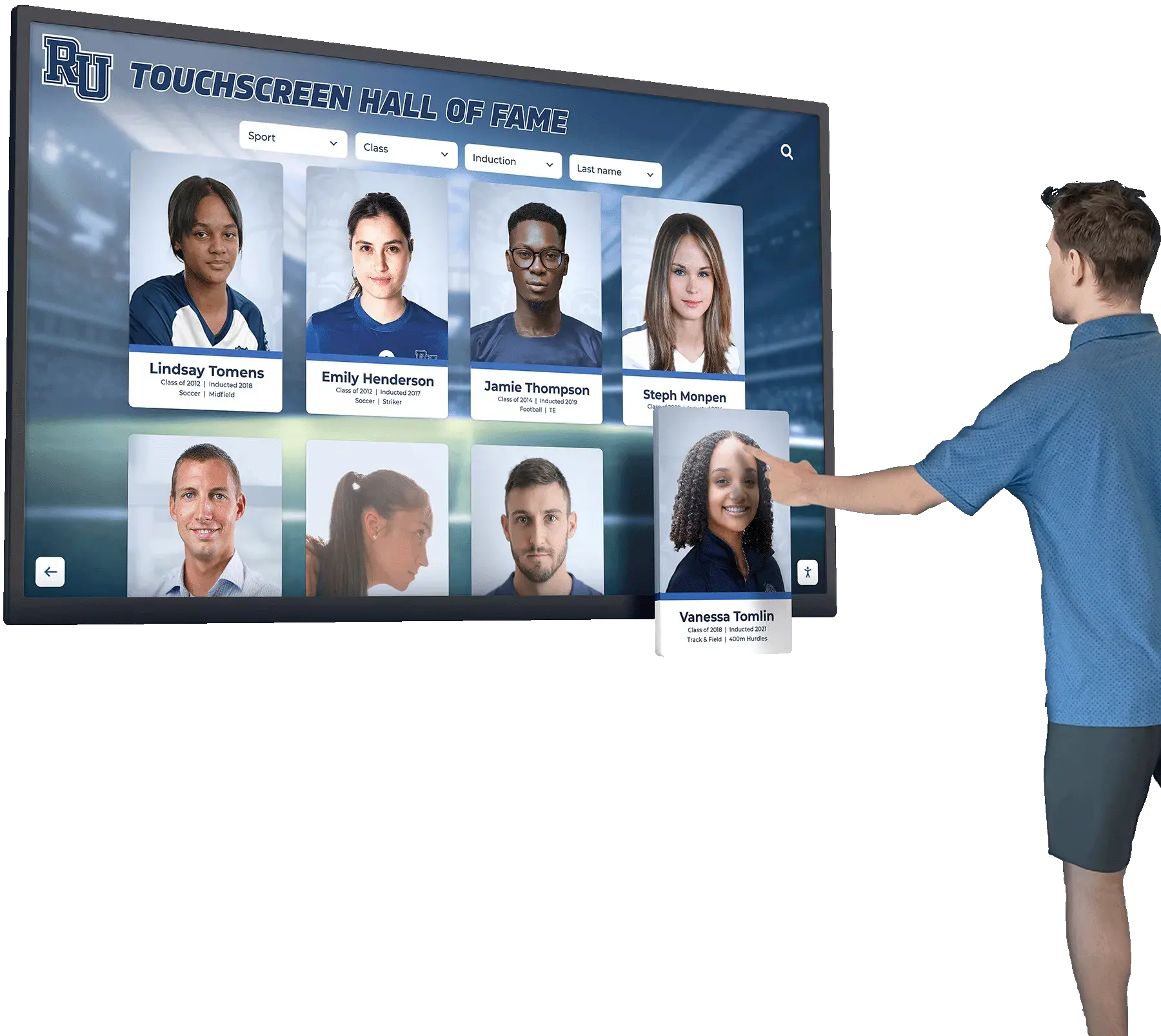
Our interactive touchscreen displays and digital recognition walls transform athletic facilities into dynamic celebration spaces where your banquet content remains visible 365 days a year. Prospective athletes see championship highlights, current team members stay connected to program history, and alumni maintain lasting bonds with their athletic legacies.
Discover how digital recognition systems can extend the impact of your sports banquet beyond a single night and create year-round engagement that builds lasting school spirit and athletic pride.