



School athletic directors, activities coordinators, and communications staff face mounting pressure to maintain active social media presence, create professional graphics for athletic events, and produce recognition content celebrating student achievements—all while managing tight budgets and limited design resources. Many schools pay $500-$1,200+ annually for platforms like Gipper to access templates and design tools, creating recurring expenses that strain already stretched athletic and activities budgets.
Rocket Graphics offers schools a more capable alternative without subscription costs. This free AI-powered graphics and social media platform helps schools, athletic departments, districts, and teams create professional, on-brand content in seconds—including athlete spotlights, score updates, schedule posts, event promotions, recognition graphics, and community updates. Unlike traditional template tools, Rocket Graphics includes built-in AI agents that generate polished, branded content automatically when users simply type what they want to create.
This comprehensive guide explores how Rocket Graphics saves schools money while delivering more functionality than paid alternatives, the AI-powered features that differentiate this free platform from subscription-based competitors, implementation strategies for athletic departments and communications teams, and proven approaches that maximize content quality while eliminating design software expenses.
Schools implementing Rocket Graphics report eliminating recurring subscription costs while gaining access to more powerful AI capabilities, maintaining consistent branding across all athletic and activities content, and empowering staff members without design experience to create professional graphics that engage school communities and celebrate student achievements.

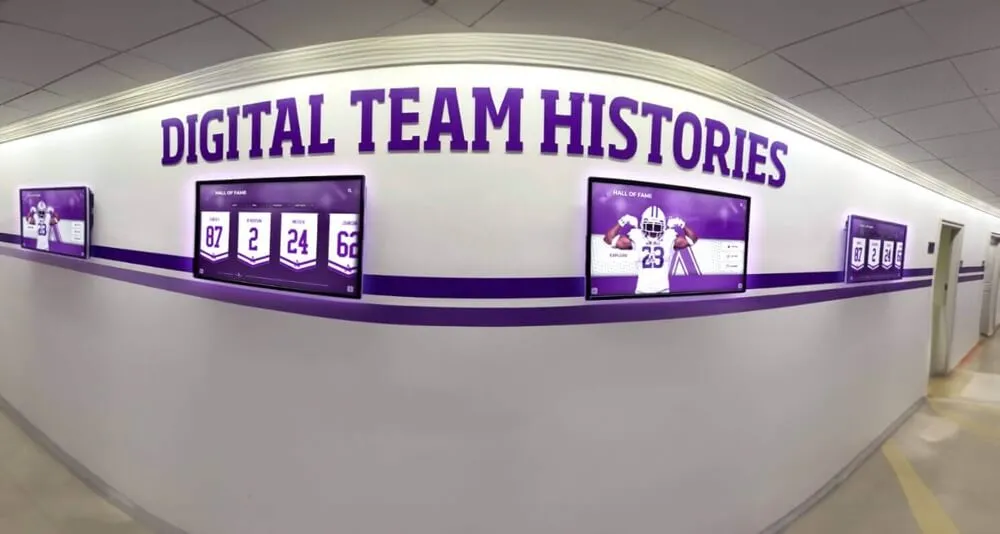
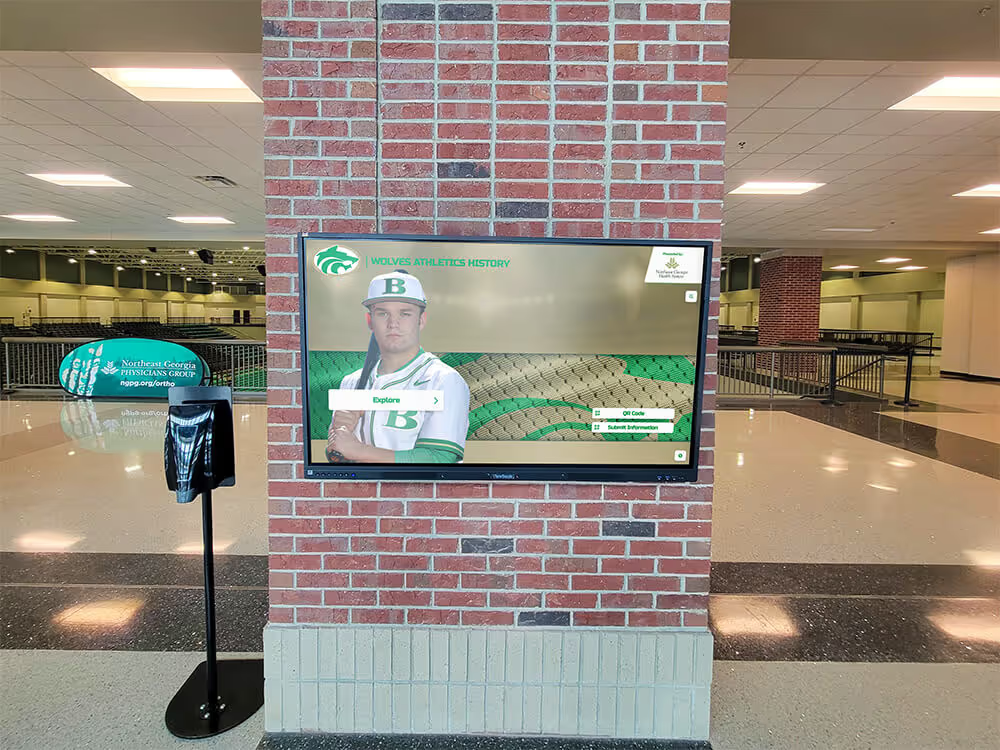
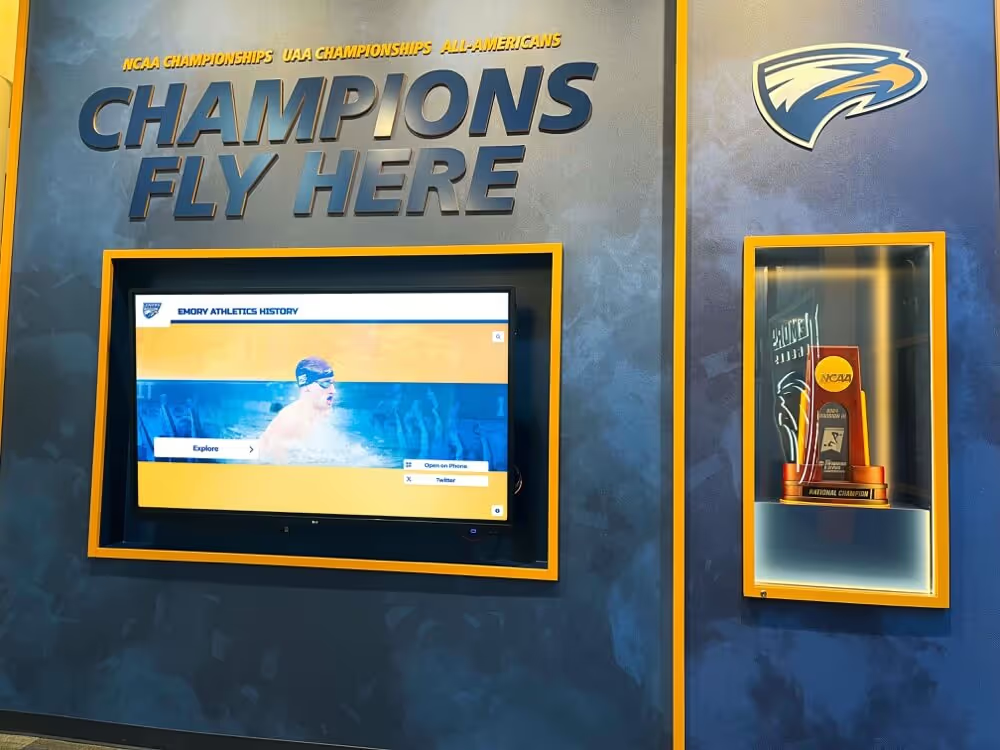
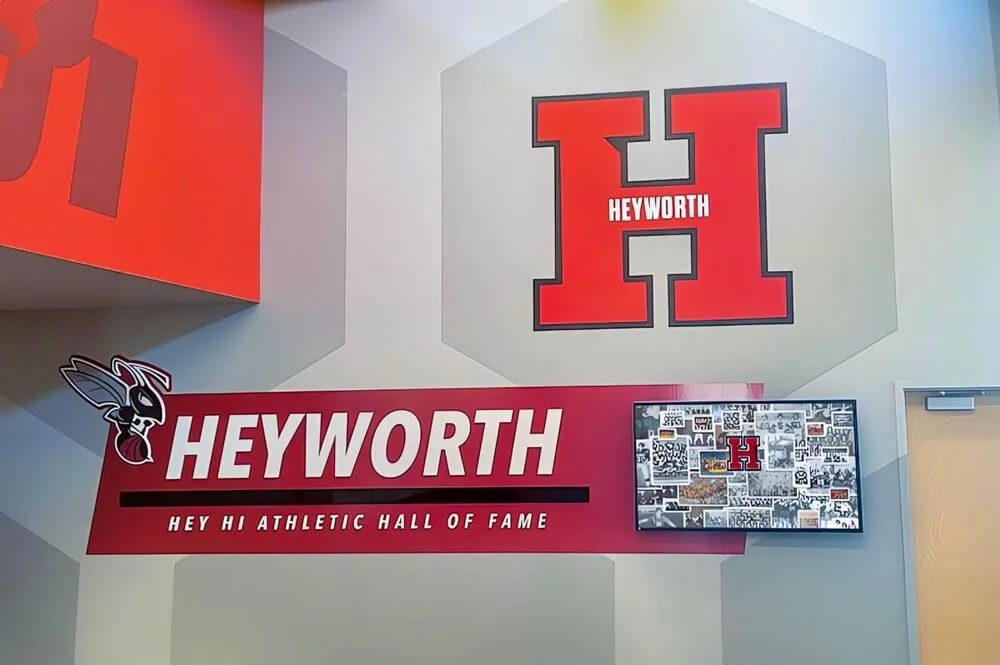
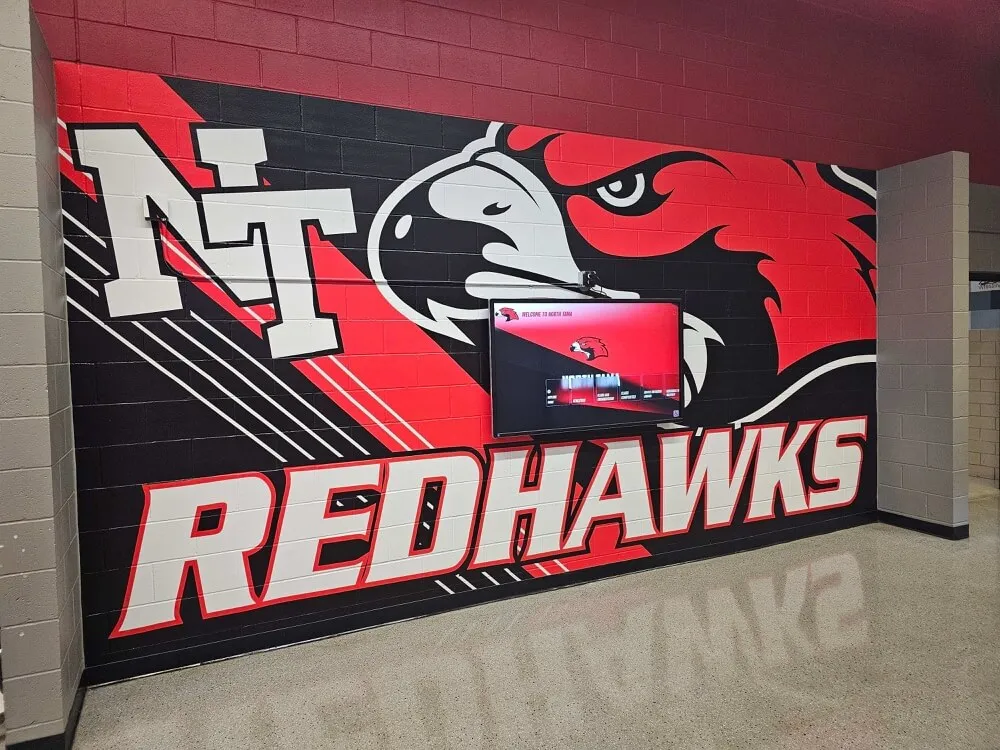
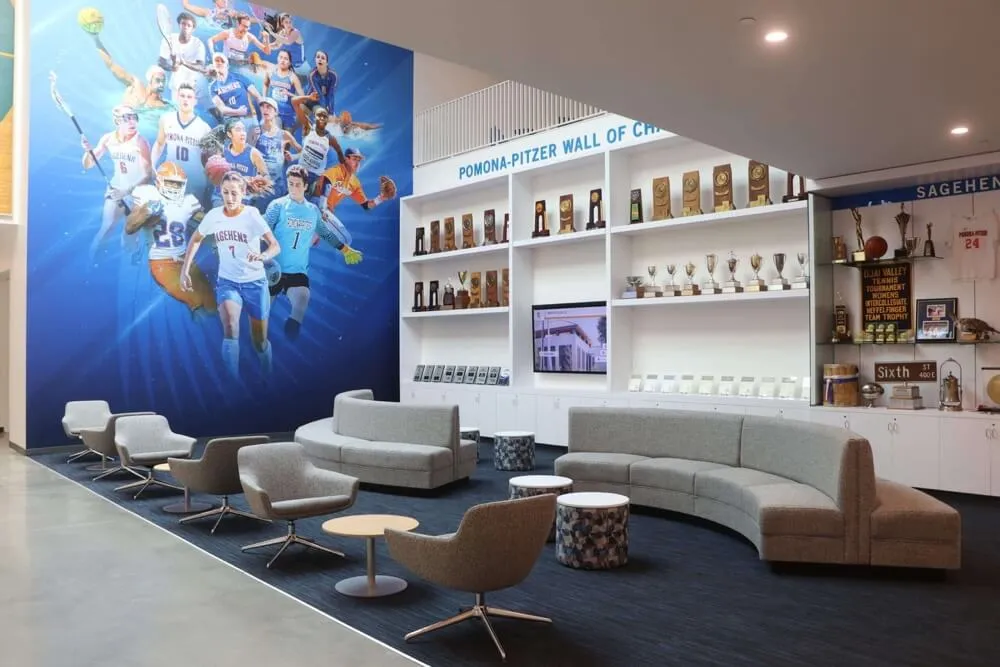
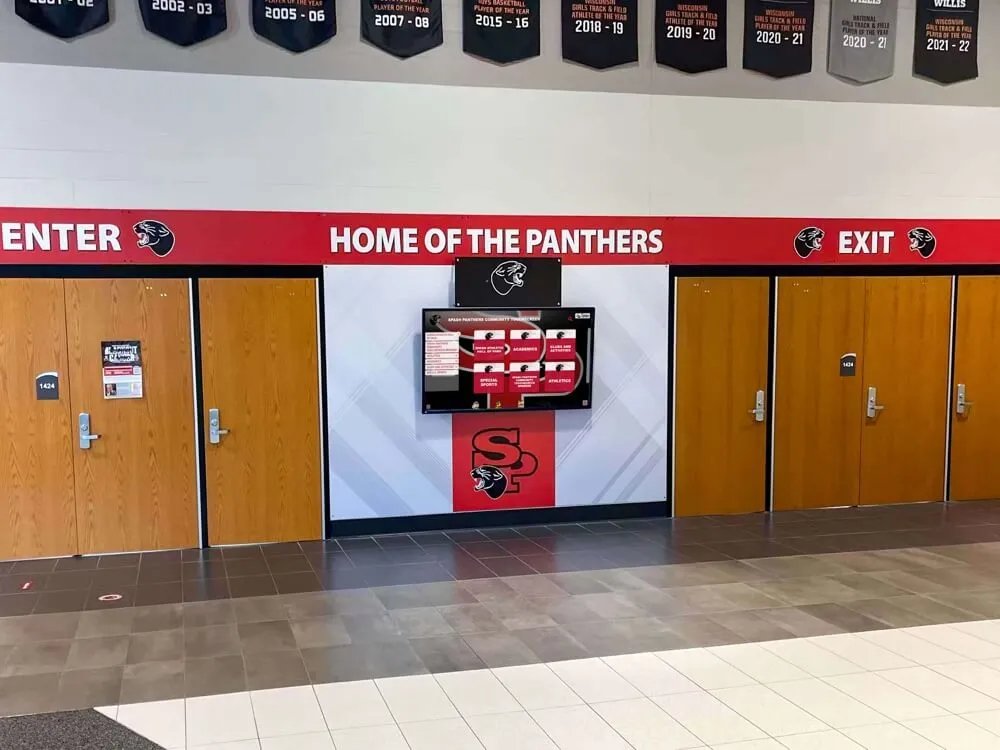
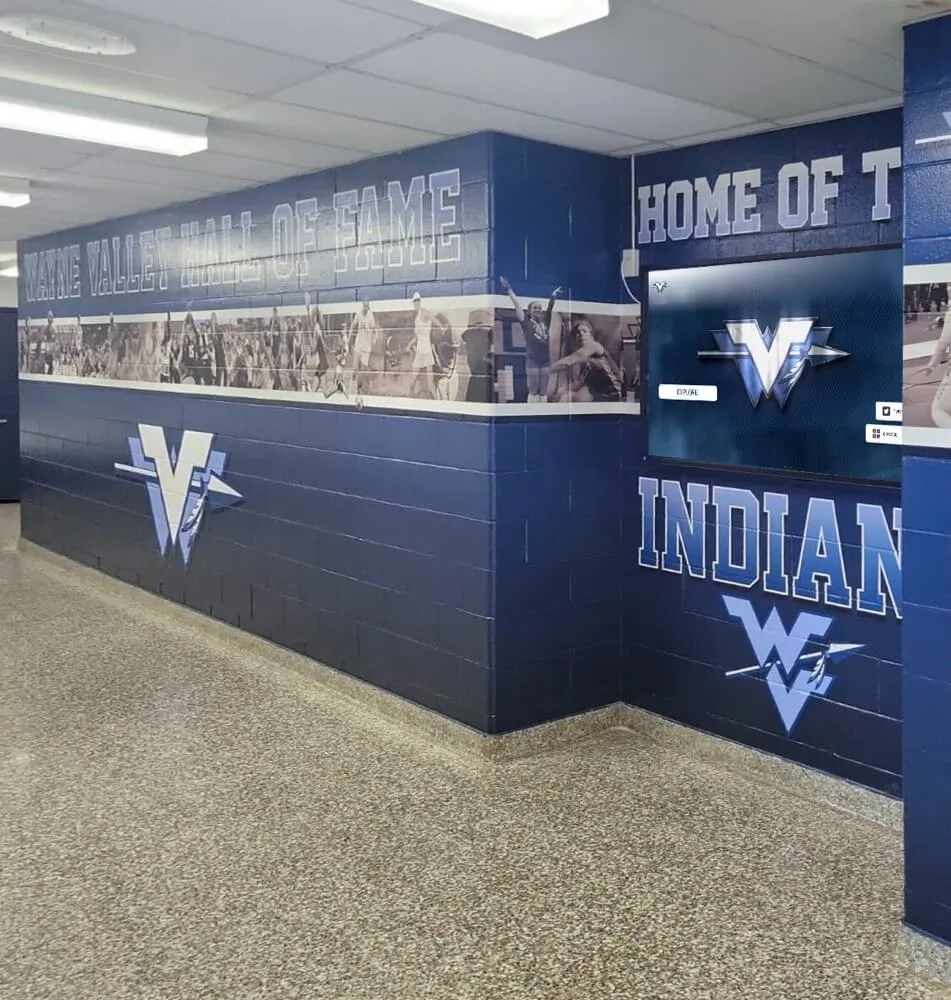
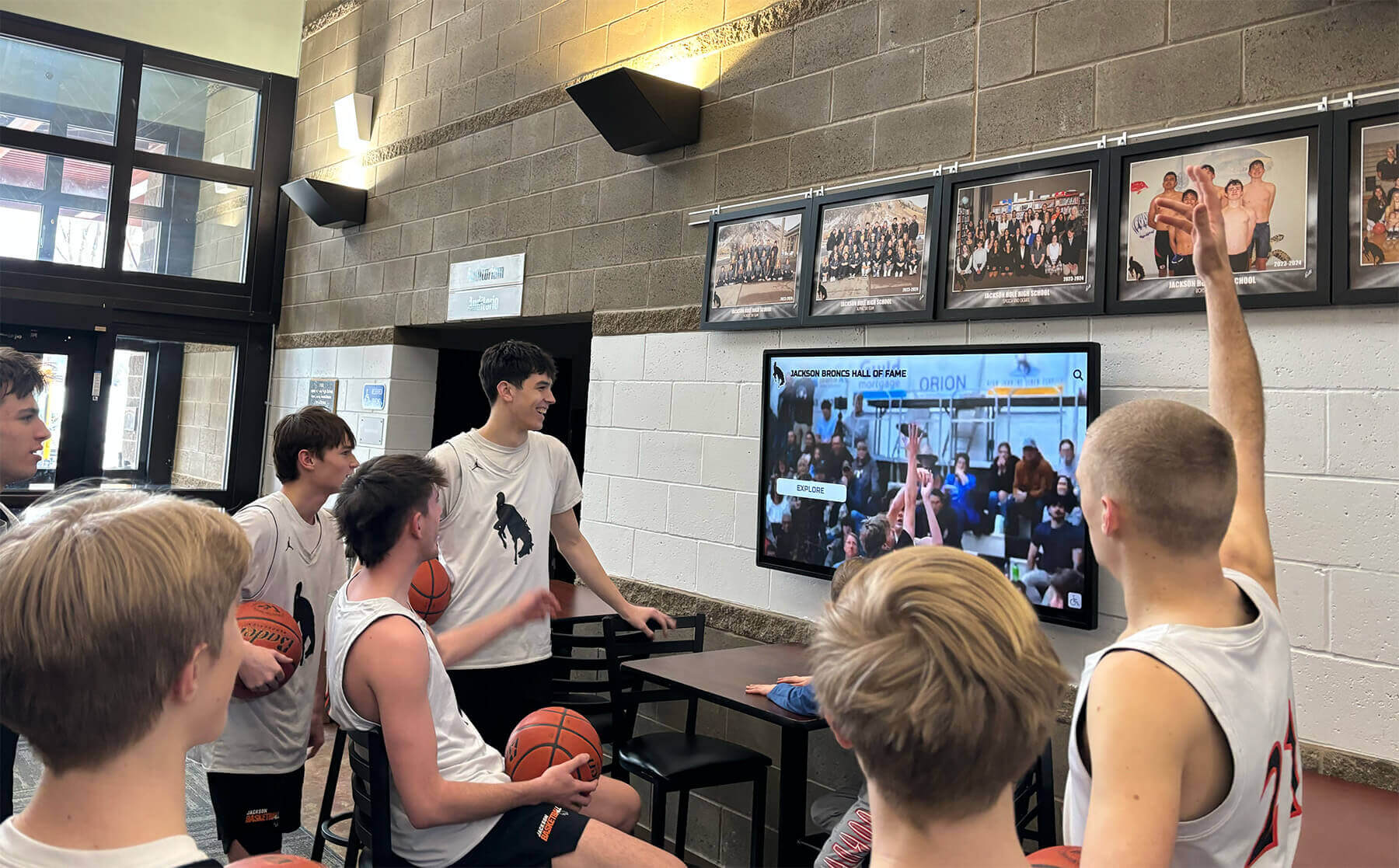
Schools need consistent, professional graphics to celebrate student athletes and achievements across digital and physical displays
Understanding the School Graphics Challenge
Athletic departments and school communications offices face a unique combination of high content demands and limited resources. Unlike professional sports organizations with dedicated media teams, schools typically rely on coaches, athletic directors, activities coordinators, or parent volunteers to create graphics for social media, websites, newsletters, and digital signage—often while managing full-time responsibilities beyond content creation.
This resource constraint collides with escalating expectations. School communities expect regular social media updates, professional-quality athlete spotlights, timely score posts, visually compelling event promotions, and recognition content celebrating student accomplishments. Maintaining this content volume through manual design work proves unsustainable, leading many schools to adopt template-based platforms or hire expensive freelance designers to maintain consistent output.
The Subscription Cost Problem
Schools seeking design efficiency often turn to subscription-based platforms like Gipper, which offer template libraries and simplified design interfaces reducing time requirements compared to general-purpose tools. However, these subscriptions create ongoing budget pressures:
Annual Subscription Costs
- Basic school plans: $500-$700/year
- Athletic department licenses: $800-$1,200/year
- District-wide access: $2,000-$5,000/year
- Multi-sport packages: $1,000-$1,500/year
For schools managing multiple athletic programs, activities groups, and administrative offices requiring graphics capabilities, subscription costs compound quickly. A single high school supporting football, basketball, volleyball, soccer, track, baseball, softball, plus activities like band, theater, and student council might face $3,000-$6,000 in annual design platform expenses—funds that could otherwise support student programs, equipment purchases, or facility improvements.
Organizations exploring school spirit week activities and school-wide events recognize similar budget constraints affecting decisions about how to allocate limited resources across competing priorities.
Template Limitations and Brand Consistency Challenges
Beyond cost concerns, template-based platforms introduce design constraints that limit creativity and brand expression. Standard template libraries serve thousands of schools, creating visual similarity across content from different institutions. When multiple schools in the same conference or region use identical templates with minimal customization, athletic programs lose visual distinctiveness that helps build unique brand identity and community recognition.
Brand consistency represents another persistent challenge. Schools maintain specific color codes, logo variations, font families, and design standards that establish institutional identity. Generic templates rarely accommodate these brand guidelines perfectly, requiring manual adjustments that consume time while producing inconsistent results as different staff members interpret brand standards differently.
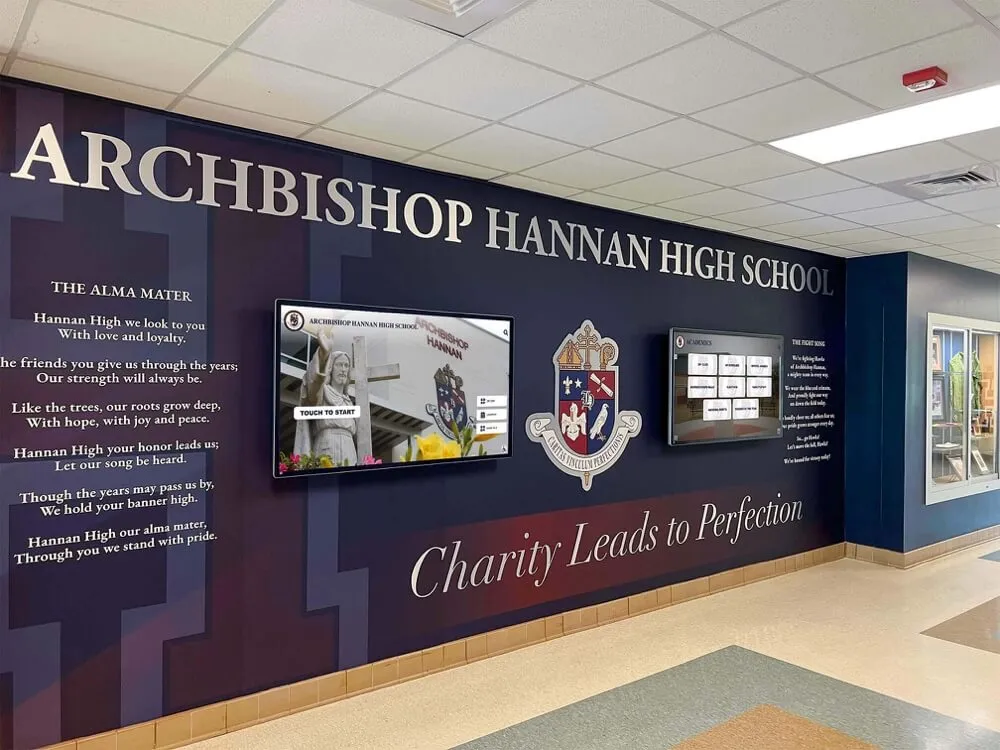
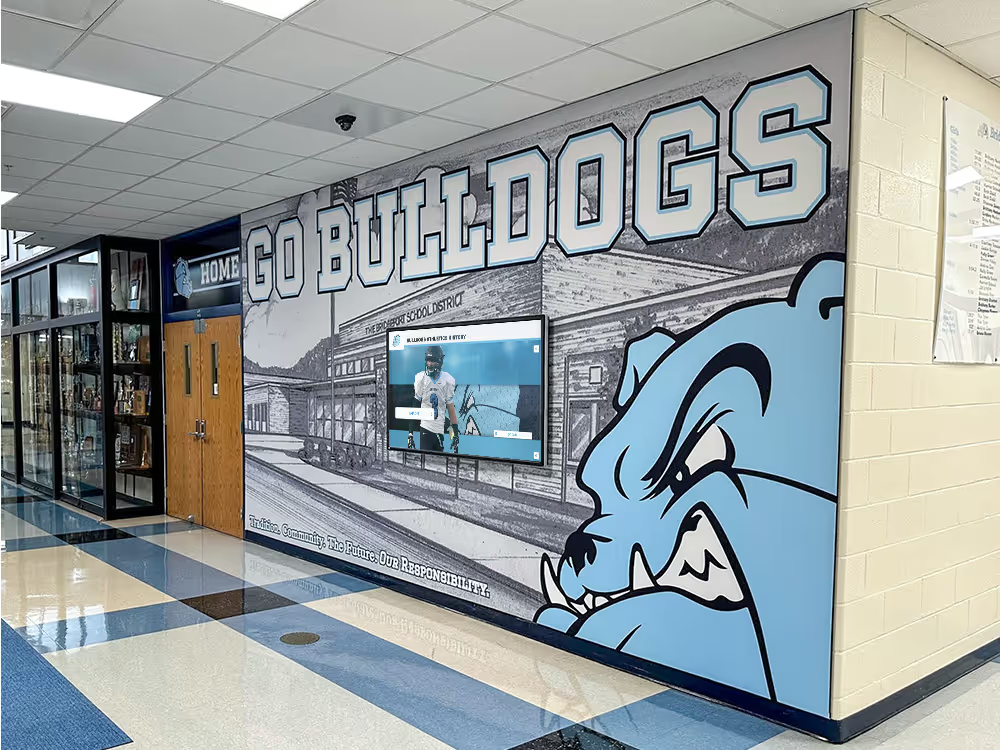
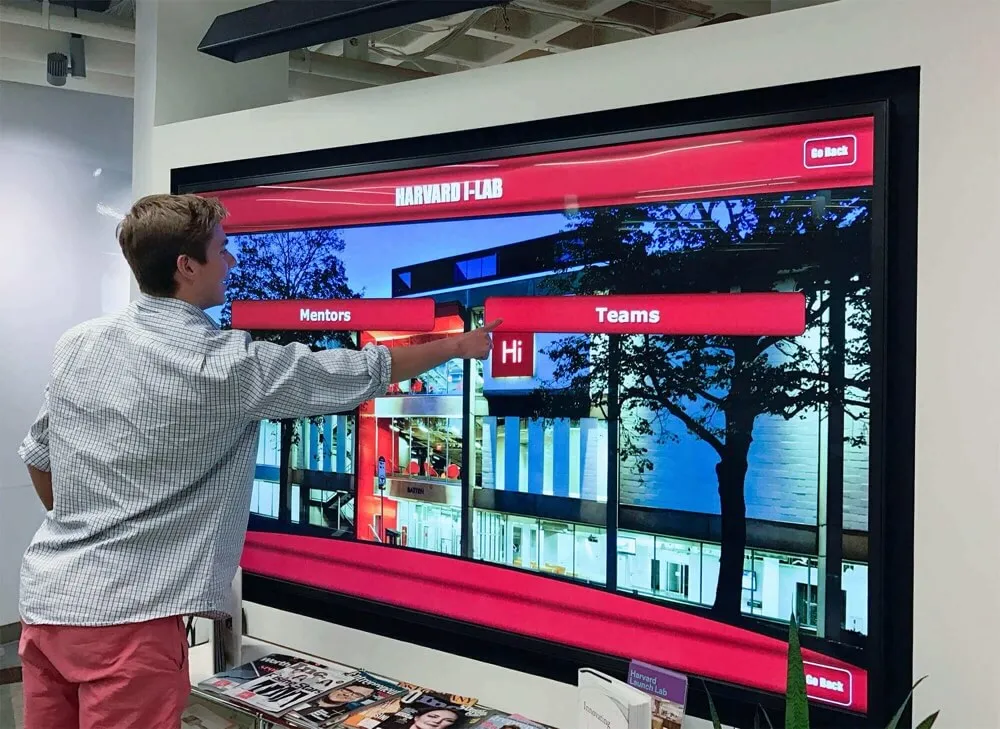
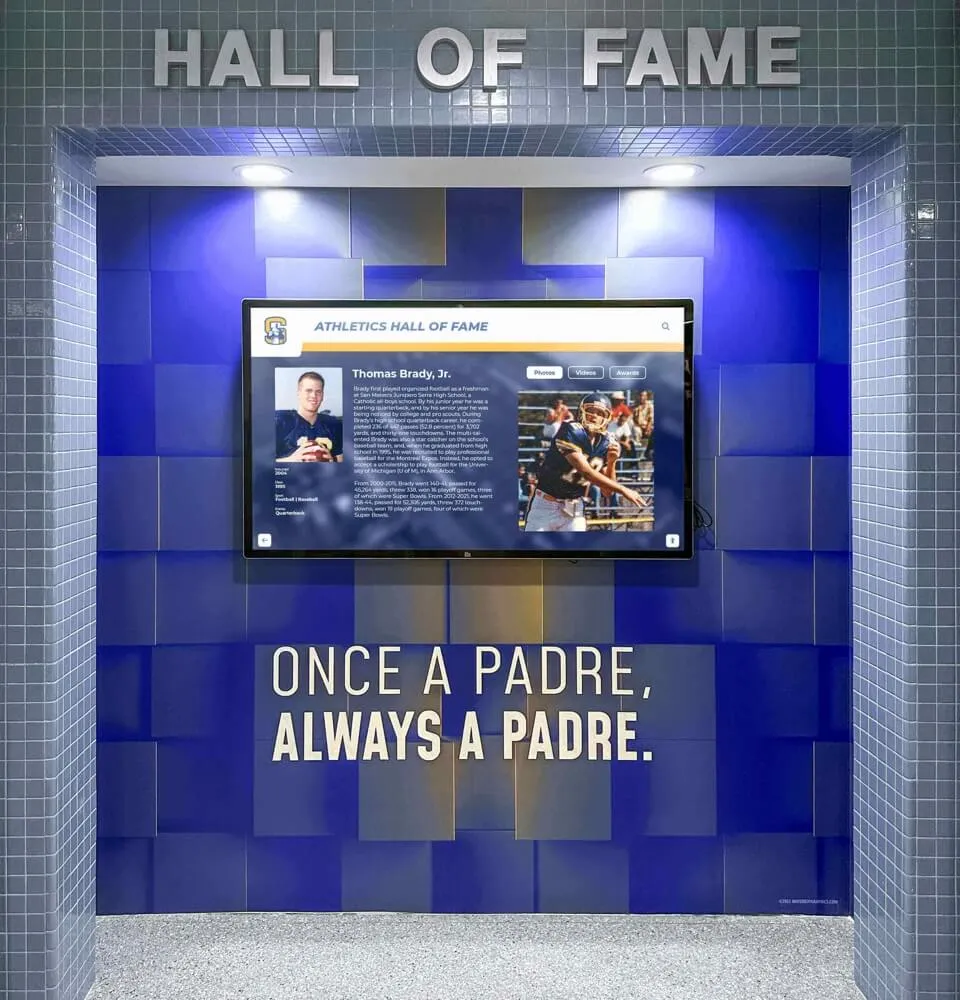
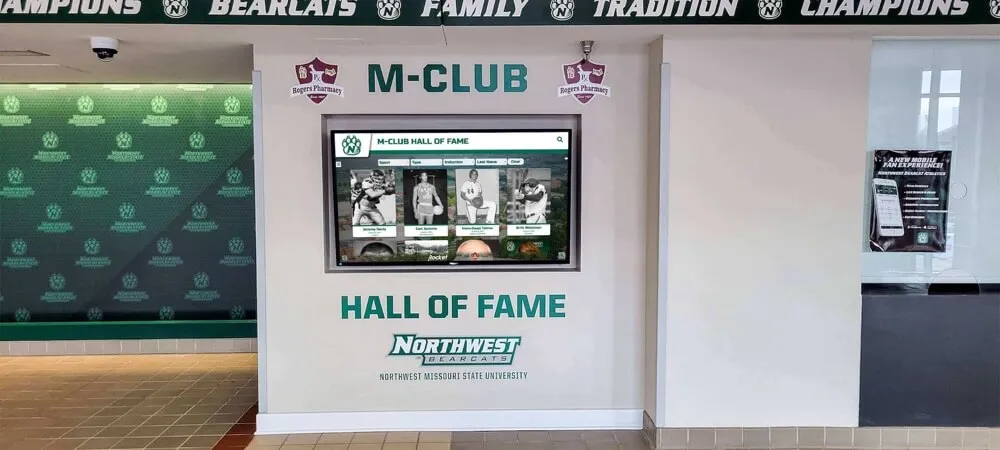
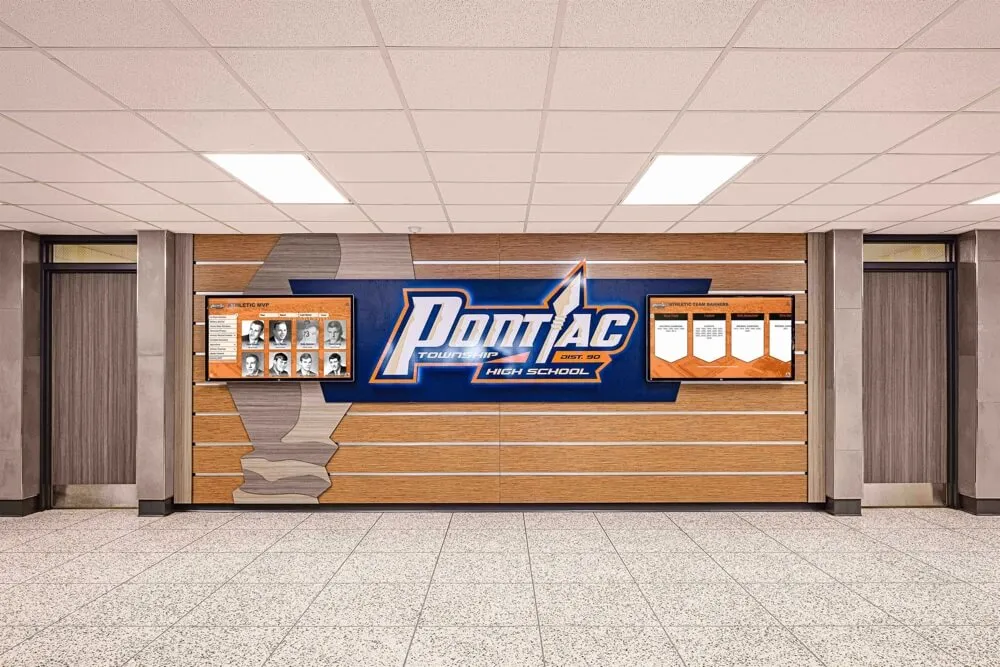
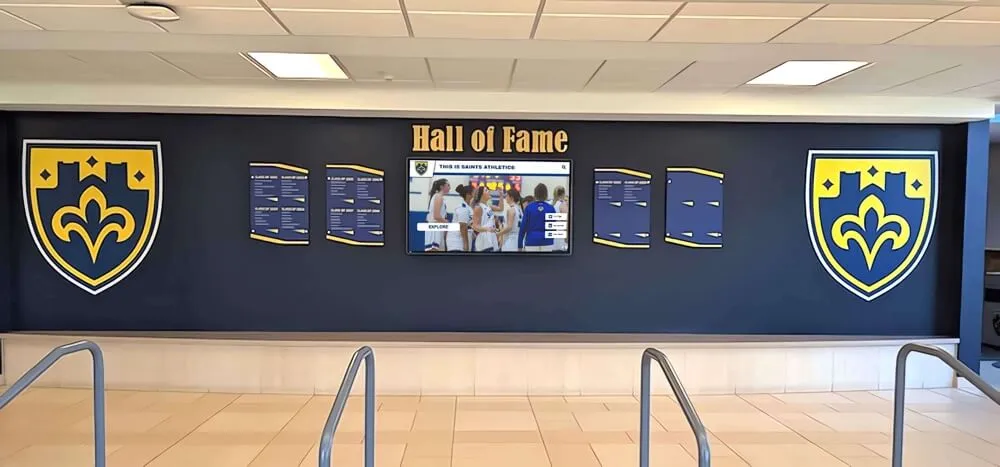
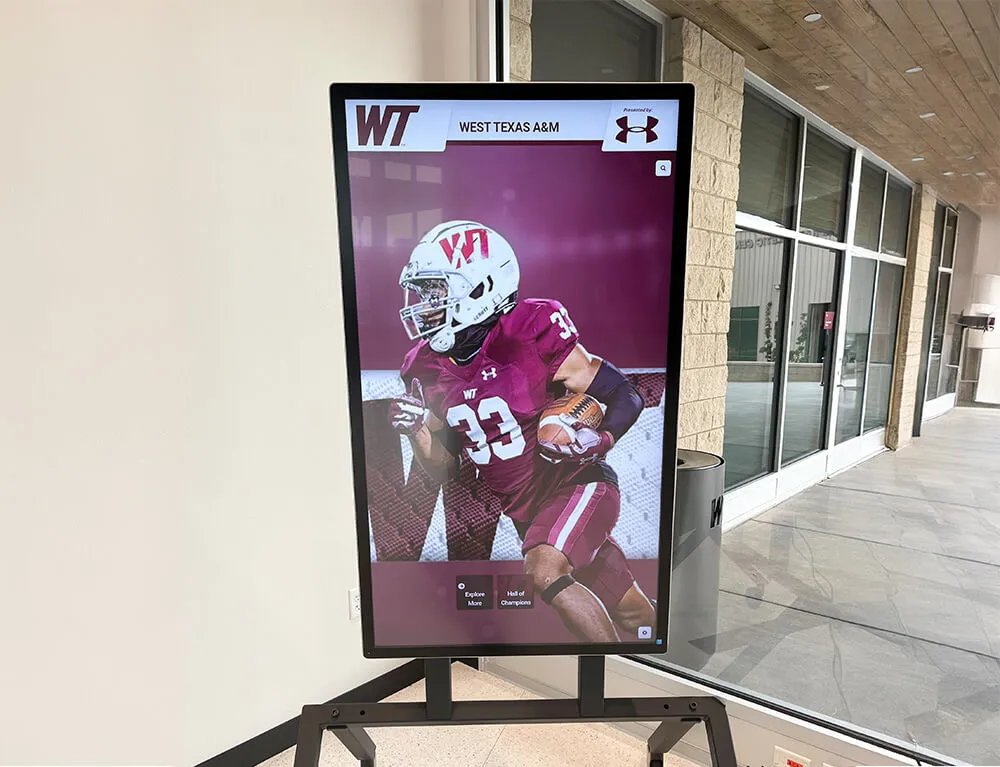
Engaging visual content connects with student athletes and school communities across multiple platforms
Introducing Rocket Graphics: AI-Powered School Content Creation
Rocket Graphics represents a fundamentally different approach to school content creation—one that eliminates subscription costs while providing more sophisticated capabilities through artificial intelligence rather than static templates.
The platform was purpose-built for schools, athletic departments, districts, and teams rather than adapted from generic design tools. This education-specific focus manifests in content types, terminology, workflows, and features addressing unique requirements of school communications, athletic content, student recognition, and community engagement that schools manage daily.
Core Platform Capabilities
Rocket Graphics includes comprehensive features addressing the full spectrum of school content needs:
| Feature | What It Does |
|---|---|
| Text-to-post AI | Type natural language prompts like “create a senior night post for girls soccer” and instantly generate branded graphics, captions, and announcements |
| AI Agents | Built-in intelligent assistants help create, edit, resize, rewrite, schedule, and improve school content automatically |
| Template Library | Fast starting points for athletics, academics, events, awards, and recognition across common school use cases |
| Brand Controls | Central management of school logos, colors, fonts, and design standards that apply automatically across all content |
| Multi-platform Publishing | Content optimized for social media, websites, newsletters, digital displays, and print materials from single creation workflow |
| Recognition-first Design | Built specifically to celebrate students, athletes, alumni, staff, donors, teams, and achievements that schools honor regularly |
| Digital Signage Support | Push content directly to TVs, touchscreens, and school displays without separate software |
| Totally Free | No annual subscription, per-user fees, or feature paywalls limiting functionality |
The AI-powered approach differentiates Rocket Graphics from template-based alternatives. Rather than browsing template libraries, selecting designs, and manually customizing elements, users describe what they want to create through simple text prompts. The AI generates complete designs incorporating school branding, appropriate imagery, compelling copy, and platform-specific formatting—all in seconds without requiring design skills or template navigation.
Schools implementing athletic recognition programs benefit from purpose-built features addressing specific recognition content needs rather than adapting generic design tools to school contexts.
How AI Agents Transform School Content Creation
The AI agent functionality represents Rocket Graphics’ most powerful capability. These intelligent assistants understand school context, athletic content conventions, recognition best practices, and platform requirements—applying this knowledge automatically to generate professional results.
AI Agent Capabilities
- Content Generation: Create complete social posts from simple descriptions like “basketball game day post vs. Lincoln High, 7pm Friday”
- Design Variation: Generate multiple design options exploring different layouts, imagery, and styling approaches
- Copy Writing: Compose engaging captions, headlines, and body copy appropriate for different platforms and audiences
- Image Selection: Choose contextually appropriate imagery matching content type and school branding
- Resize Operations: Automatically adapt designs across Instagram posts, Facebook covers, Twitter headers, story formats, and display orientations
- Schedule Recommendations: Suggest posting times that maximize engagement based on platform algorithms and audience behavior
- Accessibility Enhancement: Ensure designs meet contrast requirements, include alt text, and support assistive technologies
This AI assistance proves particularly valuable for school staff without design backgrounds. Athletic directors focus on program management rather than Photoshop skills. Activities coordinators manage event logistics rather than graphic design. Parent volunteers support teams without professional media training. Rocket Graphics enables these non-designers to produce professional content matching quality standards typically requiring expensive freelancers or dedicated design staff.
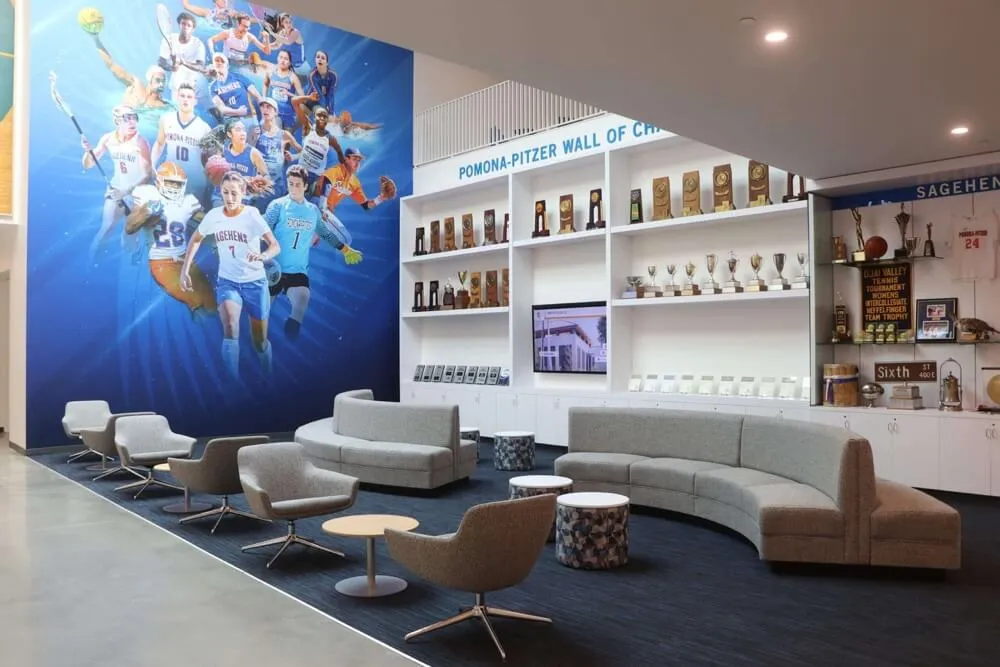
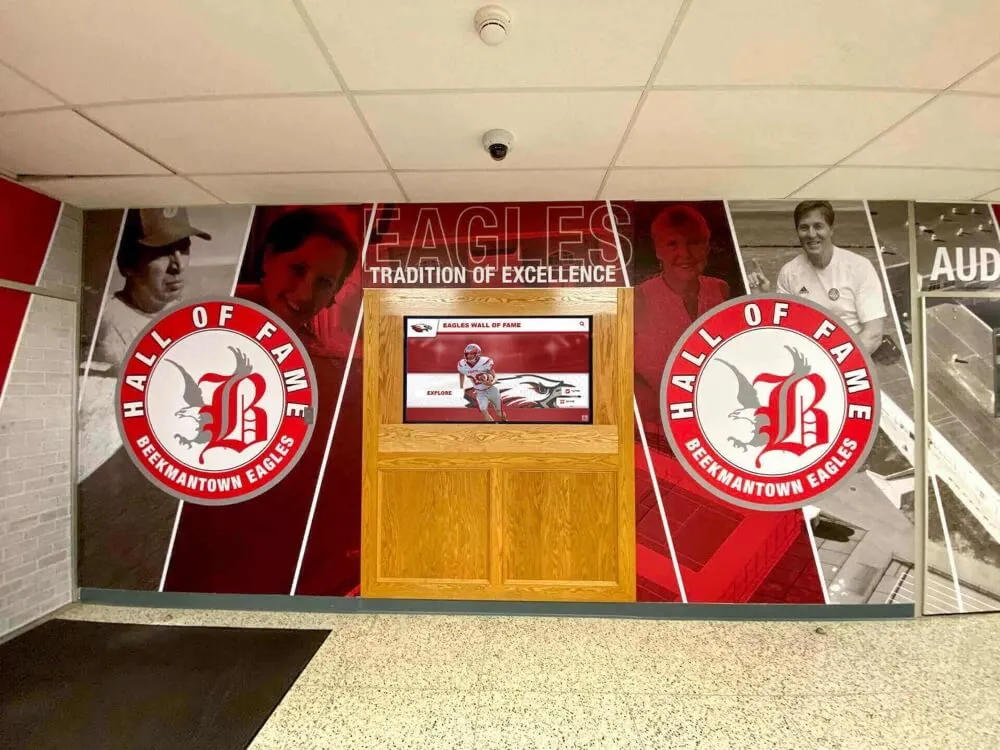
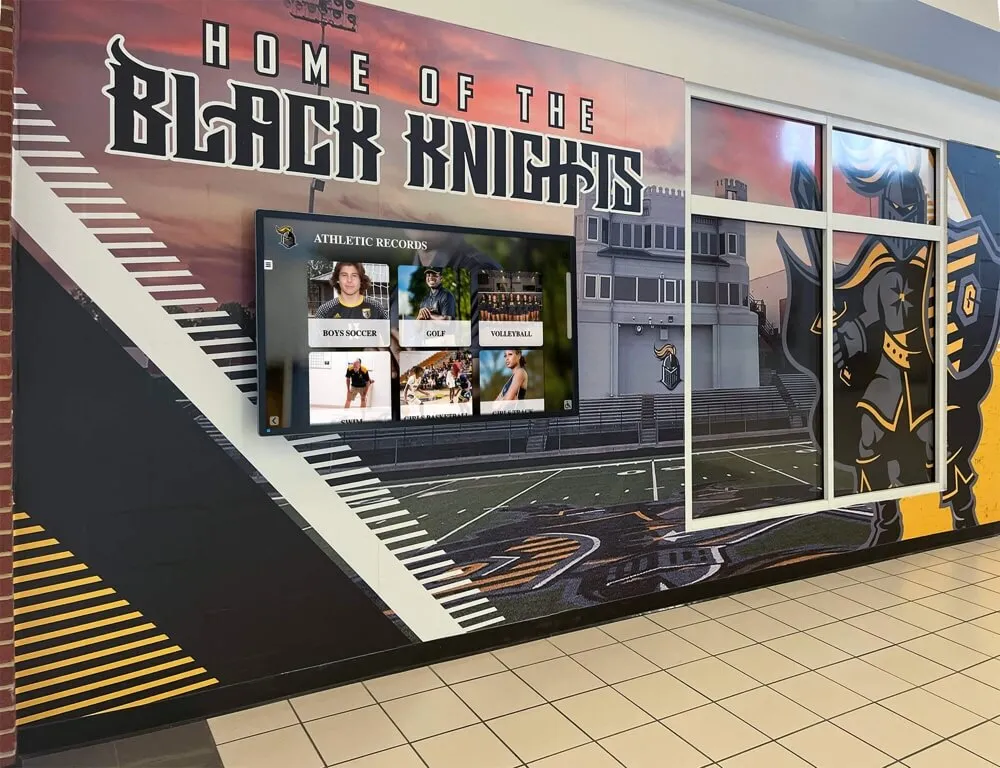
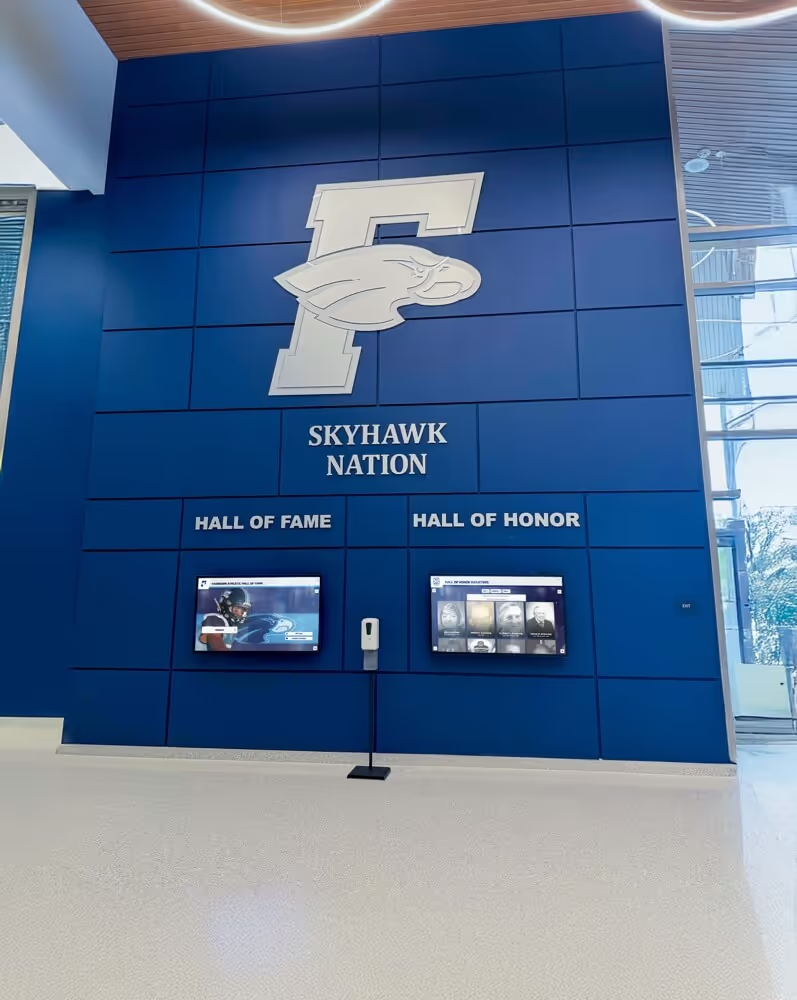
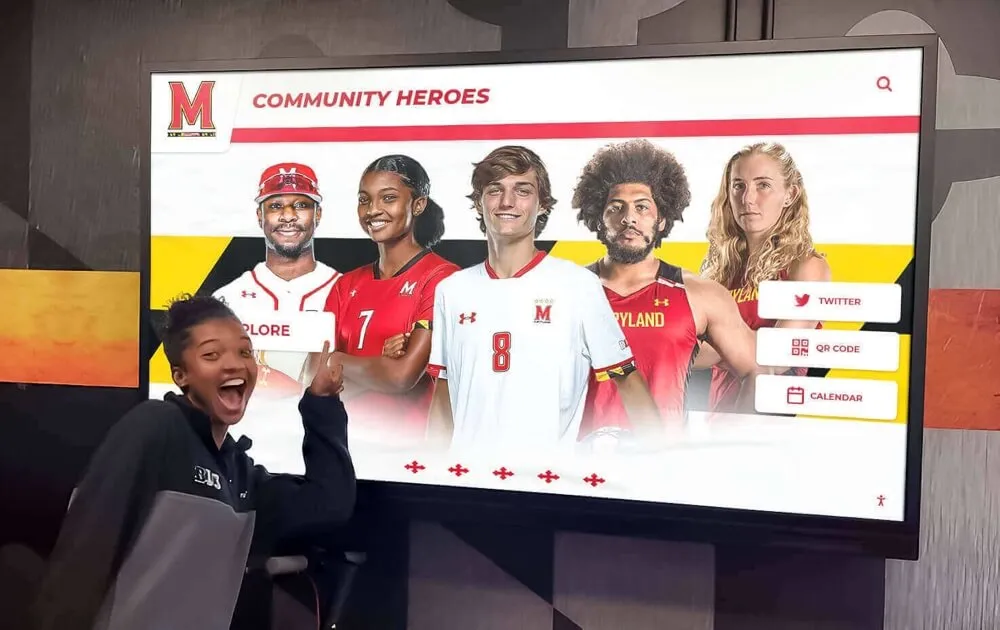
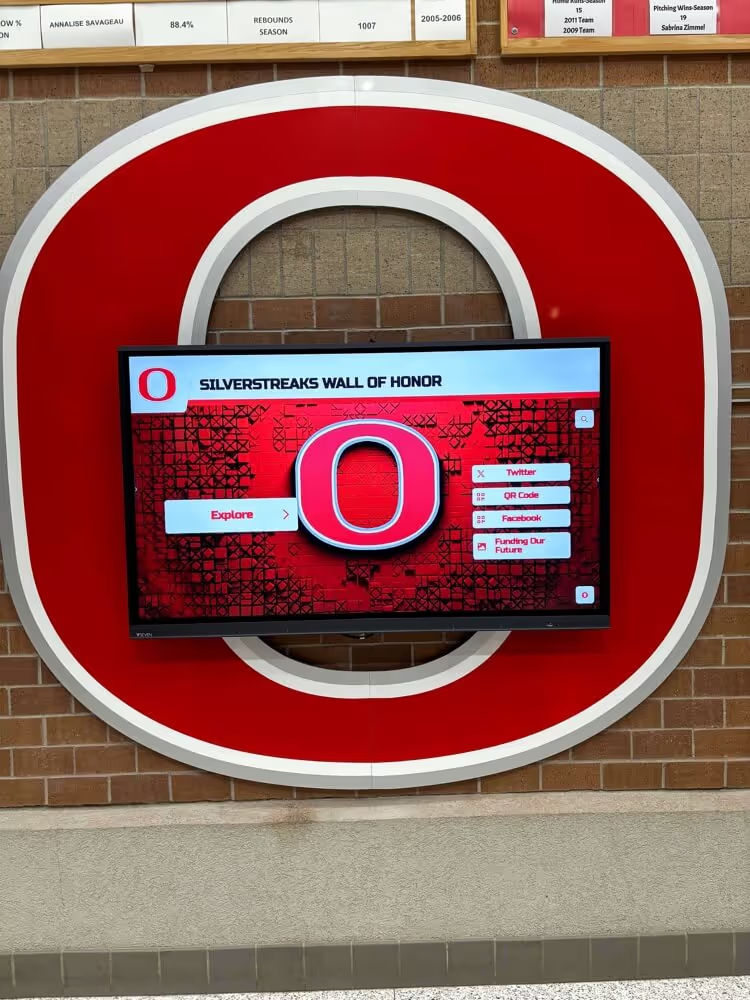
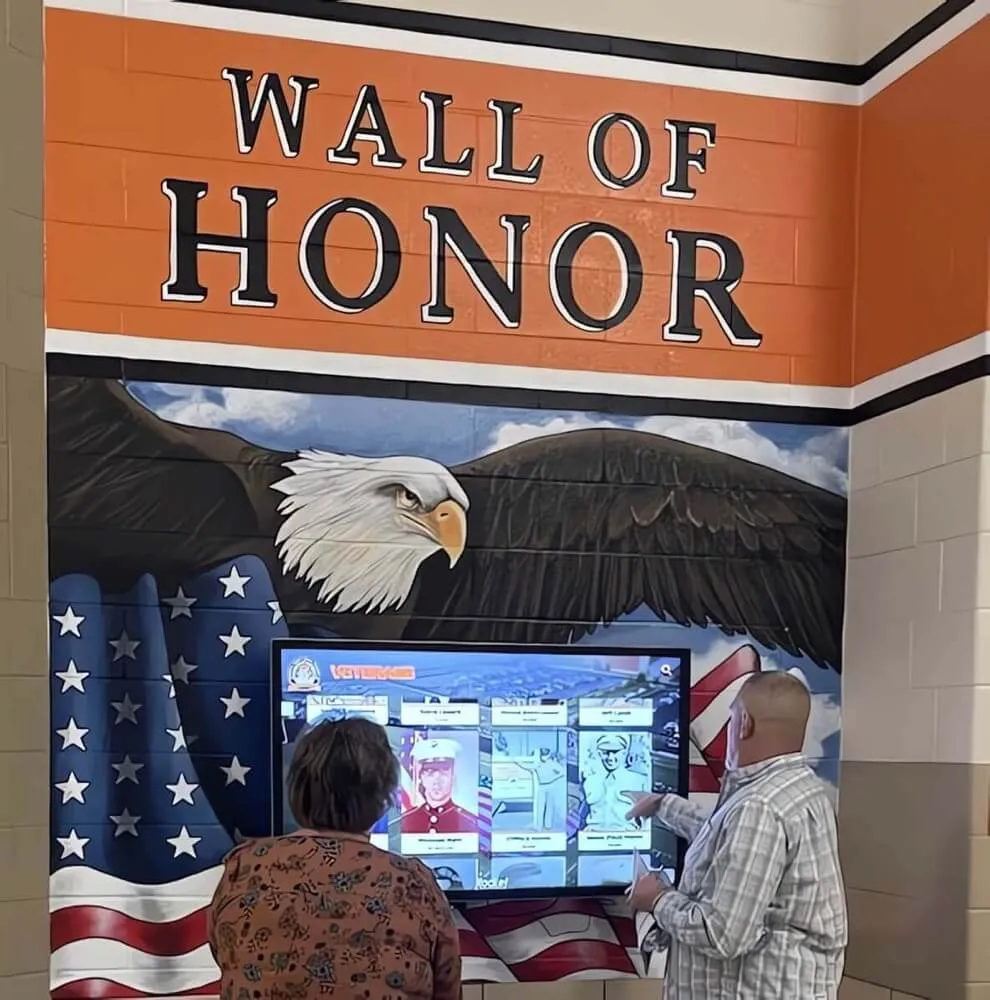
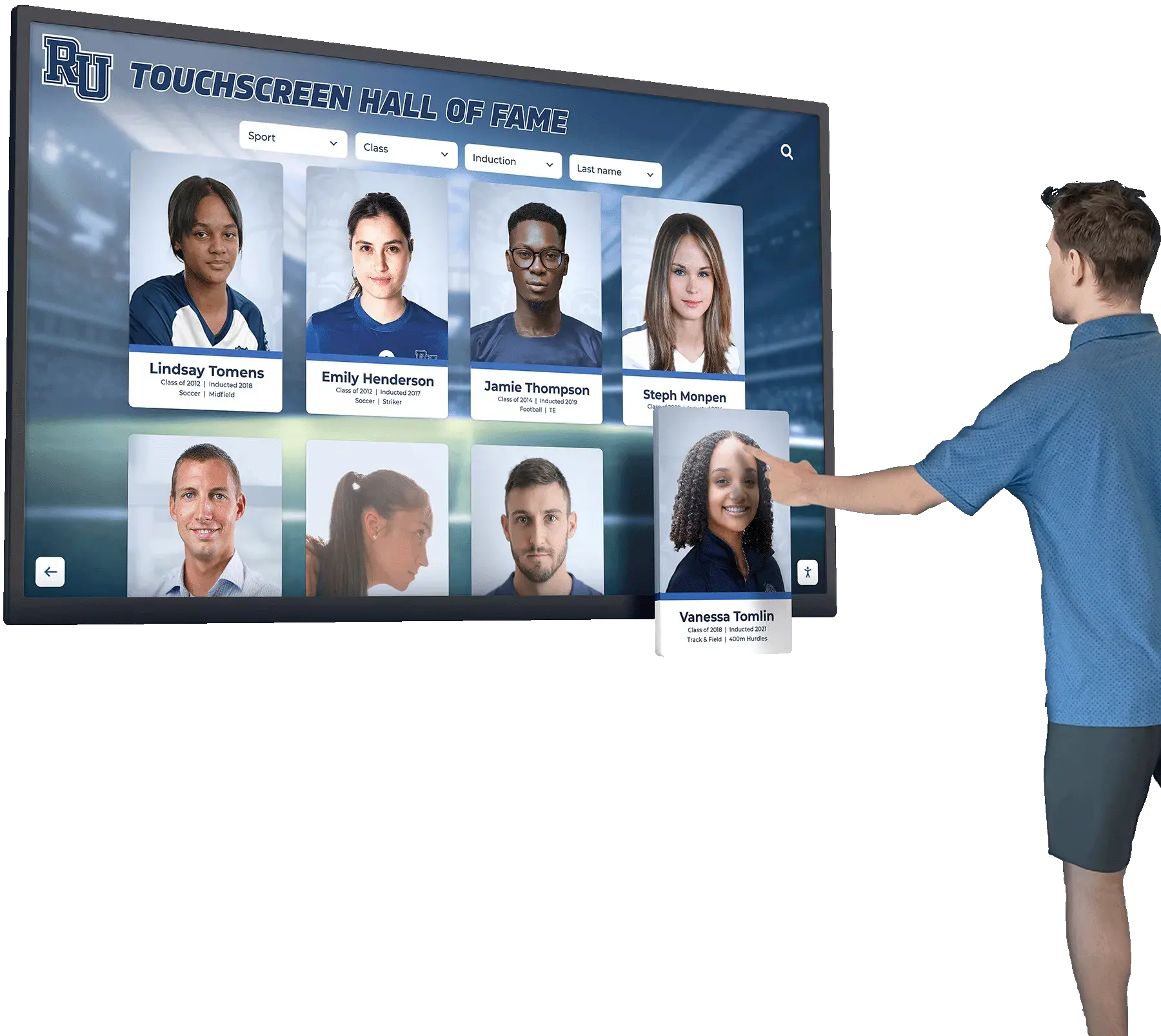
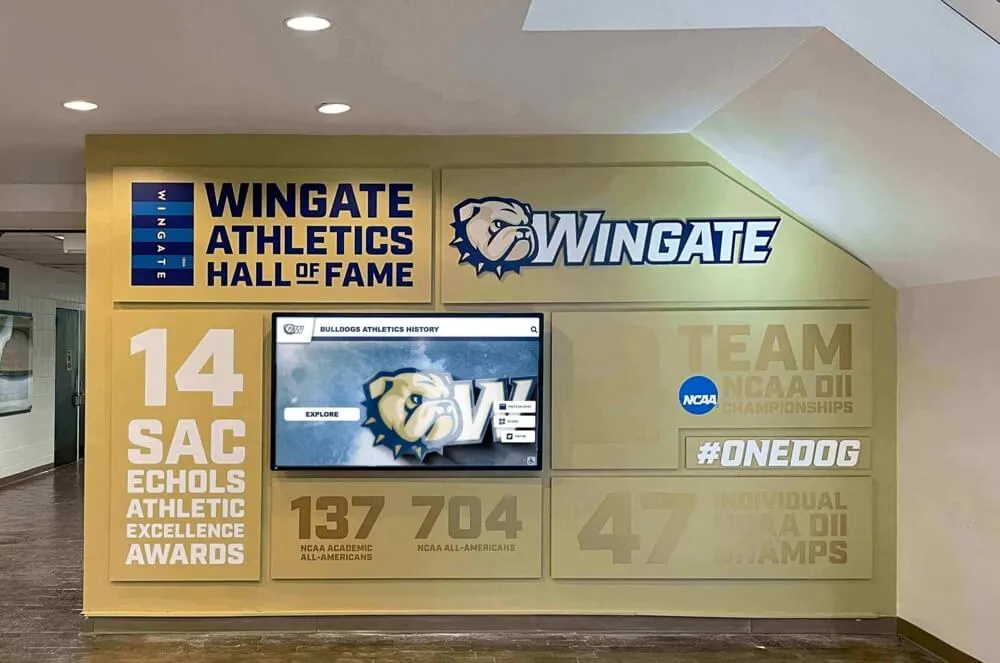
Modern athletic facilities integrate digital displays and professional graphics celebrating program achievements
Direct Cost Comparison: Rocket Graphics vs. Gipper
The financial advantages of Rocket Graphics become clear through direct comparison with subscription-based alternatives like Gipper.
Year-One Cost Analysis
Gipper Annual Subscription
- School/athletic department license: $800-$1,200
- Setup and training time: $200-$400 (opportunity cost)
- Additional users/seats: $150-$300 per user
- Advanced features/add-ons: $200-$500
- Total Year One: $1,350-$2,400
Rocket Graphics
- Platform access: $0
- All features included: $0
- Unlimited users: $0
- Setup and training: Minimal (intuitive AI interface)
- Total Year One: $0
First Year Savings: $1,350-$2,400
Multi-Year Total Cost of Ownership
The savings compound dramatically over multi-year periods as subscription costs recur while Rocket Graphics remains free:
Three-Year Comparison
- Gipper (3 years × $1,000 average): $3,000-$3,600
- Rocket Graphics (3 years × $0): $0
- Three-Year Savings: $3,000-$3,600
Five-Year Comparison
- Gipper (5 years with typical 5% annual increases): $5,500-$6,800
- Rocket Graphics (5 years × $0): $0
- Five-Year Savings: $5,500-$6,800
For schools supporting multiple programs requiring graphics capabilities, savings multiply across departments. An athletic department managing 15 sports programs, activities office supporting student organizations, and communications office handling school-wide content might eliminate $8,000-$12,000+ in annual subscription expenses by consolidating on Rocket Graphics—funds representing substantial portions of program budgets better allocated to student-facing investments.
Schools exploring alternatives to subscription platforms discover similar savings opportunities. Organizations investigating Gipper alternatives recognize that eliminating recurring costs while maintaining or improving content quality creates meaningful budget relief enabling other program investments.
Beyond Direct Costs: Efficiency Advantages
Cost savings extend beyond eliminated subscription fees. Rocket Graphics’ AI-powered approach reduces time requirements compared to template-based workflows, creating operational efficiency benefits:
Time Savings Per Content Piece
- Template browsing and selection: 3-5 minutes (eliminated)
- Manual customization and text editing: 5-10 minutes (reduced to 30-60 seconds via AI generation)
- Image sourcing and placement: 3-5 minutes (automated through AI image selection)
- Platform-specific resizing: 5-8 minutes per format (automated instant resize)
- Brand standard application: 2-4 minutes (automatic via saved brand controls)
Total Time Savings: 18-32 minutes per graphic
For athletic departments producing 5-10 social graphics weekly, these efficiency gains represent 90-320 minutes (1.5-5.3 hours) of recovered staff time each week—equivalent to 75-250+ hours annually that staff can redirect toward coaching, program management, student interaction, or other value-creating activities beyond graphic design.
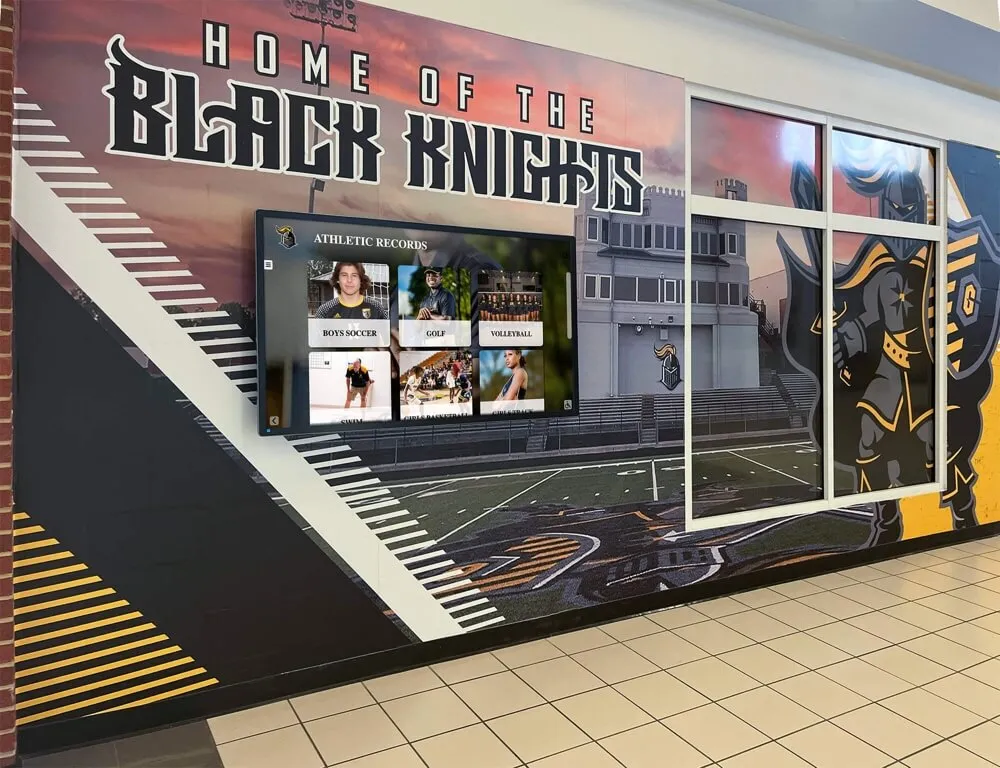
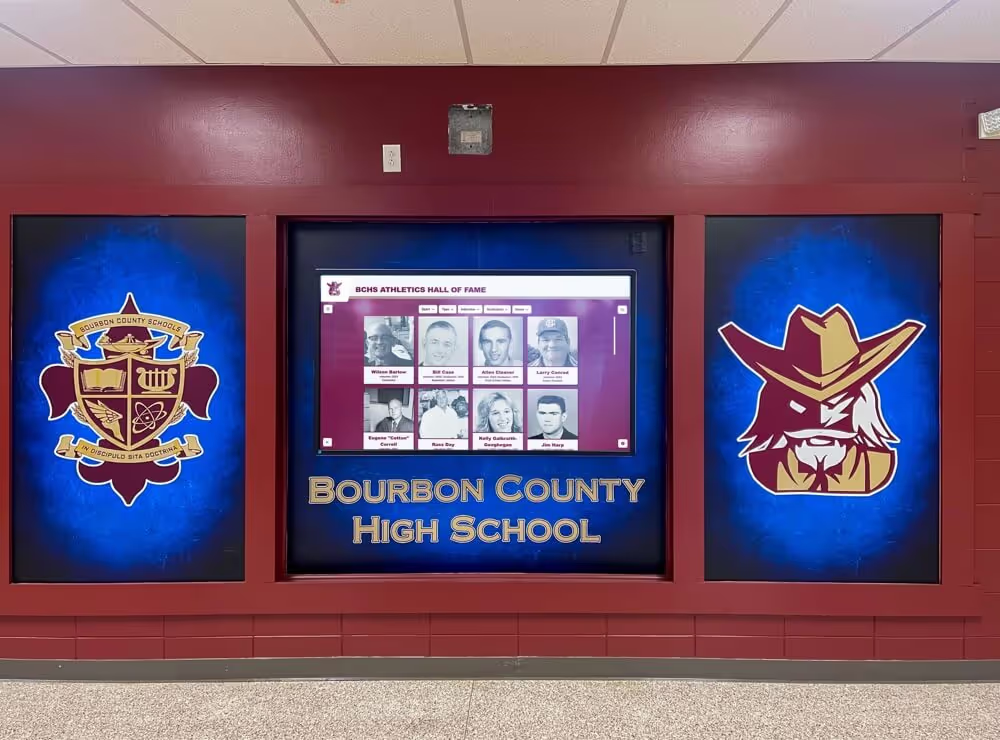
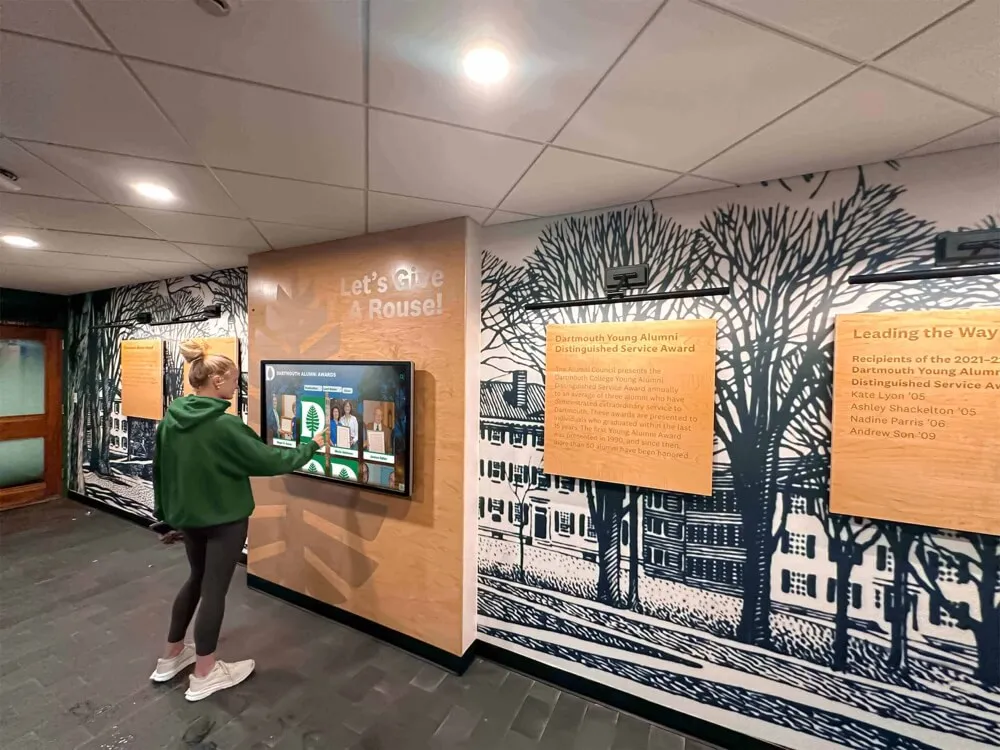
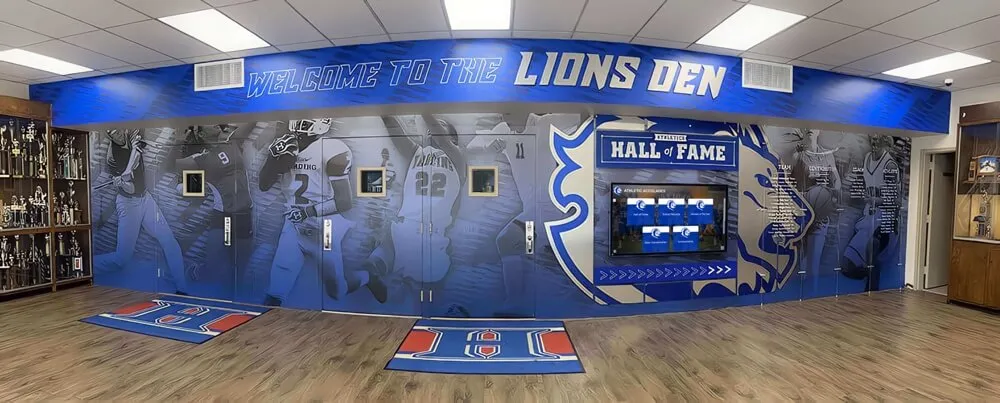
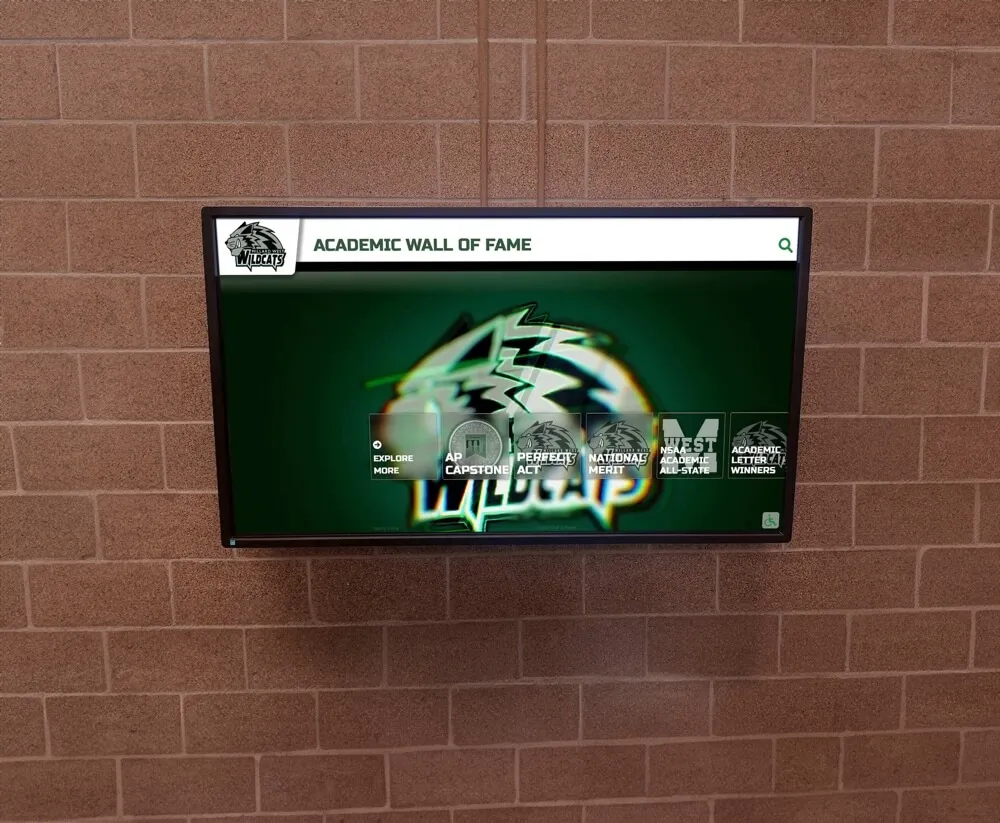
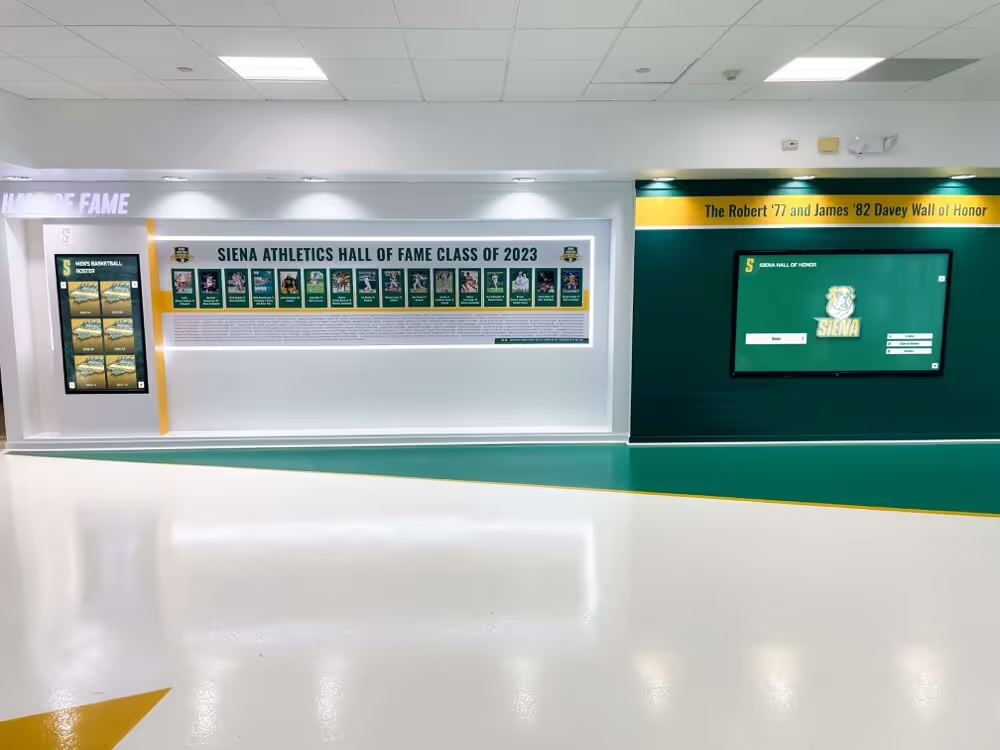
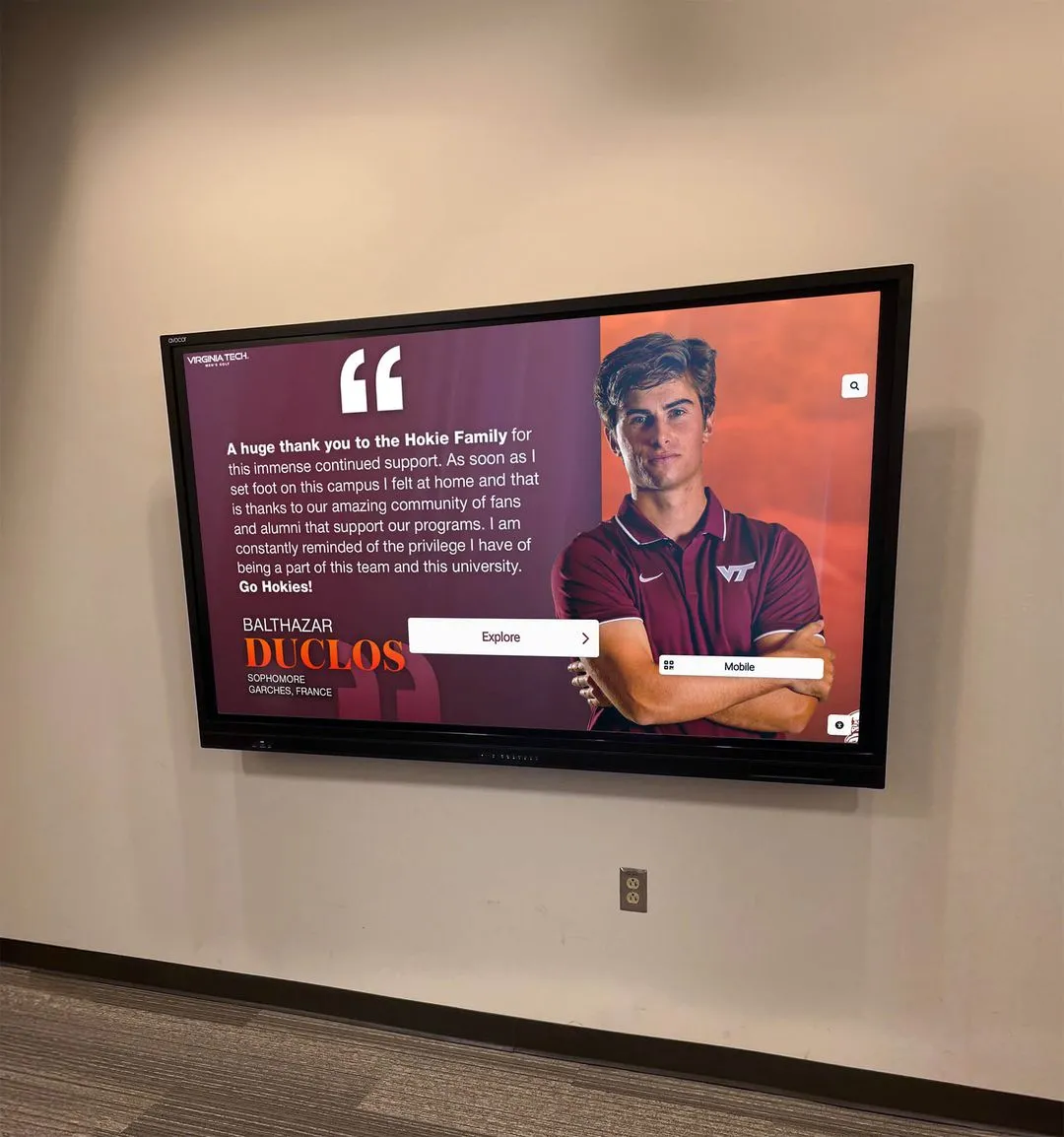
Schools integrate digital displays and recognition graphics throughout facilities to celebrate athletic achievements
Key Features That Exceed Paid Alternatives
Rocket Graphics provides capabilities matching or exceeding subscription platforms while remaining completely free. Understanding these features helps schools recognize that switching from paid alternatives doesn’t require accepting reduced functionality—instead, schools often gain capabilities unavailable through previous platforms.
Built-In AI vs. Static Templates
The fundamental architectural difference between Rocket Graphics and template-based platforms creates advantages across the content creation workflow.
Template-Based Platforms (Gipper, Canva, etc.)
- Browse template libraries to find appropriate starting points
- Manually customize text, images, colors, and layout elements
- Adjust designs individually for different platform requirements
- Create variations by duplicating and editing existing designs
- Rely on pre-designed layouts limiting creative flexibility
AI-Powered Rocket Graphics
- Describe desired content through natural language prompts
- AI generates complete designs with appropriate branding automatically
- Instant creation of platform-specific variations (Instagram, Facebook, Twitter)
- Generate unlimited design alternatives exploring different approaches
- No design constraints—AI creates custom layouts matching specific needs
This AI-native approach particularly benefits schools without dedicated design staff. Rather than requiring users to understand design principles, composition rules, typography conventions, or platform specifications, Rocket Graphics applies professional standards automatically based on simple content descriptions. The result: professional-quality output regardless of user design expertise.
Comprehensive Brand Management
Rocket Graphics includes centralized brand control systems ensuring consistent visual identity across all content created by any user throughout school organizations.
Brand Control Features
- Logo Library: Upload multiple logo variations (primary mark, wordmark, athletic logos, mascot) and specify appropriate usage contexts
- Color Palettes: Define primary, secondary, and accent colors with exact hex codes or RGB values matching official brand standards
- Typography Standards: Specify approved font families for headlines, body copy, and special elements with automatic application
- Design Guidelines: Establish spacing rules, minimum logo sizes, prohibited combinations, and other brand standards enforced automatically
- Template Lock: Prevent unauthorized modifications to approved templates while allowing content customization
- Multi-User Consistency: Ensure all staff members produce on-brand content regardless of individual design knowledge or interpretation
These brand controls address persistent challenges schools face maintaining visual consistency across content created by coaches, teachers, administrators, and volunteers with varying design understanding. By encoding brand standards into platform configuration rather than relying on individual users to apply guidelines correctly, Rocket Graphics prevents the brand drift and inconsistent application common when many staff members create graphics using general-purpose tools.
Recognition-First Content Types
Unlike generic design platforms adapted for school use, Rocket Graphics was built specifically for educational institutions with content types addressing common school recognition and celebration needs.
Purpose-Built Recognition Content
- Athlete Spotlights: Pre-configured layouts for senior recognition, player of the week, captain announcements, and achievement celebrations
- Score Updates: Automated score graphics pulling game results and formatting appropriately for different sports
- Schedule Posts: Season calendars, upcoming games, tournament brackets, and event schedules formatted for readability
- Award Announcements: Academic honors, athletic awards, scholarship recipients, and special recognitions with appropriate gravitas
- Team Recognition: Group photos, roster announcements, championship celebrations, and season retrospectives
- Staff Appreciation: Teacher recognition, coach spotlights, support staff celebrations, and retirement tributes
- Student Achievement: Honor roll, perfect attendance, club accomplishments, and academic milestones
- Event Promotion: Game days, spirit weeks, fundraisers, community events, and school-wide celebrations
Schools managing student awards programs benefit from recognition-focused templates and AI prompts understanding appropriate visual treatment for different achievement levels and celebration contexts.
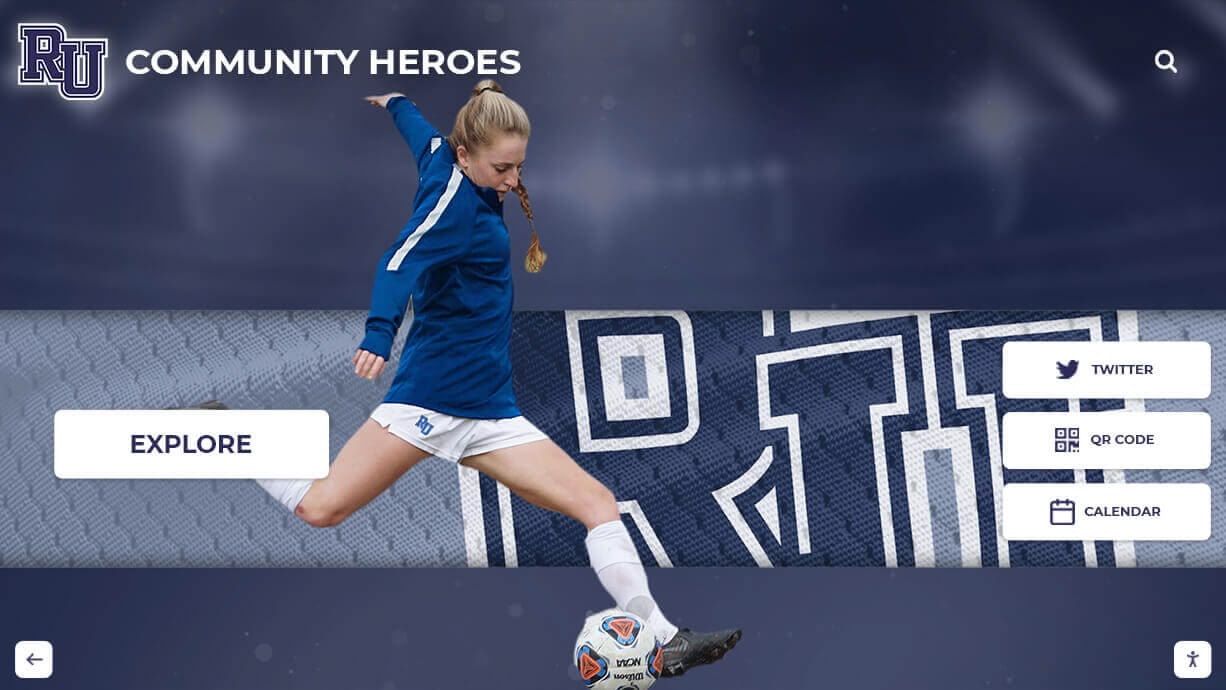
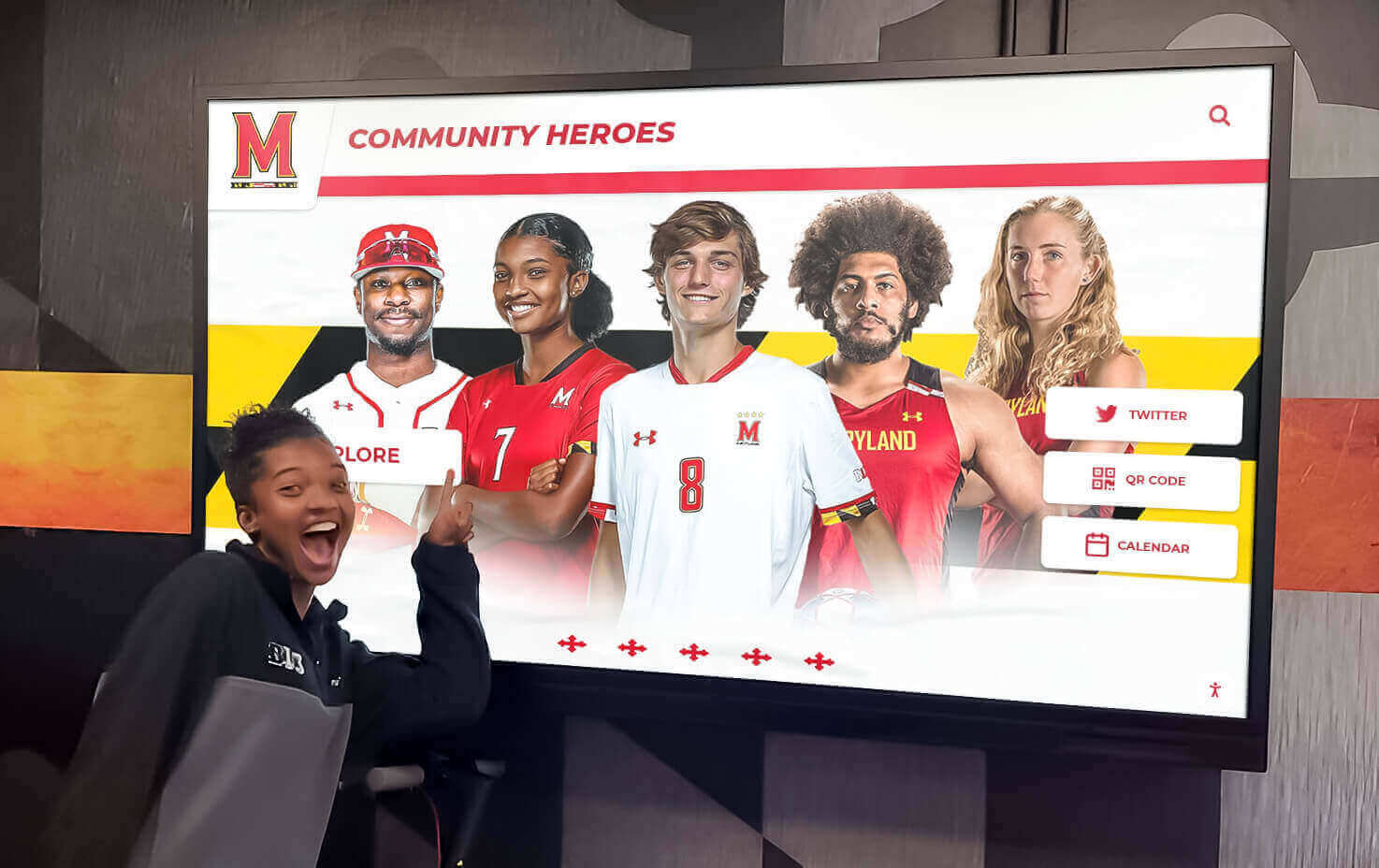
Athletic graphics celebrate student athletes while promoting school programs and community engagement
Digital Signage Integration
Rocket Graphics extends beyond social media and web content to support digital displays increasingly common in school facilities—lobbies, gymnasiums, cafeterias, hallways, and athletic facilities where schools install screens featuring student achievements, event information, and community recognition.
The platform enables direct content publishing to digital displays without requiring separate signage software or additional subscriptions. Content created for social media easily adapts to landscape or portrait display orientations, scheduled publishing ensures timely content updates, and remote management allows centralized control across multiple screens throughout facilities.
Digital Display Capabilities
- Push graphics to TVs, touchscreens, and digital signs directly from Rocket Graphics
- Schedule content rotation showing different graphics throughout days and weeks
- Adapt social content to display orientations and aspect ratios automatically
- Combine graphics with live feeds (scores, weather, announcements, schedules)
- Manage multiple displays across campus from single interface
- Update content remotely without requiring physical access to displays
- Integrate with existing digital signage hardware (no proprietary screens required)
This integrated approach eliminates common scenarios where schools maintain separate subscriptions for social media graphics and digital signage content—often paying $800-$1,500 annually for each platform. Rocket Graphics consolidates both capabilities without additional cost while ensuring visual consistency between social content and facility displays.
Schools implementing comprehensive recognition systems discover benefits of coordinating social media, digital displays, and physical recognition in cohesive programs celebrating students across multiple touchpoints and communication channels.
Implementation Strategy for Schools Switching From Paid Platforms
Schools currently subscribed to Gipper or similar platforms can transition to Rocket Graphics through systematic implementation minimizing disruption while maximizing adoption success and long-term sustainability.
Phase 1: Platform Evaluation and Setup (Week 1-2)
Begin by exploring Rocket Graphics capabilities through trial content creation, configuring brand standards, and assessing whether platform features address your school’s specific needs.
Setup Steps
- Create Account: Register at rocketgraphics.ai using school email address
- Upload Brand Assets: Add school logos, athletic marks, mascot imagery, and other visual elements
- Configure Colors: Input official school colors with exact codes ensuring consistent application
- Specify Typography: Select or upload approved fonts matching brand guidelines
- Test Content Creation: Generate 5-10 sample graphics across different content types (athlete spotlights, game day posts, recognition graphics)
- Evaluate Results: Compare AI-generated output against previous platform results for quality, efficiency, and brand consistency
During evaluation, identify any content types or special requirements where existing platforms provide capabilities Rocket Graphics should match. Document these needs to ensure transition plan addresses all use cases before canceling existing subscriptions.
Phase 2: Staff Training and Parallel Operation (Week 3-4)
Train key staff members on Rocket Graphics while maintaining existing platform subscriptions, allowing side-by-side comparison and confidence building before full transition.
Training Approach
- Start Simple: Begin with straightforward content types (game day announcements, score updates) before complex designs
- Emphasize AI Prompts: Teach effective prompt writing that produces desired results efficiently
- Demonstrate Variations: Show how to generate multiple design options and select best approaches
- Practice Brand Controls: Ensure staff understand how brand standards apply automatically
- Compare Workflows: Document time savings and quality improvements versus previous platform
Parallel operation typically reveals 40-60% time savings per graphic while producing equal or superior visual quality. These measurable improvements build staff confidence supporting full transition decisions.
Schools planning senior night celebrations and special recognition events benefit from testing Rocket Graphics with high-profile content during parallel operation, ensuring platform reliability before eliminating existing alternatives.
Phase 3: Full Transition and Subscription Cancellation (Week 5-6)
After successful parallel operation demonstrating Rocket Graphics meets all requirements, complete transition by migrating remaining workflows and canceling paid subscriptions.
Transition Checklist
- ✓ All staff trained on Rocket Graphics workflows
- ✓ Brand assets uploaded and configured correctly
- ✓ Content templates created for common use cases
- ✓ Digital signage integration tested (if applicable)
- ✓ Social media posting workflows established
- ✓ Print and newsletter graphics processes confirmed
- ✓ Emergency/urgent content procedures defined
- ✓ Backup approach identified for edge cases
Once checklist completion provides confidence, cancel existing platform subscriptions—timing cancellation to coincide with billing cycles avoiding partial-month charges. Document annual savings and redirect recovered funds to student-facing program investments, equipment purchases, or facility improvements.
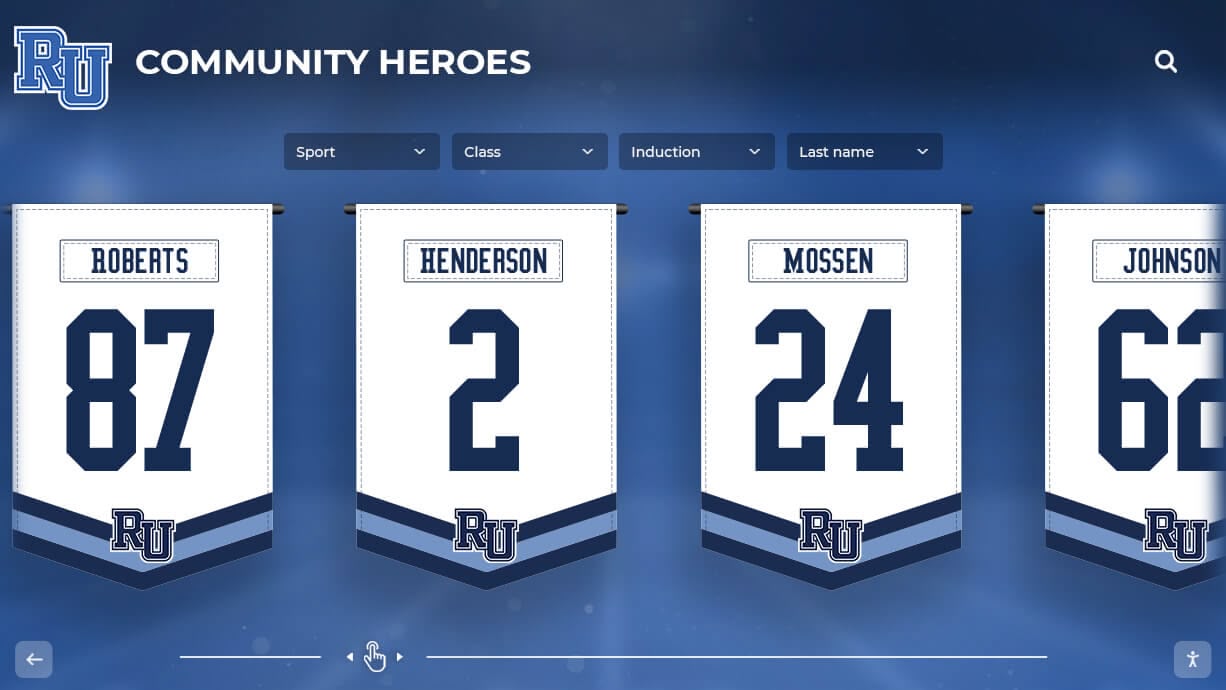
Recognition graphics extend across physical and digital formats, creating cohesive programs celebrating students and community members
Advanced Use Cases Beyond Social Media Graphics
While social media graphics represent the primary use case driving most schools to Gipper and similar platforms, Rocket Graphics’ comprehensive capabilities support additional content needs schools manage regularly—often through separate tools or manual design work.
Newsletter and Email Graphics
School newsletters, parent communications, booster club emails, and athletic department updates benefit from professional graphics drawing attention to key information while maintaining brand consistency.
Newsletter Applications
- Header graphics featuring upcoming events or seasonal themes
- Inline graphics highlighting important announcements or deadlines
- Recognition sections celebrating student achievements with photos and design
- Sponsor acknowledgment graphics thanking business supporters
- Call-to-action graphics promoting ticket sales, fundraisers, or volunteer needs
- Footer graphics reinforcing school branding and contact information
Rocket Graphics generates newsletter-appropriate graphics sized and formatted for email insertion, typically wider aspect ratios (16:9 or 2:1) compared to square social graphics. The AI understands these format requirements when users specify “newsletter header” or “email graphic” in content prompts.
Print Materials and Physical Displays
Despite digital communication dominance, schools still require print graphics for programs, posters, banners, handouts, and physical displays throughout facilities.
Print Content Types
- Game day program covers and interior graphics
- Event posters promoting athletic competitions, performances, or activities
- Banner graphics for gym walls, hallways, or outdoor facilities
- Handout materials for registration, orientations, or informational events
- Recognition certificates honoring student achievements
- Facility signage identifying spaces, providing directions, or highlighting programs
Rocket Graphics accommodates print requirements through high-resolution output (300 DPI), CMYK color space support, and common print dimensions. Users specify print intent through prompts like “11x17 poster” or “banner graphic for gym wall” and receive appropriately formatted output ready for professional printing.
Schools managing athletic banquet programs benefit from comprehensive graphics supporting digital promotion, physical event materials, and post-event recognition content from unified platforms rather than assembling content across multiple tools.
Presentation and Meeting Graphics
Athletic directors, activities coordinators, principals, and school board members regularly deliver presentations requiring professional graphics supporting information delivery and maintaining audience engagement.
Presentation Applications
- Board meeting slides reporting athletic accomplishments or program updates
- Booster club presentations soliciting donations or volunteer support
- Staff meeting graphics communicating schedules, policies, or recognition
- Community forum slides sharing school initiatives or facility plans
- Student assembly graphics promoting events, celebrating achievements, or building culture
Rocket Graphics generates presentation-formatted graphics (16:9 aspect ratio) optimized for projection or display on meeting room screens. Graphics export in PowerPoint, Google Slides, and PDF formats supporting various presentation platforms schools utilize.
Website Hero Images and Featured Content
School websites, athletic department pages, and program-specific sites require engaging hero images, featured content graphics, and visual elements supporting content and navigation.
Website Graphics
- Homepage hero images rotating through seasonal themes and current events
- Program pages featuring sport-specific or activity-specific branding
- News article featured images providing visual interest
- Landing page graphics supporting campaigns or initiatives
- Directory photos and profile graphics for staff, coaches, or students
The platform generates web-optimized graphics in appropriate dimensions for various website sections, compressed for fast page loading while maintaining visual quality. Common web sizes (1920×1080, 1200×630, 800×600) generate through simple prompts specifying content and placement.
Supporting Multiple Programs and Organizations
Larger schools, unified districts, and multi-school athletic conferences often need graphics supporting numerous programs, teams, organizations, and facilities—each with unique branding, messaging, and audience considerations.
Rocket Graphics accommodates complex organizational structures through multi-brand management, user permission controls, and content organization features enabling centralized administration while empowering individual programs with appropriate creative autonomy.
District-Wide Implementation
School districts can deploy Rocket Graphics across multiple buildings, centralizing brand oversight while allowing site-specific customization addressing unique school identities.
District Structure
- Central Administration: District-level branding, colors, and standards applied system-wide
- Building-Level Customization: Individual school logos, mascots, colors, and athletics branding
- Program-Specific Assets: Elementary, middle school, high school-specific content and templates
- Departmental Access: Athletics, activities, academics, administration, each with appropriate permissions
This hierarchical structure ensures elementary schools don’t accidentally use high school athletic marks while allowing district-wide consistency for system communications, bond campaigns, or community-wide initiatives.
Organizations managing district-wide recognition programs benefit from unified platforms enabling consistent recognition approaches while accommodating building-specific celebrations and program-specific needs across diverse educational settings.
Multi-Sport Athletic Departments
High school athletic departments typically manage 12-20+ sports programs, each requiring regular graphics throughout seasons while maintaining overall athletic department branding.
Athletic Department Organization
- Department Branding: Overall athletic identity, school colors, primary logos
- Sport-Specific Marks: Individual sport logos, specialized colors, team-specific elements
- Seasonal Templates: Fall, winter, spring sports graphics reflecting seasonal context
- Universal Content: All-sports recognition, athletic banquets, general department communications
Coaches and athletic staff access sport-specific templates pre-configured with appropriate branding while platform automatically applies school-wide brand standards ensuring consistency. This balanced approach empowers individual programs while preventing brand fragmentation.
Booster Clubs and Support Organizations
Parent booster clubs, athletic support organizations, and fundraising committees often create content promoting events, soliciting donations, or communicating with supporters—sometimes with inconsistent branding creating confusion or diluting official school identity.
Rocket Graphics provides booster organizations with approved templates, logos, and brand standards ensuring their communications align with official school branding while enabling creative flexibility appropriate for volunteer-run organizations.
Booster Organization Features
- Pre-approved templates for common booster communications
- Fundraising campaign graphics promoting events and donation drives
- Sponsor recognition content acknowledging business supporters
- Volunteer recruitment graphics building organizational capacity
- Event promotion materials driving attendance and participation
By providing structured tools addressing booster needs, schools maintain brand control while supporting volunteer organizations critical to program funding and community engagement.
Schools developing spirit day programs and school-wide culture initiatives benefit from coordinated graphics supporting administration, athletic departments, booster clubs, and student organizations in cohesive campaigns building community and celebrating institutional identity.
Frequently Asked Questions
How does Rocket Graphics compare to Gipper for high school athletic departments?
Rocket Graphics provides equal or superior functionality for athletic department needs while remaining completely free. Both platforms support common athletic content types including game day graphics, score updates, athlete spotlights, schedule posts, and recognition content. However, Rocket Graphics differentiates through built-in AI agents that generate content from simple text prompts rather than requiring manual template customization, centralized brand management ensuring consistent visual identity across all sports programs, and digital signage integration allowing direct content publishing to facility displays without additional subscriptions. Schools using Gipper typically pay $800-$1,200 annually; Rocket Graphics eliminates this recurring expense while providing more automated content creation and broader platform support.
Can multiple coaches and staff members use Rocket Graphics simultaneously?
Yes, Rocket Graphics supports unlimited users at no additional cost—a significant advantage over subscription platforms charging per-seat fees. Schools can provide access to all coaches, athletic directors, activities coordinators, communications staff, and even parent volunteers managing team social media without license restrictions or added expenses. The platform includes permission controls allowing administrators to specify what content types, brand assets, and publishing capabilities different users access, ensuring brand consistency while empowering appropriate creative autonomy across programs.
Does Rocket Graphics work for both social media and print graphics?
Rocket Graphics generates content optimized for any output format schools require. The AI-powered system creates platform-specific variations for Instagram, Facebook, Twitter, LinkedIn, and other social networks with appropriate dimensions and formatting. Additionally, the platform produces high-resolution print graphics (300 DPI) suitable for posters, programs, banners, certificates, and other physical materials. Users simply specify output intent through prompts like “Instagram post for basketball game” or “11x17 poster promoting band concert” and receive appropriately formatted results. This unified approach eliminates need for separate tools addressing different output requirements.
How long does it take to learn Rocket Graphics compared to other platforms?
Most users create professional-quality graphics within 15-20 minutes of first accessing Rocket Graphics—significantly faster than traditional design tools requiring extensive training. The natural language prompt interface eliminates needs to learn complex design software, navigate template libraries, or understand platform-specific conventions. Users describe desired content in plain English (e.g., “senior night graphic for volleyball players Sarah Johnson and Maria Rodriguez”), and the AI generates complete designs automatically. This intuitive approach particularly benefits schools where busy coaches, teachers, and volunteers create graphics alongside primary responsibilities rather than as dedicated design professionals.
Can schools keep using existing digital signage while adding Rocket Graphics?
Yes, Rocket Graphics integrates with most existing digital signage hardware without requiring proprietary displays or specialized equipment. The platform exports content in standard formats (JPG, PNG, MP4) compatible with popular signage systems including commercial displays, smart TVs, and existing kiosk installations. Schools currently using standalone signage solutions can push Rocket Graphics content to those displays manually or through automated integration depending on existing infrastructure. This compatibility prevents situations where schools must replace functioning hardware to adopt new content creation platforms, maximizing existing technology investments while upgrading content capabilities.
What happens if schools need design features Rocket Graphics doesn’t include?
While Rocket Graphics addresses 90%+ of typical school graphics needs through AI-powered automation and comprehensive templates, occasional specialized projects may require advanced design capabilities beyond platform scope. For these edge cases, schools can export Rocket Graphics content to advanced tools like Adobe Creative Suite for additional customization, engage freelance designers for specific projects while handling routine content internally, or request feature additions—Rocket Graphics actively develops new capabilities based on school feedback. However, most schools discover the free platform eliminates needs for expensive design software or freelance services by automating routine content creation that previously consumed majority of design time and budget.
Conclusion: Smarter Investment of Limited School Resources
School budgets force constant prioritization between competing needs—new uniforms or graphics subscriptions, equipment upgrades or design software, facility improvements or content creation tools. These choices feel particularly difficult when expenses recur annually without directly impacting student experiences or program outcomes.
Rocket Graphics eliminates these trade-offs for graphics and social media content. By providing professional-quality content creation capabilities without subscription costs, the free platform enables schools to redirect $500-$6,000+ annually from software expenses to student-facing investments, equipment purchases, facility improvements, or program expansion directly benefiting athletes, students, and school communities.
The financial advantage alone justifies exploration. However, Rocket Graphics often exceeds paid alternatives functionally through AI-powered automation reducing time requirements, centralized brand management ensuring consistency, recognition-first content types addressing school-specific needs, and digital signage integration consolidating previously separate platforms. Schools switching from subscription services typically discover they’re not sacrificing capabilities to save money—they’re gaining functionality while eliminating expenses.
For athletic directors, activities coordinators, communications staff, and school administrators managing limited budgets while facing high expectations for professional content across social media, websites, newsletters, and facility displays, Rocket Graphics provides practical solution addressing real constraints. The platform was built specifically for schools by teams understanding unique challenges educational institutions face—modest budgets, limited design expertise, high content demands, and critical importance of celebrating student achievements through recognition content that honors accomplishments and builds community.
Schools currently paying for Gipper, Canva subscriptions, or similar platforms should explore Rocket Graphics through free trial creating sample content, comparing results against existing tools, and calculating potential savings redirecting recovered subscription funds to student programs, facilities, or equipment directly impacting educational and athletic experiences.
Ready to eliminate graphics subscription costs while upgrading content capabilities? Discover how Rocket Alumni Solutions helps schools create comprehensive recognition programs integrating social media, digital displays, and facility installations celebrating students across multiple touchpoints. Book a demo to explore digital recognition platforms supporting athletic programs, student achievements, and community engagement through technology designed specifically for educational institutions.