



Schools and foundations investing in digital donor walls face a critical design challenge: creating recognition displays that honor contributors effectively while remaining technically sound, ADA-compliant, scalable for future growth, and engaging enough to strengthen ongoing donor relationships. Traditional design approaches borrowed from static plaque installations often fail when applied to interactive technology, resulting in displays that feel cluttered on touchscreens, confuse visitors with complex navigation, or require expensive redesigns when donor rosters expand beyond initial planning.
How to design a digital donor wall requires a systematic framework addressing both recognition strategy and technical implementation. Unlike physical plaques where design decisions become permanent once installed, digital donor walls demand upfront planning around content management workflows, user interface principles, accessibility requirements, and scalability considerations—while simultaneously honoring institutional traditions and donor expectations for meaningful recognition.
This comprehensive guide presents an 8-step framework specifically developed for educational institutions and foundations implementing digital donor recognition technology. These proven strategies help you create touchscreen displays that balance aesthetic impact with functional usability, accommodate growing donor communities without capacity constraints, and deliver recognition experiences that strengthen philanthropic relationships rather than simply listing names.
Institutions implementing this structured design framework report reducing post-launch revision requests by over 60%, achieving ADA compliance certification on first submission, and creating donor recognition systems that accommodate five-year growth projections without requiring hardware upgrades or fundamental redesigns.

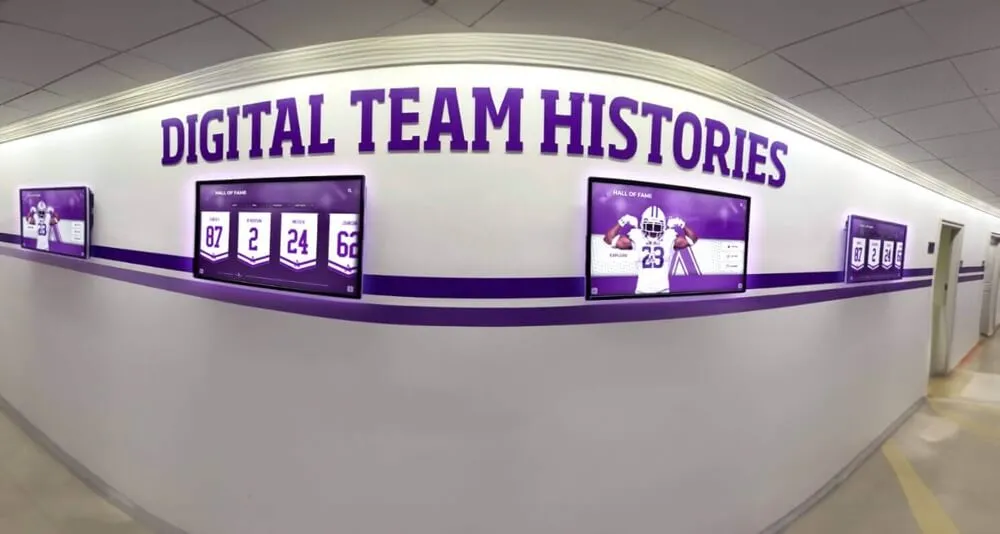
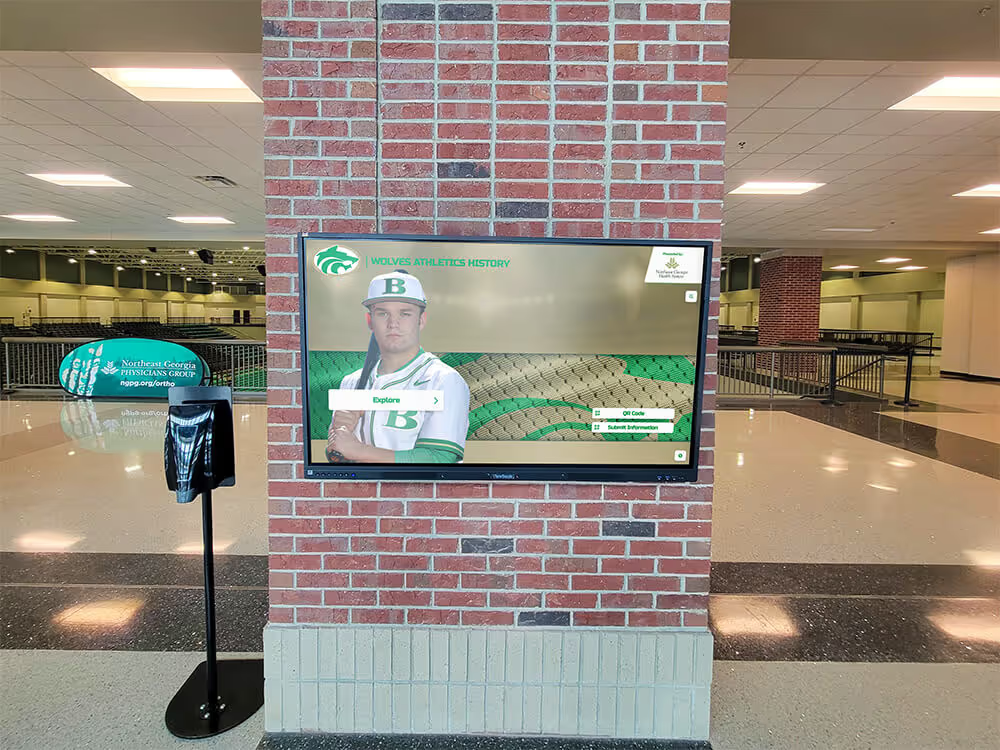
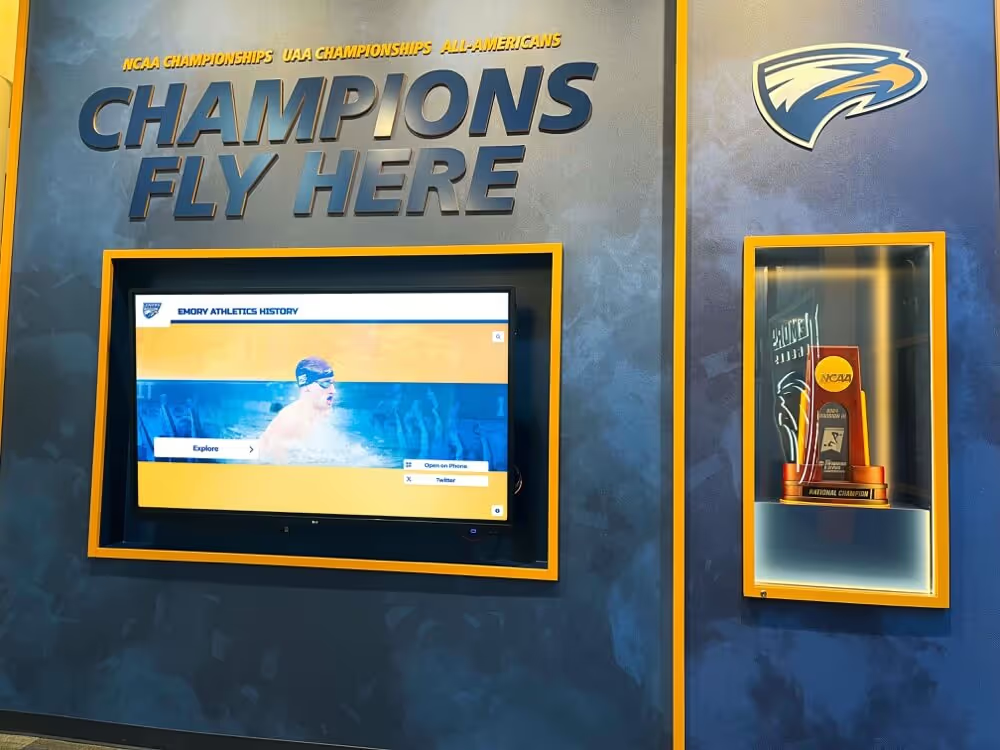
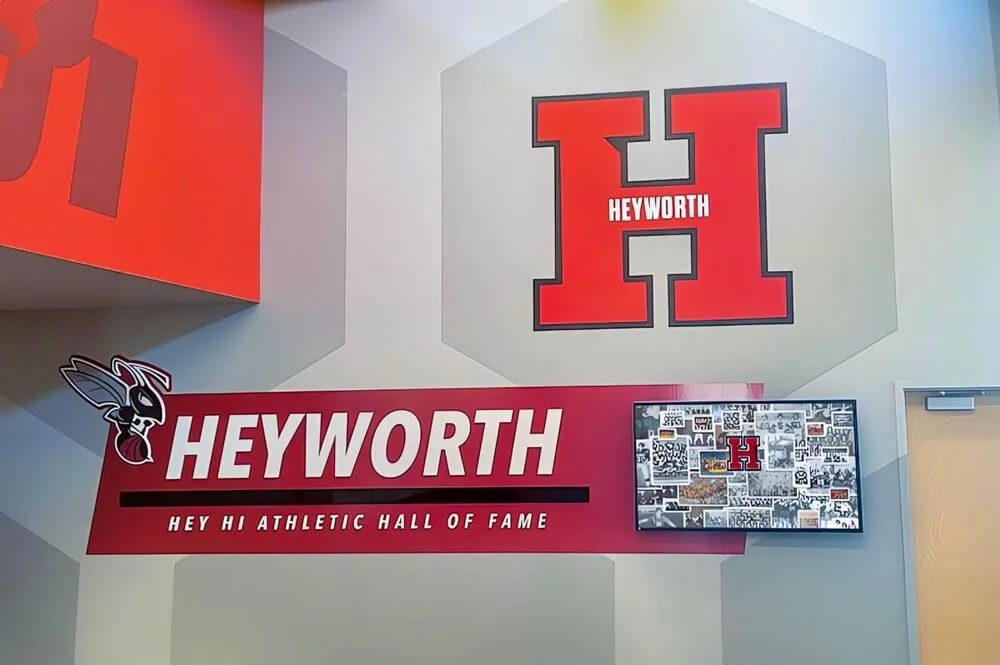
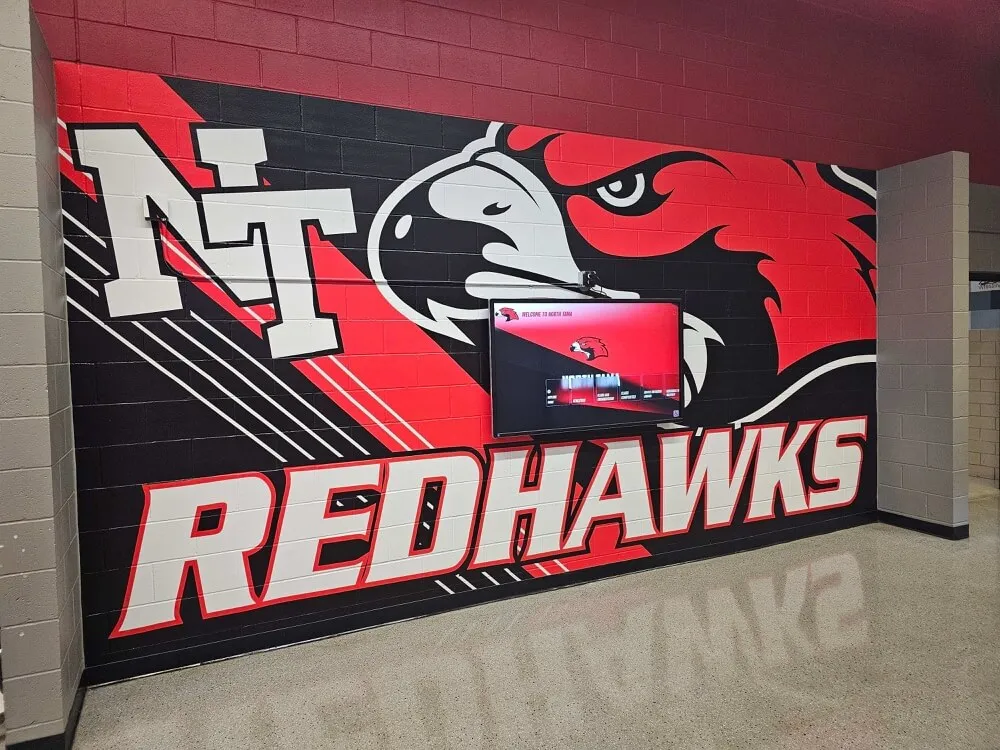
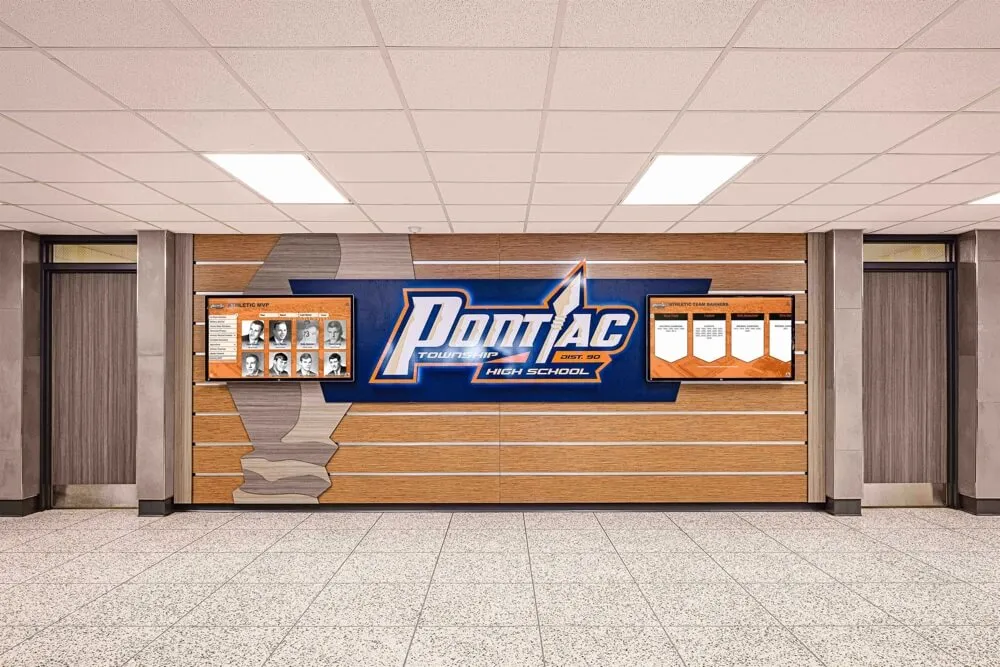
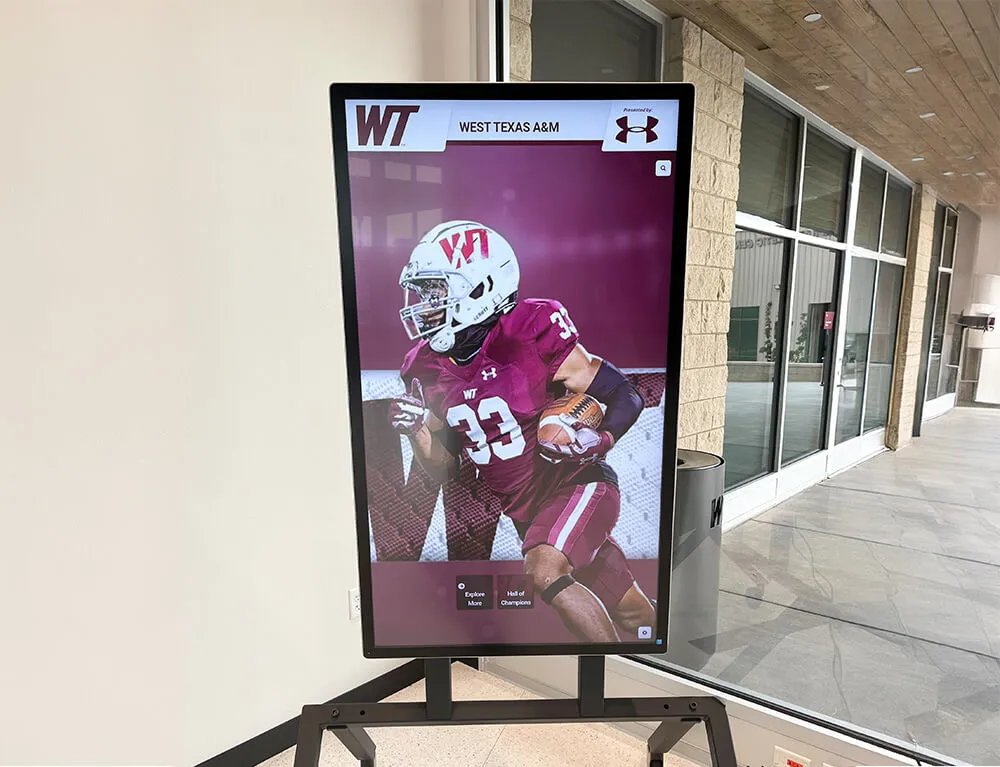
Well-designed digital donor walls create intuitive exploration experiences where visitors easily discover recognition through touchscreen interaction
Step 1: Define Recognition Objectives and Donor Segmentation
Successful digital donor wall design begins by clarifying what you want your recognition system to accomplish and how different donor segments should be acknowledged. This strategic foundation prevents common mistakes where institutions attempt to treat all contributors identically or fail to align recognition with fundraising goals.
Establish Clear Recognition Goals
Your digital donor wall should serve specific institutional objectives beyond generic appreciation. Development teams should articulate 3-5 measurable goals that the recognition system will support, such as increasing annual fund participation rates among young alumni, strengthening major gift donor retention through prominent acknowledgment, recognizing planned giving society members to inspire peer participation, honoring capital campaign leadership contributors, or celebrating endowment donors with lasting digital tributes.
These objectives directly influence design decisions. If your primary goal focuses on inspiring increased annual fund participation, your digital donor wall design should emphasize broad community involvement through inclusive recognition of all contribution levels rather than creating hierarchies highlighting only major donors. Conversely, capital campaign success often requires prominent leadership recognition demonstrating campaign momentum to prospective major donors.
Segmentation Strategy Framework
Effective donor segmentation creates meaningful recognition tiers without overwhelming visitors with excessive categorization. Most successful digital donor wall implementations utilize 4-7 recognition levels organized by cumulative giving totals, annual contribution amounts, recognition society membership, or campaign-specific participation. Schools implementing comprehensive donor recognition strategies often apply similar principles used in digital donor wall systems for educational institutions across multiple recognition contexts.
Consider creating distinct recognition categories for different donor types: individual contributors, corporate sponsors, foundation partners, planned giving society members, memorial and tribute donors, volunteer leaders, and legacy families with multi-generational giving histories. Each category may warrant specialized profile templates highlighting information most relevant to that donor segment—corporate sponsors might feature logo displays and partnership details, while memorial donors receive elegant tribute formatting with photographs and commemorative language.
Map Recognition to Fundraising Strategy
Your digital donor wall design should reinforce ongoing development priorities rather than simply documenting past gifts. Work closely with development leadership to understand current fundraising initiatives, upcoming campaigns, and multi-year strategic plans that should influence recognition design.
If your institution is launching a planned giving campaign targeting older alumni, ensure your digital donor wall prominently features legacy society members with compelling personal stories explaining philanthropic motivations. When annual fund strategies emphasize participation rate growth, design recognition displays showcasing community breadth rather than only spotlighting top donors. Capital campaign timelines should integrate with recognition schedules—your digital system should accommodate immediate acknowledgment for early leadership gifts while providing framework for adding donors as the campaign progresses.
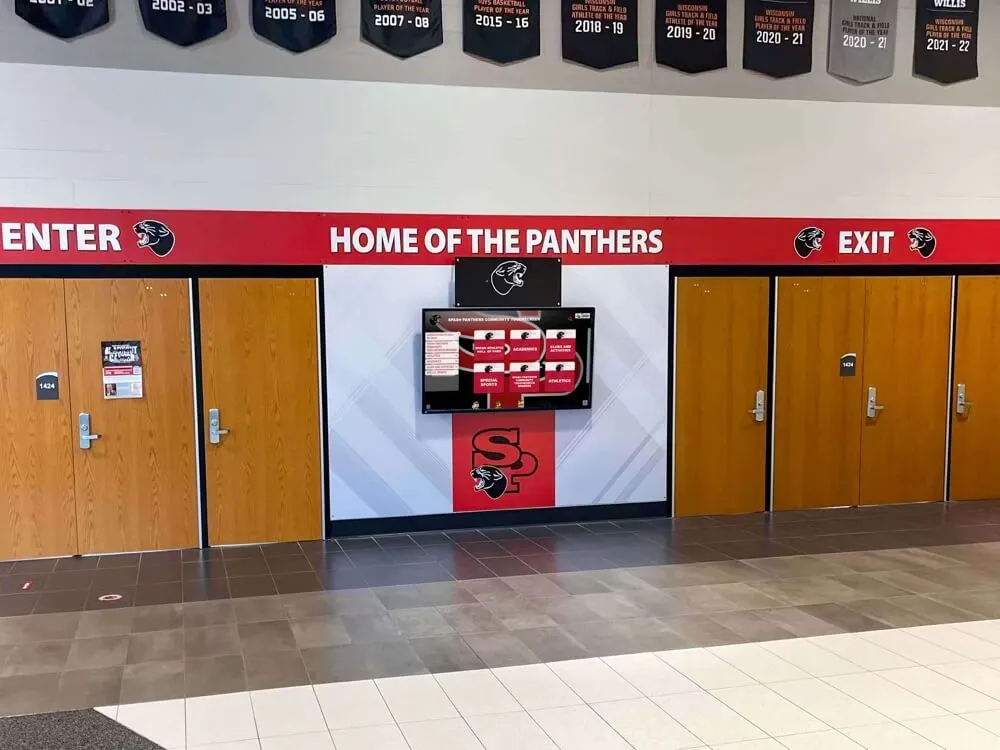
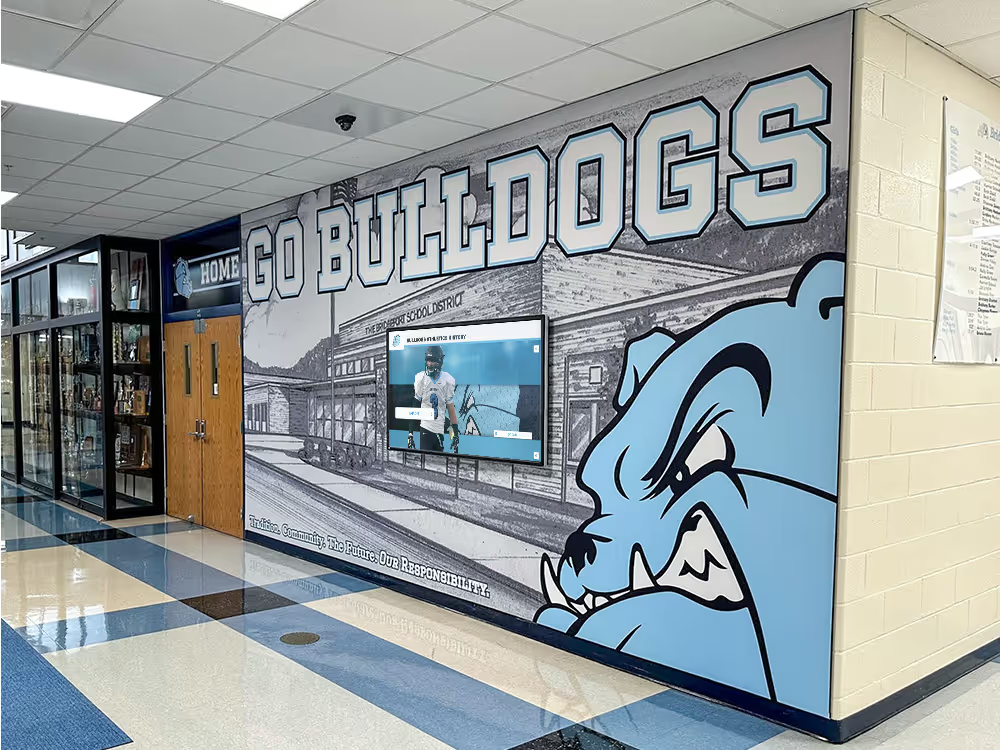
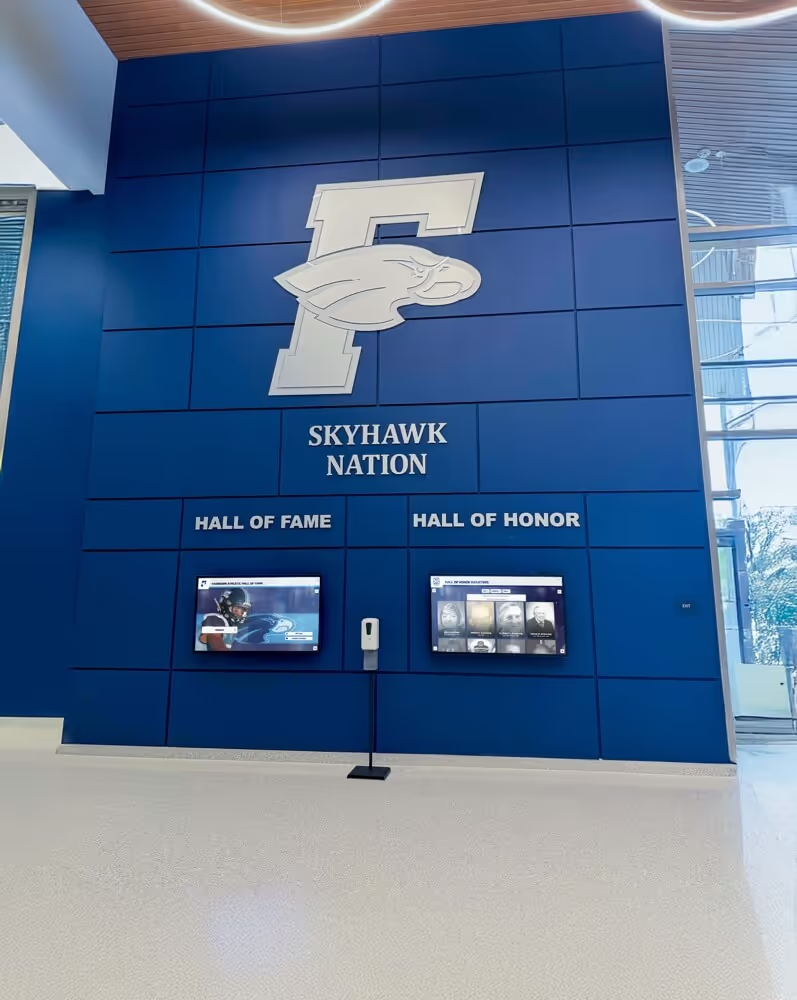
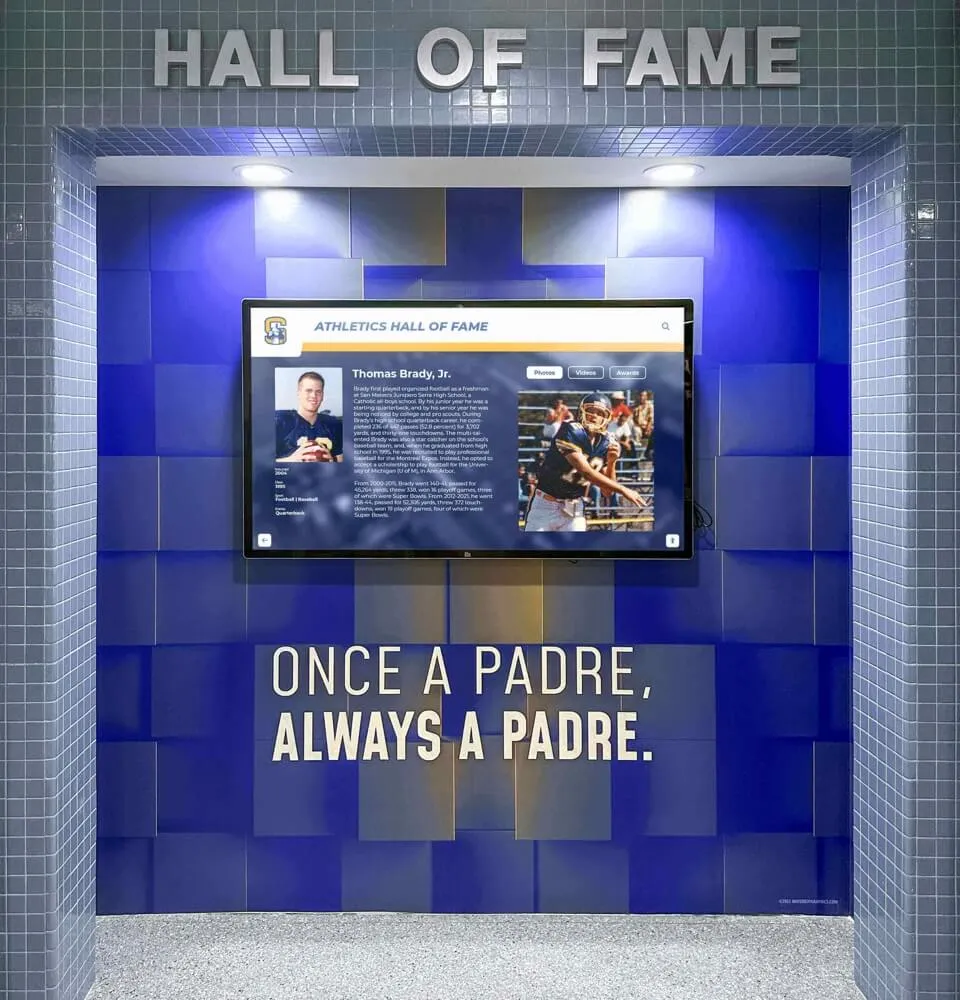
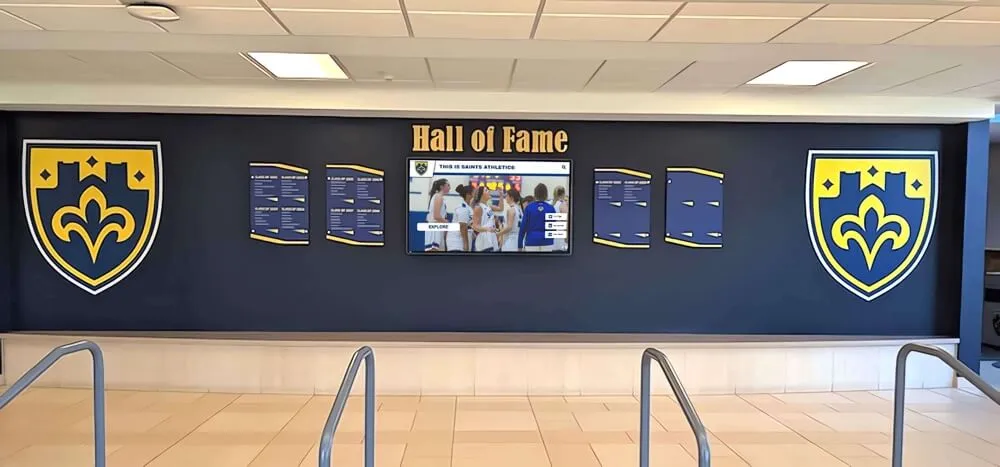
Strategic placement of digital donor walls in high-traffic areas maximizes recognition visibility while supporting ongoing fundraising objectives
Step 2: Determine Display Hardware Specifications
Hardware selection establishes the technical foundation for your digital donor wall and significantly influences content design parameters. Schools and foundations should evaluate display options based on installation location requirements, expected user interaction patterns, budget constraints, and long-term maintenance considerations.
Screen Size and Format Decisions
Digital donor wall displays typically range from 43 inches for compact installations to 86 inches for prominent lobby placements, with 55-inch and 65-inch formats representing the most popular options balancing visibility with budget. Your selection should consider viewing distances—displays viewed from 6-8 feet work well at 55 inches, while lobbies where visitors approach from 15-20 feet benefit from 65-inch or larger formats ensuring readability at distance.
Orientation choice between landscape (horizontal) and portrait (vertical) impacts content layout significantly. Landscape orientation accommodates wider donor profile layouts and feels familiar to most users from consumer technology, while portrait orientation maximizes vertical screen space valuable for scrolling lists and creates distinctive visual presence in hallways. Some institutions install multiple displays showing synchronized content, enabling creative arrangements like paired portrait displays flanking entryways.
Touch Technology Considerations
Commercial-grade capacitive touchscreens provide responsive, familiar interaction similar to smartphones and tablets, supporting multi-touch gestures like pinch-to-zoom and smooth scrolling that enhance user experience. These displays cost more than non-touch options but dramatically improve engagement—institutions report 3-5x higher interaction rates with touch-enabled displays compared to passive digital screens.
Ensure selected displays feature anti-glare coatings minimizing reflections from lobby lighting and windows, commercial brightness ratings (typically 400-700 nits) ensuring visibility under ambient light, and hardened glass protecting screens from damage in public environments. Organizations implementing broader interactive recognition technology solutions should verify displays meet institutional durability requirements.
Installation Environment Requirements
Your installation location determines critical hardware specifications. Wall-mounted installations require secure mounting systems supporting display weight (typically 40-100 pounds for 55-65 inch screens) with proper anchoring into structural wall elements rather than drywall alone. Freestanding kiosk configurations provide installation flexibility when wall mounting proves impractical but require stable bases preventing tip-over risks.
Electrical infrastructure should provide dedicated circuits preventing power interruptions from shared circuit loads. Network connectivity via ethernet offers greater reliability than WiFi for continuous operation, though robust wireless networks can support digital donor walls effectively if ethernet runs prove cost-prohibitive. Climate control matters—ensure installation locations maintain temperatures between 50-95°F and avoid direct sunlight exposure causing screen damage or visibility issues.
Accessibility planning must begin during hardware selection. ADA Standards for Accessible Design require forward reach controls (including touchscreens) mounted no higher than 48 inches above floor level when measured to the center of the interactive element. This specification often necessitates lower mounting heights than aesthetic preferences alone might suggest, impacting sightlines and requiring intentional design integration into architectural contexts.
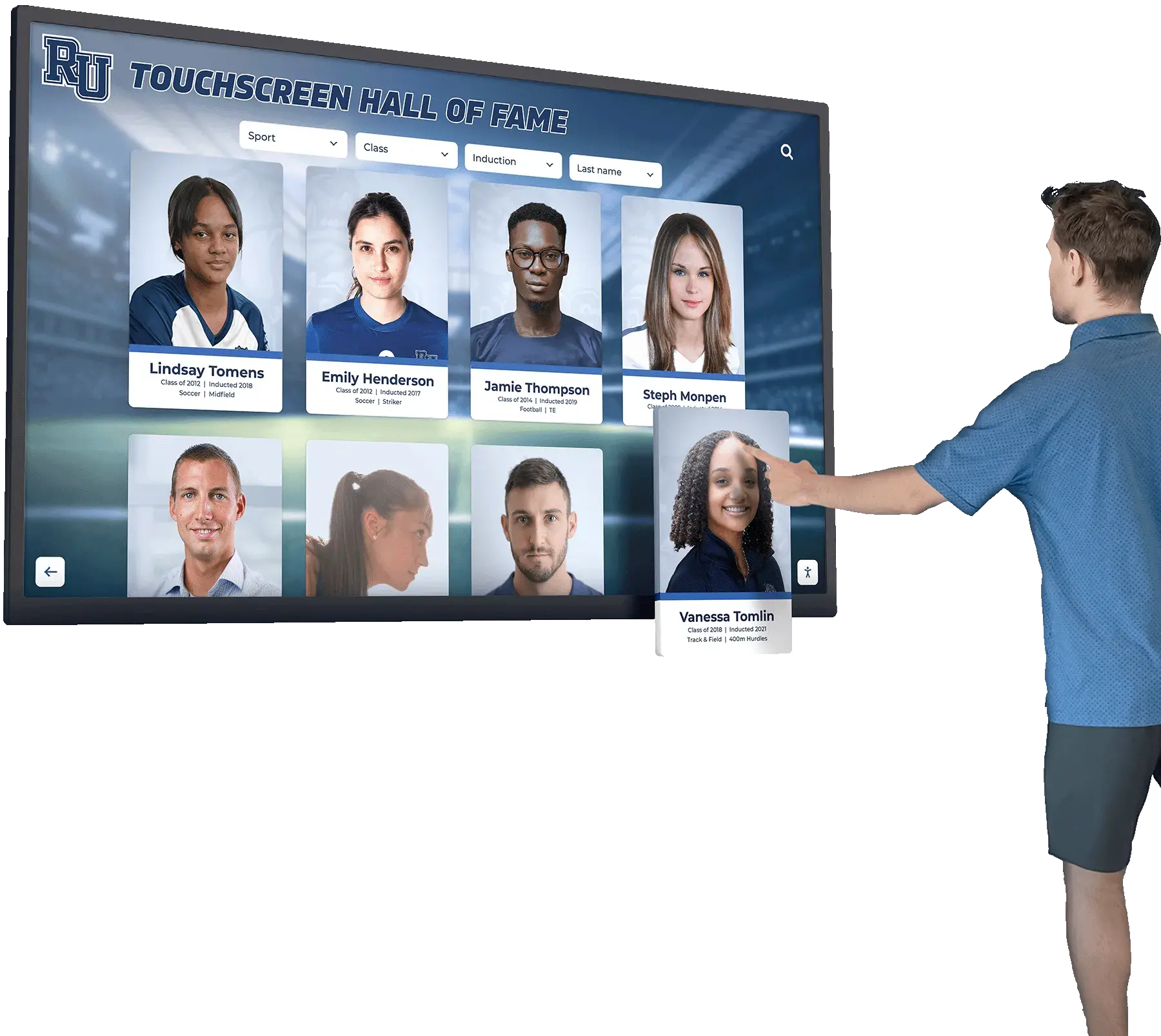
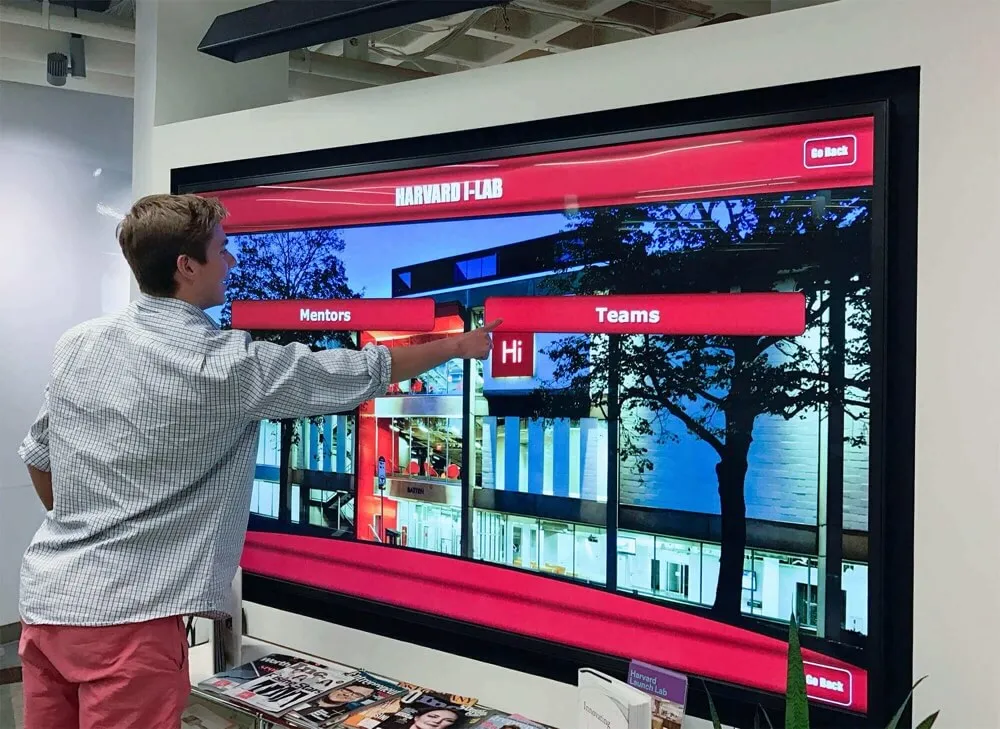
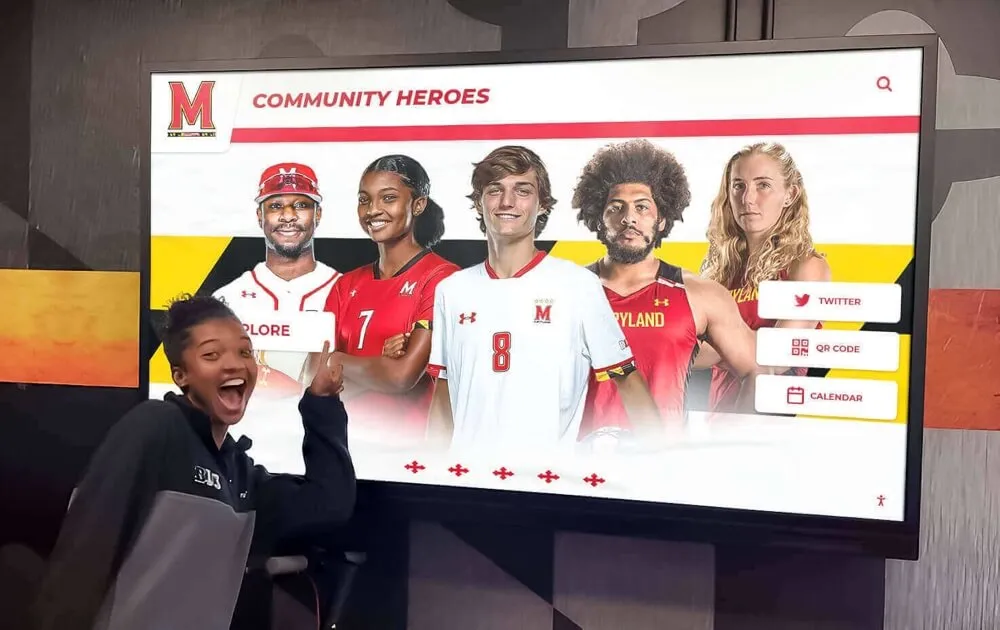
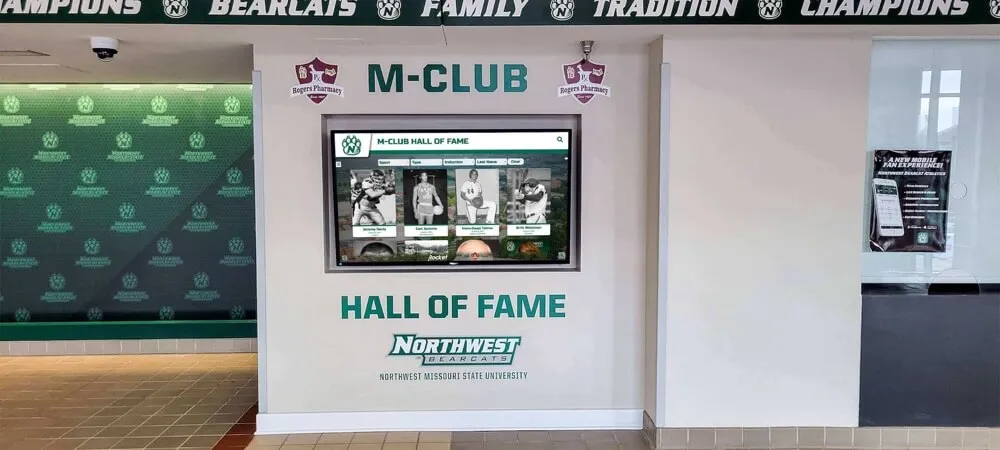
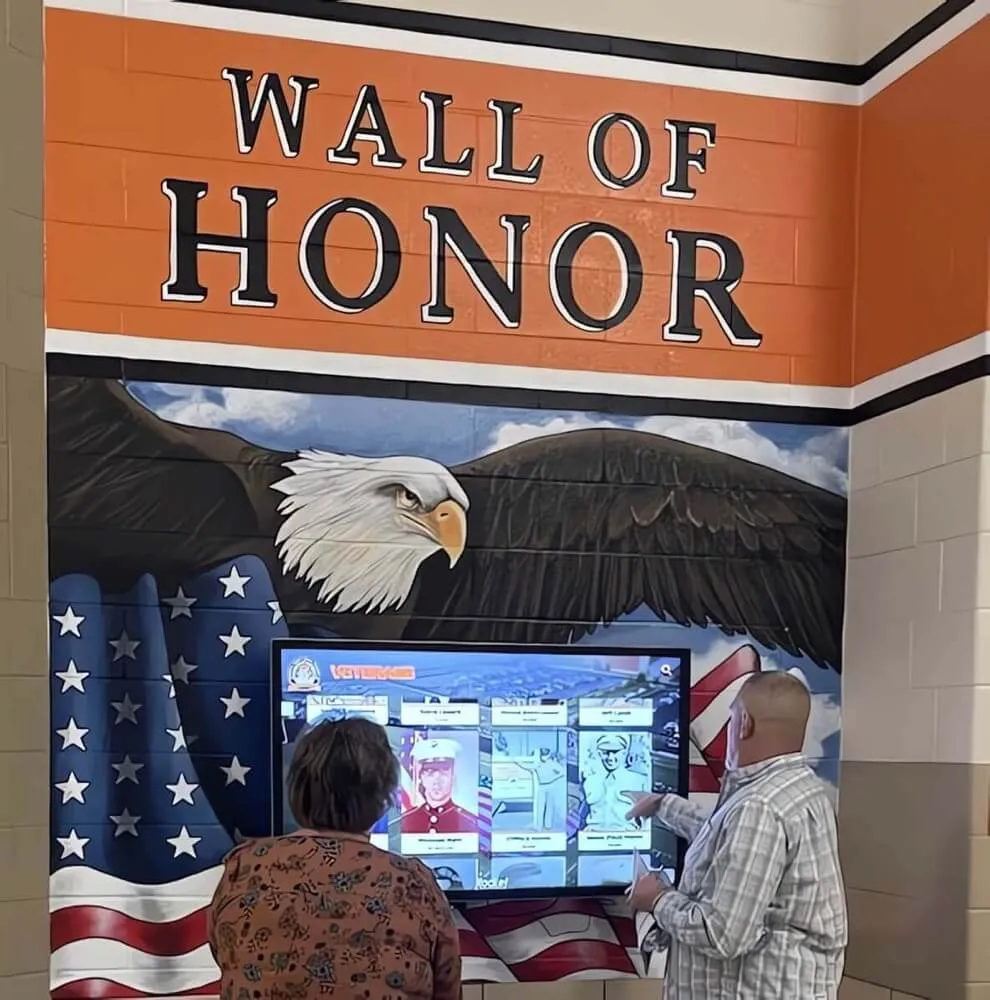
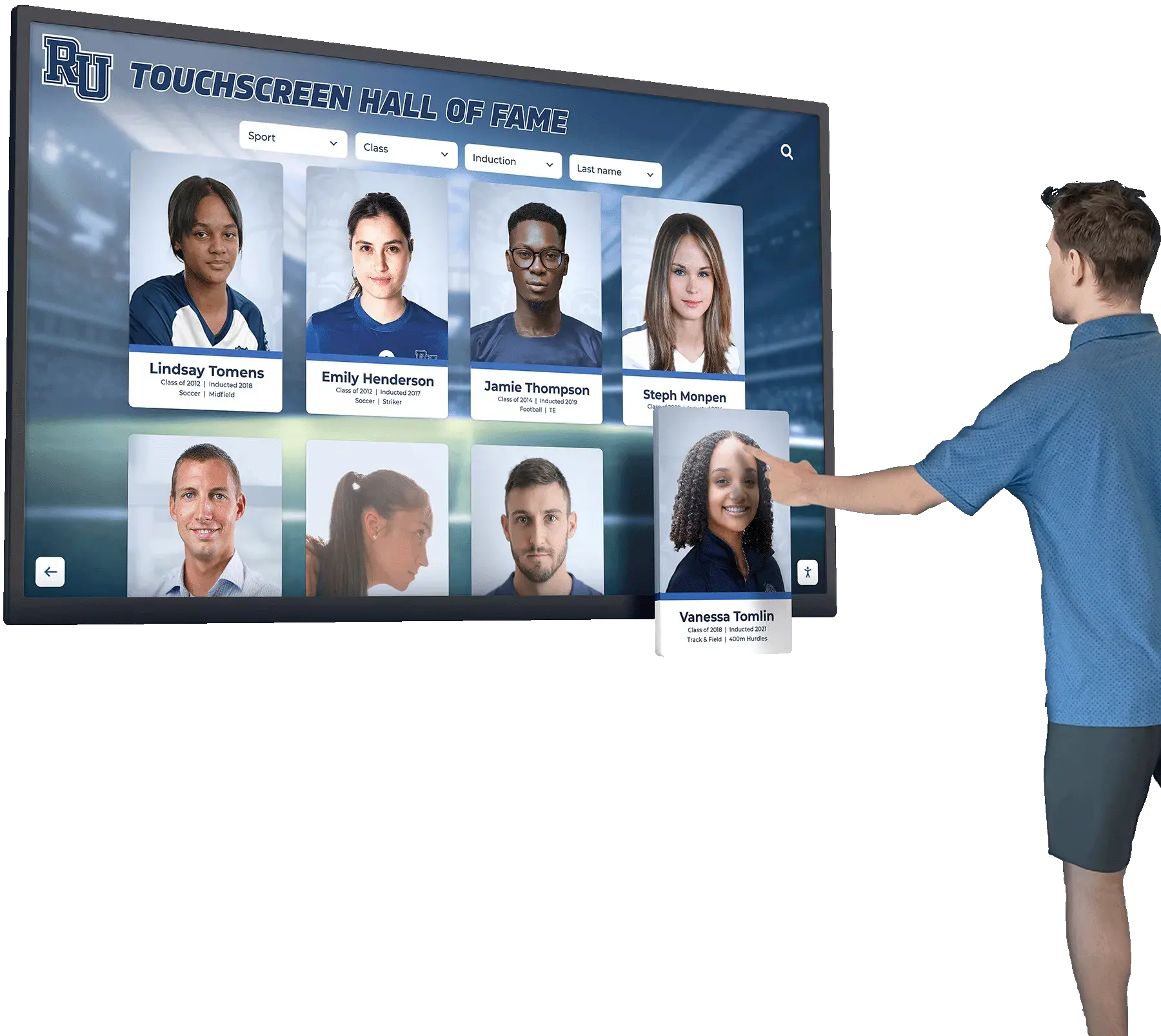
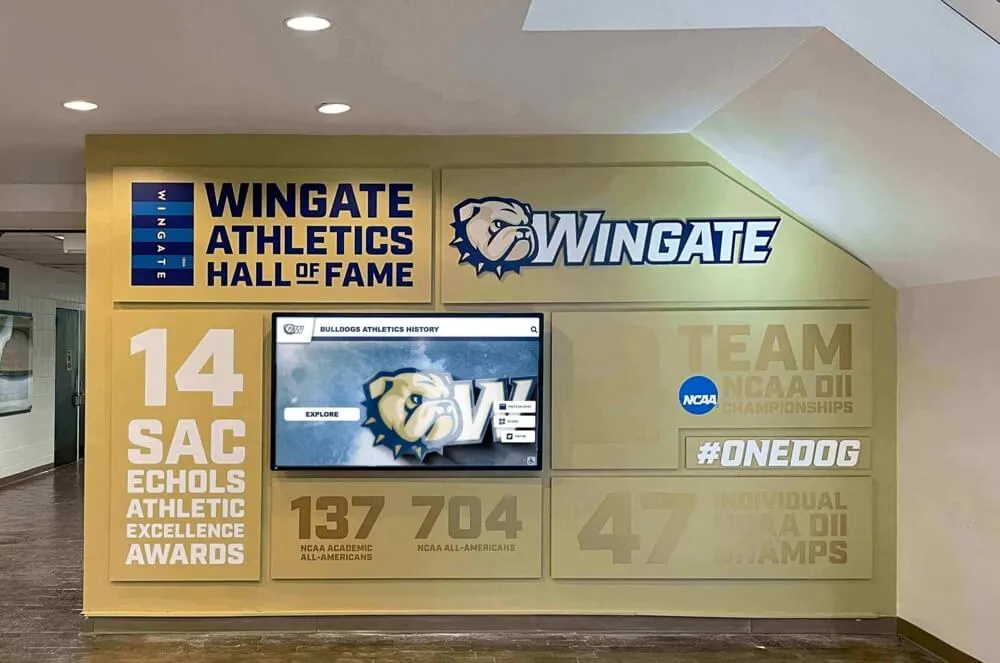
Touchscreen technology enables intuitive donor directory navigation through search, filtering, and individual profile exploration
Step 3: Plan Information Architecture and Navigation Structure
Information architecture determines how visitors discover and explore donor recognition content. Poorly organized digital donor walls frustrate users with complex menu hierarchies, unclear navigation patterns, or search functionality that fails to surface relevant results, while well-structured systems enable effortless exploration that feels intuitive even for first-time visitors.
Create Logical Content Hierarchy
Your digital donor wall should organize donors through multiple complementary pathways accommodating different visitor discovery preferences. Primary navigation typically includes alphabetical directories (enabling name-based searching), recognition level categories (showcasing giving tiers and societies), campaign or fund-specific groupings (acknowledging donors by supported programs), and timeline views (organizing by gift date or recognition year).
Limit top-level menu options to 5-7 categories preventing overwhelming choice while providing clear starting points. Within each category, create consistent sub-navigation patterns—for example, alphabetical directories might organize by last name letter, then display donors in surname order, while recognition level navigation shows tier names with donor counts, then displays individual profiles when users select specific levels.
Search and Filter Design
Robust search functionality serves as the primary discovery method for many visitors looking for specific names. Implement predictive search with auto-complete suggestions appearing as users type, reducing friction and accommodating spelling variations. Search algorithms should index all relevant donor information including full names, maiden names, class years, geographic locations, and recognition society memberships.
Filtering capabilities enable exploration beyond name search. Visitors should easily filter donor displays by giving level, recognition society, campaign designation, geographic location, or class year. Combine filters using “AND” logic (showing donors matching all selected criteria) while providing clear visual feedback about active filters and easy reset options. Educational institutions implementing sophisticated digital recognition systems for campus environments often apply similar information architecture principles across multiple display contexts.
Design Intuitive User Flows
Map complete user journeys from initial display attraction through donor discovery and profile viewing. Consider different visitor scenarios: a donor searching for their own name, family members looking for relatives, prospective donors exploring giving levels, or casual visitors browsing recognition displays during campus tours.
Each journey should require minimal steps and provide clear visual cues guiding next actions. For example, a user searching for a specific donor should tap a prominent search field, type a name, view autocomplete suggestions, tap the desired result, and immediately see the complete donor profile—ideally four steps or fewer. More complex filters should nest under clearly labeled buttons rather than cluttering primary interfaces.
Design clear “home” buttons enabling instant return to main menus, intuitive “back” navigation matching expectations from web browsing, and automatic timeout features returning displays to attract screens after 60-90 seconds of inactivity. These thoughtful interaction details dramatically improve usability for public-facing touchscreen installations.
Step 4: Design Donor Profile Templates and Content Standards
Donor profile design determines how individual contributors are acknowledged within your digital donor wall system. Consistent, well-crafted templates create professional recognition while accommodating the varied information different donor segments require.
Establish Profile Content Fields
Standard donor profiles should include essential information presented consistently across all contributors: donor name (formatted according to recognition preferences), giving level or recognition society designation, optional class year or institutional affiliation, recognition statement or tribute, optional photograph, cumulative giving total (when appropriate), and recognition date or campaign designation.
Create profile templates accommodating different donor types. Individual contributors typically receive standard profiles emphasizing personal connection, while corporate sponsors may feature company logos, partnership descriptions, and support levels. Foundation donors often warrant institutional background beyond individual names, and memorial tributes require specialized formatting honoring deceased benefactors with appropriate commemorative language.
Photography and Visual Standards
Professional photography significantly enhances donor profile impact when donors provide images. Establish clear guidelines requesting high-resolution headshots (minimum 1200x1200 pixels), preferred portrait orientation, neutral or institutional backgrounds, and professional quality lighting. Provide cropping specifications ensuring consistency across profiles—square crops work well for headshots, while 16:9 ratios accommodate couples or group photos.
For donors not providing photographs, design elegant placeholder graphics maintaining visual consistency without leaving blank spaces. Consider institutional brand elements, subtle patterns, or recognition level insignia as alternatives to generic silhouettes. Some institutions implementing comprehensive digital donor recognition approaches successfully use branded background patterns rather than individual photos, creating unified aesthetics while reducing content management complexity.
Typography and Readability Guidelines
Text legibility proves critical for touchscreen displays viewed from varying distances. Establish minimum font sizes ensuring readability—donor names should display at minimum 48-60 point sizes for primary profiles, supporting text like giving levels requires 36-44 point sizing, and body copy explaining recognition details needs 28-32 point minimums.
Typography choices should prioritize clarity over decorative flourishes. Sans-serif typefaces generally provide superior screen readability compared to serif fonts, with weights between regular and semibold offering optimal balance between legibility and visual hierarchy. Limit font families to 2-3 maximum across your entire digital donor wall interface, using size, weight, and color variations to create distinction rather than mixing multiple typefaces.
Ensure strong contrast between text and backgrounds meeting WCAG 2.1 AA standards requiring minimum 4.5:1 contrast ratios for normal text and 3:1 for large text. Avoid light gray text on white backgrounds, thin font weights that disappear under lighting, or low-contrast color combinations that accommodate designer aesthetics but fail accessibility requirements.
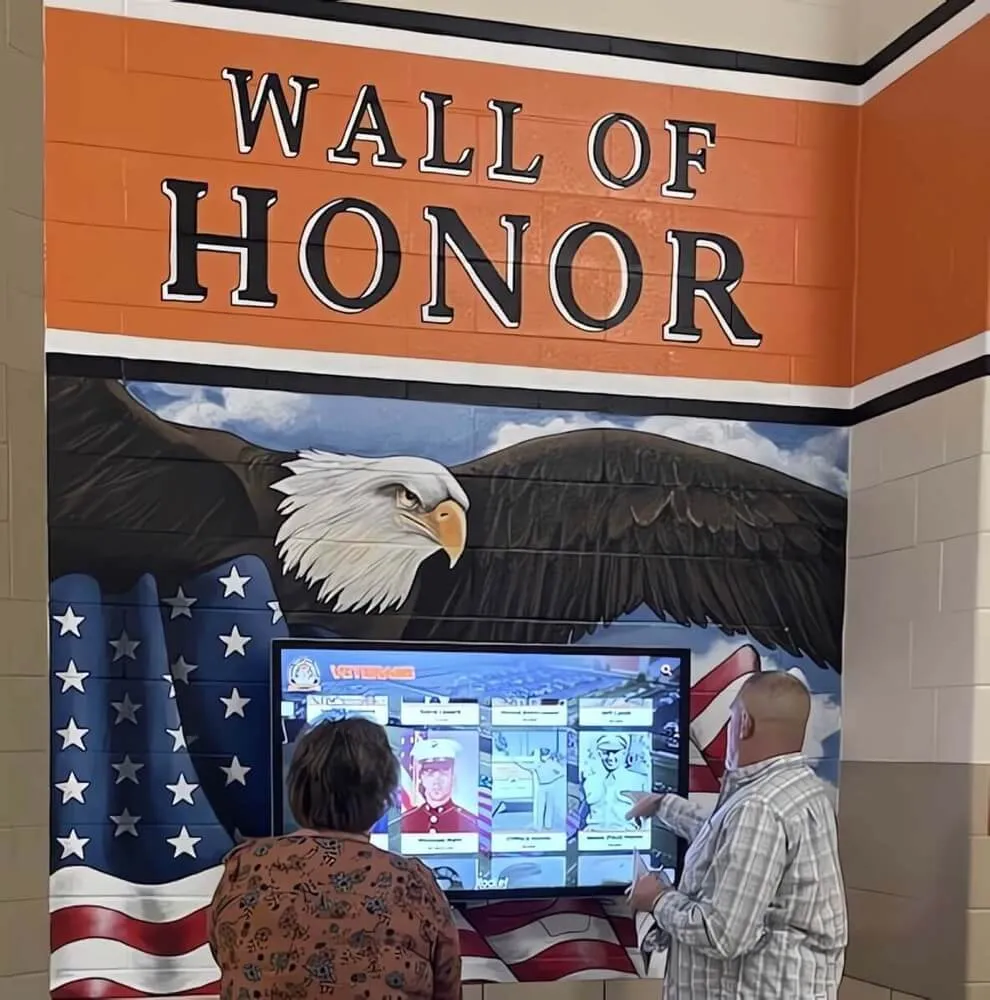
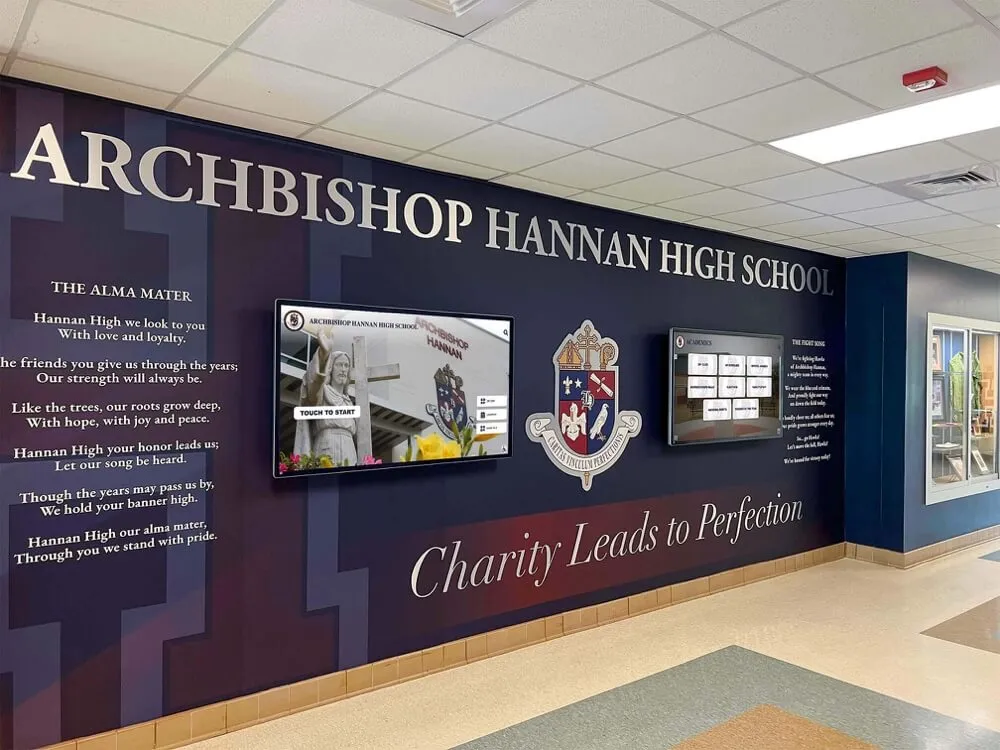
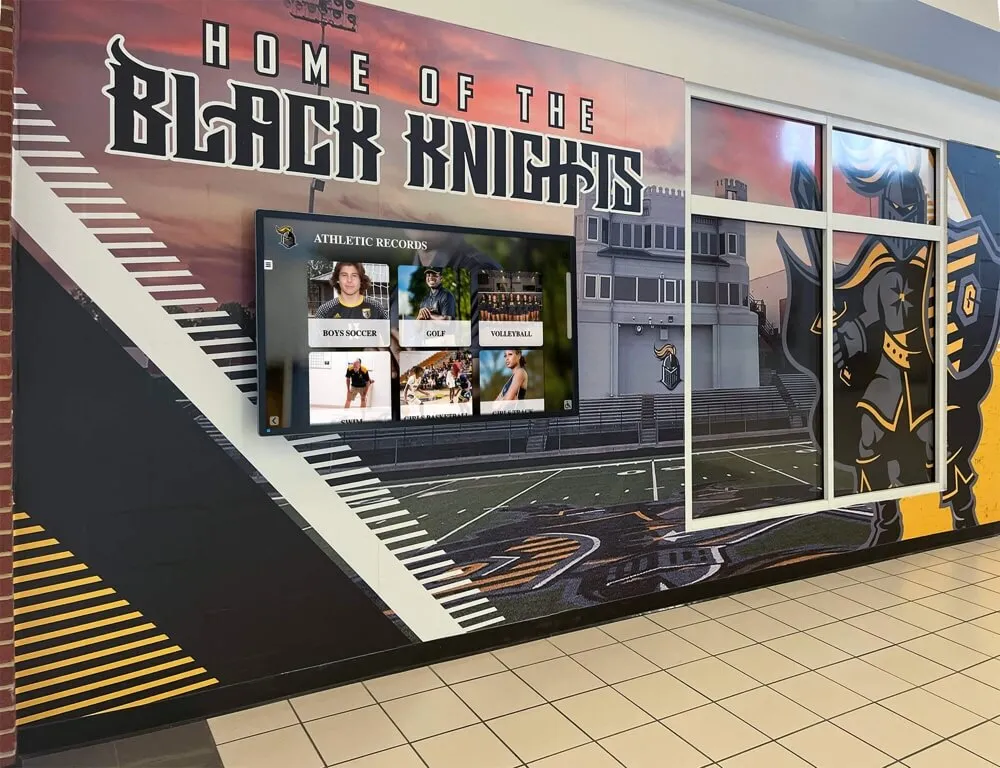
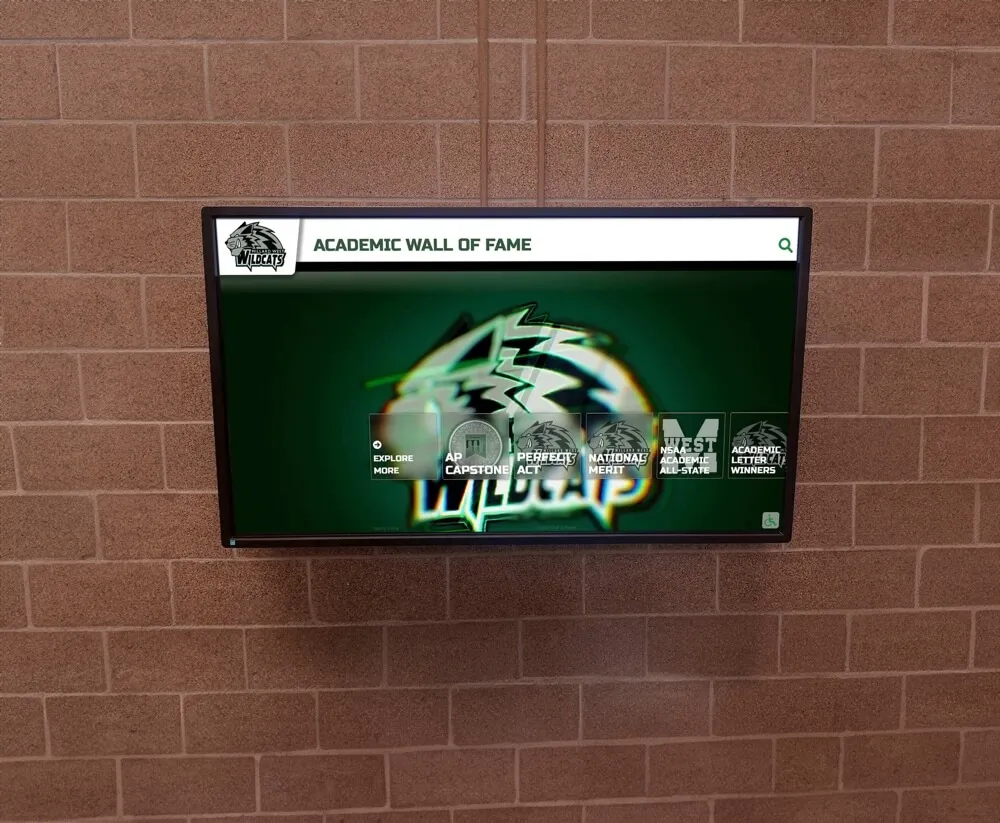
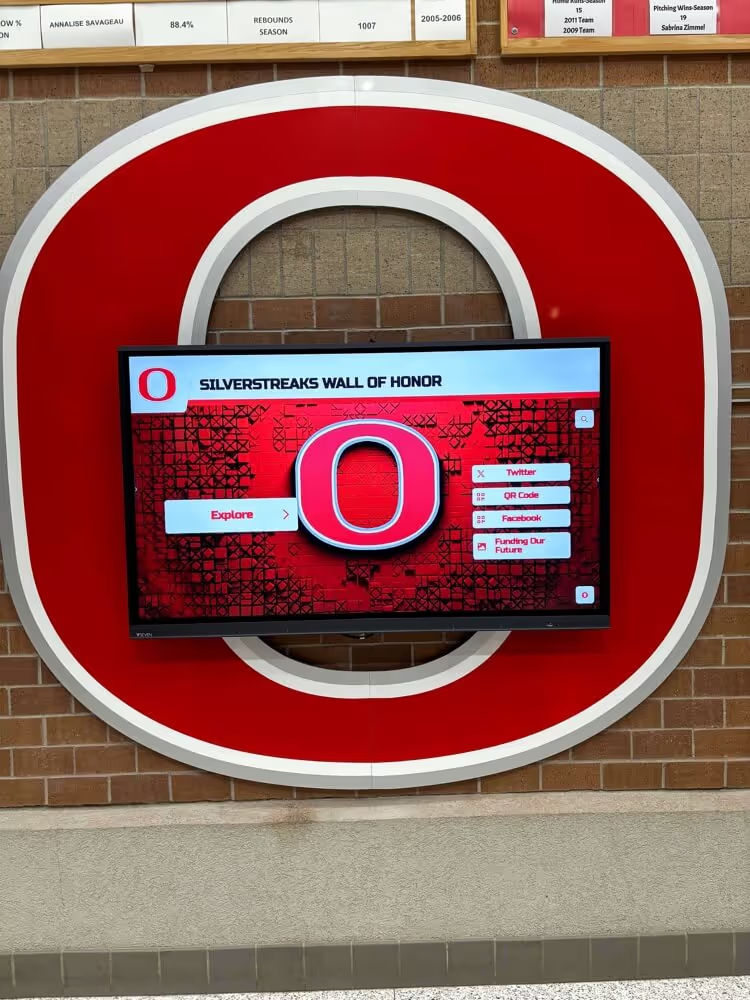
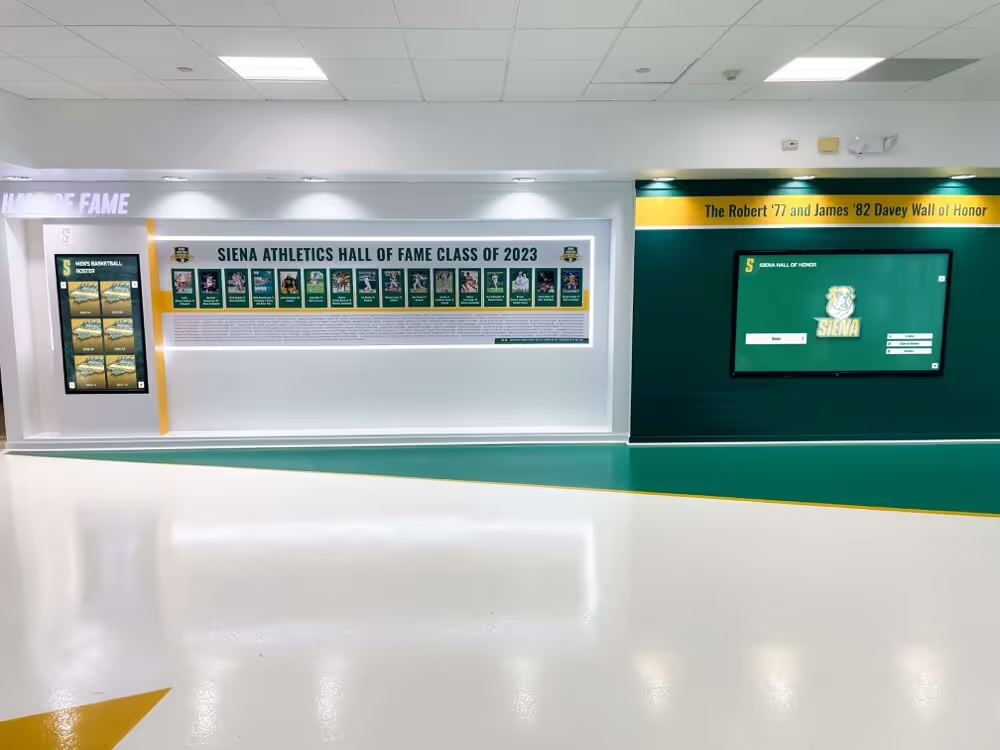
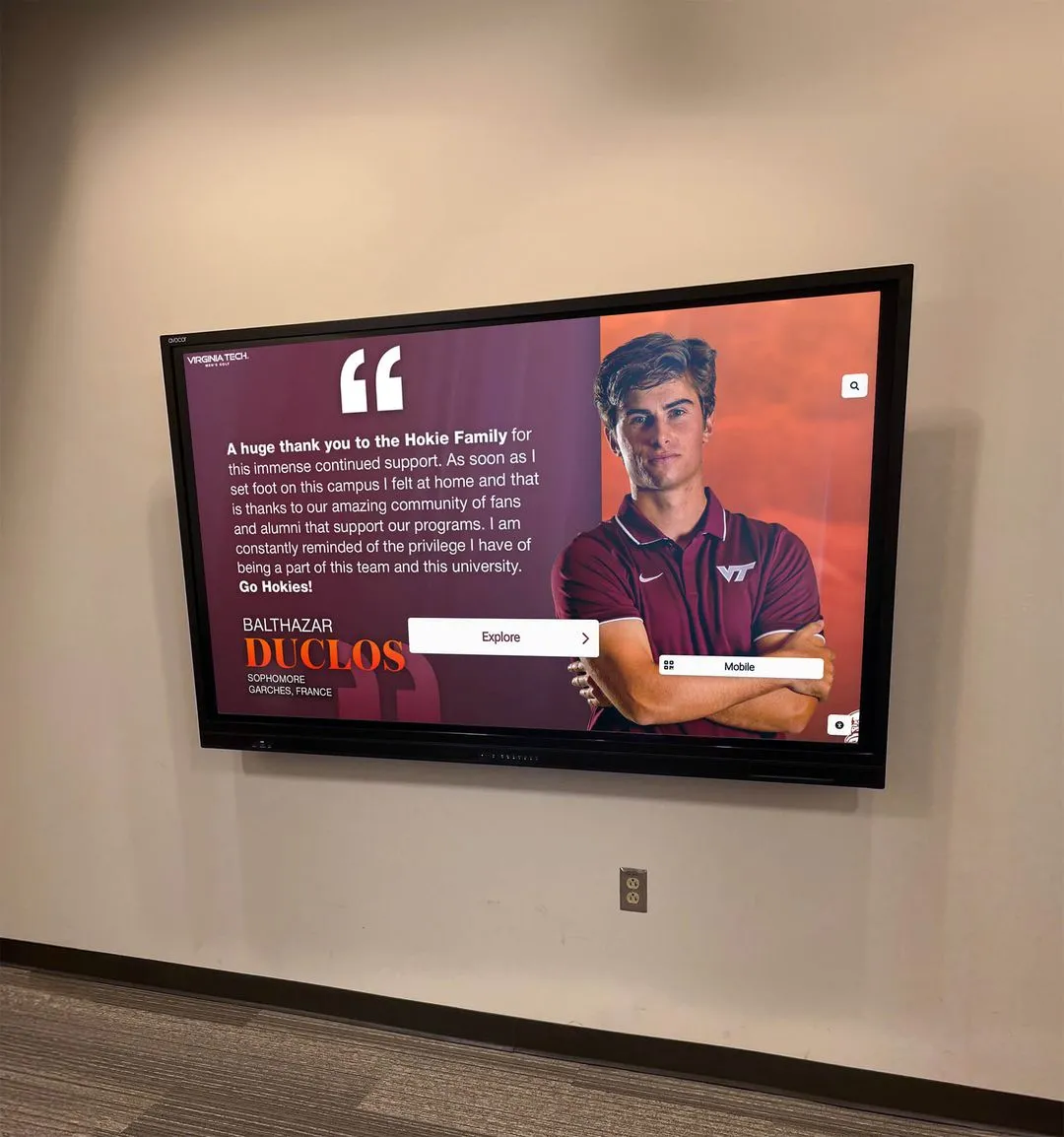
Branded visual design creates distinctive recognition environments while maintaining professional presentation and optimal readability
Step 5: Develop Visual Design and Brand Integration
Visual design establishes the aesthetic character of your digital donor wall while reinforcing institutional identity. Effective design balances branded elements with timeless sophistication ensuring recognition displays remain visually relevant for years without requiring frequent redesigns.
Establish Design Language and Color Palette
Your digital donor wall visual identity should complement institutional branding without simply replicating website aesthetics or marketing materials. Consider recognition contexts as distinct from promotional communications—donor walls warrant gravitas, elegance, and permanence rather than energetic marketing energy.
Build color palettes starting with institutional primary colors used strategically for accent elements, navigation highlights, or recognition level distinctions. Balance branded hues with sophisticated neutrals (deep charcoal, warm gray, cream, or navy) creating professional foundation colors. Avoid trendy color treatments likely to feel dated within 2-3 years—classic combinations ensure longevful visual relevance.
Background and Layout Design
Background design dramatically influences overall aesthetic impact. Consider subtle institutional imagery like campus photographs with significant transparency overlays, architectural detail photography, or abstract patterns derived from campus landmarks. Avoid busy backgrounds competing with donor content for visual attention—recognition information should always dominate the visual hierarchy.
Layout design should establish clear content regions with consistent spacing, alignment, and visual organization. Grid-based layouts create orderly, professional presentations, while asymmetric compositions can add visual interest if carefully balanced. Maintain generous whitespace—crowded layouts feel overwhelming on touchscreens and reduce readability. Organizations planning budget-conscious digital recognition solutions should prioritize functional clarity over elaborate visual effects consuming design budgets without improving recognition effectiveness.
Design Recognition Level Differentiation
Visual design should clearly distinguish giving level tiers without creating hierarchies that minimize lower-level donors. Strategies include color-coding recognition societies with distinct branded hues, using metallic accent treatments (platinum, gold, silver, bronze) signaling tier progression, varying background treatments or border styles, incorporating level-specific iconography or badges, or adjusting profile sizing and layout complexity.
Ensure differentiation remains tasteful rather than ostentatious. The goal is helping visitors quickly identify recognition categories, not creating class distinctions that discourage lower-tier donors. All recognition levels should feel honored and professionally presented, with visual variation serving organizational clarity rather than prestige signaling.
Create Branded Attract Screens
Attract screens appearing when displays remain untouched serve critical functions: drawing visitor attention, communicating display purpose, and inviting interaction. Design attract sequences cycling through compelling content like featured donor stories highlighting philanthropic impact, giving level showcases explaining recognition societies and benefits, campaign progress updates demonstrating community support, institutional imagery reinforcing school pride, and clear interaction prompts encouraging visitors to explore.
Motion design enhances attraction without overwhelming visitors. Subtle animation—gentle fades, slow pans across imagery, or floating elements—creates visual interest drawing eyes to displays while maintaining sophisticated presentation. Avoid aggressive motion, flashing elements, or rapid transitions that feel more appropriate for retail advertising than dignified donor recognition.
Step 6: Ensure Accessibility and ADA Compliance
Accessibility planning must integrate throughout your digital donor wall design process rather than being addressed as an afterthought. Legal compliance with ADA requirements protects institutions from liability while ensuring recognition displays serve all visitors regardless of physical abilities.
Meet Physical Accessibility Standards
ADA Standards for Accessible Design establish specific requirements for interactive displays. Touchscreen controls must be operable with one hand without tight grasping, pinching, or wrist twisting. Ensure touch targets measure minimum 44x44 pixels (roughly 9mm square) with adequate spacing preventing accidental activation of adjacent buttons.
Forward reach height requirements mandate that the highest operable component (including touchscreen content) not exceed 48 inches above the finished floor when measured to the centerpoint. This specification significantly impacts display mounting—a 65-inch display in portrait orientation with its top edge at standard eye level (approximately 5.5-6 feet) places bottom screen content well below the 48-inch requirement, but the center point may exceed limits if the display mounts too high.
Screen Reader and Assistive Technology Support
While physical touchscreen displays present inherent accessibility limitations for users with visual impairments, companion web-based versions of donor directories should provide equivalent information accessible via screen readers and keyboard navigation. Ensure web implementations follow WCAG 2.1 AA guidelines including proper heading hierarchy, alt text for images, sufficient color contrast, keyboard navigation support, and clear focus indicators.
Audio accessibility features can enhance on-site touchscreen experiences. Consider providing headphone jacks with audio descriptions of displayed content, though implementation complexity and maintenance requirements often make web-based accessible alternatives more practical for most institutions. Organizations developing multi-platform digital recognition ecosystems should ensure accessibility compliance across all touchpoints.
Design for Cognitive Accessibility
Cognitive accessibility ensures your digital donor wall remains usable for visitors with learning disabilities, age-related cognitive decline, or limited technology familiarity. Design principles include consistent navigation patterns appearing identically across all screens, clear visual hierarchy guiding attention to primary actions, simple language avoiding jargon or complex terminology, generous timeouts preventing rushed interactions, and error prevention through confirmation dialogs for significant actions.
Provide multiple pathways to the same content accommodating different thinking styles—some visitors prefer searching by name, others browse alphabetically, some filter by giving level, and others explore randomly. Redundant navigation options ensure success regardless of user preference or cognitive approach.
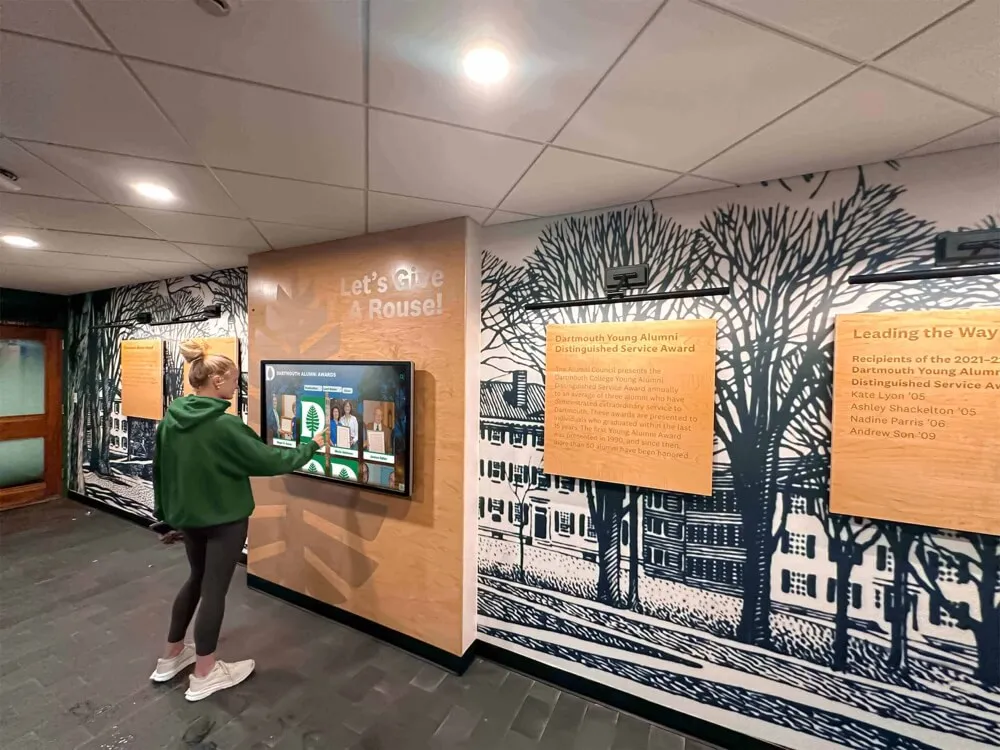
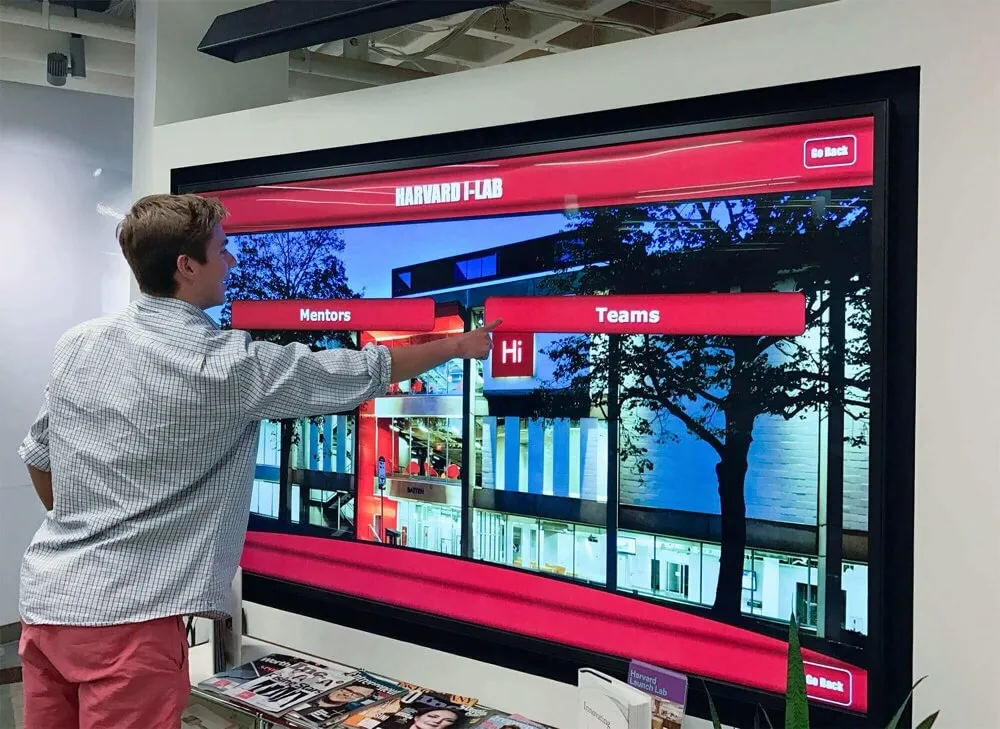
Accessible touchscreen interfaces enable visitors with diverse abilities to explore donor recognition through multiple interaction pathways
Step 7: Plan Content Management Workflows and Update Processes
Your digital donor wall design must accommodate ongoing content updates as new donors contribute, recognition levels change, and information requires corrections. Establishing clear content management workflows during the design phase prevents operational bottlenecks and ensures timely donor acknowledgment.
Define Content Approval Workflows
Establish clear processes governing how donor information moves from gift processing through recognition publication. Typical workflows include development staff entering initial donor data from gift records, content coordinators adding photographs and creating recognition profiles, development leadership reviewing profiles for accuracy and appropriate recognition language, and authorized administrators publishing approved content to live displays.
Multi-step approval workflows prevent errors while ensuring appropriate oversight. However, excessive approval layers create delays frustrating donors expecting timely acknowledgment. Balance accuracy requirements with recognition timeliness—consider implementing different workflows for different scenarios, with expedited processes for routine annual fund acknowledgments and more thorough review for major gift recognition.
Role-Based Access Control
Content management systems should provide granular permission controls restricting system access and capabilities based on staff roles. Development coordinators might create and edit donor profiles without publication authority, while directors approve and publish content. IT administrators manage system settings and user accounts without accessing donor data, and read-only access enables broader staff to view donor information without editing capabilities.
Document these role definitions and access parameters during the design phase rather than after launch. Clear governance prevents unauthorized changes, protects donor confidentiality, and establishes accountability for recognition accuracy. Schools implementing comprehensive digital display solutions across campus often apply similar access control principles across multiple systems.
Design Data Import and Integration Approaches
Most institutions maintain donor information in specialized fundraising databases like Raiser’s Edge, Salesforce Nonprofit Cloud, or Blackbaud CRM. Your digital donor wall design should accommodate data integration reducing duplicate entry and ensuring accuracy.
Evaluate integration options including automated synchronization importing donor data from CRM systems on scheduled intervals, CSV import capabilities enabling periodic bulk updates, and API connections providing real-time data exchange. The appropriate approach depends on your technical infrastructure, CRM system capabilities, and update frequency requirements.
For institutions lacking technical integration resources, design manual data entry processes minimizing staff burden. Standardized templates, dropdown menus for common values, and required field validation reduce errors and accelerate profile creation. Consider how database exports from fundraising systems can pre-populate templates reducing manual typing even without automated integration.
Establish Update Schedules and Timelines
Define clear expectations for how quickly new donors receive recognition following gift processing. Timeliness significantly impacts donor satisfaction—contributors expect acknowledgment within weeks rather than months of making gifts. Establish service level agreements for different recognition tiers: major gifts might receive profile publication within 5 business days, annual fund contributions within 15 days, and bulk campaign updates quarterly.
Communicate these timelines to donors through campaign materials and gift acknowledgment letters so expectations align with operational reality. When special circumstances cause delays, proactive communication prevents frustration—donors appreciate transparency about timeline challenges more than unexplained delays.
Plan regular content audits verifying recognition accuracy, identifying outdated information requiring updates, and catching errors from initial entry. Quarterly review cycles enable catching issues before they persist for years, while annual comprehensive audits ensure long-term system integrity.
Step 8: Implement Measurement and Optimization Strategies
Design your digital donor wall with built-in analytics and assessment capabilities enabling ongoing optimization based on actual usage patterns and donor feedback rather than assumptions about how visitors will engage with recognition displays.
Define Success Metrics and KPIs
Establish measurable objectives for your digital donor wall allowing objective assessment of recognition effectiveness. Relevant metrics include total interaction sessions measuring how many visitors engage with displays, average interaction duration indicating engagement depth, search query volume demonstrating name-finding behavior, most-viewed donor profiles identifying particularly compelling recognition, navigation pathway analysis revealing how users explore content, and error rates or abandoned sessions suggesting usability problems.
Fundraising-oriented metrics connect recognition displays to development objectives: donor retention rates comparing recognized versus unrecognized contributors, giving level advancement rates among acknowledged donors, recognition satisfaction scores from donor surveys, and anecdotal feedback about donor wall experiences during cultivation conversations.
Analytics Implementation Considerations
Most professional digital donor wall platforms include analytics dashboards tracking user interactions without requiring custom development. Ensure your selected system captures relevant behavioral data while respecting visitor privacy—aggregate interaction patterns provide valuable insights without requiring personal data collection from display users.
Review analytics quarterly during initial operation identifying usage patterns and optimization opportunities. High search abandonment rates may indicate search algorithms require tuning, while low interaction with certain navigation paths suggests menu restructuring could improve discoverability. Organizations implementing data-driven approaches to digital recognition technology optimization report significant engagement improvements from iterative refinement based on actual usage metrics.
Gather Stakeholder Feedback
Quantitative analytics reveal what visitors do but not why they behave certain ways. Complement data with qualitative feedback from key stakeholders including donors whose recognition appears in displays, development staff managing donor relationships, campus visitors using touchscreen interfaces, and accessibility advocates ensuring inclusive design.
Implement structured feedback collection through brief surveys on companion websites, periodic donor focus groups discussing recognition experiences, and development staff interviews revealing what donors mention during conversations. Create feedback channels enabling anyone to report errors, suggest improvements, or request clarification—a simple email address published near displays often surfaces valuable insights.
Plan Iterative Refinement
Design your digital donor wall as an evolving recognition platform rather than a static installation. The advantages of digital technology include easy content updates without physical reproduction costs—leverage this flexibility for continuous improvement based on stakeholder feedback and usage analytics.
Schedule annual design reviews assessing whether current recognition approaches still serve institutional objectives, donor expectations, and user experience goals. Technology evolution, institutional growth, fundraising strategy changes, and accumulated operational learnings all warrant periodic design refinement.
Budget for modest annual enhancement investments enabling gradual capability expansion. Initial implementations might prioritize core donor directory functionality, with subsequent phases adding video testimonials, impact storytelling modules, mobile QR code integration, or advanced search filters as institutional needs and budgets allow.
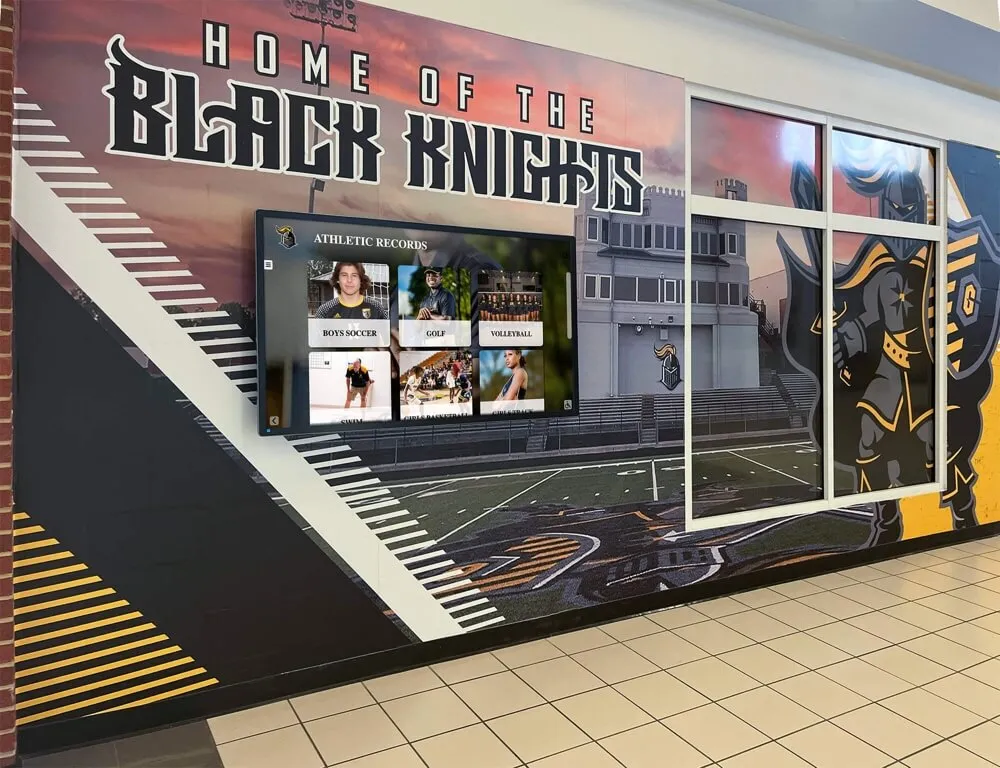
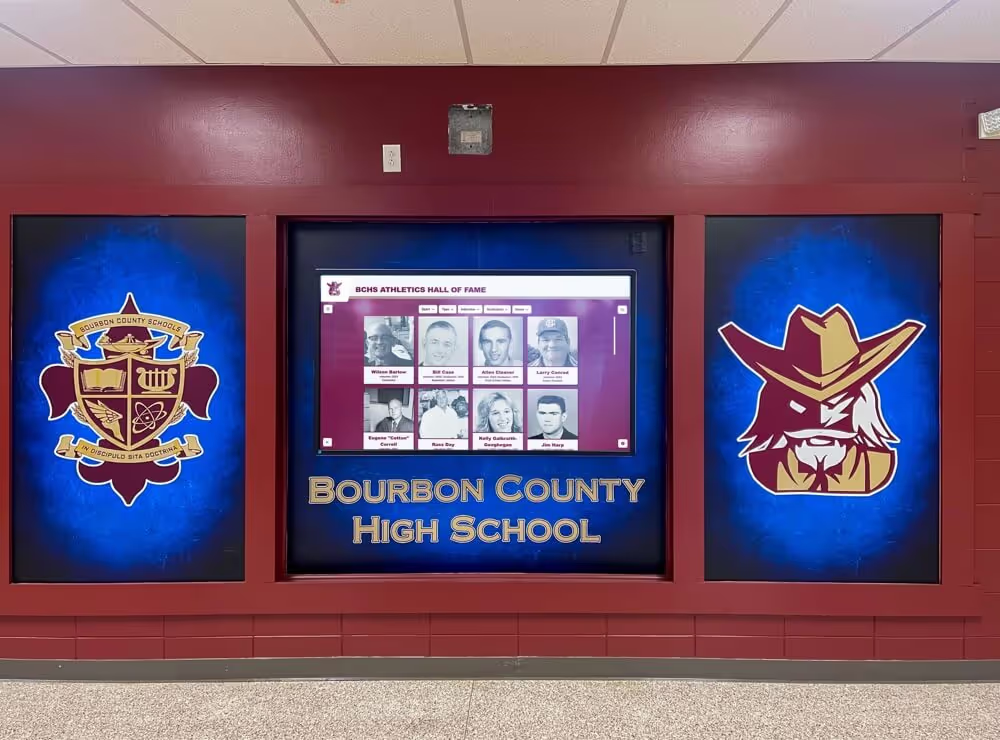
Successful digital donor wall implementations balance institutional brand identity with functional recognition serving diverse stakeholder needs
Additional Design Considerations for Digital Donor Walls
Beyond the core 8-step framework, several supplementary factors influence digital donor wall design success and warrant consideration during planning phases.
Mobile Integration and QR Code Access
Extend your digital donor wall reach beyond physical installations through mobile integration. QR codes displayed near touchscreen installations or printed in campaign materials enable smartphone users to access donor directories remotely. This mobile access serves donors who never visit campus, supports exploration when on-site displays are occupied, and enables sharing recognition with family and friends through digital channels.
Design mobile-responsive interfaces accommodating smaller screen sizes while maintaining recognition dignity. Touch targets should meet mobile usability standards (minimum 44x44 pixels), navigation should accommodate thumb-based interaction, and performance should prioritize fast loading even on cellular networks. The user experience principles from comprehensive digital donor recognition programs apply across both physical touchscreen and mobile web contexts.
Privacy and Recognition Preferences
Respect donor privacy preferences through thoughtful design accommodating recognition wishes. Some donors prefer anonymous giving, others request recognition under specific names (maiden names, family names, or preferred names differing from legal gift records), and many appreciate the option to include or exclude personal information like photographs, biographical details, or giving levels.
Implement preference management allowing donors to control their recognition presentation. This might include binary visibility controls (public recognition versus anonymous), photograph inclusion preferences, biographical information display choices, and giving level disclosure options. Build these preference fields into donor data collection processes during gift acceptance rather than attempting to retrofit privacy controls after launch.
Multi-Campus and Distributed Display Strategies
Institutions operating multiple campuses or facilities often implement distributed digital donor wall networks showing coordinated recognition across locations. Design considerations for multi-site deployments include whether all locations display identical content or feature location-specific donor subsets, how centralized content management scales across distributed installations, technical requirements for synchronized updates across multiple displays, and strategies for acknowledging location-specific facility donors alongside institutional supporters.
Cloud-based content management systems simplify distributed deployments by enabling single-source content publishing to multiple displays simultaneously. Design content tagging or categorization schemes during initial planning allowing selective display filtering—for example, tagging donors by campus affiliation, program designation, or facility association enables customized recognition at relevant locations while maintaining centralized management.
Seasonal and Event-Specific Recognition
Digital donor walls can temporarily highlight recognition aligned with institutional events, campaign milestones, or seasonal focuses. Design content architecture accommodating featured donor rotations, campaign countdown displays, milestone celebration screens, or anniversary recognition without disrupting permanent donor directories.
Scheduling capabilities enabling timed content publication and expiration prove valuable for event-aligned recognition. Campaign giving days might feature real-time participation updates, while reunion weekends can spotlight class-specific donors. These dynamic capabilities differentiate digital recognition from static plaques while creating timely engagement opportunities strengthening donor relationships.
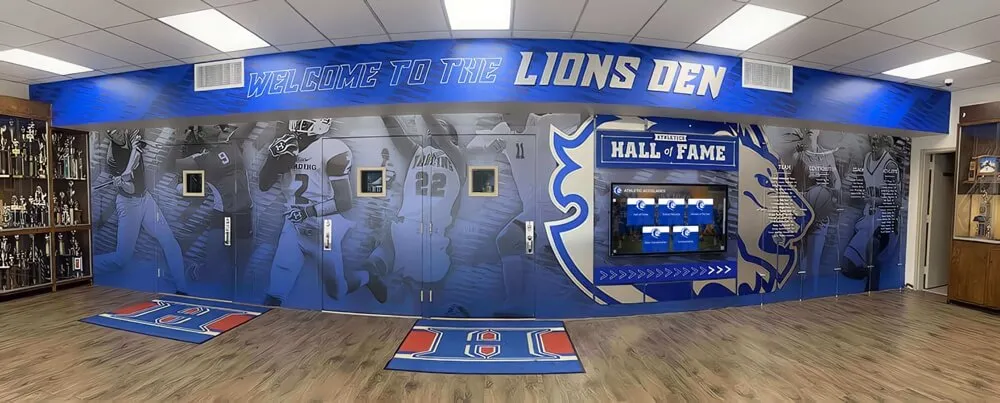
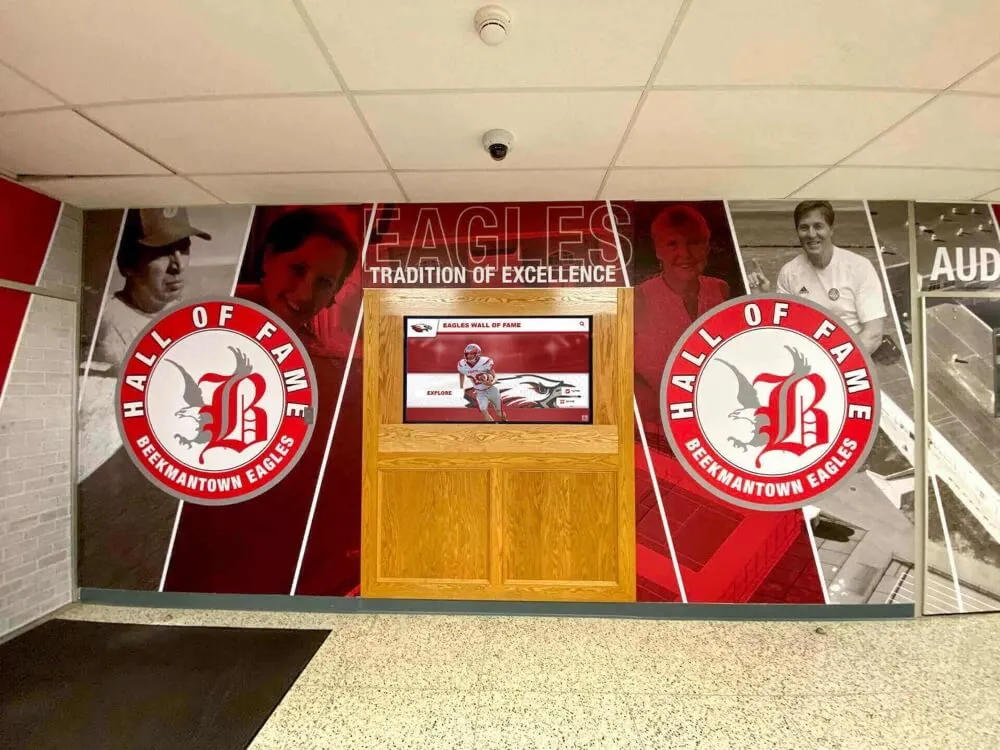
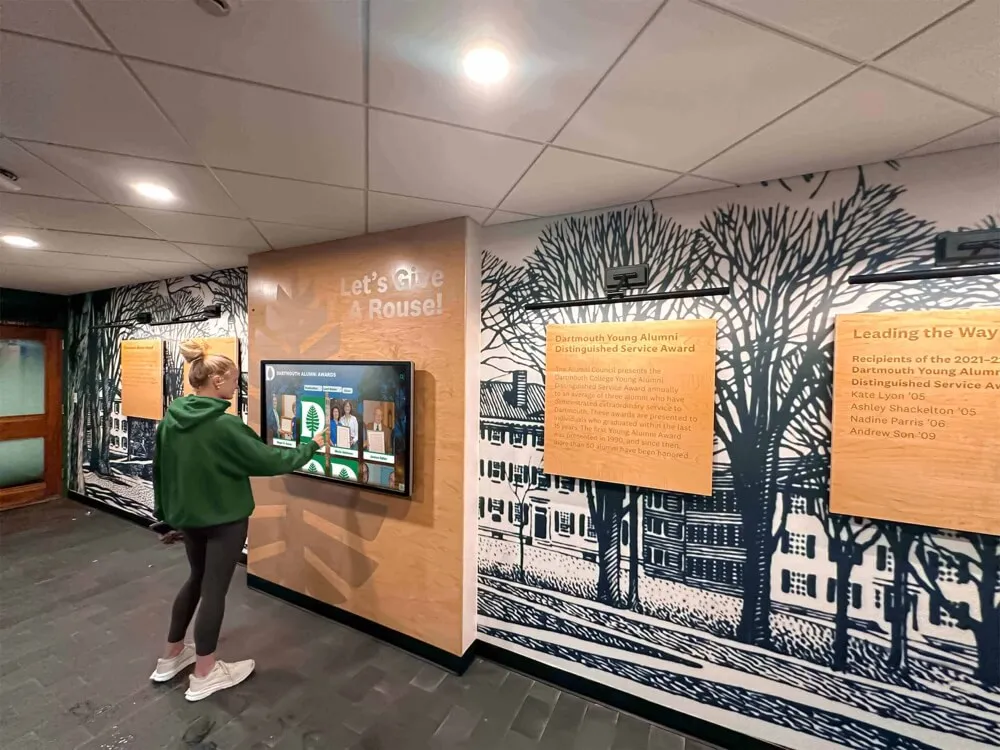
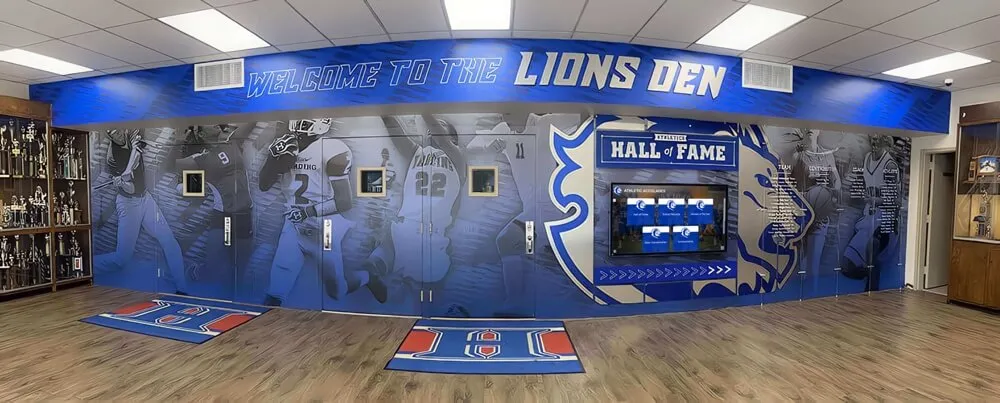
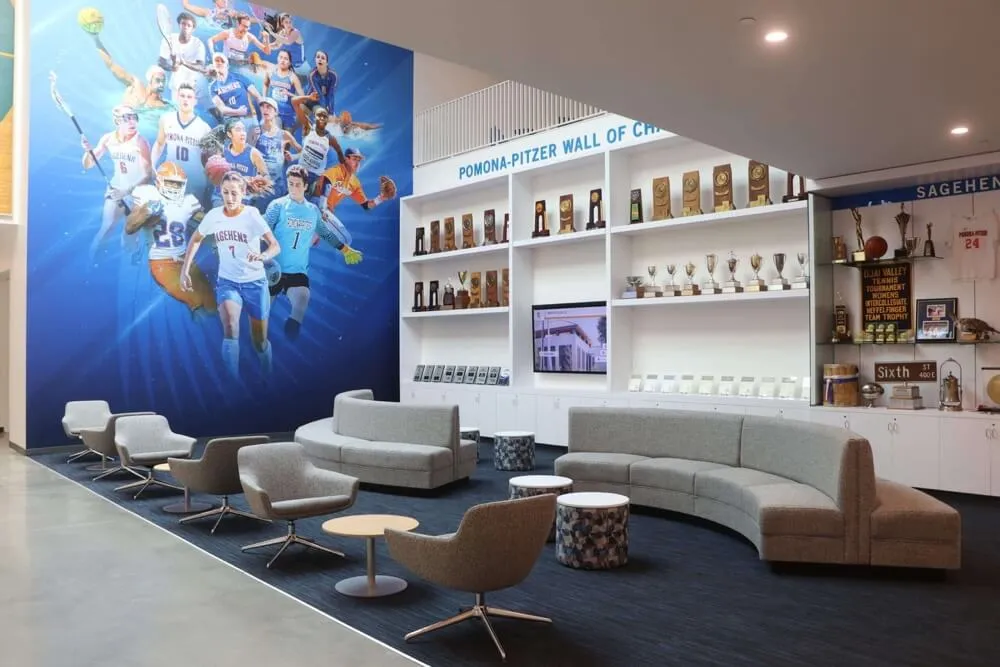
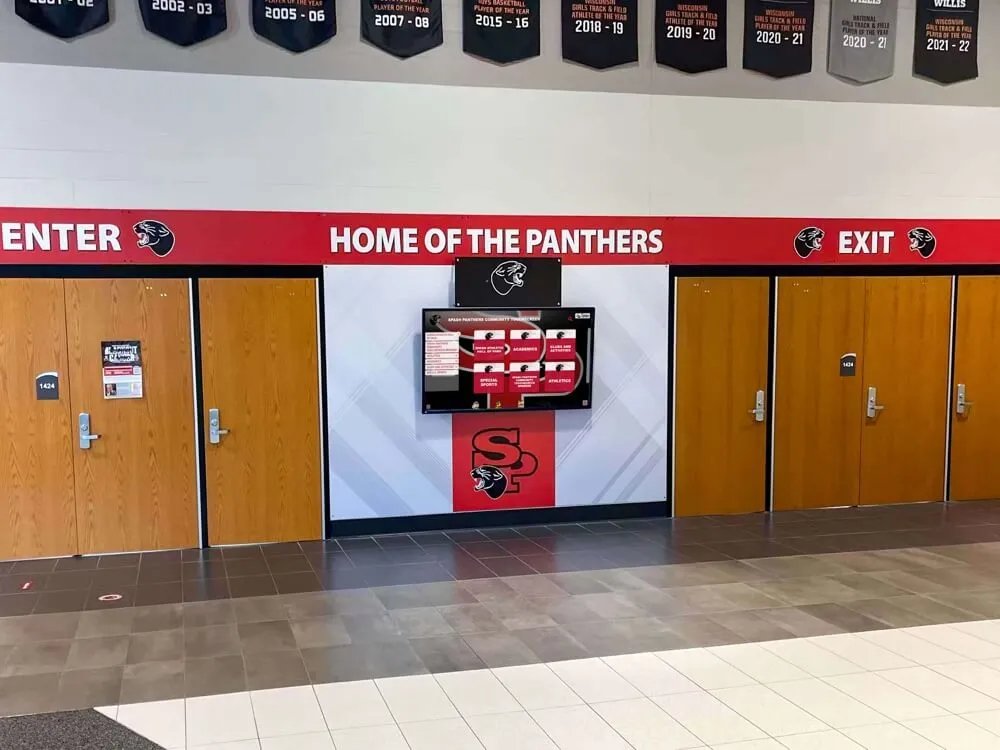
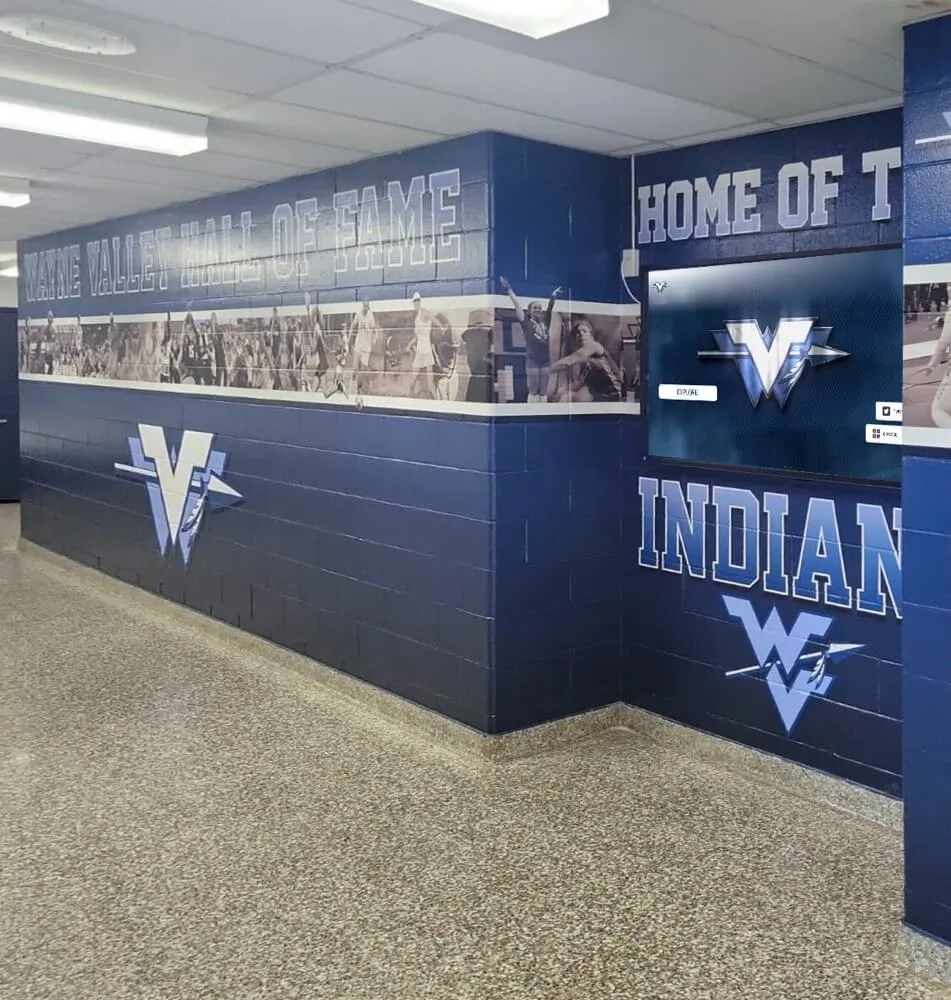
Integrated recognition environments successfully blend digital displays with traditional elements creating comprehensive donor acknowledgment
Common Digital Donor Wall Design Mistakes to Avoid
Understanding frequent design pitfalls helps institutions avoid costly errors requiring expensive retrofitting or complete redesigns after launch.
Overcomplicating Navigation and Information Architecture
The most common digital donor wall design mistake involves creating overly complex navigation hierarchies requiring multiple taps to access donor information. Designers sometimes create elaborate menu systems with deep nesting, unclear categorization, or excessive filtering options that overwhelm rather than assist visitors. Effective navigation should enable finding any donor within 3-4 taps maximum from the home screen.
Avoid the temptation to create separate navigation pathways for every possible donor attribute. A well-designed search function often serves users better than dozens of browse-by categories. Focus navigation design on the 3-5 most common discovery patterns rather than accommodating every conceivable exploration preference.
Neglecting Performance and Loading Times
Digital donor walls displaying thousands of donors can suffer performance issues if poorly optimized. Common problems include loading all donor records simultaneously rather than implementing pagination or lazy-loading, using uncompressed high-resolution images consuming excessive bandwidth, and complex animations or visual effects taxing display processing capabilities.
Design with performance budgets establishing maximum acceptable loading times for common user actions—ideally under 2 seconds for search results, under 1 second for navigation transitions, and under 3 seconds for detailed profile displays. Test performance using anticipated data volumes rather than small sample datasets that won’t reveal scalability issues.
Failing to Plan for Growth and Scalability
Many institutions design digital donor walls around current donor roster sizes without considering growth projections. Layouts that work elegantly for 200 donors can feel cluttered or require problematic restructuring when donor counts reach 2,000. Similarly, giving level structures that make sense during campaign planning phases may prove insufficient as fundraising success necessitates additional recognition tiers.
Design with scalability assumptions planning for 3-5 year growth projections rather than current state. Database schema should accommodate fields you might add later even if initial implementation leaves them empty. Navigation and categorization approaches should work effectively whether displaying hundreds or tens of thousands of donors. This forward-thinking design prevents expensive redesign projects shortly after launch.
Inconsistent Content Quality and Profile Completeness
Digital donor walls displaying inconsistent profile quality—some donors with professional photographs and detailed biographical information while others receive bare-minimum name listings—create tiered recognition impressions undermining inclusive acknowledgment goals. While major donors may naturally warrant more detailed profiles, all recognition should meet minimum quality standards.
Establish content baselines requiring minimum profile completeness before publication: correctly spelled names, accurate giving level designation, and appropriate recognition formatting. For enhanced profiles including photographs and biographical details, create standardized templates ensuring consistent presentation rather than ad-hoc formatting varying by content creator or timeline.
Frequently Asked Questions
How much does it cost to design and install a digital donor wall?
Digital donor wall costs vary significantly based on display size, hardware specifications, software licensing, custom design requirements, and installation complexity. Hardware expenses typically range from $3,000-$8,000 for commercial-grade 55-65 inch touchscreen displays with mounting systems. Professional software platforms offering content management, unlimited donor entries, and ongoing support generally charge $2,500-$6,000 annually through subscription models, though some vendors offer perpetual licensing options with higher upfront costs. Custom design services adding branded visual elements, unique layouts, and specialized features might add $5,000-$15,000 to initial implementation costs. Total first-year investment including hardware, software, design, and installation typically ranges from $12,000-$30,000 for single-display implementations, with lower per-display costs for multi-screen deployments sharing design resources and content management platforms.
What ongoing maintenance do digital donor walls require?
Digital donor walls demand significantly less maintenance than traditional plaque installations requiring periodic cleaning, polishing, and physical updates when information changes. Primary ongoing requirements include regular content updates adding new donors and maintaining information accuracy through cloud-based content management systems—most institutions allocate 2-5 hours monthly for routine updates depending on gift volume. Display hardware requires basic cleaning to remove fingerprints and dust, typically handled during regular facility maintenance. Software platforms generally include automatic updates maintaining security and adding new features without manual intervention. Annual subscription fees cover technical support, cloud hosting, content delivery, and platform improvements. Unlike physical plaques requiring expensive reproduction when donor rosters expand, digital systems scale indefinitely without additional hardware costs assuming initial displays accommodate sufficient screen space for readability.
How do you protect donor privacy on digital donor walls?
Donor privacy protection on digital displays requires thoughtful information governance and preference management systems. Design recognition databases to capture donor privacy preferences during gift processing—some contributors prefer complete anonymity, others accept recognition but decline photographs or biographical details, while many appreciate full profile inclusion. Implement preference flags controlling what information displays publicly versus remains in confidential development records. For sensitive giving levels, consider displaying donors without specific contribution amounts, using broad recognition society designations rather than exact totals. Anonymous donors should never appear in public-facing displays regardless of database records. Regular data audits verify that displayed information aligns with documented donor preferences, and clear revision processes enable prompt corrections when donors request recognition changes. For institutions with web-based donor directories complementing physical displays, implement appropriate access controls and authentication if certain recognition should remain accessible only to authenticated community members rather than public audiences.
Can digital donor walls integrate with existing fundraising databases?
Modern digital donor wall platforms typically offer integration capabilities connecting with common fundraising database systems including Raiser’s Edge, Salesforce Nonprofit Cloud, Blackbaud CRM, DonorPerfect, and similar platforms. Integration sophistication varies from simple CSV export and import workflows requiring periodic manual data transfer to automated API connections enabling near-real-time synchronization. For institutions with technical resources, API-based integrations can automatically create donor profiles when gifts process, update giving levels as cumulative totals increase, and modify recognition information when database records change—eliminating duplicate data entry and ensuring accuracy. Organizations lacking technical integration capabilities can still leverage digital donor walls effectively through scheduled export processes where development staff periodically export donor lists from fundraising systems and import updated records into recognition platforms. Evaluate integration requirements during software selection, as capabilities differ significantly between vendor solutions. Some platforms specialize in specific fundraising database integrations while others provide flexible import options accommodating diverse systems.
How do you measure the effectiveness of a digital donor wall?
Digital donor wall effectiveness spans both user engagement metrics and development outcomes. Analytics platforms track quantitative engagement including total interaction sessions revealing how many visitors use displays, average interaction duration indicating engagement depth, search queries demonstrating name-finding behavior, most-viewed profiles identifying compelling content, and navigation pathway analysis showing how users explore recognition. These interaction metrics establish baseline engagement and reveal optimization opportunities—high search abandonment might indicate algorithm improvements needed, while certain navigation paths receiving minimal use suggest menu restructuring could improve discoverability. Development-oriented measurement connects recognition to fundraising outcomes: compare donor retention rates between recognized and unrecognized contributors, track giving level advancement among acknowledged donors, and monitor recognition mentions during donor cultivation conversations. Qualitative assessment through donor surveys, focus groups, and development staff interviews reveals whether recognition meets stakeholder expectations and supports relationship-building objectives. Comprehensive effectiveness measurement combines usage analytics with stakeholder feedback and development metrics, enabling evidence-based optimization ensuring recognition investments deliver intended engagement and stewardship benefits.
Create Meaningful Digital Donor Recognition That Strengthens Relationships
Designing effective digital donor walls requires balancing recognition strategy with technical implementation, aesthetic sophistication with functional usability, and institutional traditions with innovative engagement opportunities. The 8-step framework presented in this guide provides systematic approaches addressing planning, technology selection, content design, accessibility, operations, and ongoing optimization—elements that together create recognition displays honoring contributors while supporting long-term fundraising success.
Successful digital donor wall design begins with clear recognition objectives aligned to development priorities, proceeds through thoughtful hardware selection and information architecture planning, emphasizes accessible and attractive visual design, establishes efficient content management workflows, and implements measurement enabling continuous improvement based on actual usage and stakeholder feedback. These comprehensive design considerations ensure your digital recognition system serves diverse audiences effectively while accommodating institutional growth and evolving donor expectations.
When schools and foundations invest the planning rigor this framework requires, they create recognition technology that transcends simple name listings to deliver meaningful acknowledgment experiences strengthening donor relationships, inspiring continued giving, and honoring the generosity that advances educational missions. Digital donor walls designed with strategic intentionality become enduring recognition platforms serving institutions effectively for decades rather than requiring costly redesigns within years of launch.
Ready to design a digital donor wall that honors your contributors with sophisticated, accessible, and engaging recognition technology? Rocket Alumni Solutions provides turnkey donor recognition solutions combining professional design services, intuitive content management platforms, and comprehensive implementation support helping schools and foundations create digital donor walls that strengthen fundraising relationships while accommodating unlimited growth. Contact our team to discuss your recognition objectives and explore how our proven design framework can create donor acknowledgment systems serving your institution’s unique needs and development priorities.