



Schools evaluating digital signage need clear answers: which features actually matter, what real costs look like, and how to manage screens across campus without a dedicated IT team. Intent: Decide which digital signage platform fits your school’s needs, budget, and technical capacity.
Digital signage for schools covers a wide range of use cases—from hallway announcements and event schedules to athletic recognition, donor acknowledgment, and student achievement displays. The persistent challenge has been balancing capability against cost. Most full-featured platforms charge per screen, per month, placing comprehensive digital signage out of reach for smaller districts and independent schools working within tight budgets.
Rocket Alumni Solutions changes that math. At $50 per year for unlimited digital signage across all screens, it delivers MDM (Mobile Device Management) device management and functional parity with major digital signage platforms—making professional-grade displays available to any school regardless of budget size.
Schools across the country are installing screens in hallways, lobbies, gyms, and cafeterias at an increasing rate. According to a 2024 survey by the Consortium for School Networking (CoSN), digital communication technology now ranks among the top five infrastructure priorities for K-12 technology directors. Yet the gap between what platforms can do and what schools can actually afford remains wide.
This guide examines what school digital signage actually involves, which features matter most for educational environments, how MDM device management works in practice, and why pricing structure often determines whether a system gets fully used or quietly abandoned after installation.
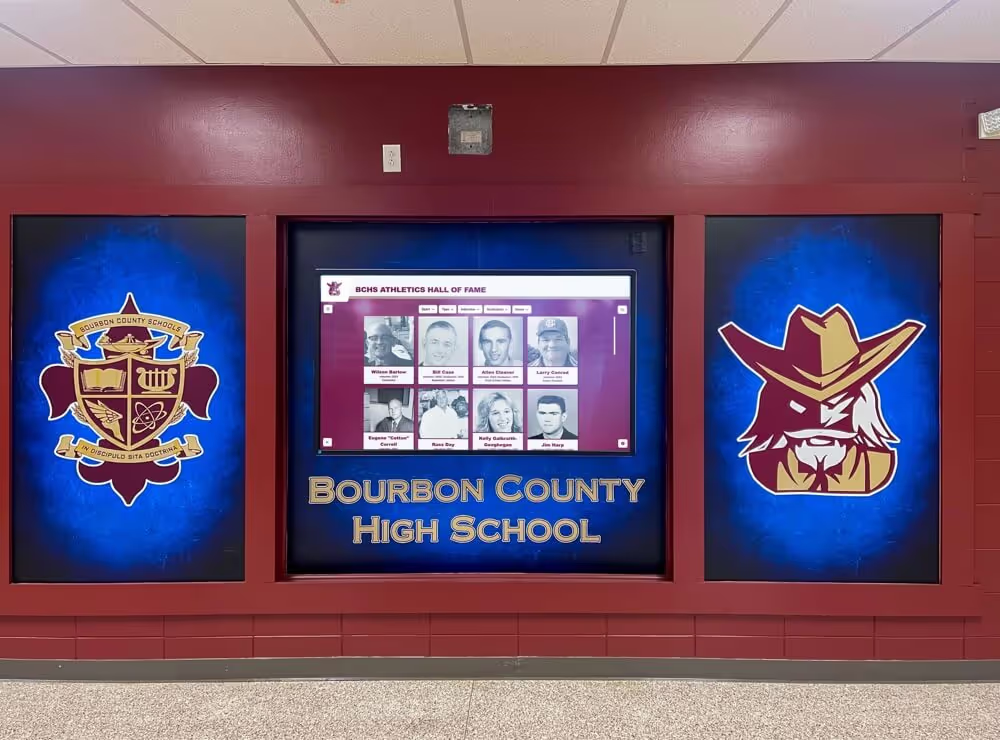
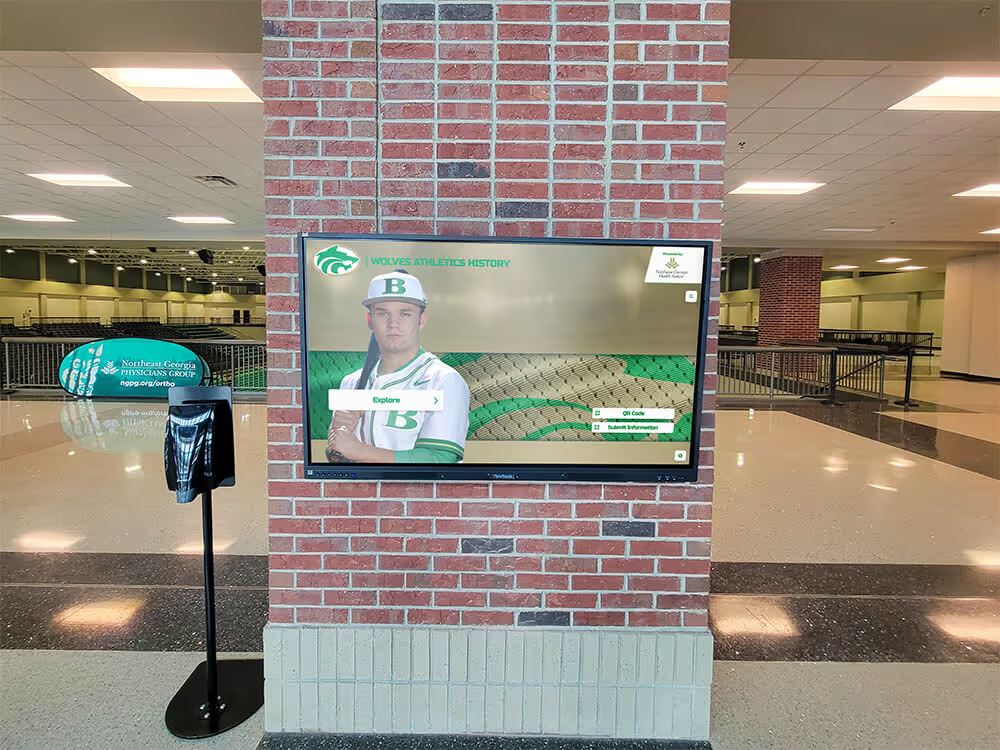
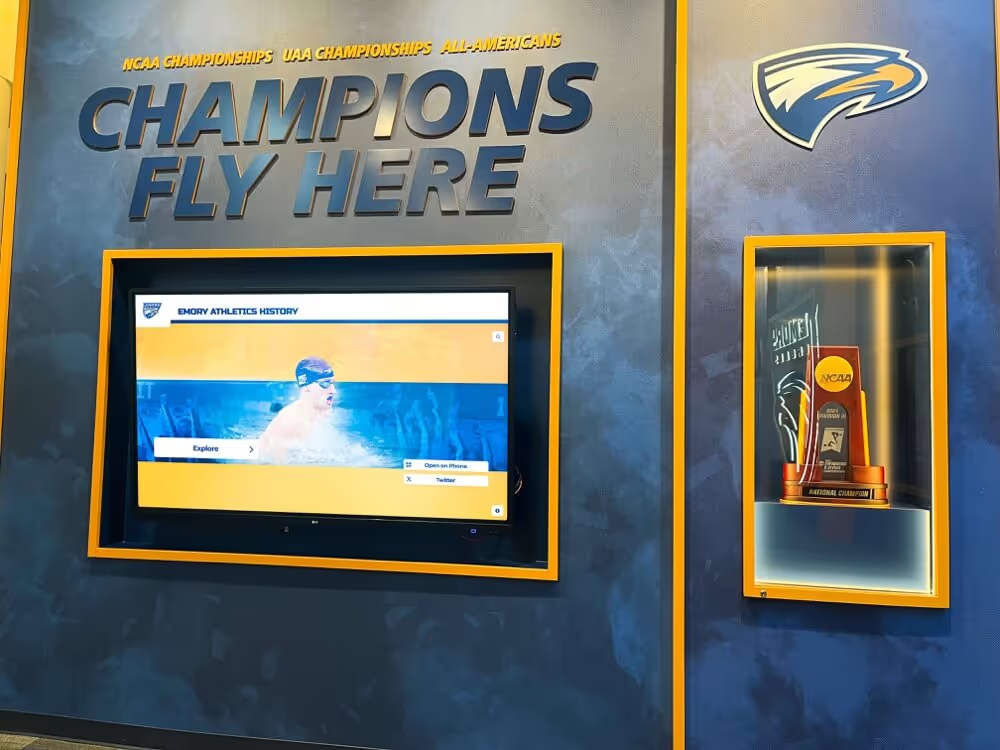
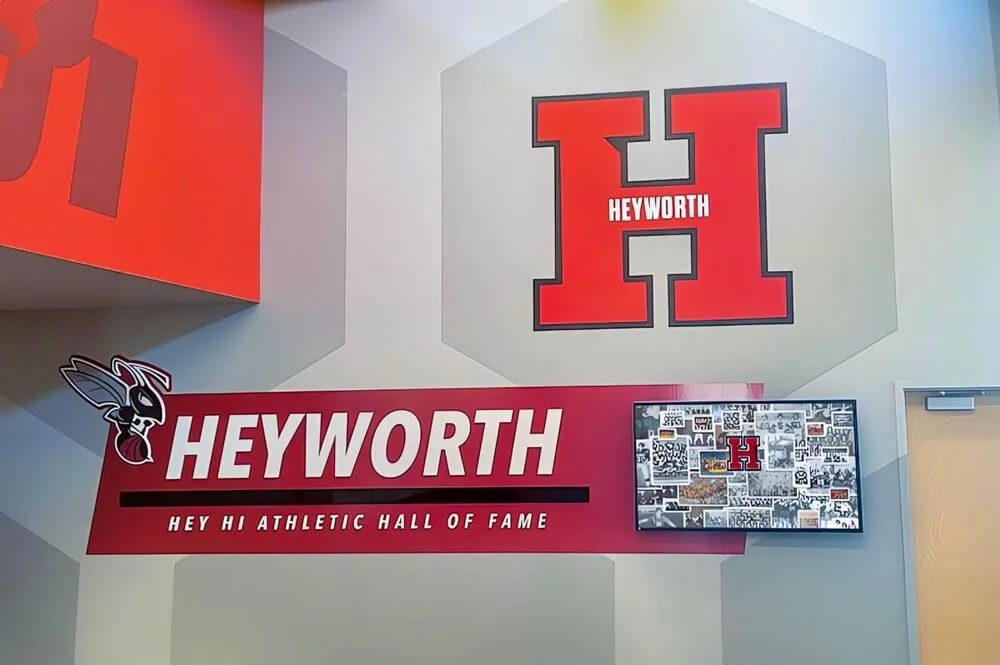
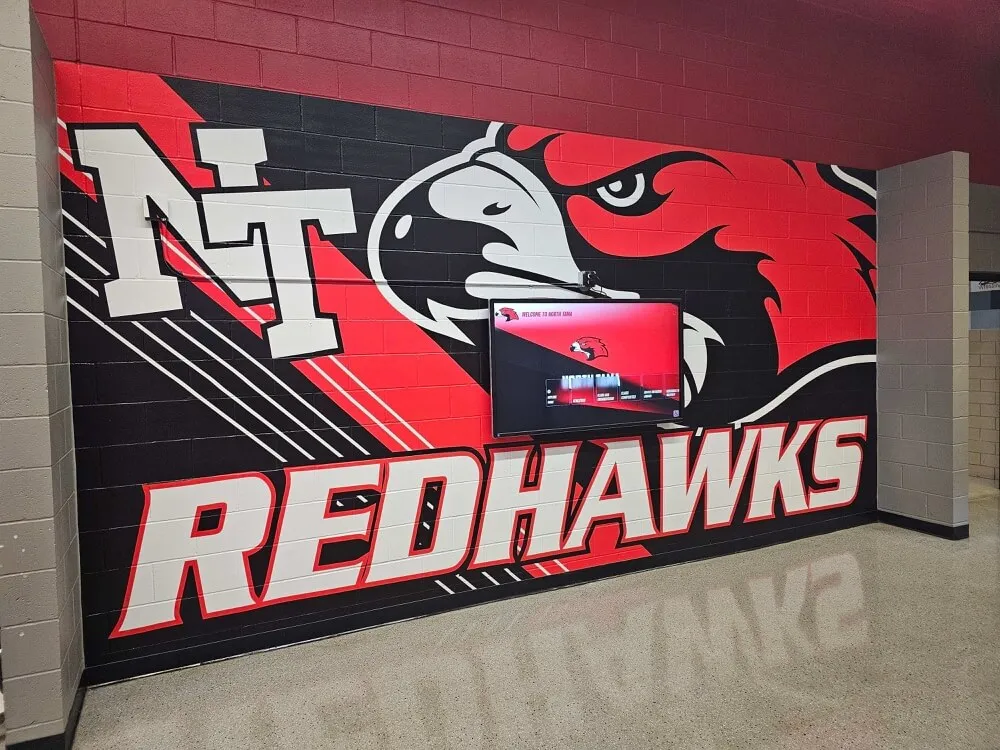
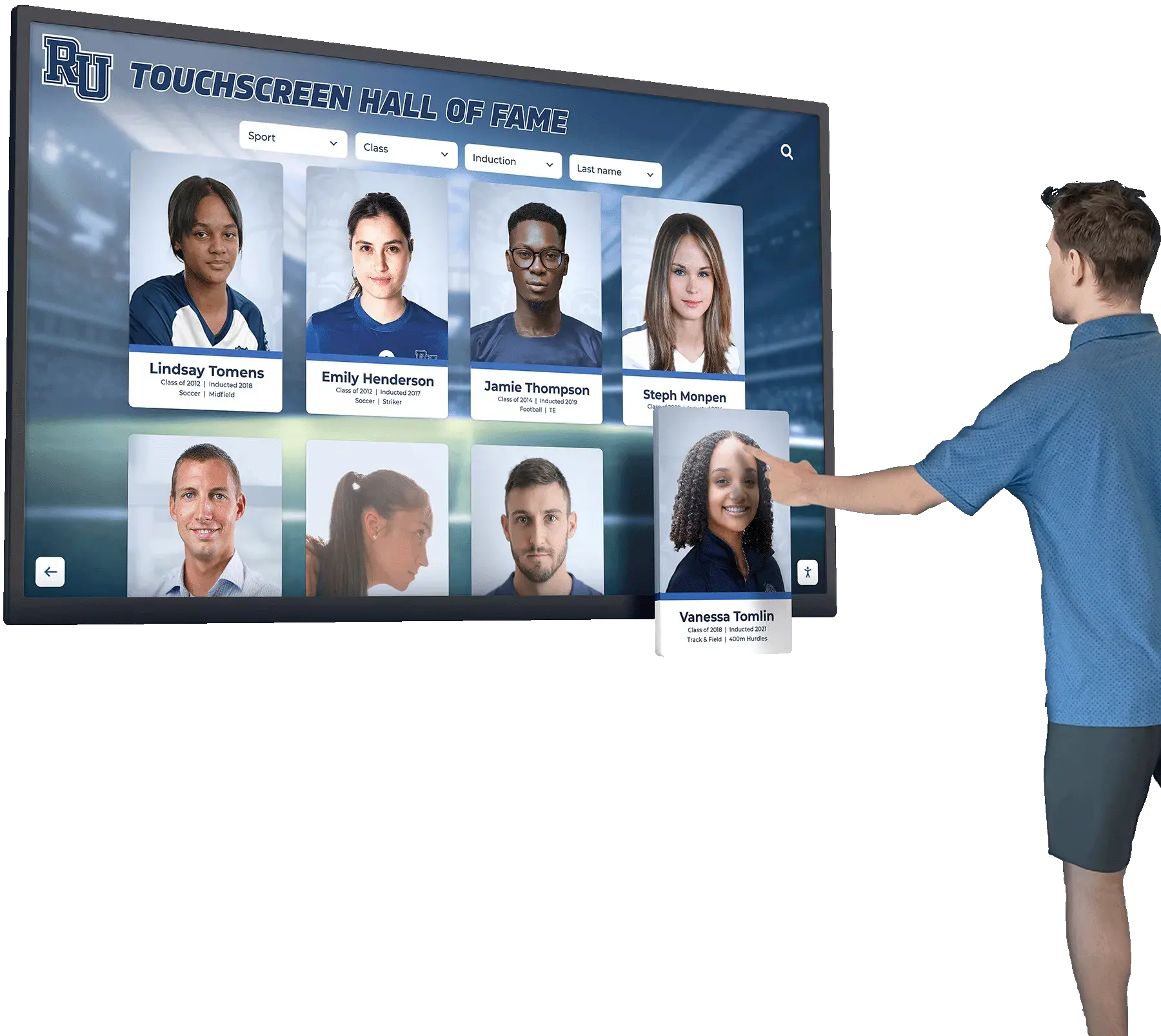
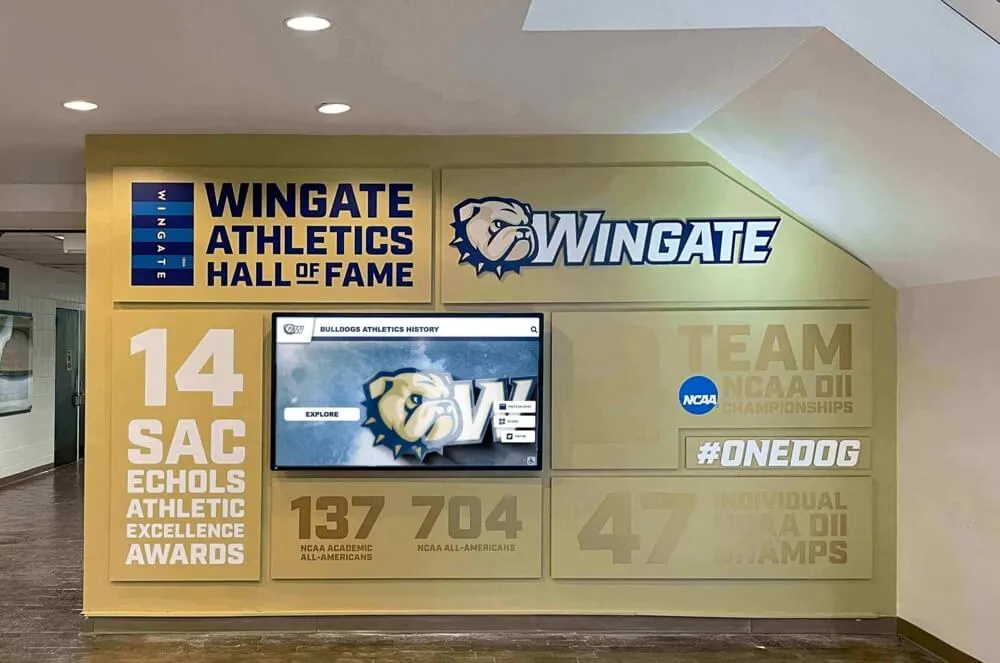
Digital displays in school lobbies create immediate points of engagement for students, families, and visitors throughout the year
What Digital Signage for Schools Actually Involves
Digital signage for schools is not a single product—it is a system combining hardware (screens, media players, mounts), software (content management, scheduling, MDM), and content strategy. Each component affects the others, and schools that treat digital signage as a simple screen purchase typically run into serious limitations within the first year.
Hardware Considerations
Screens suitable for school environments require commercial-grade ratings, not consumer televisions. The practical differences matter:
- Operating hours: Commercial displays are rated for 16–24 hours of continuous operation. Consumer TVs are built for 4–8 hours.
- Brightness: School hallways and lobbies often have mixed or strong ambient lighting. Commercial panels maintain legibility at 400–700 nits.
- Durability: Schools need displays that can withstand proximity to students, cleaning staff, and daily foot traffic.
- Mounting flexibility: Hallways, gymnasiums, cafeterias, and administrative areas all have different clearance and sight-line requirements.
Media players—the small compute devices that drive the screens—range from embedded SoCs (system-on-chip, built into the display) to external boxes. External players typically offer more software flexibility and easier replacement when hardware ages out.
Software: The Core of the System
The software layer is where most of the real differences between platforms appear. Key software capabilities include:
- Content management: The interface for creating, scheduling, and publishing content to screens
- Multi-zone layouts: Splitting screens into sections for different content types simultaneously
- Scheduling: Controlling what shows when, including time-of-day and day-of-week rules
- Remote management: Updating displays without physically visiting each screen
- MDM (Mobile Device Management): Remotely monitoring device health, pushing software updates, enforcing content policies, and troubleshooting issues across all screens from a central dashboard
Schools exploring digital signage software options for 2026 will find a wide range of platforms, but capability gaps—especially around MDM—separate platforms built for schools from those designed for enterprise or retail contexts.
Key Use Cases for School Digital Signage
Schools use digital signage differently than corporate offices or retail stores. Content needs are distinct, the audience changes throughout the day, and the people managing screens are usually not dedicated communications staff.
Daily Communication and Announcements
The most immediate application is replacing paper announcements and static bulletin boards with current, attention-capturing displays. Lunch menus, schedule changes, event reminders, emergency notifications, and general school news all translate naturally to screen-based communication.
Well-designed systems allow front-office staff to push an announcement to all hallway screens in under two minutes—without design experience or technical training.
Athletic Recognition and Achievement Displays
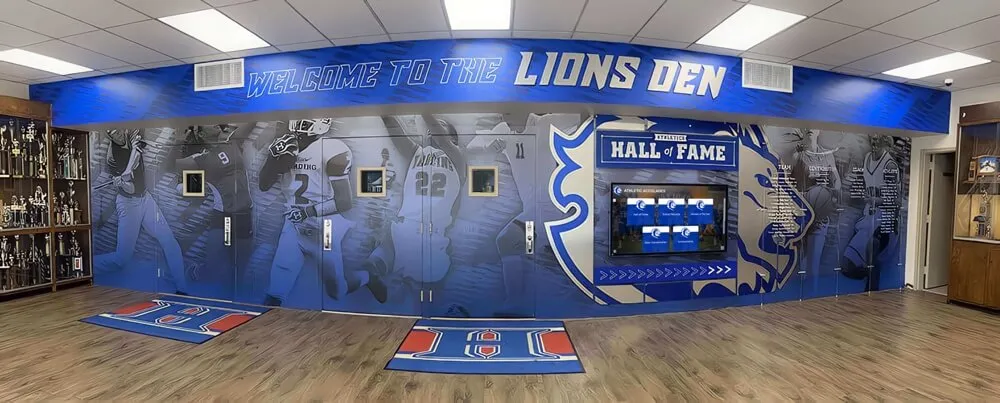
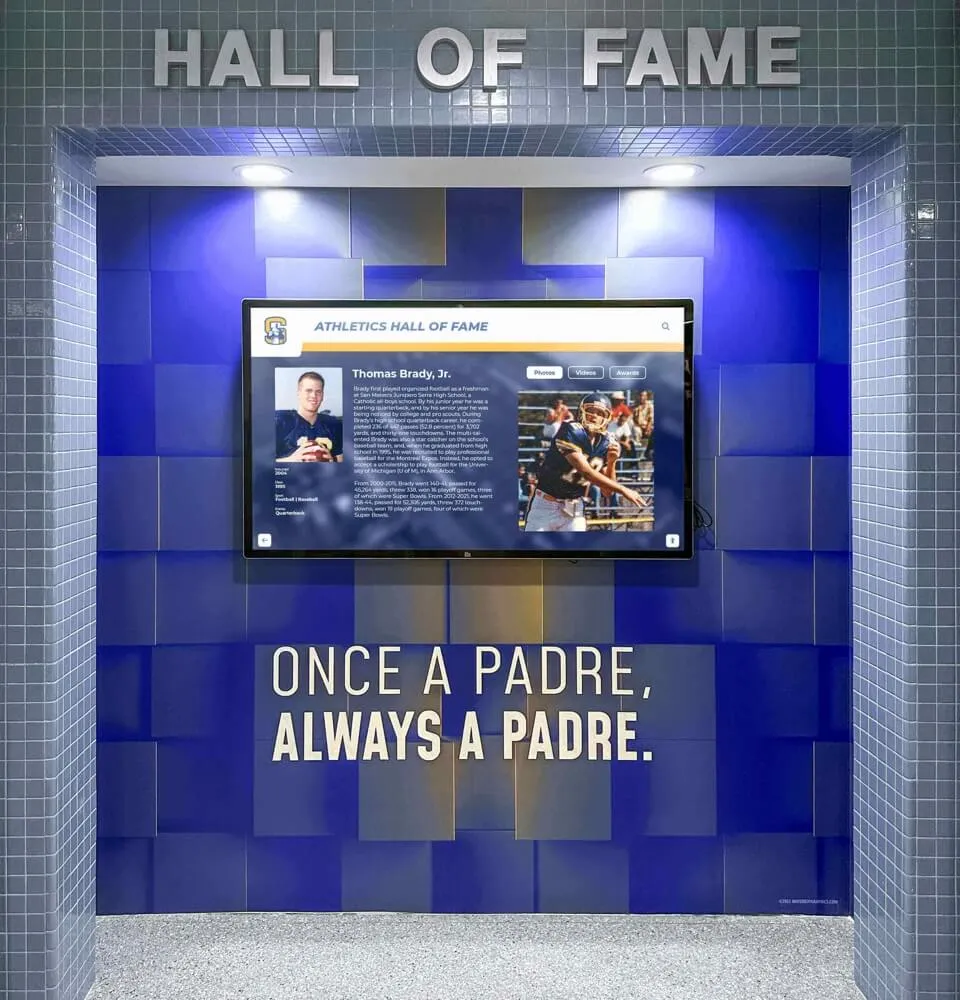
Schools with active athletic programs often dedicate specific screens to sports content: current season schedules and results, athlete spotlights, championship records, and senior recognition. This content serves multiple audiences—current students, visiting families, and prospective athletes touring facilities. For practical ideas on how K-12 gym digital signage works across athletic spaces, the use cases extend well beyond simple score displays.
Academic Achievement and Student Recognition
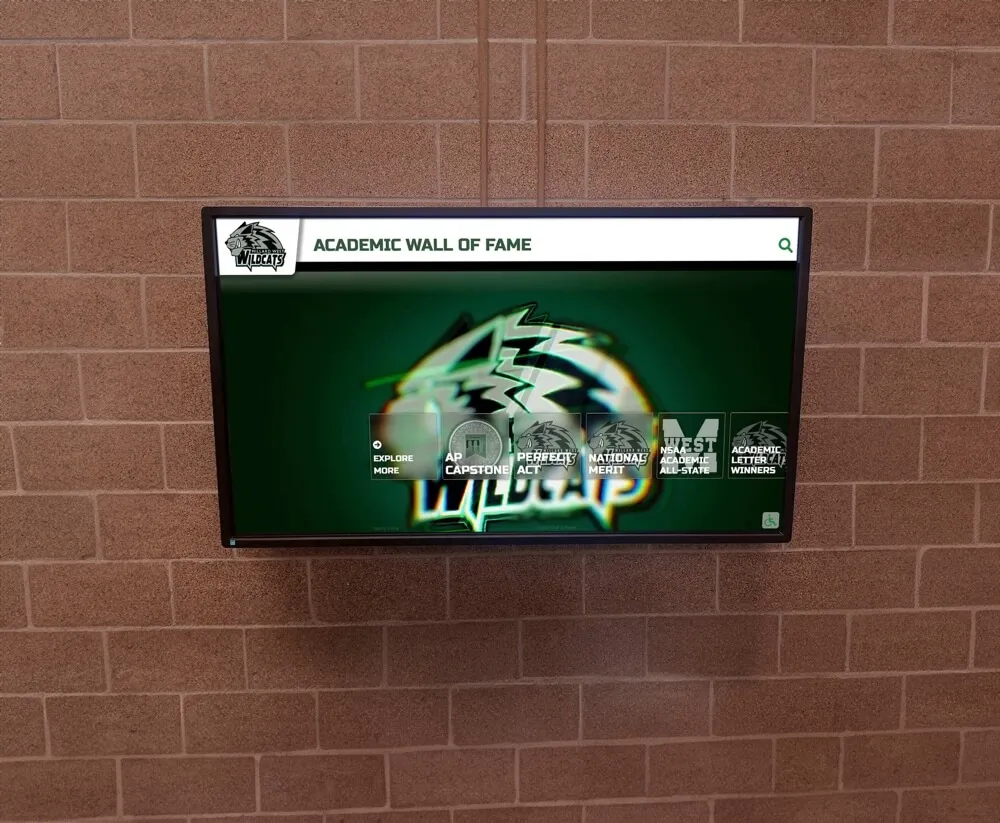
Displaying honor roll lists, scholarship announcements, academic award recipients, and AP exam scores on school screens builds a culture of recognition that extends beyond traditional hallway bulletin boards. Digital systems allow for rotating spotlights, photo integration, and timely updates tied to academic calendar events.
Donor and Alumni Recognition
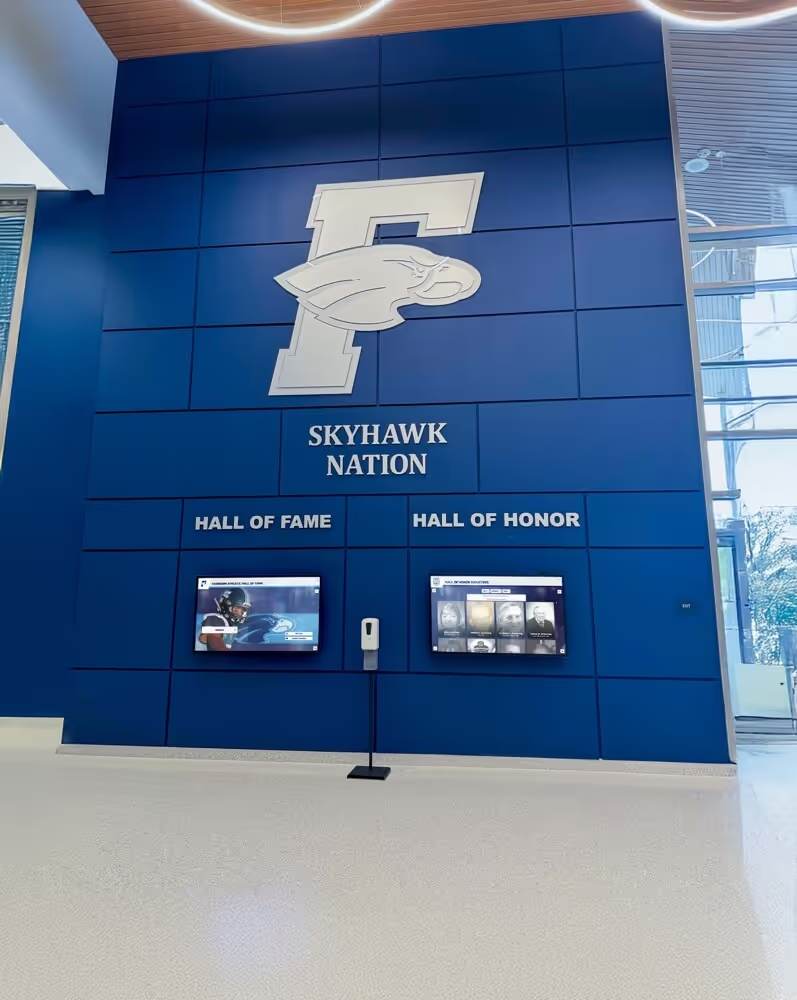
Schools with development programs can dedicate specific display zones or screens to acknowledging donors, naming gifts, and alumni achievement. Unlike static plaques, digital recognition can be updated quickly, organized by giving level, and presented with photographs and impact statements that give recognition meaning beyond a name on a wall. With WCAG 2.1 AA accessibility compliance built in, these displays remain accessible to all visitors—including those with visual or motor disabilities.
The role of digital signage in transforming communication and recognition for schools spans all of these dimensions simultaneously.
Admissions and Campus Tour Support
Lobby screens visible to visiting families during tours, open houses, and enrollment events present institutional achievements, student life content, and campus culture in a format more engaging than printed materials. Schools that use screens strategically in these spaces report better family recall of key program information.
For guidance on making this effective, school lobby design ideas offer a practical starting point for integrating screens with the physical environment.
Sponsorship and Revenue Opportunities
Digital signage also opens a channel for corporate sponsor recognition. Schools can dedicate screen zones to community partners and corporate sponsors, rotating sponsor logos and messaging alongside school content. This creates a tangible, visible benefit for sponsors that static banners cannot match—and gives athletic departments and booster organizations a new tool for community fundraising conversations.
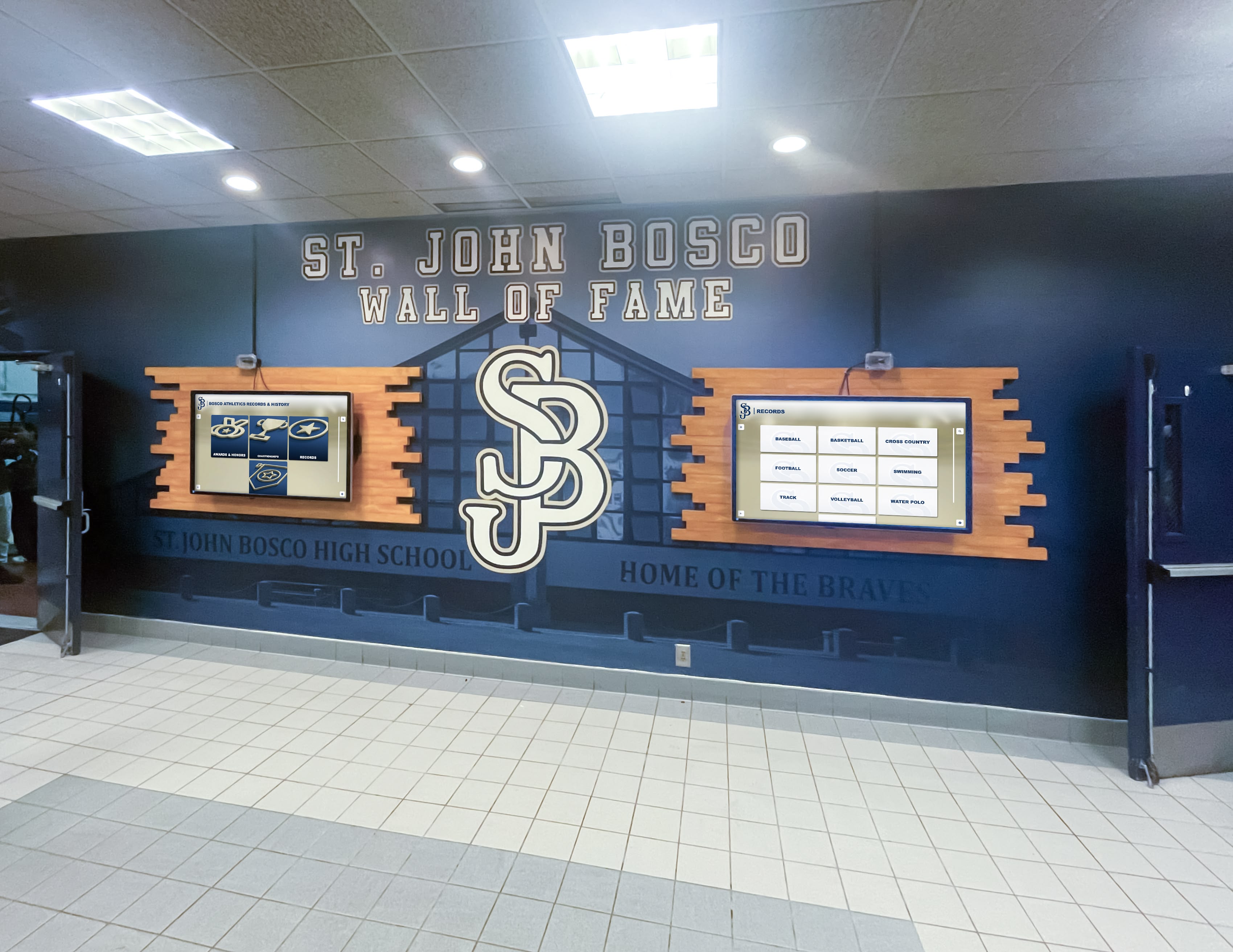
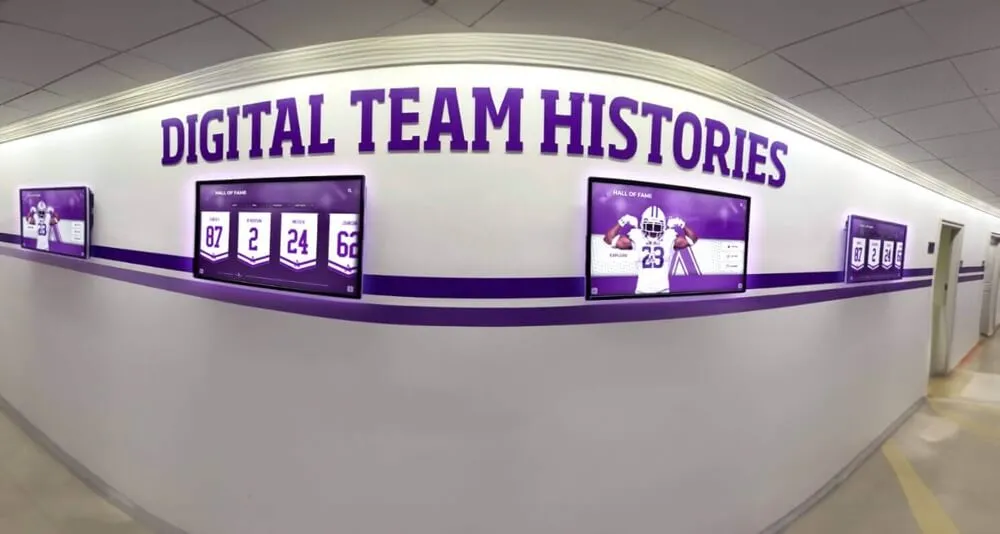
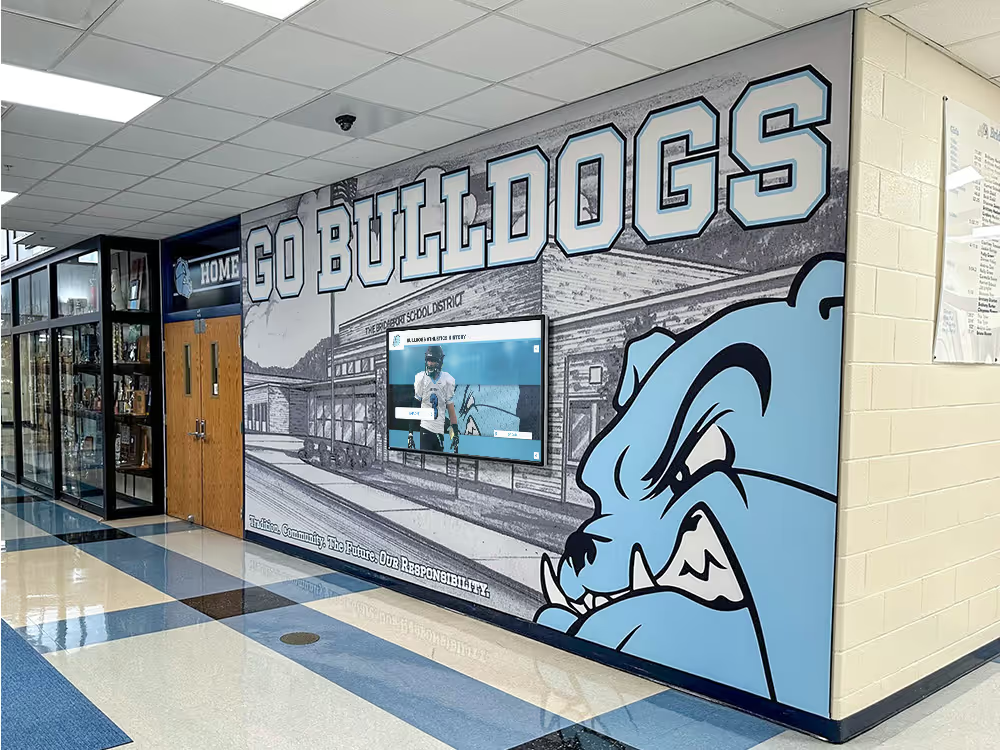
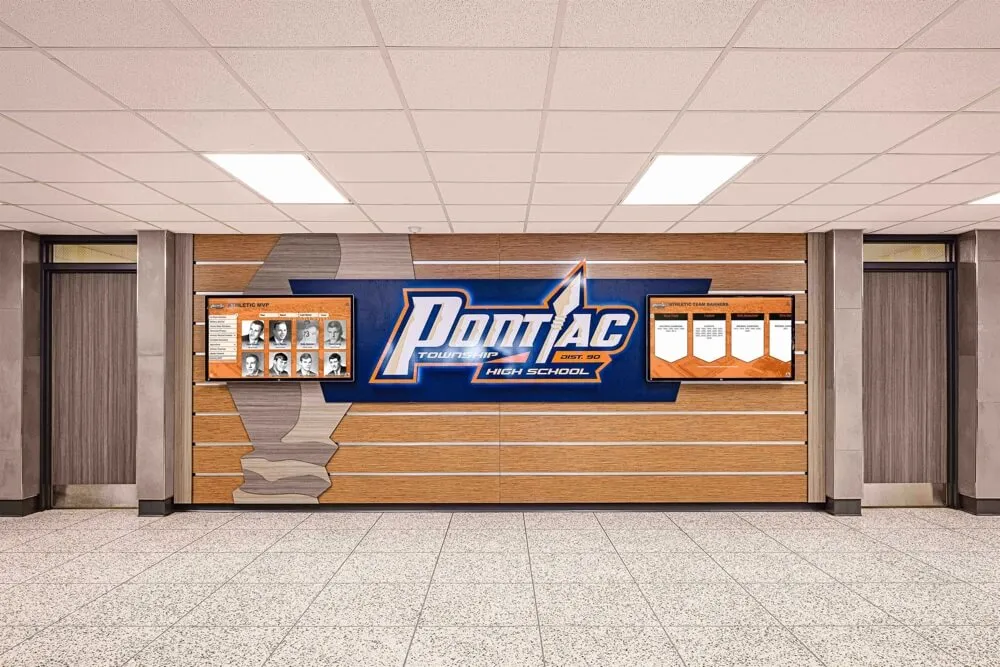
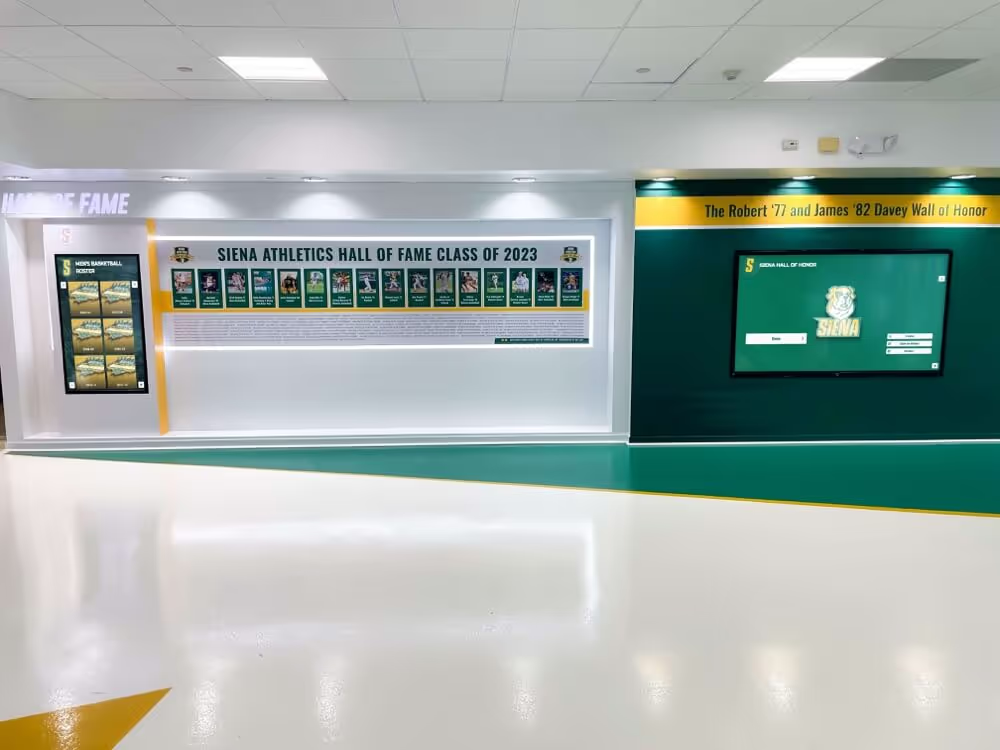
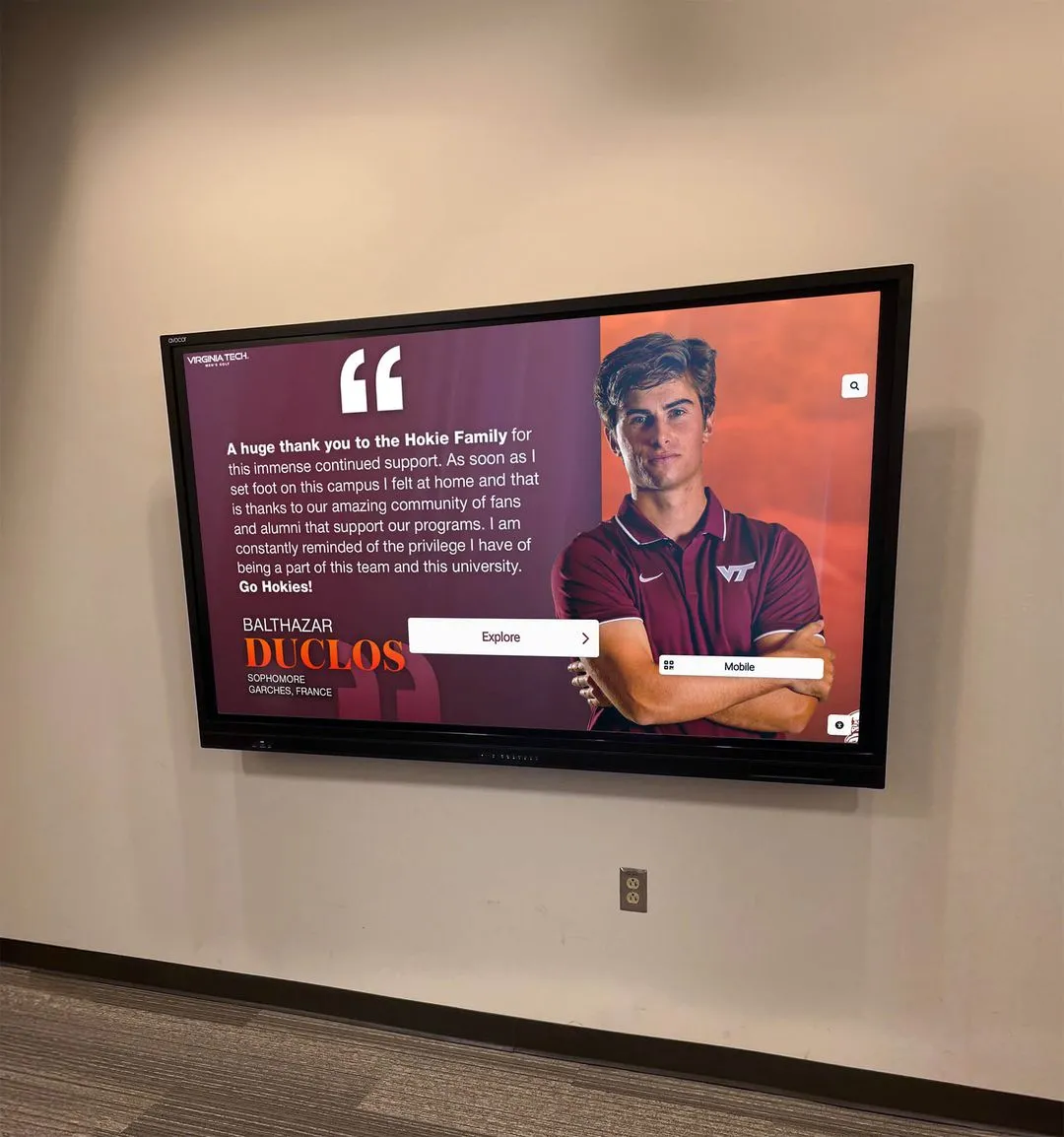
Paired hallway screens allow schools to run separate content streams simultaneously, serving multiple audiences from a single installation
What to Look For in School Digital Signage Software
Choosing software for a school environment involves criteria that differ from commercial deployments. Here are the most important functional requirements:
Ease of Use for Non-Technical Staff
The person publishing content on Monday morning is usually not an IT specialist—it might be an administrative assistant, a coach, or a department coordinator. Software that requires design knowledge or technical training will see low adoption, leaving screens with outdated content.
Platforms built for school use typically offer:
- Template-based editing with pre-built layouts
- Drag-and-drop content organization
- Scheduling calendars with simple controls
- Preview modes that show what will appear before publishing
Multi-Screen Management from One Dashboard
Schools with more than a few screens need centralized management. Logging into each device individually to update content is not a workable long-term approach. A central dashboard showing all connected screens, their current status, and their content assignments saves hours each week and makes it possible to push emergency notifications to every screen on campus simultaneously.
MDM (Mobile Device Management) Integration
MDM is standard in enterprise digital signage but often overlooked in education-focused platforms. For schools, MDM provides:
- Remote device monitoring: See which screens are online, offline, or experiencing errors
- Software updates pushed remotely: No physical access to each device required
- Content policy enforcement: Ensure displays stay on approved content
- Device lockdown: Prevent unauthorized use or configuration changes—important when students have physical proximity to display hardware
- Diagnostic tools: Troubleshoot display issues from the administrative dashboard without dispatching a technician to each location
For a school with 10, 20, or 50 screens across campus, MDM transforms screen management from a reactive task (responding to problems reported by staff) to a planned one (monitoring device health and resolving issues before they affect visibility). Understanding how school recognition display hardware configuration works with remote management helps IT teams plan their infrastructure.
Unlimited Content and Screen Capacity
Per-screen or per-content-item pricing models create poor incentives: schools limit what they display or how many screens they deploy because each addition increases costs. Truly unlimited platforms—one flat price regardless of screen count or content volume—allow schools to grow their digital signage footprint as needs evolve without parallel growth in software costs.
Content Scheduling and Dayparting
School schedules are structured around time blocks. Content appropriate during the morning student rush (lunch menu, schedule reminders) differs from what works during an evening athletic event (game schedules, team recognition, donor acknowledgment). Solid scheduling tools let administrators build content playlists that switch automatically based on time and day—without manual intervention for each transition.
QR Code and Mobile Access
Adding QR codes to screen content lets students, parents, and alumni access extended information on their phones—detailed athlete profiles, donor recognition records, event registration links, or alumni connection portals. This extends the reach of what a single screen can present, particularly for recognition content that benefits from depth beyond what fits on a display.
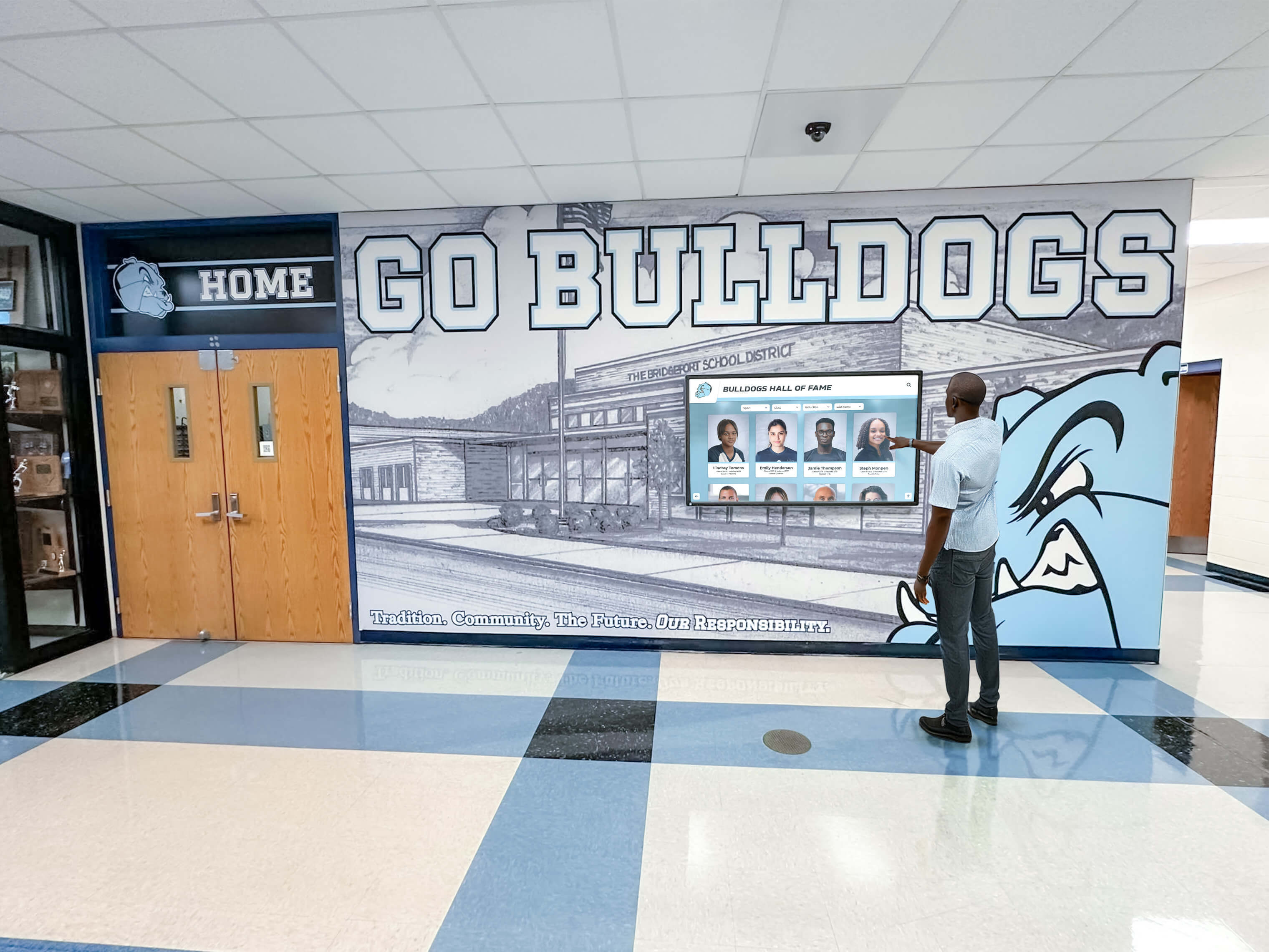
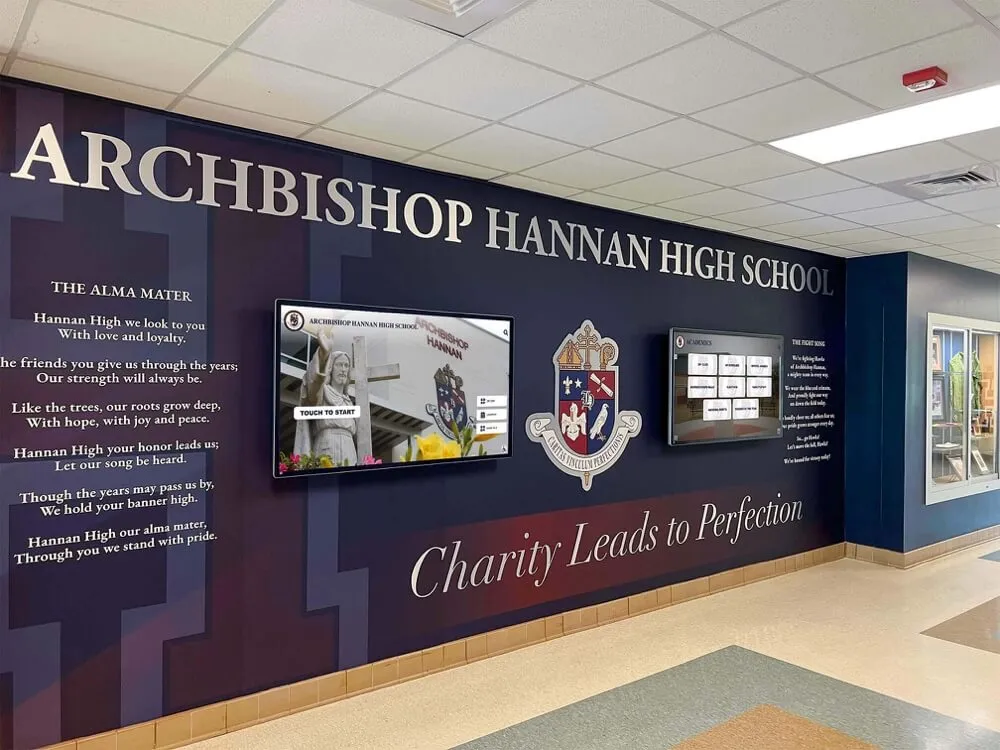
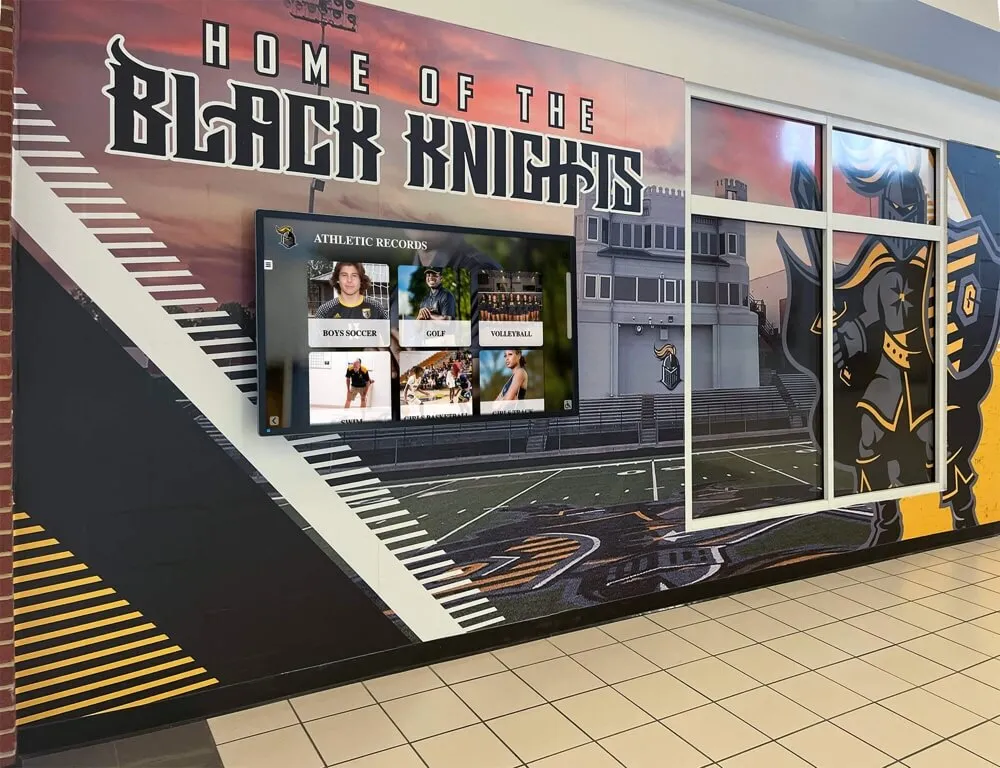
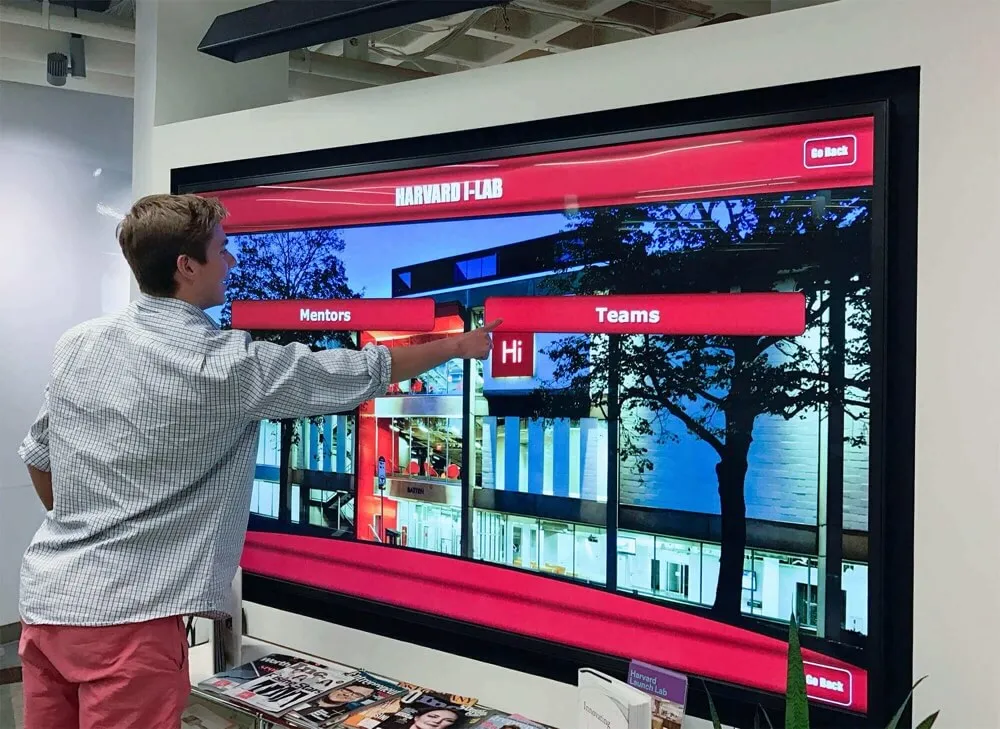
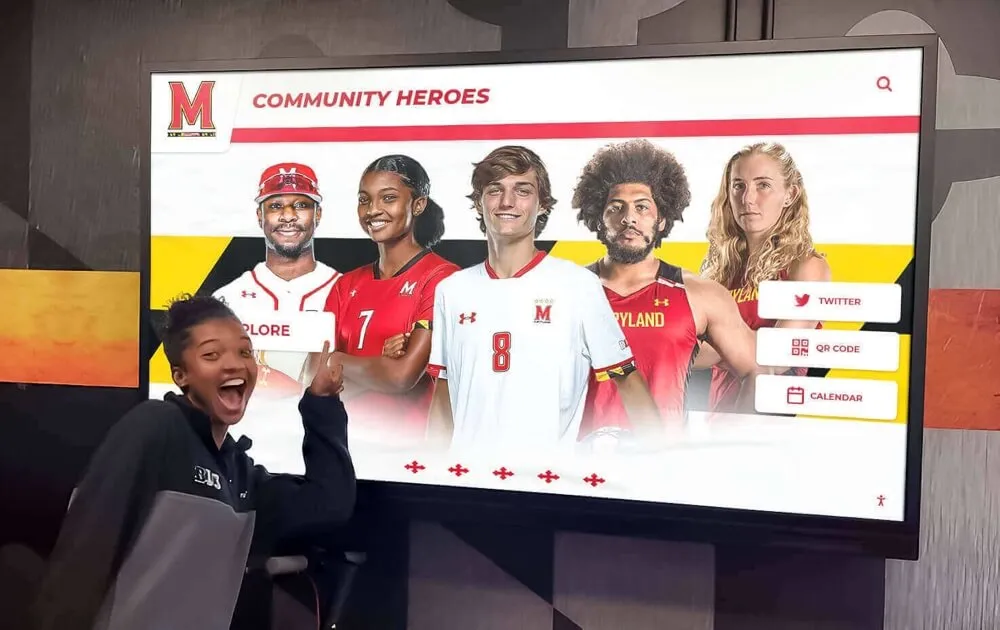
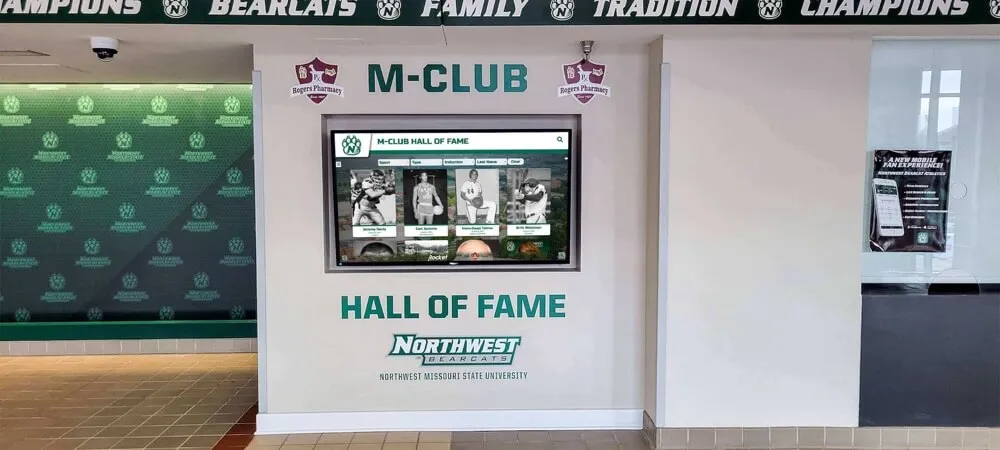
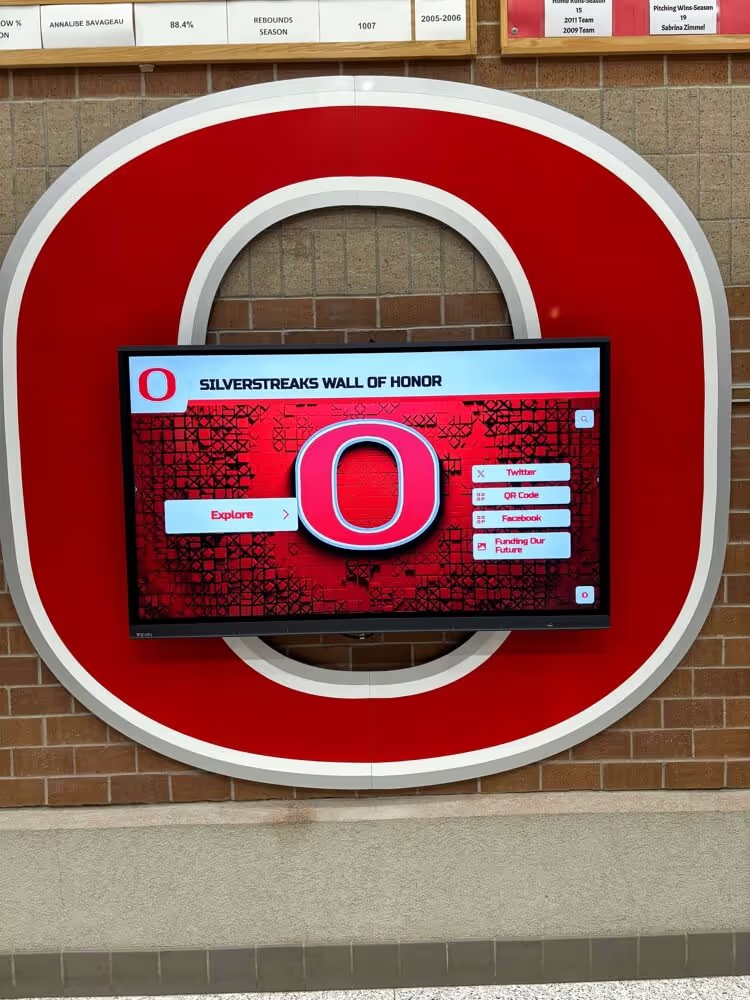
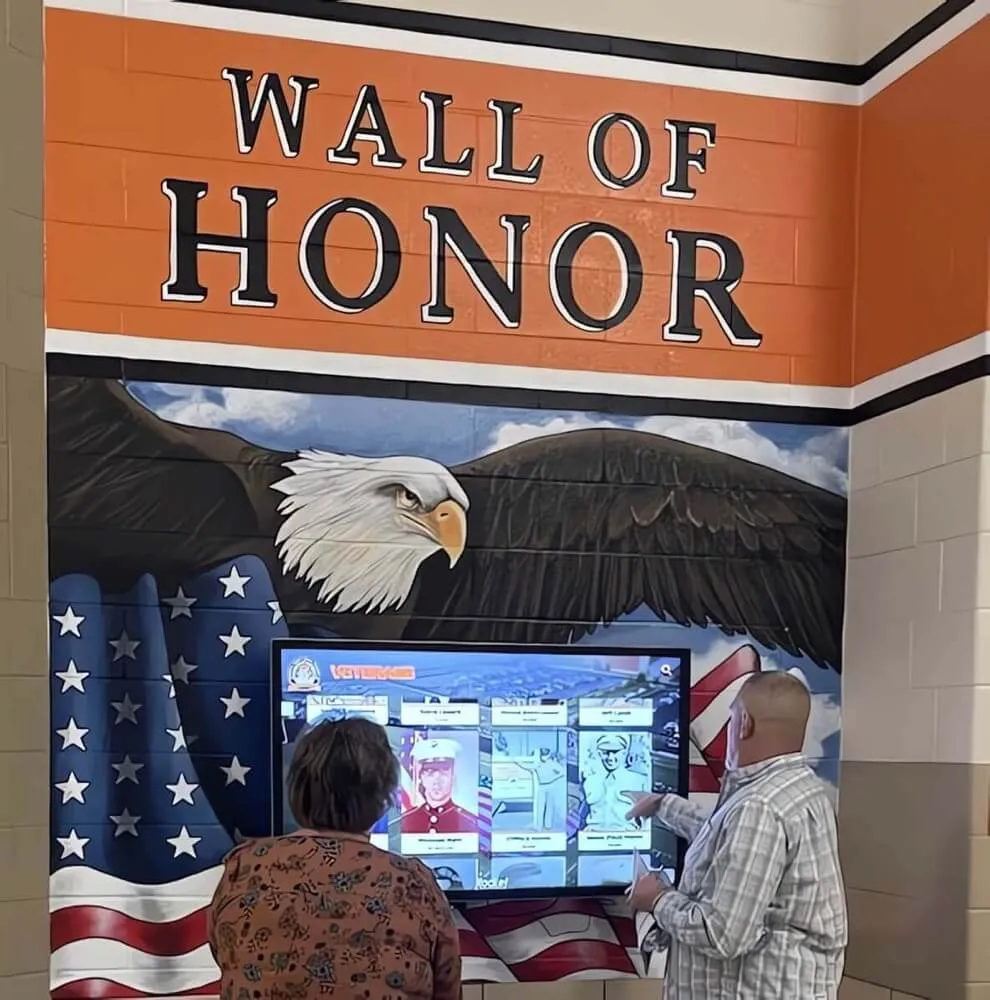
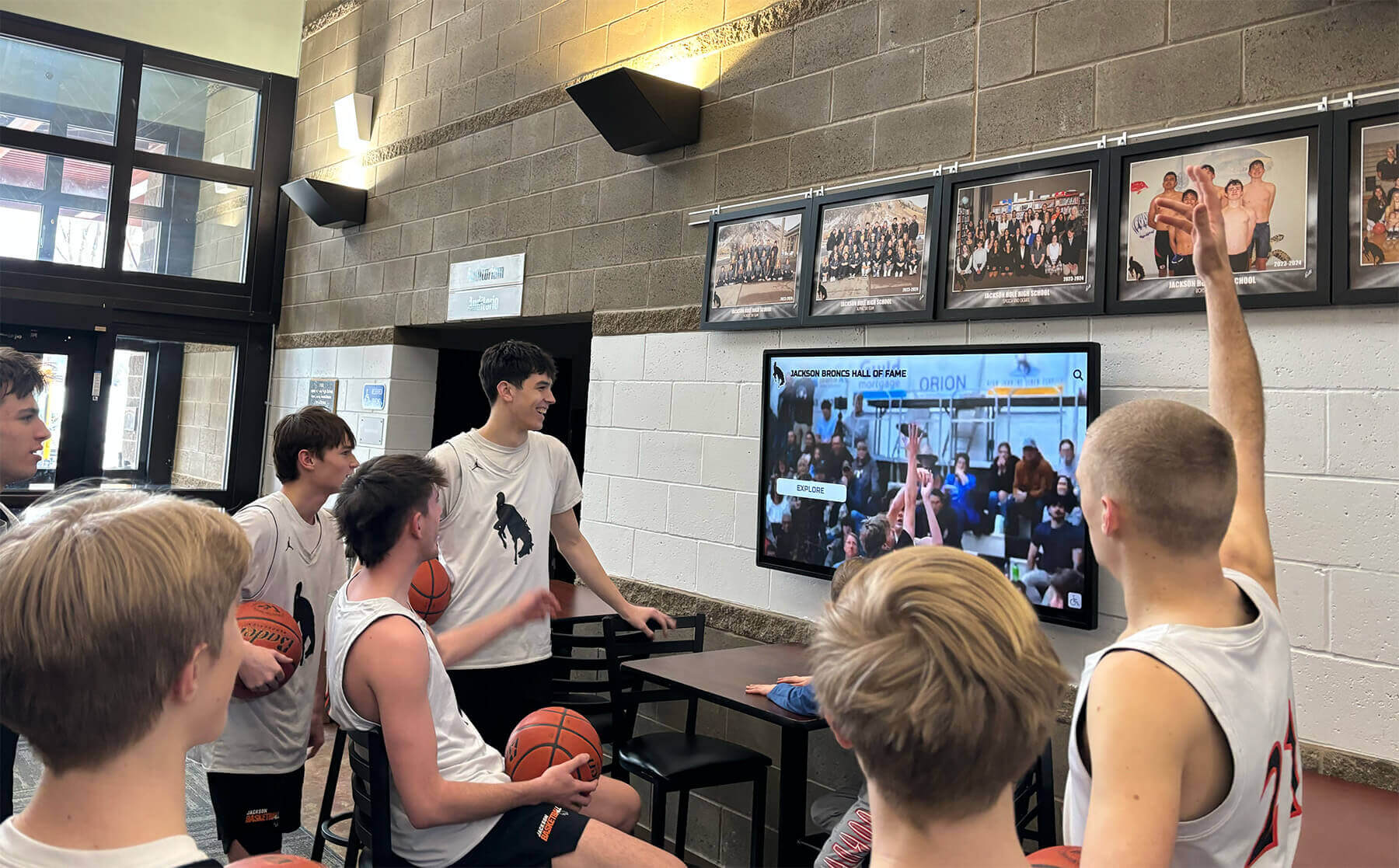
Interactive displays give visitors a way to explore content at their own pace, which is particularly valuable for recognition and history content
MDM Device Management: Why It Matters for School Digital Signage
MDM functionality is one of the most significant differentiators in digital signage for schools, yet many education-focused platforms either exclude it or charge extra for it as an add-on tier.
What MDM Actually Does in a School Context
When a screen in the gym lobby goes dark at 6:45 PM before a game, someone needs to know—and resolve it—without sending a staff member across campus to physically restart a device. MDM provides the tools to address this kind of situation remotely.
Remote power management: Schedule screens to power on and off automatically. Start displaying content when the building opens; shut down after evening events close.
Health monitoring: Track whether each screen is responsive, what software version it is running, and whether any error conditions exist. Alerts can flag issues before they become visible problems during events.
Remote content push: Update what is showing on any screen from a browser, without access to the physical device. This matters when a schedule changes unexpectedly or a news item needs to go up immediately.
Bulk configuration: When deploying new screens or pushing software updates, configure all devices simultaneously rather than touching each one individually. For a district deploying screens across multiple buildings, this difference in labor is substantial.
Security: Lock device operating systems to approved configurations, preventing unauthorized changes and protecting the school’s content from being overridden.
For IT departments managing a school’s broader technology infrastructure, having digital signage folded into a managed device ecosystem—with the same oversight tools used for laptops or tablets—simplifies operations and supports compliance with district technology policies.
MDM in Rocket Alumni Solutions
Rocket Alumni Solutions includes MDM device management as part of its platform, not as a separate add-on. IT staff and administrators have full remote visibility over all connected screens from the same interface used to manage content—no additional software layers or per-device MDM licenses required.
This integration matters operationally. Switching between a content dashboard and a separate MDM platform adds friction to every management task. A unified interface means faster troubleshooting, fewer login credentials to manage, and a single source of truth for the status of every screen on campus.
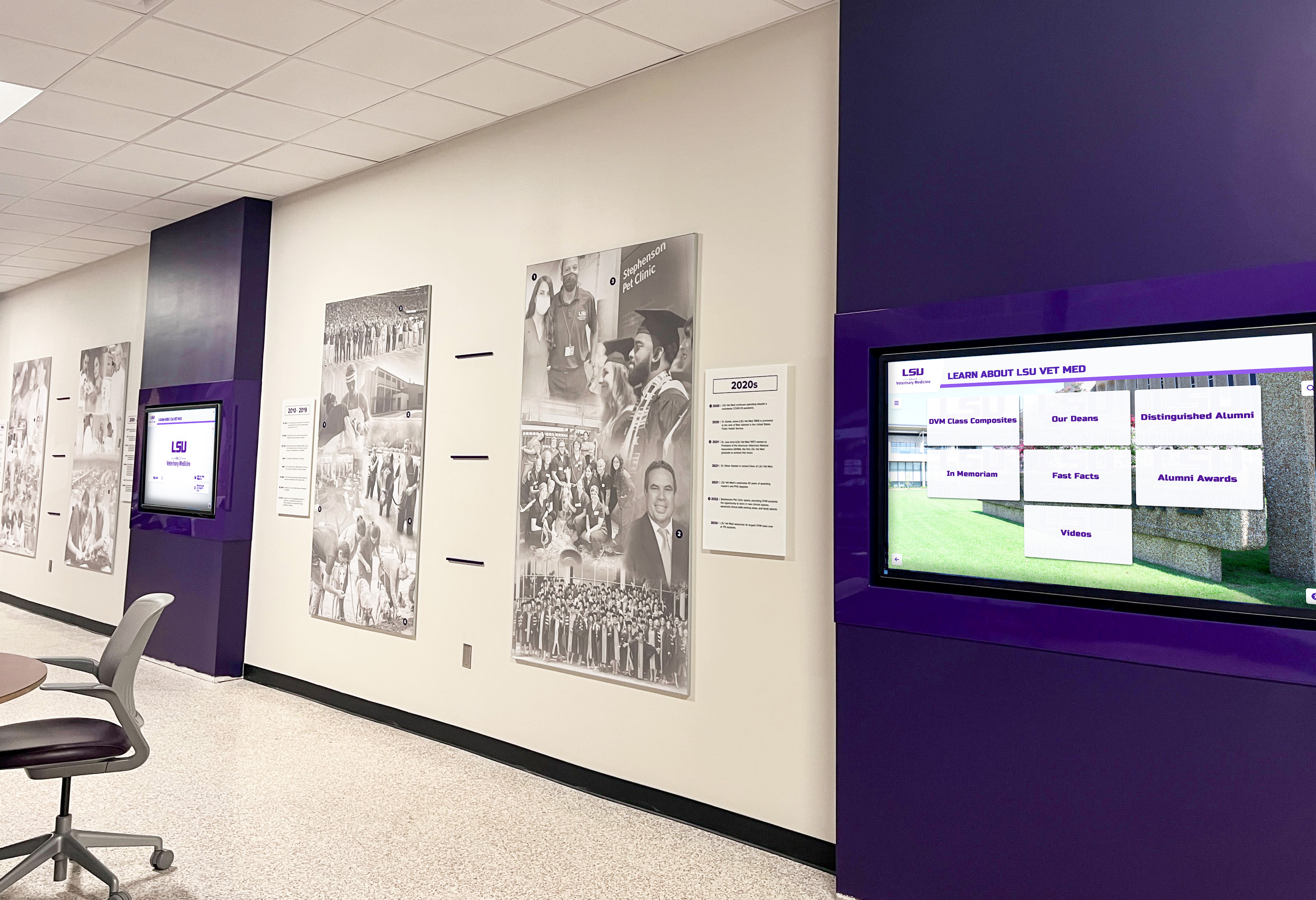
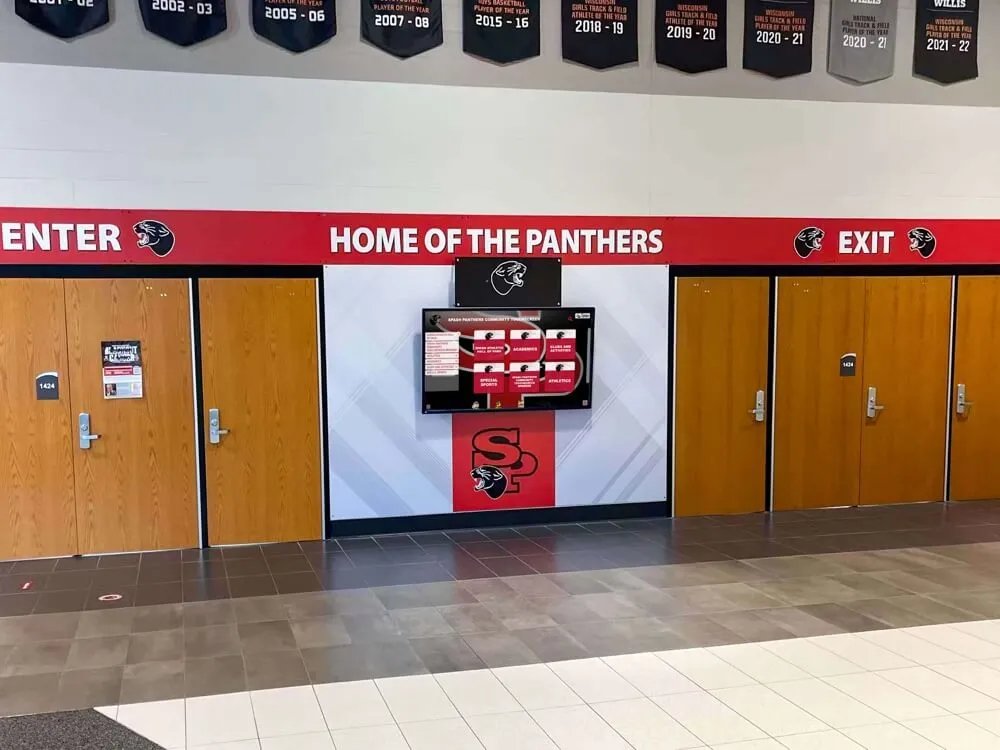
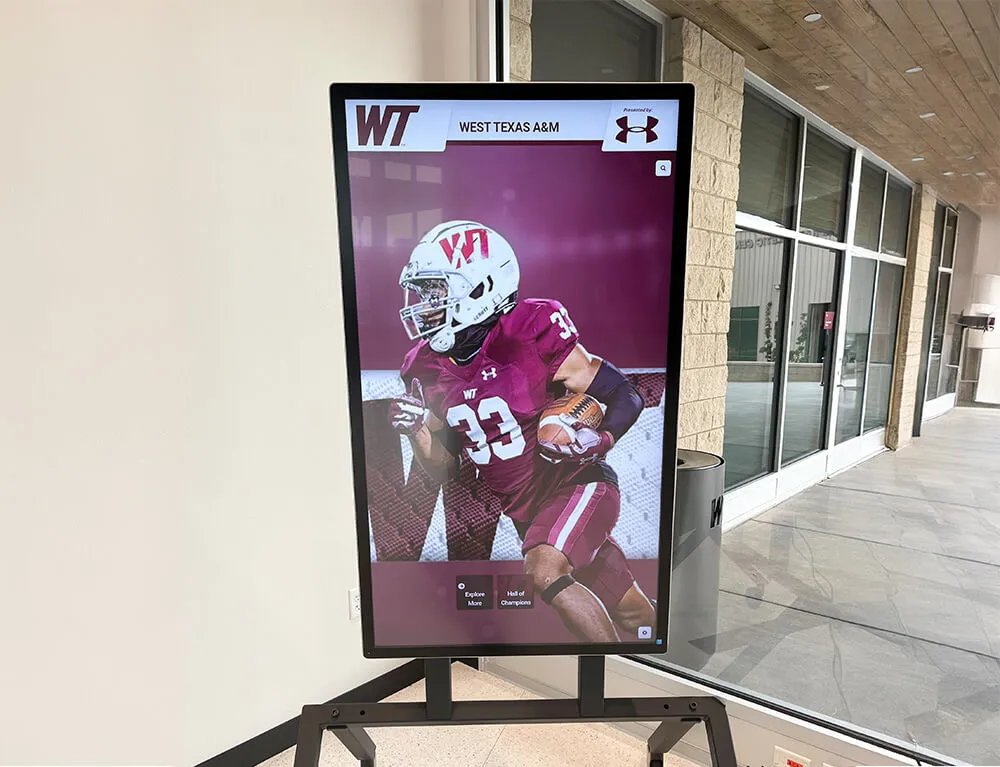
Multi-screen hallway deployments depend on centralized MDM to keep every display current and operational without manual visits to each location
Pricing Reality: Why Cost Structure Matters as Much as Features
Most schools evaluating digital signage encounter pricing models that start affordable but scale quickly. A platform priced at $20–$30 per screen per month looks manageable for two or three screens, but becomes a significant recurring cost at 10 or 20 screens.
Common pricing structures in the market include:
- Per-screen monthly subscriptions: $15–$50/screen/month
- Tiered screen count bundles: Fixed price for 1–5 screens, 6–20 screens, 21+ screens
- Annual per-screen fees: $180–$600/screen/year
- Content seat licensing: Charges based on number of editors or administrators
For a school with 15 screens, per-screen monthly pricing at $20/screen produces $3,600 per year in software costs alone—before hardware, installation, or content creation. At $40/screen, that becomes $7,200.
Rocket Alumni Solutions offers unlimited digital signage across all school screens for $50 per year. This flat pricing model means a school deploying 5 screens pays the same software fee as one deploying 25. There are no per-screen charges, no seat limits, and no content storage caps. For schools that want to expand their digital signage footprint over time—adding screens as budgets allow—the pricing model does not create a barrier to growth.
This pricing also includes MDM device management. Standalone MDM providers typically charge $2–$10 per device per month, adding $240–$1,200 per screen per year at scale. Bundling MDM into the platform at no additional cost meaningfully changes the total cost calculation.
For administrators building a budget case, the difference between unlimited flat-fee pricing and per-screen subscription models often amounts to thousands of dollars annually—a meaningful number for schools where every line item in the technology budget competes with instructional priorities.
The depth of content schools can produce also affects whether screens deliver value. Content ideas for school digital signage are plentiful—the constraint is usually budget and staff capacity to keep screens populated with current material, which flat-fee pricing directly addresses.
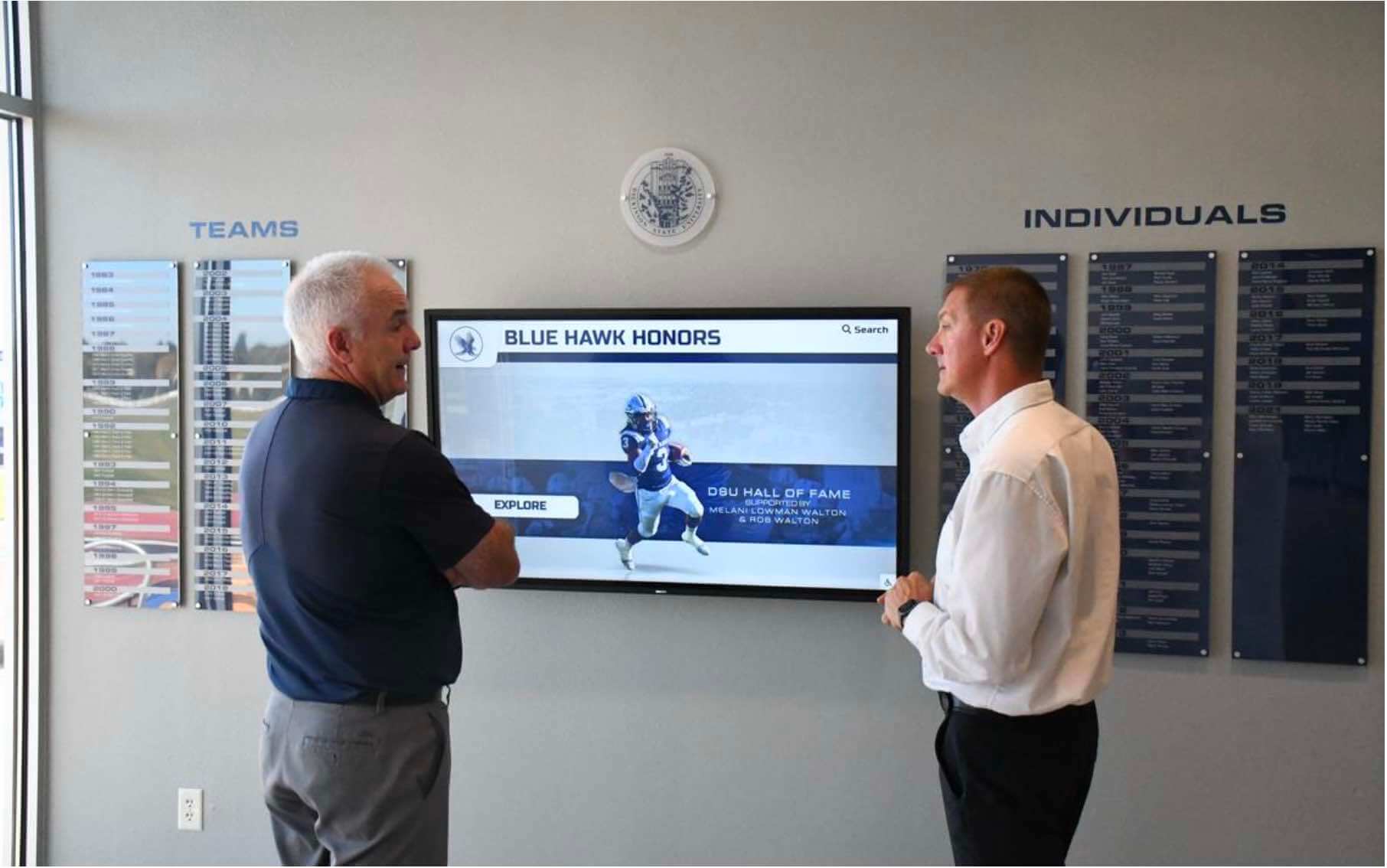
Platform administrators need a unified interface for content management and device oversight—separate tools for each function add unnecessary complexity
Feature Parity with Major Digital Signage Platforms
A common concern when evaluating lower-cost platforms is whether they sacrifice meaningful functionality to achieve the price point. Rocket Alumni Solutions is designed with functional parity to major digital signage platforms, covering the capabilities that schools actually use.
Content management:
- Multi-zone screen layouts with independent scheduling per zone
- Template library with school-appropriate designs
- Photo and video upload with no storage limits
- Custom branding using school colors, logos, and mascots
- Emergency notification broadcast to all screens simultaneously
- Cloud-based CMS accessible from any internet-connected device
Scheduling and automation:
- Time-based content rotation
- Dayparting (different content by time of day)
- Calendar-linked scheduling for event-based displays
- Automatic content expiration
Device management (MDM):
- Remote screen monitoring and health reporting
- Software push and update management
- Power scheduling (automated on/off)
- Device lockdown and policy enforcement
- Bulk configuration for multi-screen deployments
Engagement features:
- Interactive touchscreen support
- QR code integration for mobile access
- Social media content feeds
- Video playback
- Athletic and academic recognition modules
- Donor recognition with giving level display and auto-updating records
For schools considering interactive touchscreen digital signage, Rocket Alumni Solutions supports touch-enabled displays without requiring a separate platform or additional licensing.
With 600+ installations across educational institutions, nonprofits, and athletic facilities, Rocket Alumni Solutions brings proven deployment experience to school digital signage projects—not just a feature list.
Content Strategy: Getting More Out of School Digital Signage
The screens are only as good as the content running on them. Schools that build a simple, sustainable content operation get more value from their investment than those that plan ambitious programs and then fall behind on updates.
Start with Evergreen Content
Evergreen content—material that remains accurate for weeks or months without updates—reduces the ongoing maintenance burden. Good evergreen content includes:
- School mission and values statements
- Athletic program history and records
- Donor and alumni recognition
- Academic department overviews
- Campus map and wayfinding information
Building a library of evergreen content before launch means screens go live with a solid foundation that does not require daily attention.
Layer in Time-Sensitive Content
Scheduled, time-sensitive content adds relevance without requiring constant manual updates:
- Event calendars following the school scheduling system
- Seasonal athlete spotlights following sports seasons
- Academic calendar milestones (registration deadlines, testing dates, graduation countdown)
- Fundraising campaign progress indicators
How schools use screens to tell recognition stories—combining evergreen athlete and donor profiles with timely updates—is covered in depth in recognition storytelling on school touchscreens.
Distribute Content Ownership
Content management works best when responsibility is clearly distributed. A sustainable model typically involves:
- Front office staff: School-wide announcements, lunch menus, events
- Athletic director or coaches: Sports schedules, scores, athlete recognition
- Development office: Donor and alumni content
- Academic departments: Student achievement spotlights, course information
Distributed ownership prevents bottlenecks and ensures screens reflect the full breadth of school activity. Schools that centralize all content responsibility in one person typically see screens go stale when that person’s workload spikes.
For schools considering how digital displays create interactive experiences that engage visitors, practical planning for screen placement within the physical environment is an important early step.
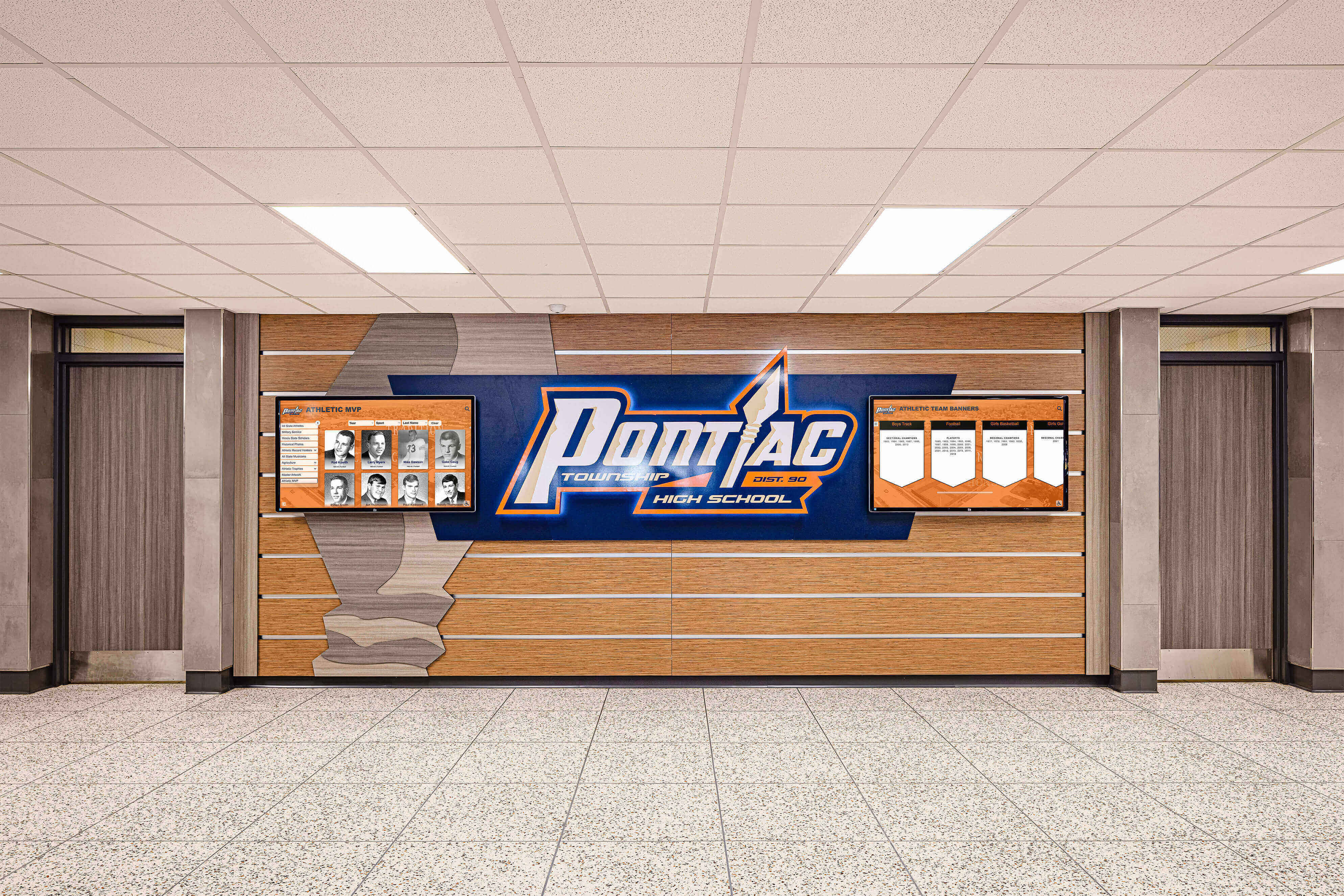
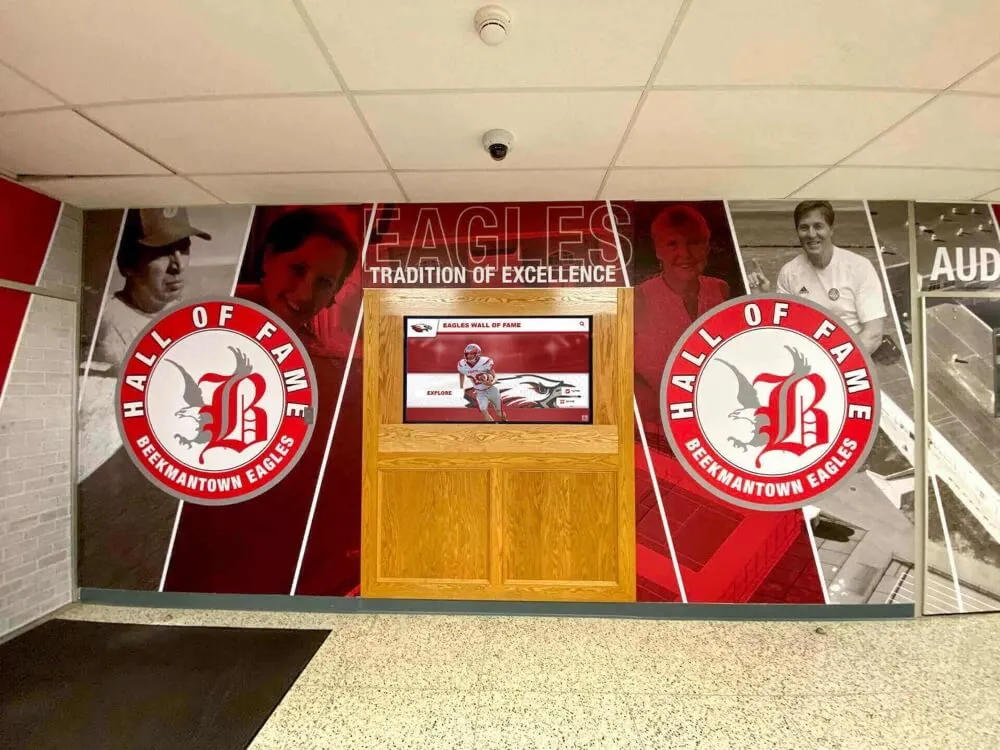
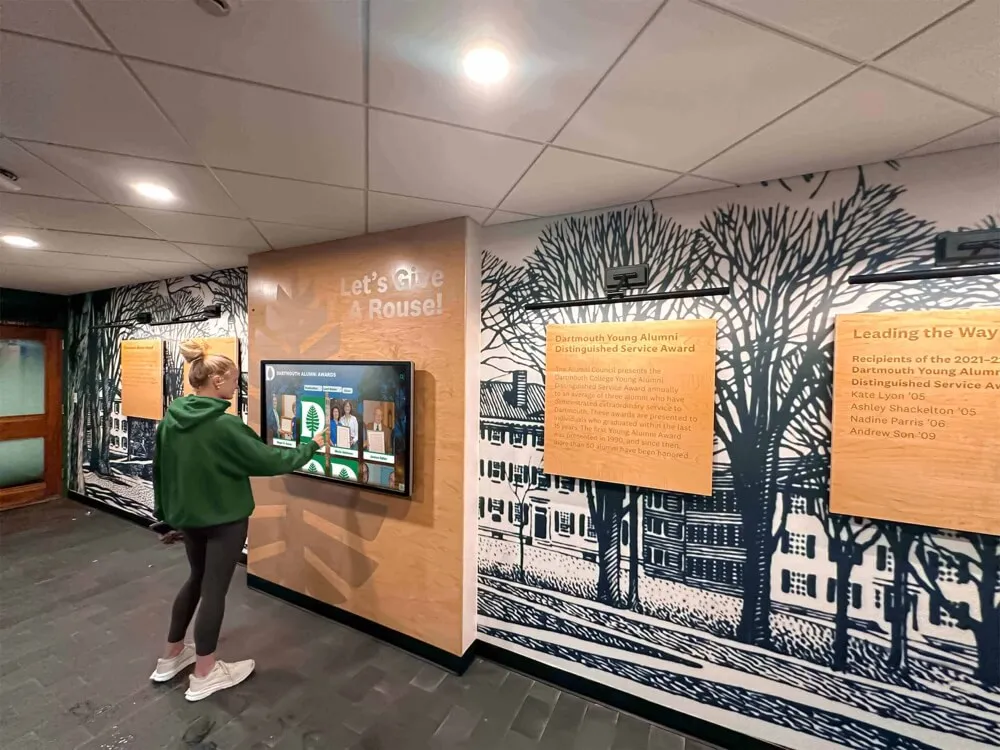
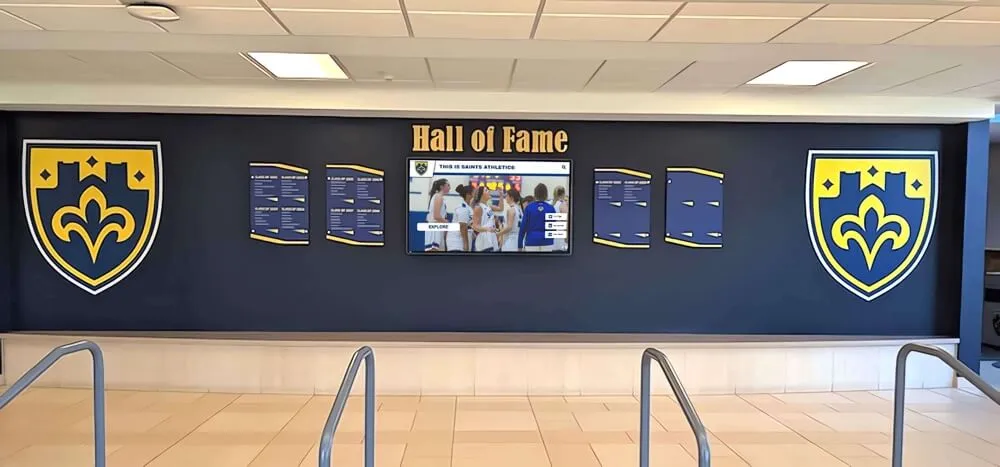
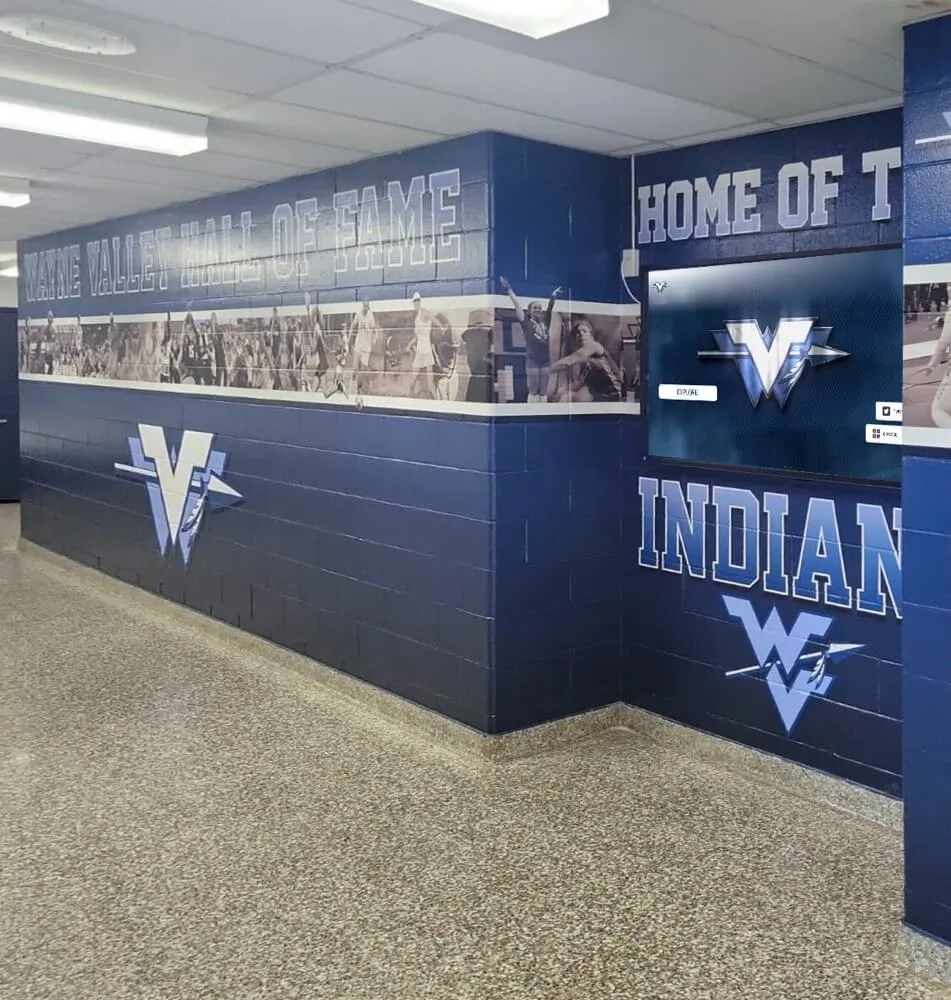
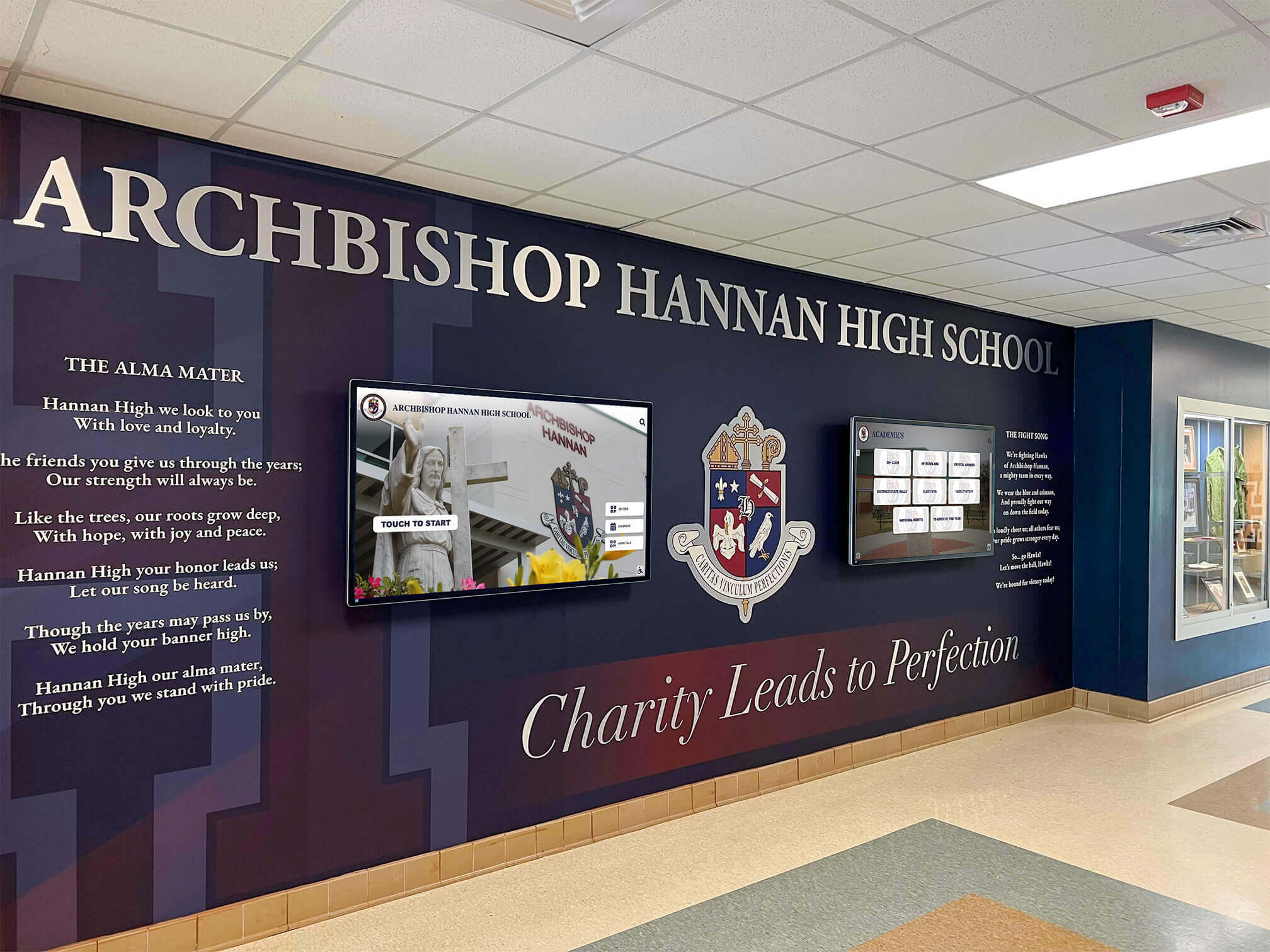
Effective hallway display design integrates school identity with recognition content in a way that feels permanent and intentional, not retrofitted
Implementation: What to Plan Before You Buy
Getting digital signage running in a school requires planning across four areas: hardware procurement, network infrastructure, software configuration, and content preparation. Schools that address all four before installation avoid the most common deployment problems.
Network Requirements
Digital signage screens need consistent network connectivity to receive content updates and support MDM monitoring. Practical requirements include:
- Wired ethernet (preferred for consistency) or stable WiFi coverage at each planned screen location
- Sufficient bandwidth for video content and real-time MDM telemetry
- Network access policies that allow displays to communicate with cloud management platforms
- Static IP assignments or DHCP reservations for predictable device identification
Network planning is the step schools most often skip, then regret. Discovering that a planned screen location lacks adequate WiFi coverage after hardware has been ordered adds both delay and cost.
Mounting and Power
Screen placement decisions affect both impact and logistics. High-traffic areas—main lobbies, gymnasium entries, cafeteria walls—offer maximum visibility but may require additional electrical access or structural support. Site surveys before purchase confirm that planned locations are feasible without costly infrastructure changes.
Staff Training
Successful launches include basic training for everyone who will publish content. Two hours of structured onboarding is typically sufficient for non-technical staff to become comfortable with template-based content creation, scheduling, and basic troubleshooting. Training should include the MDM dashboard so the designated administrator understands how to monitor screen health without needing IT support for routine checks.
For hardware selection, large touchscreen display solutions for schools are available in a wide range of configurations, with installation options from flush wall mounts to freestanding kiosk enclosures.
Content Before Launch
Schools that go live with empty or placeholder content send a poor signal. Build at least a core library—school history, athletic records, key department information, donor recognition—before the first public-facing day. Content preparation typically takes longer than anticipated, so starting this work concurrent with hardware procurement is the right approach.
Frequently Asked Questions
How much does digital signage for schools cost per year?
Digital signage software costs for schools vary widely. Per-screen subscription models typically range from $180–$600 per screen per year. Rocket Alumni Solutions offers unlimited digital signage for all school screens at a flat rate of $50 per year, which includes MDM device management. Hardware costs (commercial displays, mounts, and media players) are separate and depend on screen size and quantity.
What is MDM device management and why do schools need it for digital signage?
MDM (Mobile Device Management) for digital signage lets administrators remotely monitor screen health, push software updates, enforce content policies, and troubleshoot issues without physically accessing each device. For schools with multiple screens across campus, MDM prevents the time-consuming process of visiting each screen individually to resolve problems or update software—a significant operational benefit at scale.
Can school digital signage handle athletic recognition alongside general announcements?
Yes. Full-featured digital signage platforms support multiple content zones and scheduling rules, allowing the same screen to display athletic recognition during game times and general school announcements during the school day. Dedicated recognition modules can present athlete profiles, team records, and championship history alongside event calendars and academic achievement content.
How many screens can a school manage with Rocket Alumni Solutions?
Rocket Alumni Solutions supports unlimited screens under a single $50/year subscription. Whether a school deploys 3 screens or 30, the software cost remains the same. This makes it practical for schools to expand their digital signage footprint over time without increasing software fees.
Do schools need dedicated technical staff to operate digital signage?
No. Modern digital signage platforms designed for school use provide template-based content editors, scheduling tools, and MDM management through standard web interfaces accessible from any computer. Administrative and front-office staff without technical backgrounds can manage day-to-day content after a brief onboarding session. IT involvement is primarily needed for initial network setup and hardware installation.
Moving Forward with School Digital Signage
Schools ready to move from paper announcements and static plaques to screen-based communication have a clearer path than before. Commercial-grade hardware is widely available. Software options—particularly flat-fee models with MDM included—have removed the cost barriers that previously limited adoption to larger, well-funded districts.
The practical starting points:
- Identify your highest-priority use cases—announcements, athletic recognition, donor acknowledgment, or admissions support
- Map potential screen locations with attention to traffic patterns, power access, and network coverage
- Clarify who will manage content for each content category before software is ever installed
- Evaluate platforms on ease of use, MDM capability, and total annual cost—not just the feature checklist
- Prepare content before launch so screens go live with a real library of material
Digital signage for schools delivers the most value when treated as an ongoing communication channel, not a one-time installation project. Schools that build sustainable content workflows and use MDM tools to stay ahead of technical issues get the most out of their investment over time—and avoid the common outcome of expensive screens displaying outdated content no one looks at.
Book a demo to see how Rocket Alumni Solutions delivers full-featured digital signage—including MDM device management, unlimited screens, and athletic and donor recognition modules—for schools at $50 per year.