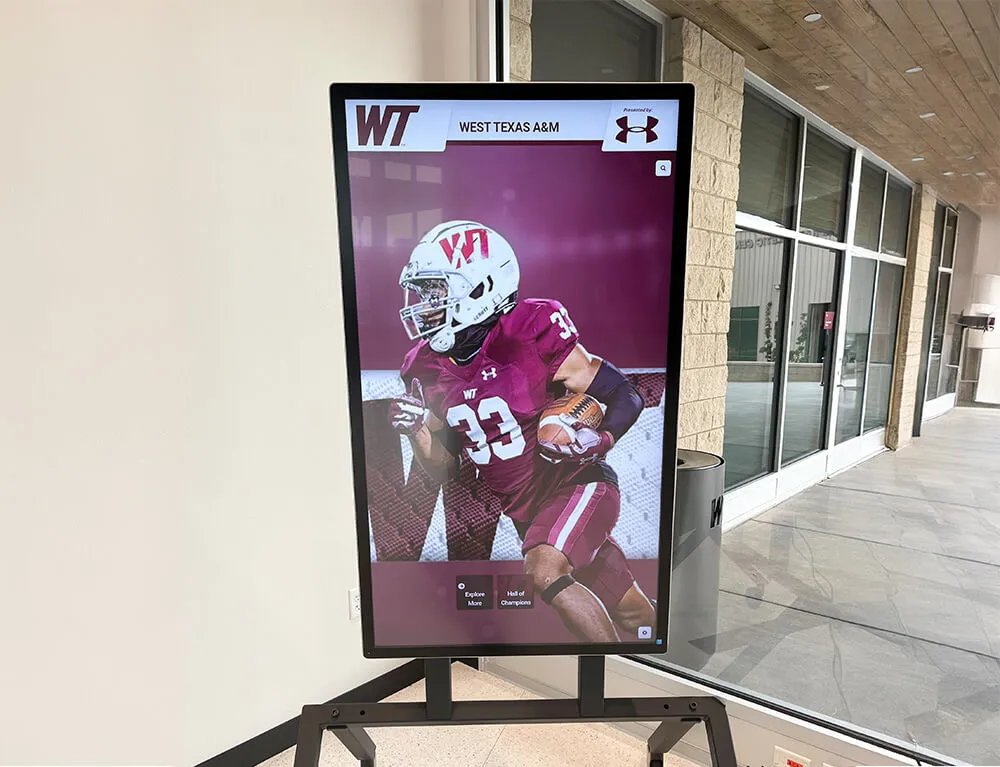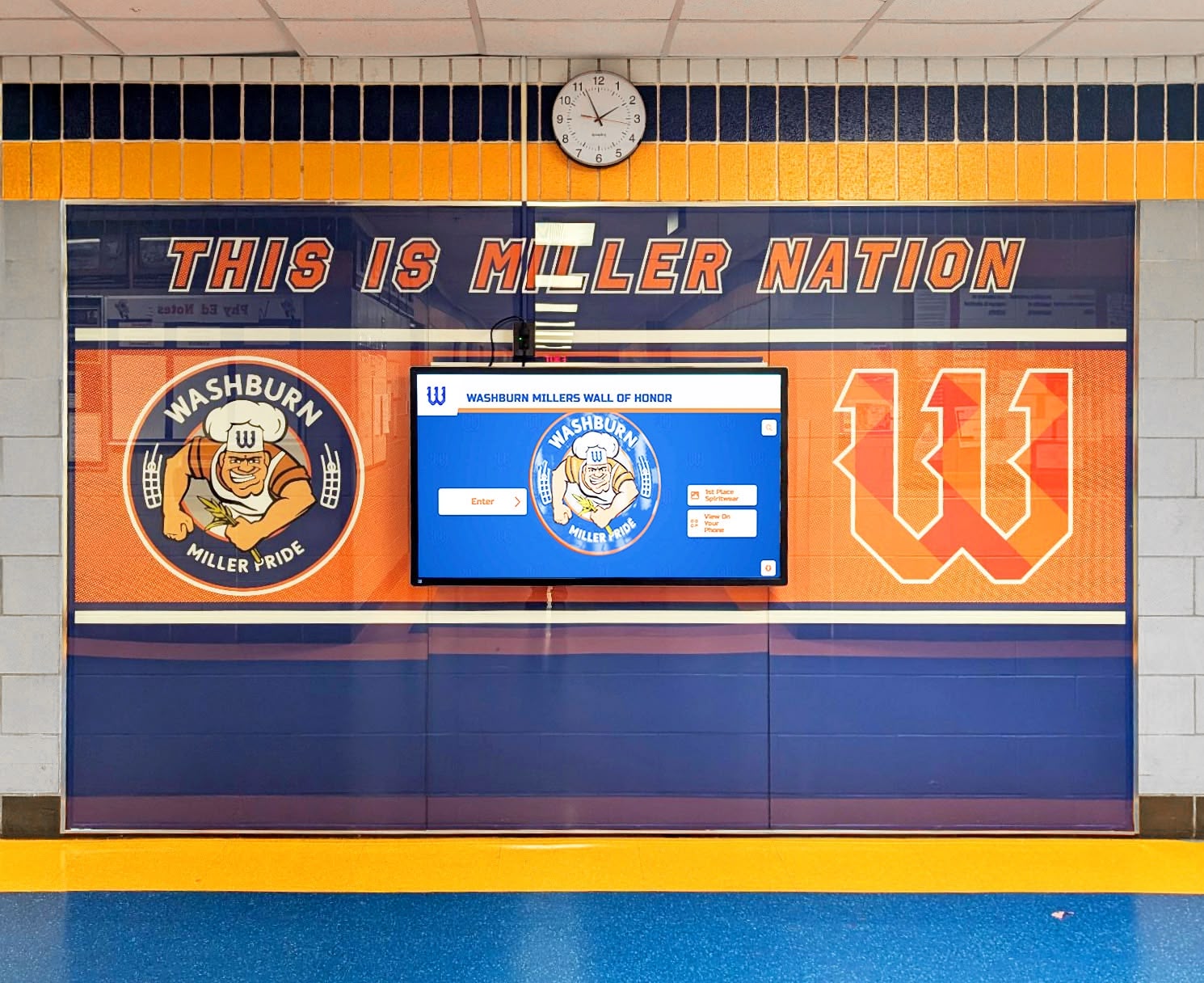




A booster club vendor master file review is a periodic audit of the organization’s complete vendor list — every company, contractor, or individual the booster club has paid or is authorized to pay — to identify and correct duplicate entries, outdated records, unauthorized vendor additions, and payment detail errors before they produce improper payments. For most athletic booster clubs, the vendor list is informal: a collection of payees in accounting software, a spreadsheet inherited from prior officers, or a growing roster of approved recipients that expands each season as new relationships form. Informal lists that are never systematically reviewed develop problems that maintained ones do not — duplicate vendor records that trigger accidental double payments, vendors added without board approval, former officers’ personal accounts that remain active, and payment details no one has verified are still accurate. This guide explains why a structured vendor master file review matters, what the review process covers, and how clean vendor records protect the recognition commitments your program makes to sponsors and donors.
Not legal or financial advice: This guide describes commonly used financial control practices for educational purposes only. Your organization’s specific requirements depend on your school district structure, state nonprofit regulations, and any financial controls required by your school’s governing body. Consult a licensed CPA or your school district’s finance office before establishing or revising financial control procedures.
A booster club vendor master file that has never been reviewed is almost always larger than it needs to be — and weaker on controls than it should be. The combination produces the two most common vendor-file payment problems: duplicate payments to the same vendor whose name appears twice under slightly different spellings, and unauthorized payments to vendors added informally without board knowledge. Both problems are preventable with a structured annual review.

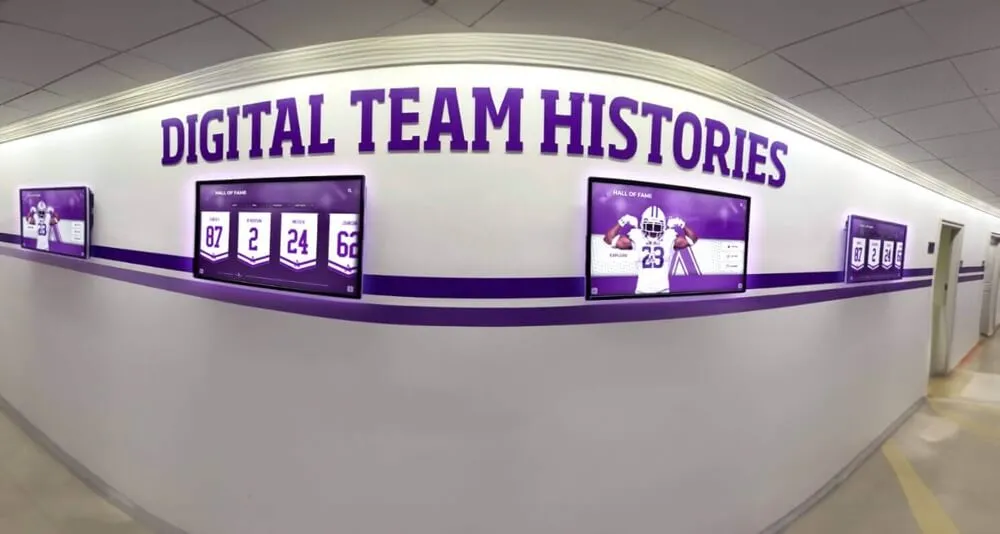
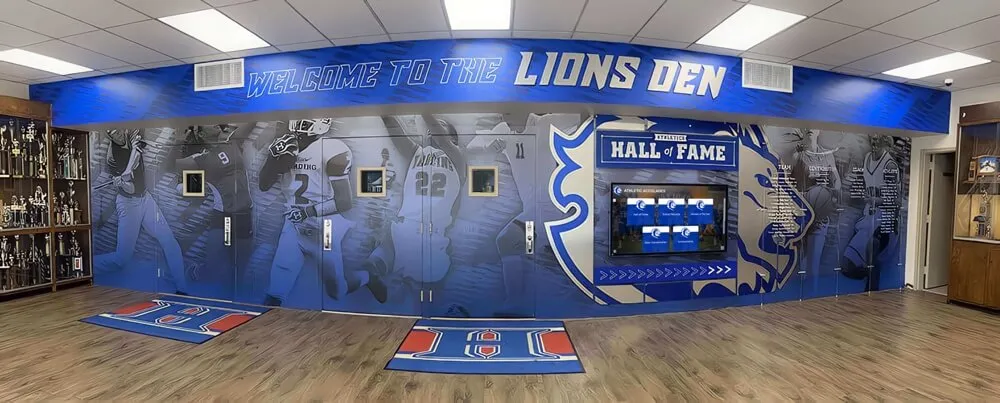
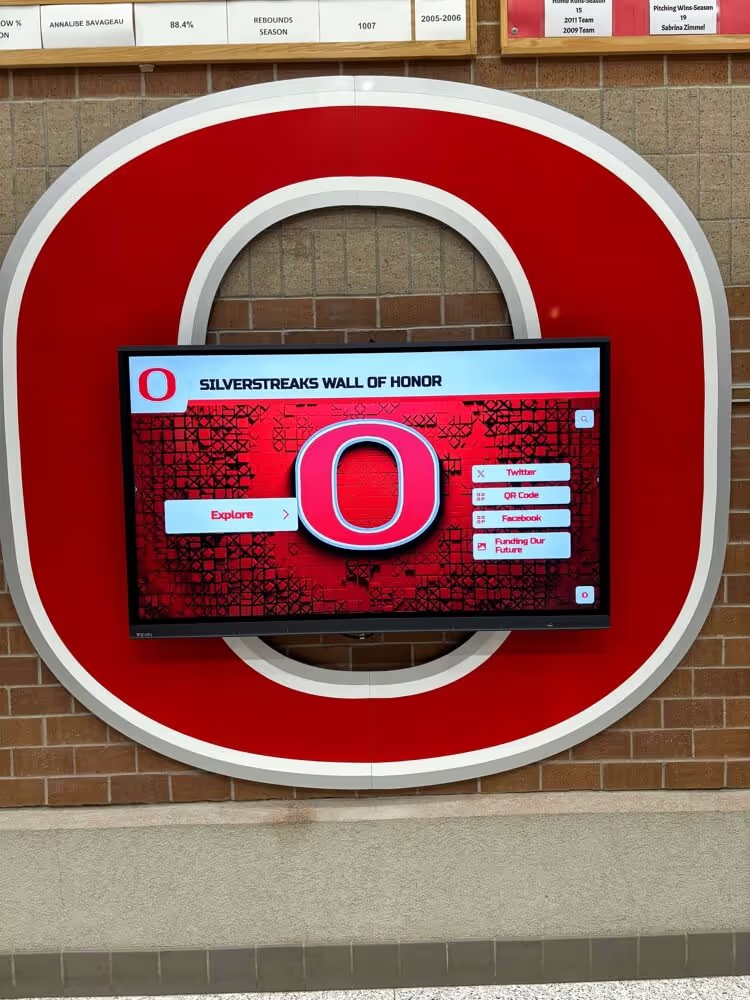
Recognition installations — including digital wall of honor displays funded by booster club proceeds — depend on vendor relationships that a clean vendor master file documents, verifies, and protects from unauthorized changes across every leadership transition
What a Booster Club Vendor Master File Includes
A vendor master file is the authoritative list of entities the organization can pay. For a booster club, it typically includes:
- Recurring service vendors — accounting software subscriptions, equipment maintenance providers, storage unit rentals
- Event vendors — photographers, sound crews, caterers, timing services, banner printers
- Recognition and display vendors — suppliers of trophies, plaques, apparel, digital recognition systems, and donor recognition materials
- Reimbursement payees — individual board members or volunteers authorized to receive reimbursements for pre-approved expenditures
- Professional service providers — CPAs, attorneys, and insurance brokers who invoice the organization
- Sponsor-preferred vendors — vendors specified in sponsorship agreements for certain recognition deliverable categories
Each vendor record should contain the vendor’s legal name exactly as it appears on invoices and tax documents, the tax identification number for 1099-eligible payees, payment method and banking or mailing address details, the authorization date and approving officer, and any associated contract or sponsor agreement reference. Records missing any of these fields are incomplete — and incomplete records are where duplicate payment risks concentrate.
Why Booster Club Vendor Files Develop Problems
Vendor files grow informally in most booster clubs because vendor additions are driven by immediate need rather than systematic process. A parent volunteer knows a printing company and the treasurer adds it to the payee list without a formal board vote. A former board member’s LLC still appears as an active vendor three years after they left. The apparel company used two seasons ago appears under two different names — one with “Inc.” and one without — because different treasurers entered it at different times.
According to the Association of Certified Fraud Examiners’ 2024 Report to the Nations, organizations with fewer than 100 employees experience a median loss of $150,000 per occupational fraud case, and billing fraud — which includes duplicate payments and payments to fictitious or unauthorized vendors — is among the most common schemes affecting small nonprofits. Booster clubs are particularly vulnerable because financial controls are typically lighter than in larger organizations, leadership turns over every one to three years, and vendor lists accumulate across administrations without systematic cleanup.
Three specific conditions create most booster club vendor file problems:
Leadership turnover without file maintenance: When a new treasurer inherits the payee list without a structured transition, inactive vendors remain active, payment details may be outdated, and the incoming officer has no way to verify which vendors were properly authorized.
Distributed data entry without centralized control: When multiple officers or volunteers can add vendors to the payment system without a defined approval workflow, unauthorized additions accumulate without the board’s knowledge.
No periodic review requirement: When the organization’s financial procedures do not include a scheduled vendor file review, the file grows unreviewed from season to season. Any errors introduced — whether accidental or intentional — persist indefinitely.
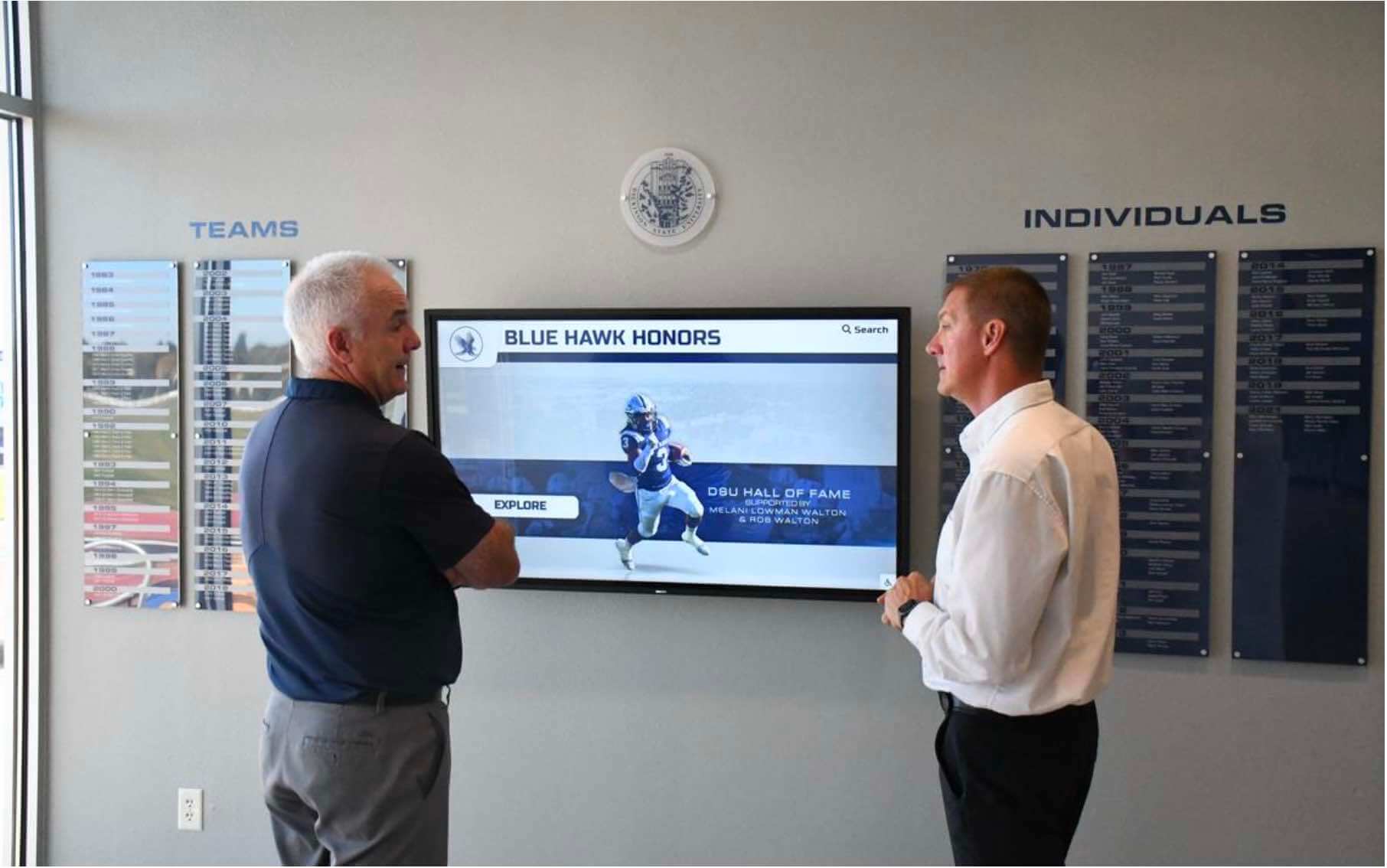
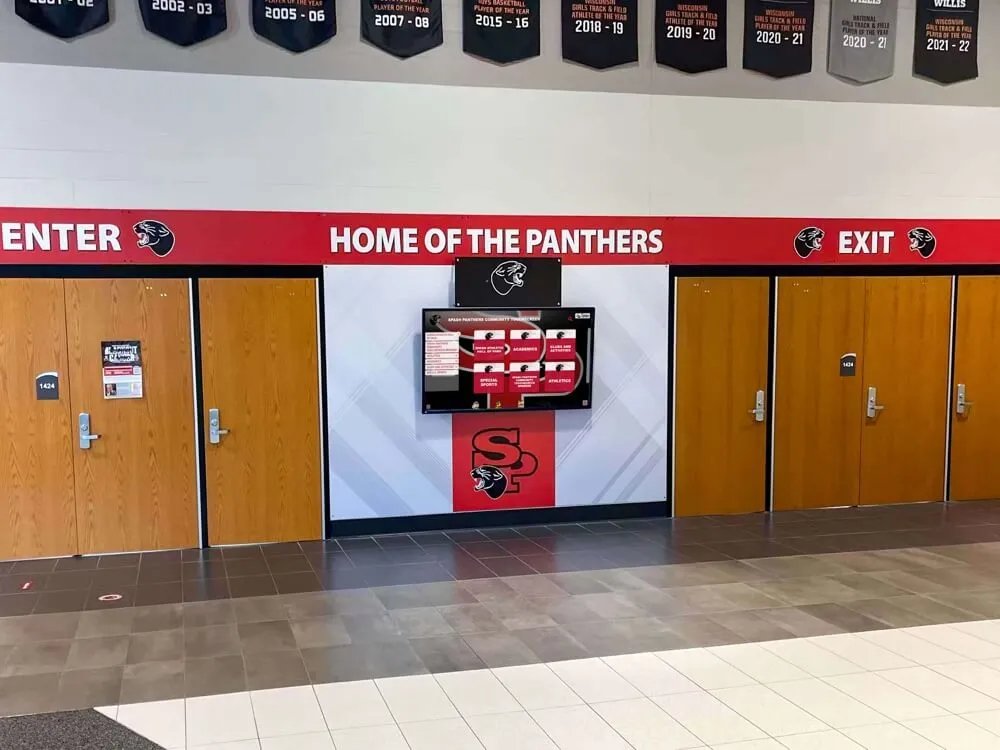
Athletic recognition programs involve vendors across multiple categories — from technology providers to fabricators and photographers — each of which should appear in a reviewed, authorized vendor master file that incoming officers can inherit without starting from scratch
Common Vendor File Errors That Lead to Duplicate and Unauthorized Payments
Duplicate Vendor Records
A duplicate vendor record occurs when the same vendor appears in the payment system under more than one name or record. Common causes include:
| Duplicate Pattern | Example |
|---|---|
| Spelling variation | “Acme Printing” vs. “Acme Printing Co.” |
| Punctuation difference | “J&R Sports” vs. “J and R Sports” |
| DBA vs. legal name | “Quality Banners” vs. “Quality Media Solutions LLC” |
| Two contact entries | Same company entered twice with different contact persons |
| Legacy record not deactivated | Vendor from three seasons ago still active alongside current record |
Duplicate records produce duplicate payments when a payee is found in the system under one record, paid, and then found again under a second record and paid again before the duplication is discovered. The payment may be entirely inadvertent — no fraud intended — but recovery is difficult, particularly if the vendor is slow to identify or refund the overpayment. Even a single duplicate payment in a budget-constrained athletic program disrupts a line item that could otherwise fund equipment, travel, or recognition materials.
Unauthorized Vendor Additions
An unauthorized vendor is any payee added to the payment system without documented board approval. Unauthorized additions are the higher-risk category because they can reflect both innocent informality — a volunteer adds a friend’s company without realizing board approval is required — and intentional manipulation, where a bad actor adds a personal account or shell entity to divert payments.
Unauthorized vendor addition risk is highest during officer transitions, when new volunteers may not understand approval requirements, and during event-heavy periods, when time pressure leads to informal shortcuts. A review that compares every active vendor against the board’s authorization records identifies unauthorized additions regardless of how they occurred.
Outdated Payment Details
A vendor record with outdated payment details — a bank account number that changed after a vendor restructured, a mailing address that now belongs to a different business, or an ACH routing number from a closed account — produces a failed payment at best and a misdirected payment at worst. Misdirected payments are especially difficult to recover from vendors that have dissolved or changed ownership.
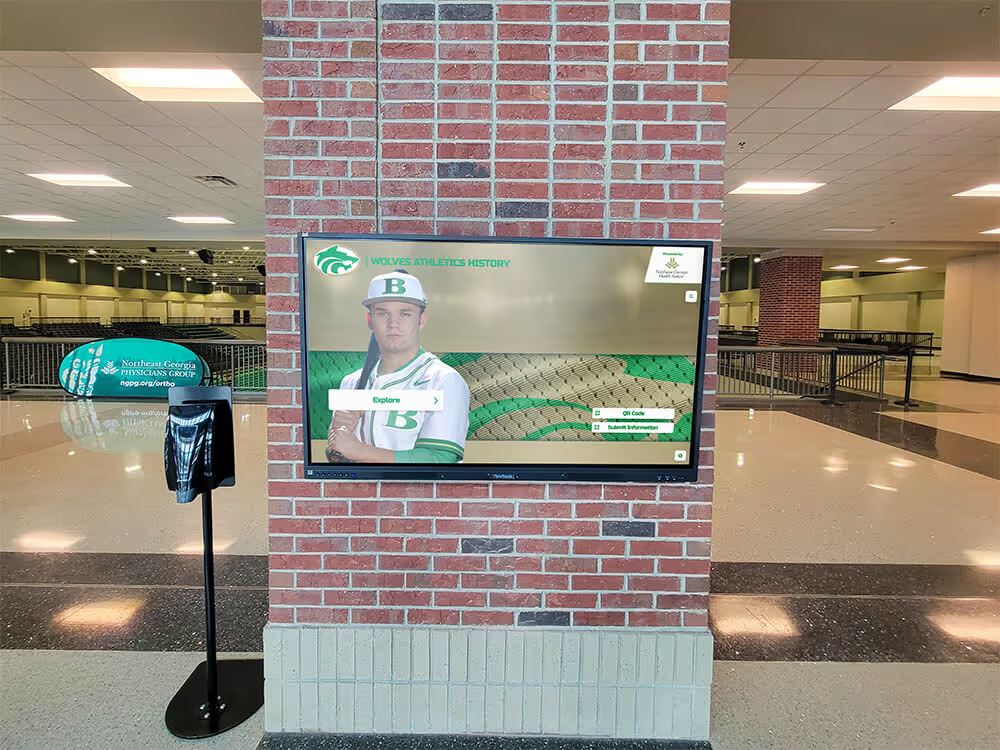
For programs that maintain long-term vendor relationships for recognition and display services — including vendors who support ongoing updates for academic achievement displays installed in school hallways — verifying payment details at the annual vendor review prevents payment disruptions that could affect the timing of recognition updates or sponsor deliverables.
How to Conduct a Booster Club Vendor Master File Review
A vendor master file review for a booster club should be conducted at minimum once per fiscal year — ideally at the fiscal year opening, when incoming officers are assuming responsibility for the payment system. Programs with high vendor volume or frequent leadership transitions benefit from a mid-year review as well. The process follows six steps.
Step 1: Export the Complete Vendor List
Export every active vendor record from the accounting software or payment system — including records that have not been used for payments in the current fiscal year. The review must cover the complete file, not only recent activity. Inactive records that remain enabled are a control gap: a vendor record unused for two years may be forgotten but is still capable of receiving a payment if someone enters that vendor’s name in a payment run.
Step 2: Match Each Vendor to Its Authorization Record
For every vendor in the exported list, identify the authorization record:
| Vendor Category | Expected Authorization Record |
|---|---|
| Service vendor | Board meeting minutes recording the vote to approve the vendor relationship |
| Event vendor | Board vote or documented officer approval at or above the policy threshold |
| Recognition vendor | Board vote; signed contract or written quote on file |
| Reimbursement payee | Board resolution authorizing officer reimbursements; per-transaction receipts |
| Professional services | Board vote; engagement letter on file |
| Sponsor-preferred vendor | Signed sponsor agreement with preferred vendor provision identified |
Any vendor with no authorization record should be flagged for investigation. The treasurer and president should jointly determine whether the vendor was approved informally and the record is missing — in which case the board can ratify the relationship retroactively — or whether the vendor was never properly authorized and the record should be deactivated pending full board review.
Step 3: Identify and Merge Duplicate Records
Review the exported list for records that appear to represent the same vendor under different names. Effective deduplication strategies include:
- Sorting the vendor list alphabetically and comparing adjacent entries for similar names
- Searching for the same EIN or tax ID appearing across multiple records
- Searching for matching mailing addresses, phone numbers, or banking details under different vendor names
- Comparing records against invoices on file — vendors sometimes change their DBA name without updating their contact information
When duplicate records are confirmed, designate one record as canonical — typically the one matching the vendor’s current legal name and invoice details — update payment history references if the accounting system permits, and deactivate the non-canonical copy. Document each deduplication action in the vendor review log.
Step 4: Verify Payment Details for Active Vendors
For each vendor remaining active after the deduplication step, verify that payment details are current:
- Confirm the mailing address against a recent invoice or the vendor’s website
- For ACH vendors, request a voided check or bank letter confirming current routing and account numbers
- Confirm the tax ID or EIN for any vendor expected to receive a Form 1099 for the tax year
- Verify that the contact person on file is still associated with the vendor
Email confirmation from a known vendor contact address is generally acceptable for established relationships. New vendors or vendors whose payment details have changed require more formal verification — a voided check or signed bank letter — before any updates are applied to the master file.
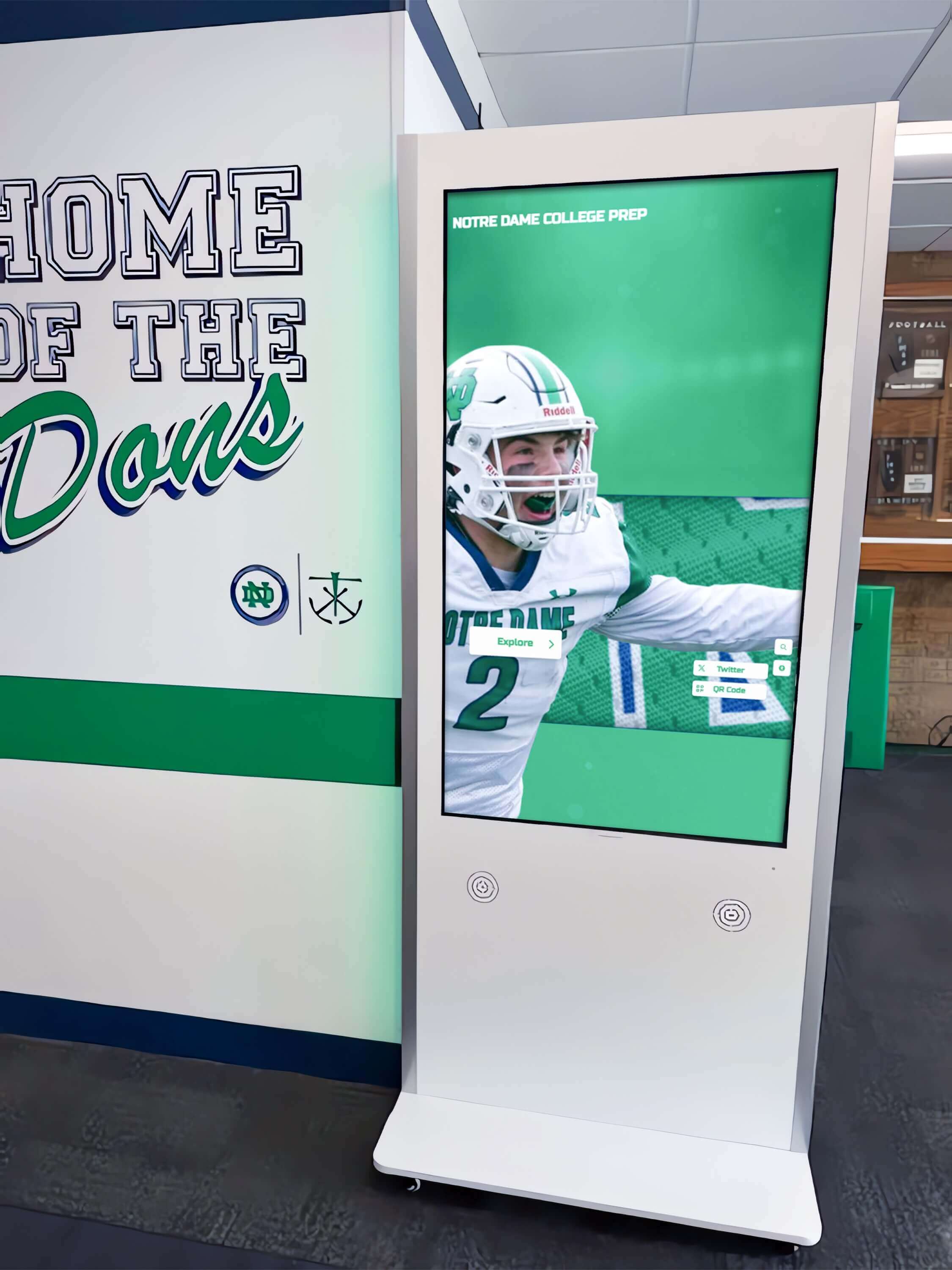
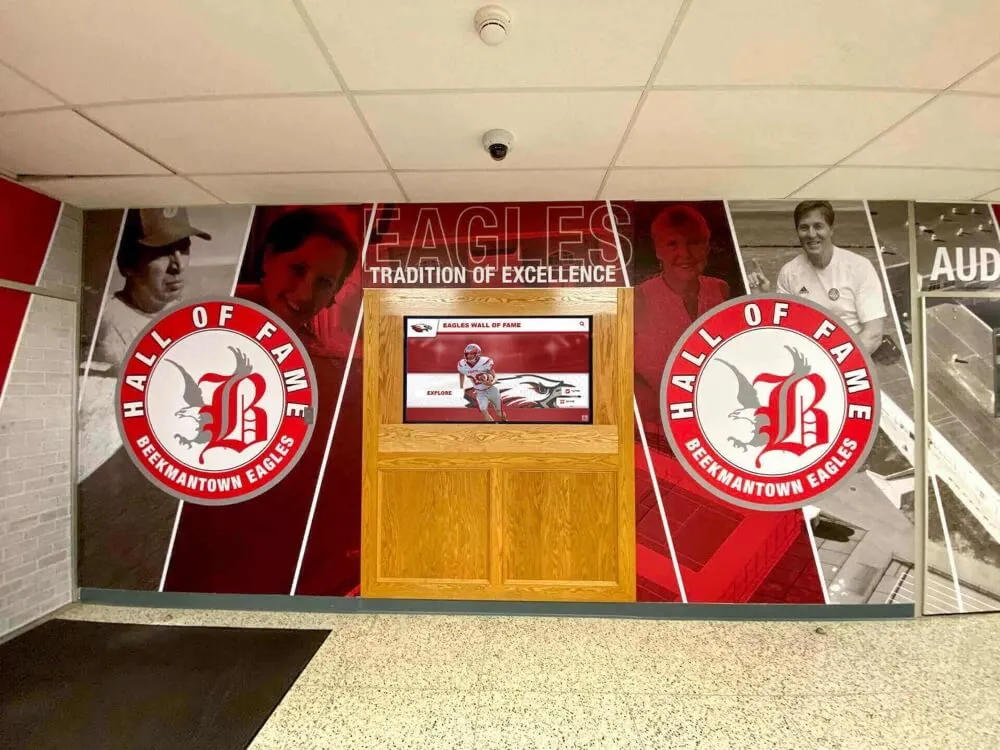
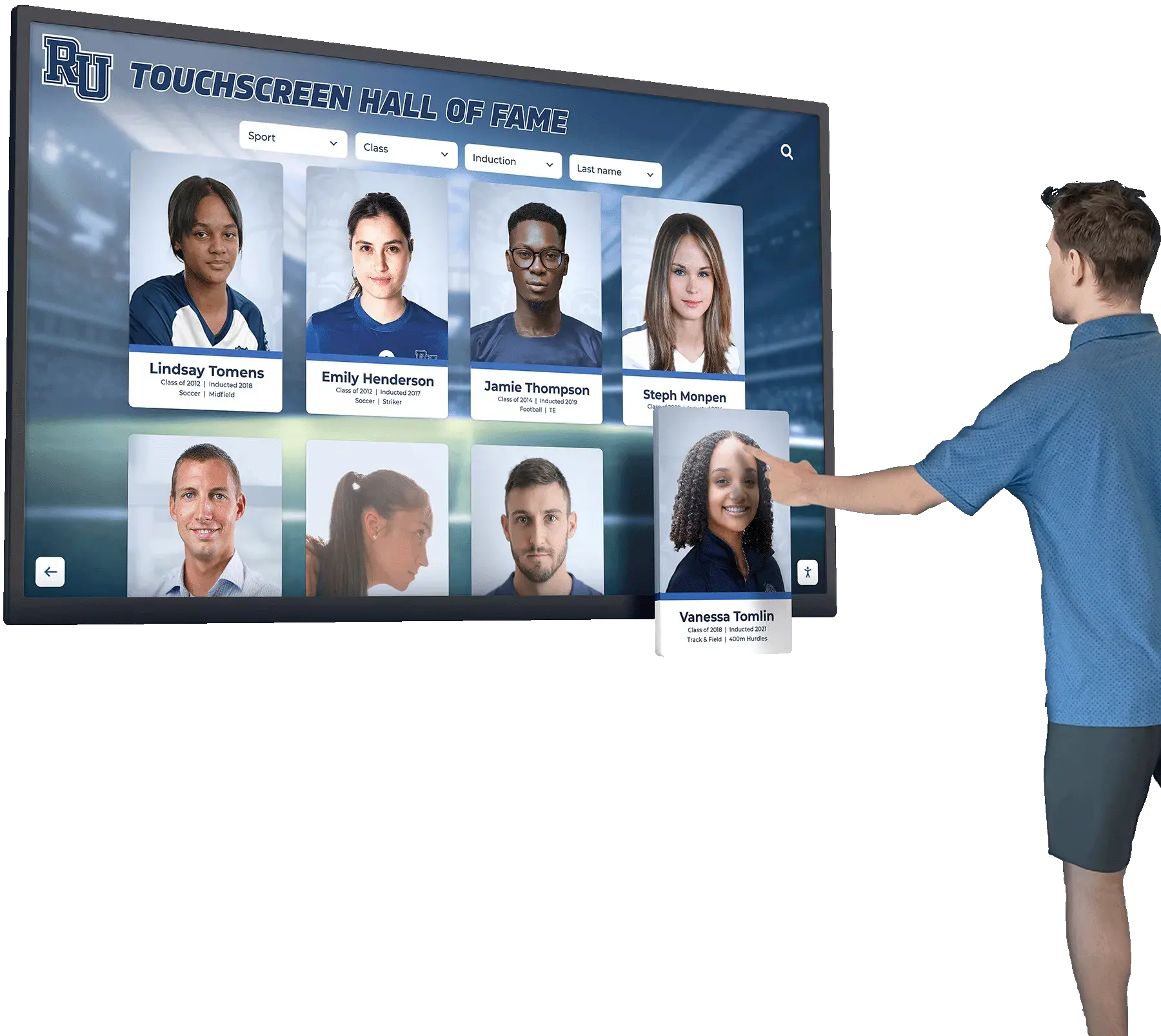
Digital recognition kiosks and interactive display installations are among the higher-value, longer-lived vendor relationships a booster club maintains — annual vendor master file reviews ensure payment details and authorization records for these relationships remain accurate and auditable
Step 5: Deactivate Records That Should Not Remain Active
After completing steps 2 through 4, deactivate any record that:
- Has no authorization record and cannot be retroactively ratified by the board
- Is a confirmed duplicate (the non-canonical copy of a merged pair)
- Belongs to a vendor with whom the organization no longer has an active relationship
- Has payment details that cannot be verified and the vendor does not respond to verification requests
- Represents a former officer or volunteer whose personal account was used for payments since discontinued
Deactivation — not deletion — is the correct action for most flagged records. Retaining deactivated records preserves the payment history associated with each record for audit purposes. Deleting a record removes that payment history.
Step 6: Document the Review and Present Results to the Board
The vendor master file review should produce a documented output: a log of every vendor evaluated, the authorization status confirmed, deduplication actions taken, payment details verified or updated, and records deactivated. This log is presented to the board as part of the annual financial review, with the board formally acknowledging the review in meeting minutes. The board’s acknowledgment creates a governance record that any future auditor or school administrator can reference.
For programs that incorporate alumni reunion planning into their annual event calendar, vendor master file reviews intersect directly with event vendor management — reunion events regularly introduce new vendor relationships that should be authorized, documented, and added to the master file before any payments are made.
Preventing Unauthorized Vendor Additions Between Annual Reviews
A once-per-year review catches accumulated problems, but the goal is to prevent unauthorized additions from occurring between reviews. The primary control is a written vendor addition policy requiring documented approval before any new payee is added to the payment system.
Core requirements for a vendor addition workflow:
| Control | Implementation |
|---|---|
| Board vote for new vendors above threshold | Written policy defines the dollar threshold; minutes record the vote |
| Dual-officer approval for ACH additions | Any new direct payment setup requires two officer signatures |
| New vendor information verification | Treasurer confirms vendor information against an external source before entry |
| No self-authorization | The officer adding a vendor cannot be the sole approver for that relationship |
| Annual vendor list distribution | The board receives the complete vendor list for review at least once per year |
For programs that rely on multiple volunteers to manage different aspects of operations, a segregation of duties policy that separates the person who adds a vendor from the person who authorizes payment to that vendor is the strongest structural control available. This mirrors the quality-control discipline described in class composite presentation guides, where distributed production workflows maintain accuracy through separated roles — the same principle applies directly to payment authorization.
The U.S. Government Accountability Office’s guidance on duplicate payment prevention consistently identifies vendor file controls — specifically, the requirement for dual-approval on new vendor additions and periodic reconciliation of the active vendor list — as the most effective first-line defense against payment errors in organizations that lack automated duplicate-detection tools.

Recognition displays depend on ongoing vendor relationships for content updates, hardware support, and sponsor fulfillment — a vendor addition policy that requires board approval before any new vendor enters the payment system protects those relationships from unauthorized changes
Connecting Vendor Records to Recognition Commitments
Booster clubs with active recognition programs — digital donor walls, athletic hall of fame displays, sponsor recognition screens, or color guard and performing arts varsity letter programs — maintain vendor relationships directly tied to commitments made to sponsors and donors. A clean vendor master file is not only a financial control: it is the foundation of the documentation chain that proves recognition obligations were fulfilled through authorized, accountable vendor relationships.
When a sponsor agreement specifies that recognition will be delivered through a particular type of display, and the vendor selected to build that display appears in the organization’s vendor master file as an authorized, reviewed record with verified payment details, the entire chain from sponsor payment to recognition delivery is documented. When the display vendor is an informal addition with no authorization record, that chain breaks — and the organization cannot demonstrate that the recognition commitment was honored through a proper, board-sanctioned process.
For programs that include birthday recognition programs and milestone acknowledgment events as part of their community engagement calendar, the vendors who produce materials for those events — printers, gift suppliers, recognition platform providers — belong in the vendor master file as reviewed, authorized records, just like any other program vendor.
Similarly, programs that incorporate sports nutrition and athletic wellness support services for student athletes may work with nutritionists, dietitians, or wellness product suppliers who invoice the organization — all of whom should appear in the vendor master file as verified, board-approved payees before any disbursement is made.
The connection between vendor governance and recognition credibility runs in both directions. A booster club that can demonstrate clean vendor records — every payee authorized, every payment detail verified, no duplicate entries — is the kind of program that sponsors and donors trust with multi-year recognition commitments. That trust is what makes it possible to install a hall of fame display, maintain a donor recognition screen, or name a facility in honor of a longtime sponsor and have that commitment honored accurately across every subsequent leadership transition.

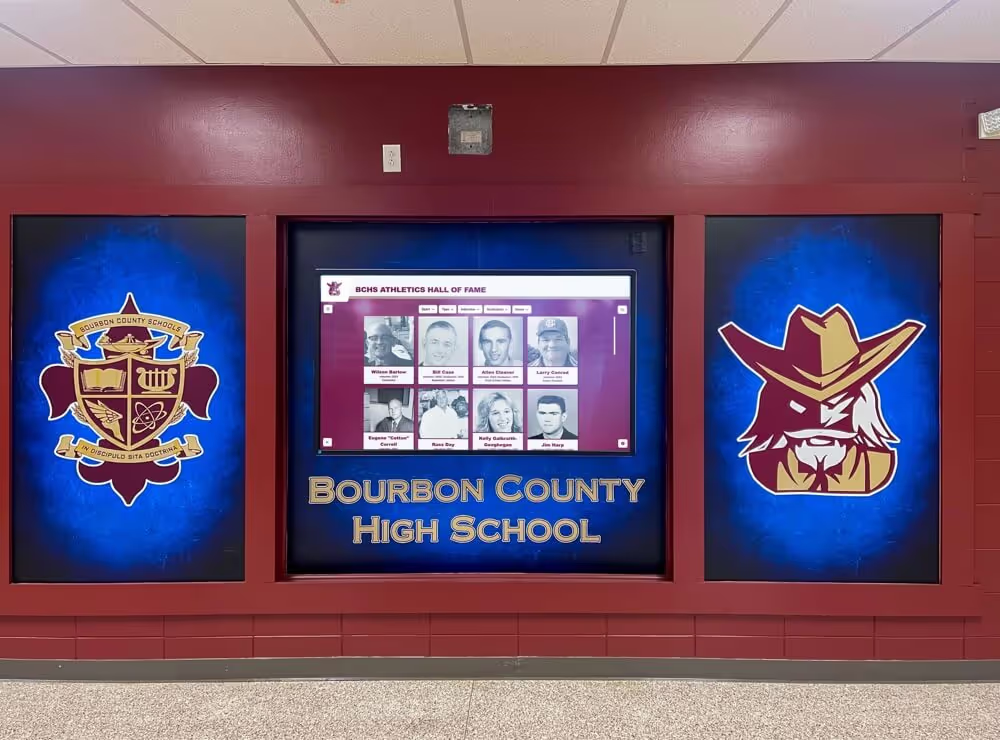
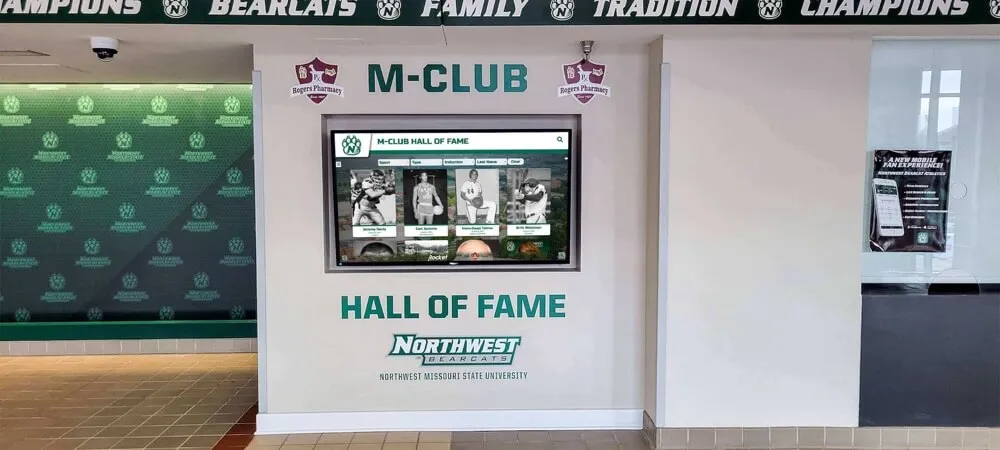
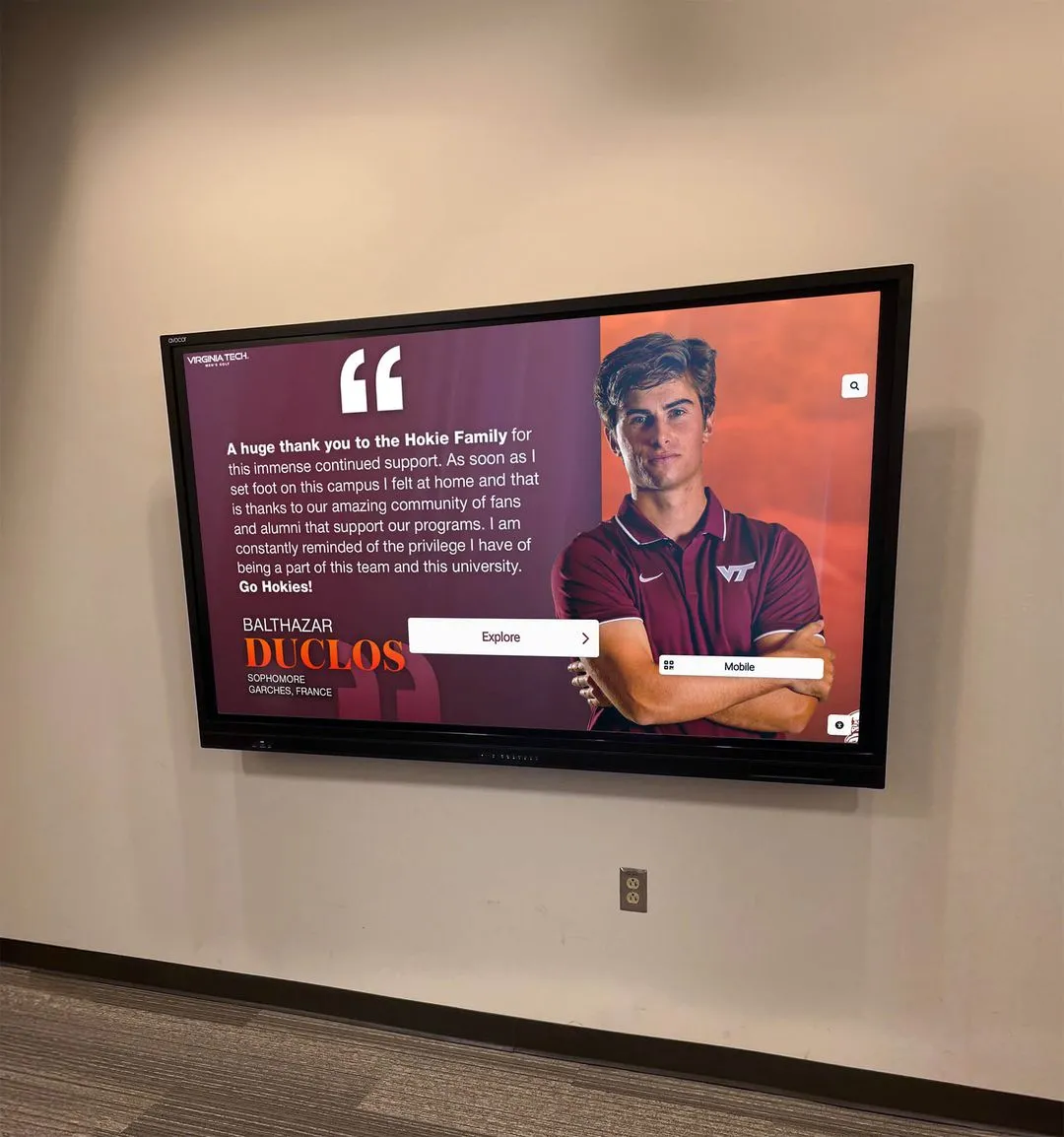
A digital recognition display is only as accountable as the vendor relationship behind it — programs that maintain clean vendor master files can demonstrate that every recognition investment was made through an authorized, documented vendor relationship that any board successor can verify
Booster Club Vendor Master File Review: Quick Reference Checklist
| Review Step | Action | Output |
|---|---|---|
| 1. Export complete vendor list | Pull every active record from the payment system | Full vendor export file |
| 2. Match vendors to authorizations | Compare each record to board minutes and approval records | Authorization status log |
| 3. Identify and merge duplicates | Sort and compare for matching names, EINs, or payment details | Deduplication action list |
| 4. Verify payment details | Confirm address, ACH, and tax ID for all active vendors | Updated payment detail records |
| 5. Deactivate flagged records | Remove unauthorized, duplicate, and inactive records from active status | Deactivation log |
| 6. Document and present to board | Submit review log; board acknowledges in meeting minutes | Board-acknowledged review summary |
Vendor addition controls — board approval requirements and dual-officer sign-offs — should operate continuously throughout the year between formal reviews, so that the next annual review finds a file that grew through documented decisions rather than informal accumulation.
Frequently Asked Questions
What is a booster club vendor master file review?
A booster club vendor master file review is a systematic audit of every vendor record in the organization’s payment system — comparing each record to its board authorization documentation, identifying duplicate entries, verifying that payment details are current, and deactivating records that are unauthorized, outdated, or no longer active. The review is typically conducted annually at the fiscal year opening when the incoming treasurer is being oriented to the organization’s financial records, and the results are presented to the board for formal acknowledgment in meeting minutes.
How do duplicate vendor records lead to improper payments?
Duplicate vendor records — the same vendor appearing in the payment system under two slightly different names or entries — produce duplicate payments when a payee is found under one record, paid, and then found under a second record and paid again before the duplication is noticed. The second payment is usually inadvertent rather than fraudulent, but recovery is difficult, particularly if the vendor is slow to identify or return the overpayment. Duplicate records accumulate over time as different treasurers enter the same vendor with slight name or punctuation variations, or as a vendor’s legal name and DBA name are added as separate records by different officers.
What makes a vendor addition "unauthorized" for a booster club?
A vendor addition is unauthorized when a payee is added to the payment system without the documented approval required by the organization’s financial policies — typically a board vote for vendors above a defined dollar threshold, or at minimum a dual-officer sign-off. Unauthorized additions may be entirely innocent (a volunteer adds a vendor informally without realizing approval is required) or they may represent a control failure where payments are directed to unapproved entities. A vendor master file review identifies unauthorized additions regardless of intent, and the board determines whether each relationship should be retroactively ratified or discontinued.
How often should a booster club review its vendor master file?
A booster club should review its vendor master file at least once per fiscal year — ideally at the fiscal year opening when the incoming treasurer is assuming responsibility for the payment system. Programs with high vendor volume, frequent leadership transitions, or active event calendars benefit from a mid-year review as well. Between formal reviews, vendor addition controls — board approval requirements and dual-officer sign-offs for new ACH payees — should operate continuously to prevent unauthorized entries from accumulating before the next scheduled review.
What documentation should a booster club retain from a vendor master file review?
A booster club should retain the review log documenting every vendor evaluated, the authorization status confirmed, deduplication actions taken, payment details verified or updated, and records deactivated. The board’s formal acknowledgment of the review should appear in meeting minutes. Deactivated vendor records should remain in the system — not deleted — to preserve the payment history associated with those records for audit purposes. These records should be stored in the organization’s shared financial archive, retained for at least seven years in accordance with standard nonprofit records management guidance.
Build a Vendor Master File That Protects Every Dollar Your Program Raises
A booster club vendor master file review is one of the most direct financial controls available to a volunteer-led organization operating with limited staff and frequent leadership transitions. By confirming that every vendor is authorized, every payment detail is current, and every duplicate record is resolved, the organization removes the conditions that produce improper payments — not through complex systems, but through a documented annual process that any incoming treasurer can perform and any auditor or school administrator can evaluate.
The same discipline that keeps vendor records clean also makes recognition commitments more reliable. Sponsors and donors whose recognition is delivered through vendors documented in a properly reviewed, board-authorized file can trust that the organization’s financial records document the full chain from contribution to recognition display — a foundation of credibility that sustains long-term program relationships regardless of who is currently serving as treasurer.
Programs that are ready to connect their financial governance to a visible recognition program — making responsible stewardship something donors and sponsors can see and experience in the facility every day — can see what an interactive digital recognition display looks like for their school.
See How Rocket Alumni Solutions Turns Responsible Stewardship Into Visible Recognition
Rocket Alumni Solutions builds interactive digital recognition systems for school athletic programs — giving booster clubs a permanent platform for donor acknowledgment, sponsor recognition, hall of fame histories, and athletic records that can be updated remotely and audited as fulfillment evidence for every sponsor agreement. Request a demo to see what a custom recognition display looks like for your school.
Schedule a Recognition Display Demo