



Booster club vendor certificate of insurance tracking is the process of collecting, verifying, and monitoring certificates of insurance (COIs) from every vendor the organization hires — ensuring that each certificate names the booster club (and usually the school district) as an additional insured, reflects current coverage limits, and is replaced before its expiration date. When a vendor’s COI lapses and an incident occurs, the booster club and its officers can face direct liability exposure that the vendor’s policy would otherwise cover. A tracking workflow prevents that gap by turning a one-time document collection task into a recurring, calendar-driven compliance process.
This guide explains which vendors require a COI, what fields to verify on every certificate, how to build a renewal reminder calendar, and how to store COI records in a way that incoming board officers can maintain without starting from scratch.
Not legal or insurance advice: This guide describes commonly used risk management practices for educational purposes only. Your organization’s specific requirements depend on your school district structure, state nonprofit regulations, and guidance from your school’s risk manager. Consult a licensed insurance professional or your district’s legal counsel before establishing or revising vendor insurance requirements.
A booster club that collects COIs at contract signing and never revisits them is not tracking vendor insurance — it is archiving it. The difference matters at claim time, when an expired certificate and an uninsured incident are treated the same way.

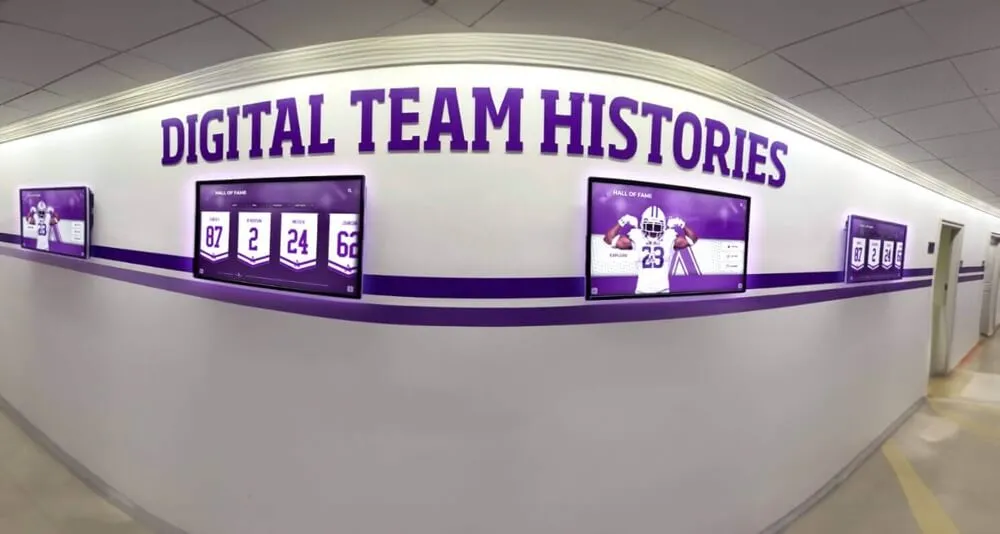
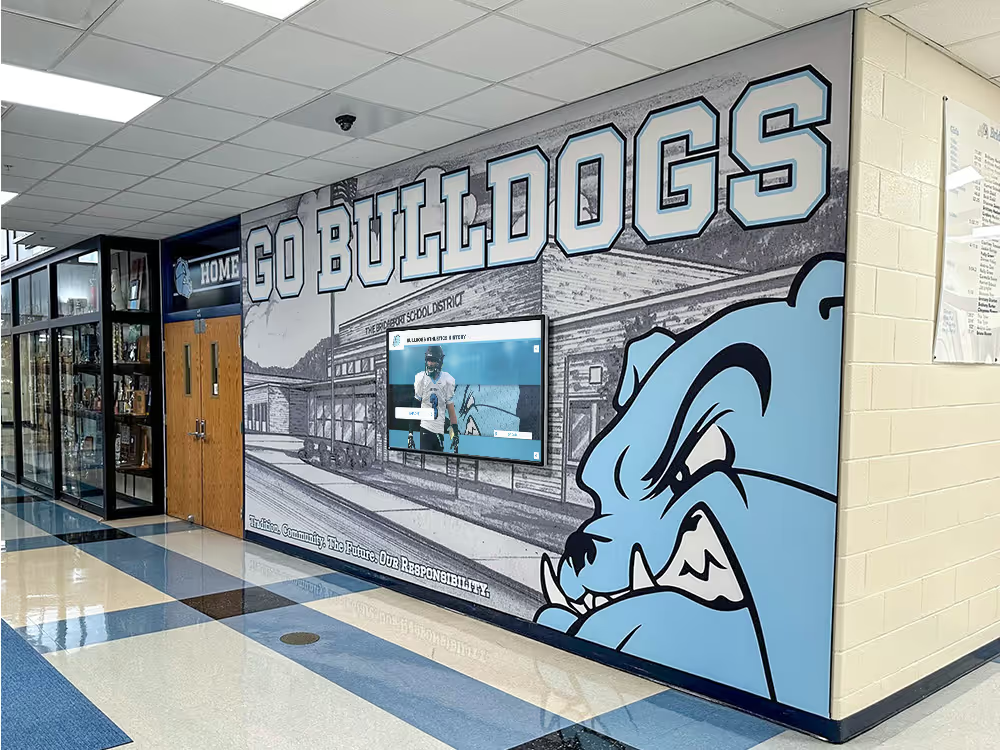
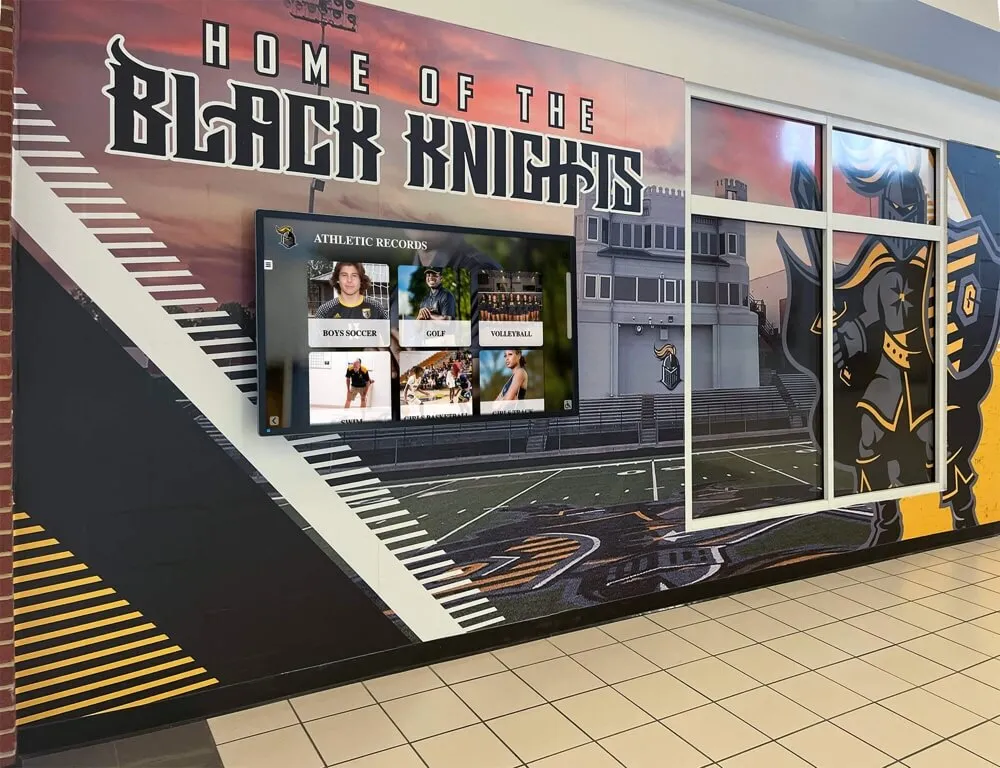
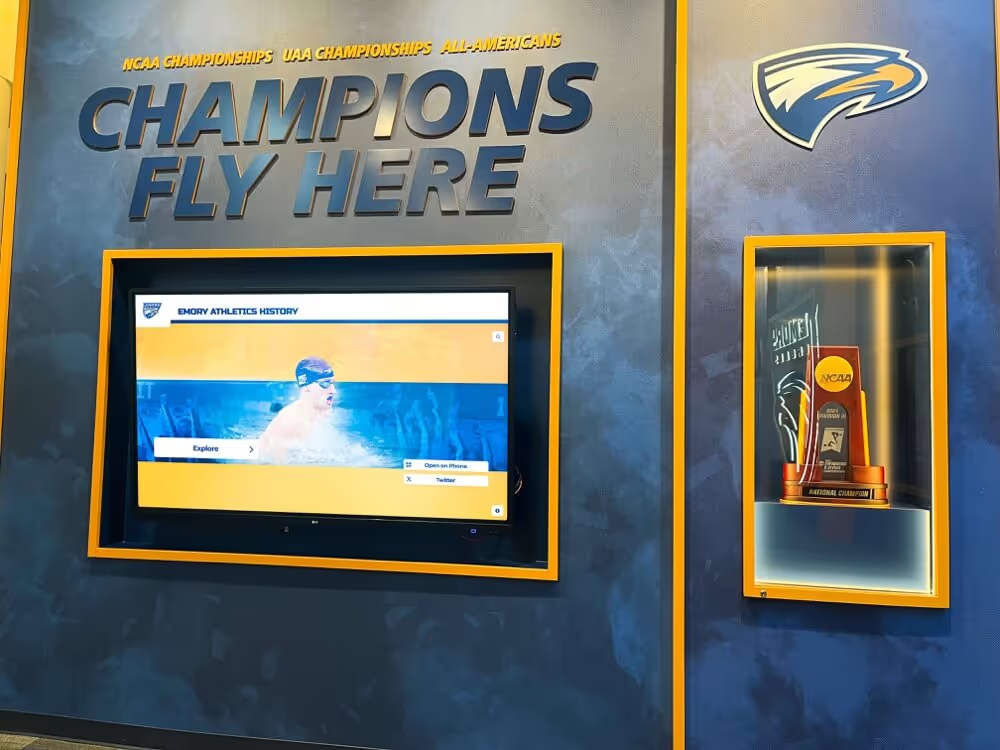
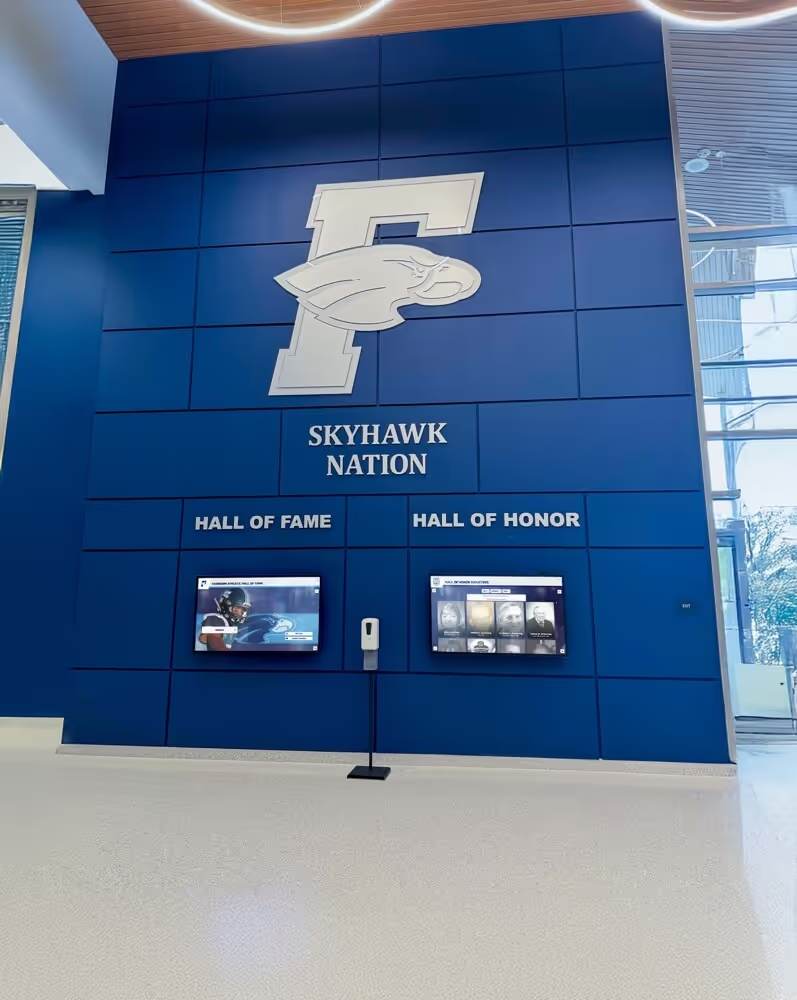
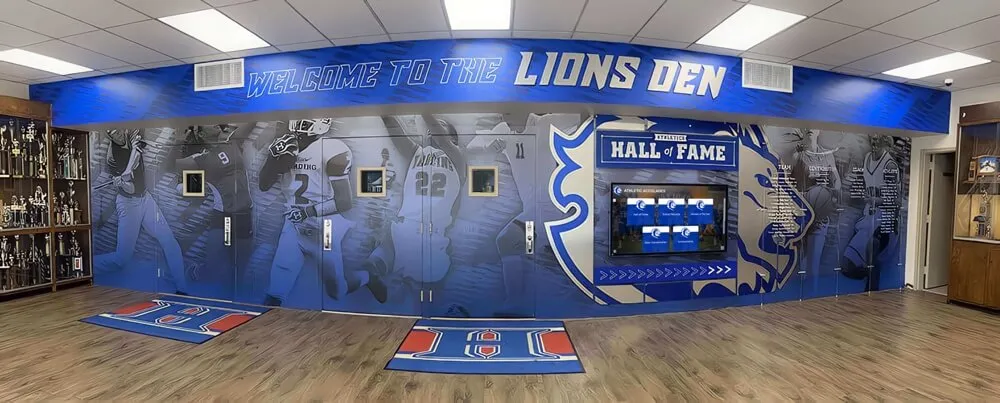
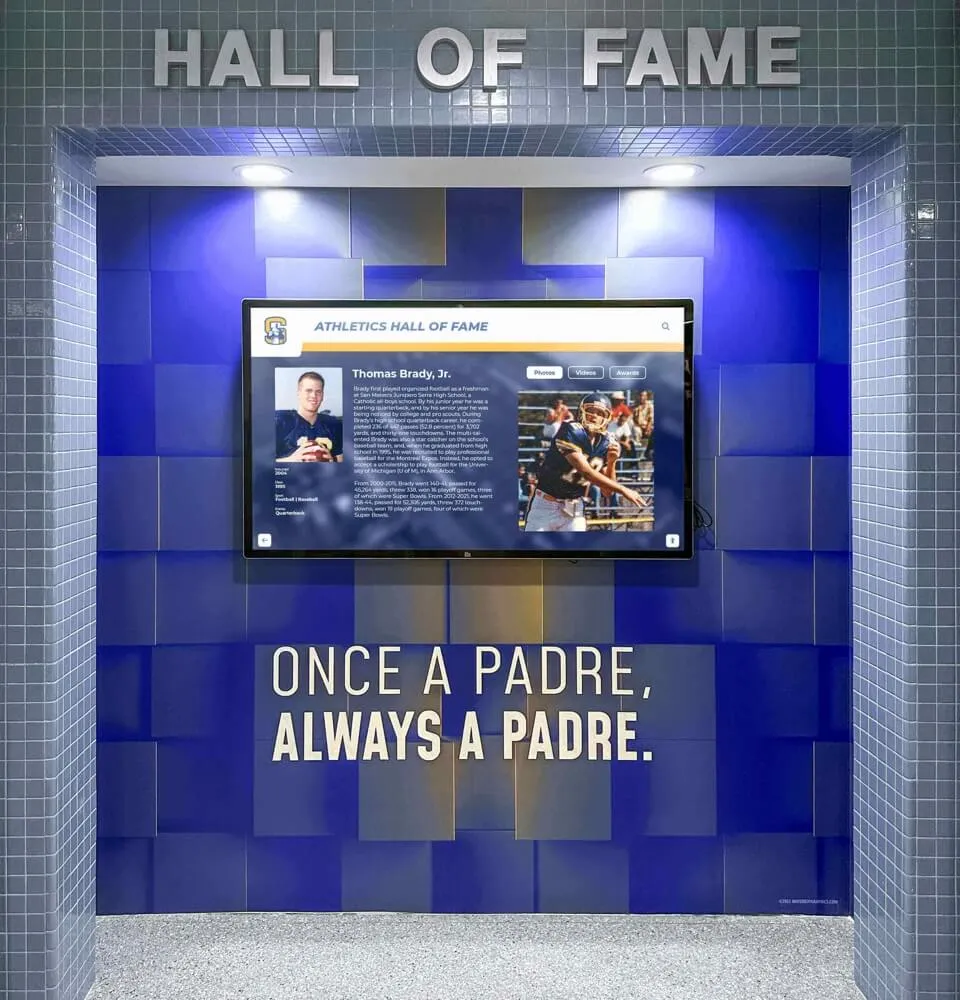
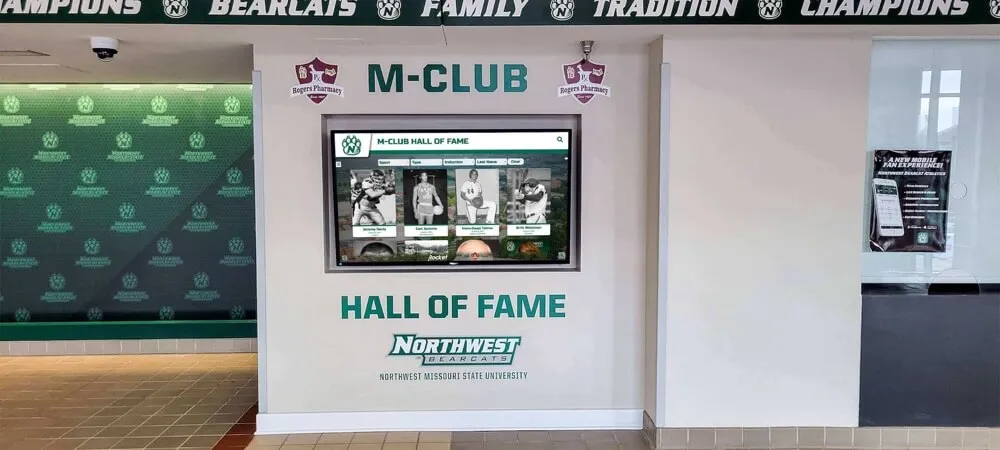
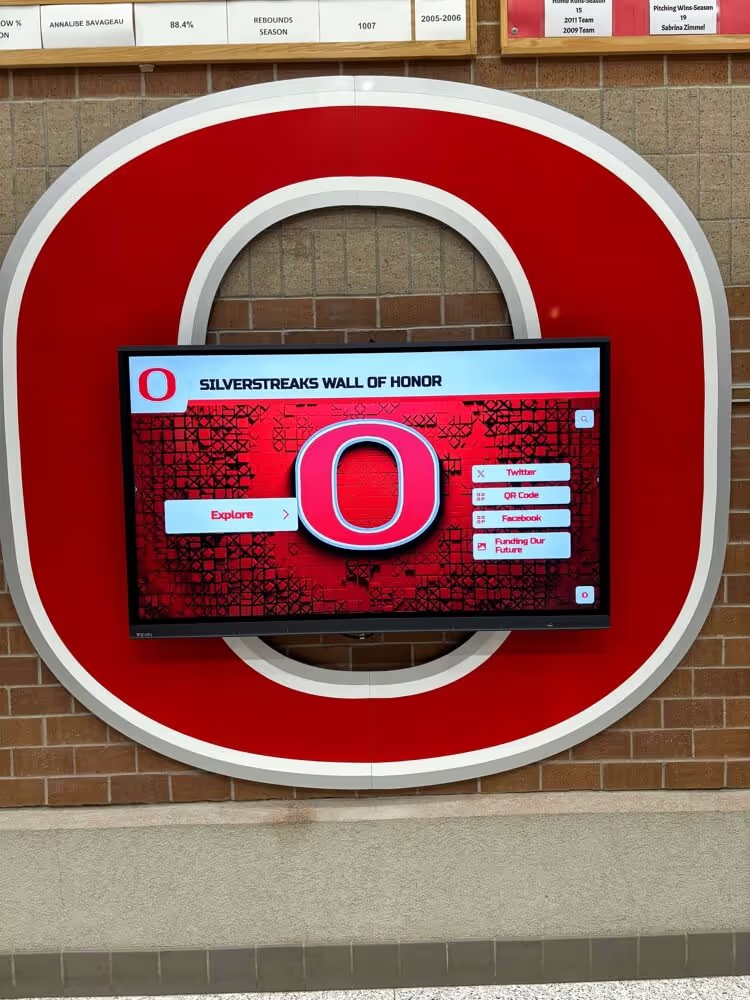
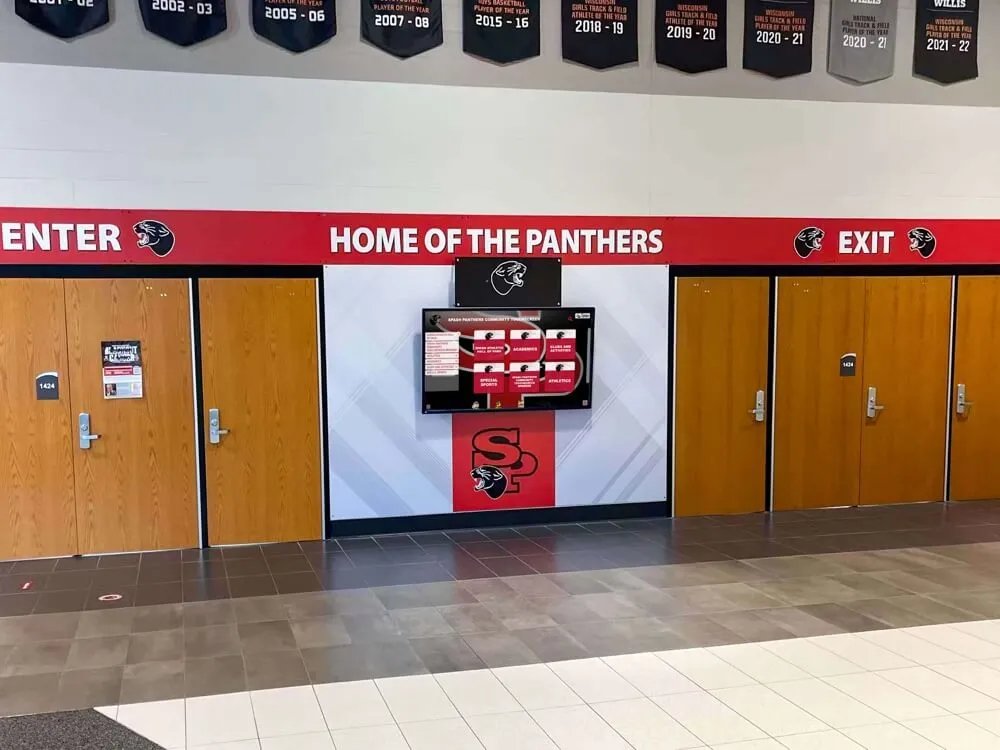
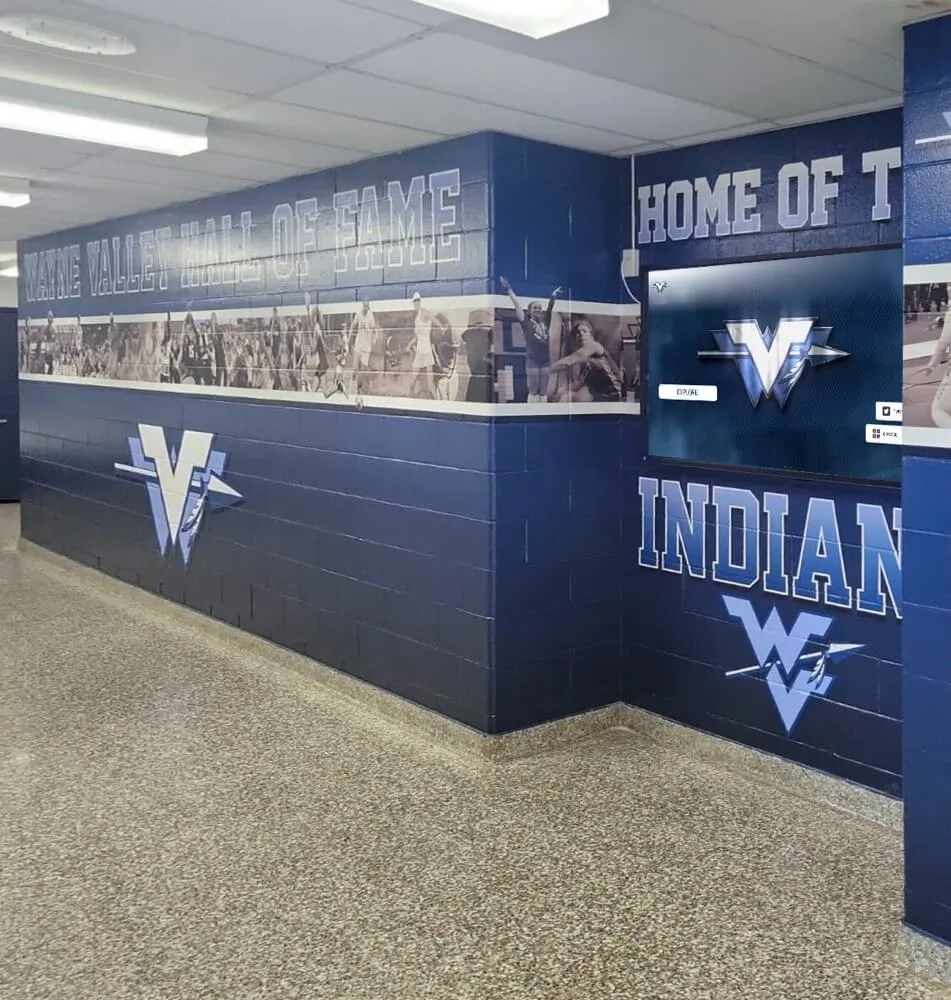
Athletic programs that maintain careful records of achievements apply the same discipline to vendor compliance — COI tracking is the record system that proves every vendor working at your facility carried active coverage when it mattered
What Is a Vendor Certificate of Insurance and Why Booster Clubs Need to Track It?
A vendor certificate of insurance is a standardized document — most commonly the ACORD 25 form — that summarizes a vendor’s active insurance policies, including coverage types, policy numbers, effective and expiration dates, and coverage limits. Booster clubs require COIs from vendors to confirm that liability arising from the vendor’s work or presence at a school facility is covered under the vendor’s policy, not the booster club’s.
The tracking requirement exists because COIs expire. A certificate that was current when a vendor signed a contract may be invalid when that vendor returns for a second season. According to the Insurance Information Institute, commercial general liability policies typically renew annually — meaning any multi-season or recurring vendor relationship creates automatic COI expiration risk unless the organization has a renewal collection process in place.
Most school districts require their affiliated organizations — including booster clubs — to hold COIs from any vendor hired for on-campus work. The specific requirement (minimum limits, additional insured status, endorsement type) varies by district, but the tracking obligation does not: once you’ve set a COI requirement, you own the responsibility to confirm coverage remains active throughout the vendor relationship.
Which Vendors Require a Certificate of Insurance?
Not every vendor transaction requires a COI. The threshold should be proportional to the risk the vendor’s work creates on school property or during school-affiliated events. As a practical framework, require a COI for any vendor who:
- Performs physical work at a school facility (installation, construction, maintenance, setup, teardown)
- Operates equipment, vehicles, or machinery on school property
- Provides event services to students, families, or the public (catering, photography, entertainment, amusement equipment)
- Signs a contract or service agreement with the booster club
- Handles or transports booster club assets, equipment, or funds
- Provides professional services for fees above your organization’s bid threshold
| Vendor Category | COI Typically Required | Notes |
|---|---|---|
| Recognition display installers | Yes | Physical installation at school facility |
| Apparel and spirit wear suppliers | No (unless on-site service) | Typically delivery only; verify with district |
| Event photographers and videographers | Yes | Working with students and families |
| Amusement and inflatable equipment | Yes — often with specific limits | High injury risk; many districts require $1M+ per occurrence |
| Catering and food service | Yes | On-site food service creates liability |
| Printing and signage vendors | No (unless installation included) | Remote production; on-site install requires COI |
| Transportation providers | Yes | Vehicle liability; background check also required |
| Technology platform vendors (SaaS) | Depends on contract | Check district requirements; ask for cyber liability endorsement |
| Cleaning and maintenance contractors | Yes | Routine on-site physical presence |
| Auction and fundraising event companies | Yes | Event operations on or off school property |
For programs running large fundraising events — including 5K races, galas, or athletic award banquets — the list of vendors requiring COIs expands significantly. Annual school fundraising event planning guides outline the vendor coordination scope that applies to events where multiple service providers each bring their own liability exposure.
What to Verify on Every Vendor COI
Collecting a COI is only useful if someone reviews it before filing it. A certificate with the wrong named insured, expired dates, or insufficient limits provides no protection. Before accepting any COI, verify these five fields:
1. Named Insured Matches the Vendor
The “Named Insured” field on the ACORD 25 form must match the legal name of the vendor entity you hired. If you contracted with “ABC Events LLC” and the certificate names “ABC Events,” follow up. A mismatch may indicate the vendor submitted a certificate for a different entity — or a different coverage period.
2. Additional Insured Status
The booster club and, typically, the school district must appear as additional insureds on the policy — not just on the certificate. “Additional insured” status means the policy actually protects the named additional insured; a certificate that merely lists them as a certificate holder does not confer that protection. Require a copy of the additional insured endorsement for any vendor whose work creates meaningful liability exposure.
3. Coverage Types and Limits
For most booster club vendor relationships, general liability is the primary coverage to verify. Standard minimum limits recommended by many school districts are $1 million per occurrence and $2 million aggregate, though requirements vary. For events involving vehicles, confirm auto liability. For professional service providers, ask about professional liability (errors and omissions). For vendors handling personal data, ask about cyber liability.
| Coverage Type | What It Covers | Typical Minimum |
|---|---|---|
| Commercial General Liability | Bodily injury, property damage on-site | $1M per occurrence / $2M aggregate |
| Auto Liability | Vehicle-related incidents | $1M combined single limit |
| Workers’ Compensation | Vendor employees injured on-site | Statutory limits per state |
| Umbrella / Excess Liability | Above-limit exposure | $1M–$5M (event-dependent) |
| Professional Liability (E&O) | Claims from professional advice or services | $1M per claim |
4. Policy Effective and Expiration Dates
Confirm that the policy was active on the date the vendor performed work — and will remain active through the last date they are on-site or engaged. A certificate with a policy effective date after the event date provides no coverage for the event. A certificate expiring mid-contract means you need a renewal before work continues.
5. Certificate Holder Matches Your Organization
The “Certificate Holder” field should match your booster club’s legal name and address. This is administrative confirmation that the certificate was issued in response to your request — not a coverage guarantee, but a completeness check that prevents confusion when multiple vendors are active simultaneously.
Building a COI Tracking Workflow: Step by Step
A reliable booster club vendor certificate of insurance tracking system has six components: a vendor registry, a collection trigger, a verification checklist, a centralized storage location, an expiration calendar, and a renewal outreach process. Each step feeds the next.
Step 1: Build a Vendor Registry
Create a master list of every vendor the booster club uses or intends to hire in the coming program year. For each vendor, note: the organization name, primary contact, services provided, contract start and end dates, whether a COI is required, and the required coverage minimums. This registry becomes the source of truth for tracking activity.
Vendor registries built alongside formal vendor selection processes — like those described in programs that document bid thresholds and conflict disclosures — create a natural integration point: a vendor approved through the selection process automatically enters the COI tracking registry before any work begins.
Step 2: Trigger Collection at Contract Execution
The COI collection request should be sent at the same time a vendor agreement is signed — not after. If your organization uses purchase orders, trigger the COI request at PO issuance. If vendor selection follows a board vote, trigger collection at the meeting where the vendor is approved. Delayed collection creates the risk of a vendor beginning work before coverage is confirmed.
Step 3: Verify Against the Checklist Before Acceptance
Use the five-field checklist above for every COI received. Do not file a certificate that fails any check. Return the certificate to the vendor with a specific correction request. Common correction needs: wrong named insured, missing additional insured endorsement, coverage limits below your threshold, or a policy expiration date that doesn’t cover the full contract period.
Step 4: Store Certificates in a Shared, Accessible Location
File accepted COIs in a shared organizational account — a shared drive, a cloud folder, or an internal document management system — accessible to all current board officers. Label each file with the vendor name and policy expiration date (e.g., ABC-Events-COI-2027-03-31.pdf). Filing by expiration date makes the renewal calendar immediately visible when the folder is sorted.
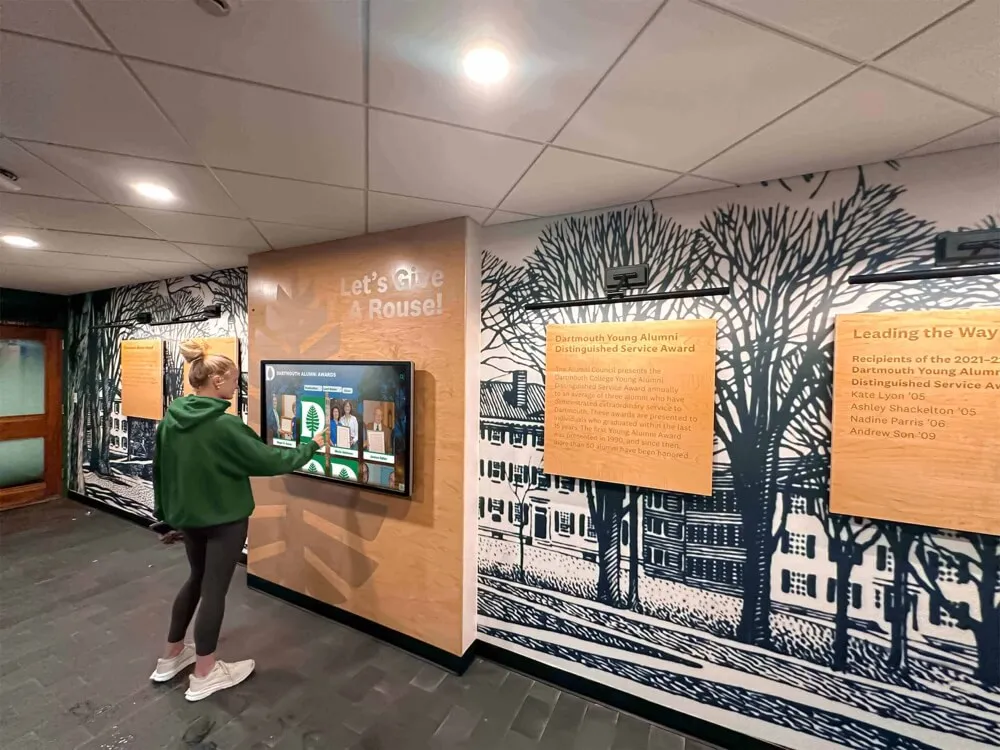
Digital recognition programs that store athletic records, donor history, and alumni data in centralized systems apply the same logic to institutional continuity: COI records stored on one officer’s personal device disappear when that officer transitions, taking compliance documentation with them. Digital records management for school recognition programs illustrates why centralized, remotely accessible storage is a governance standard, not an optional convenience.
Step 5: Build an Expiration Calendar
Transfer every policy expiration date from your vendor registry into a shared calendar — the same calendar your board uses for meetings, deadlines, and events. Set two reminder alerts per vendor: one at 60 days before expiration and one at 30 days. The 60-day notice gives vendors time to renew and return an updated certificate. The 30-day notice is the last point at which you can confirm coverage before a policy lapses.
Step 6: Send Renewal Outreach Before Expiration
At the 60-day mark, email the vendor contact requesting an updated COI for the upcoming policy period. Include in the request: your organization’s name and mailing address, the required coverage minimums, the additional insured requirement, and a deadline for submission. At 30 days, follow up if no updated certificate has been received. Vendors with lapsed coverage should not perform on-site work until an updated COI is on file.
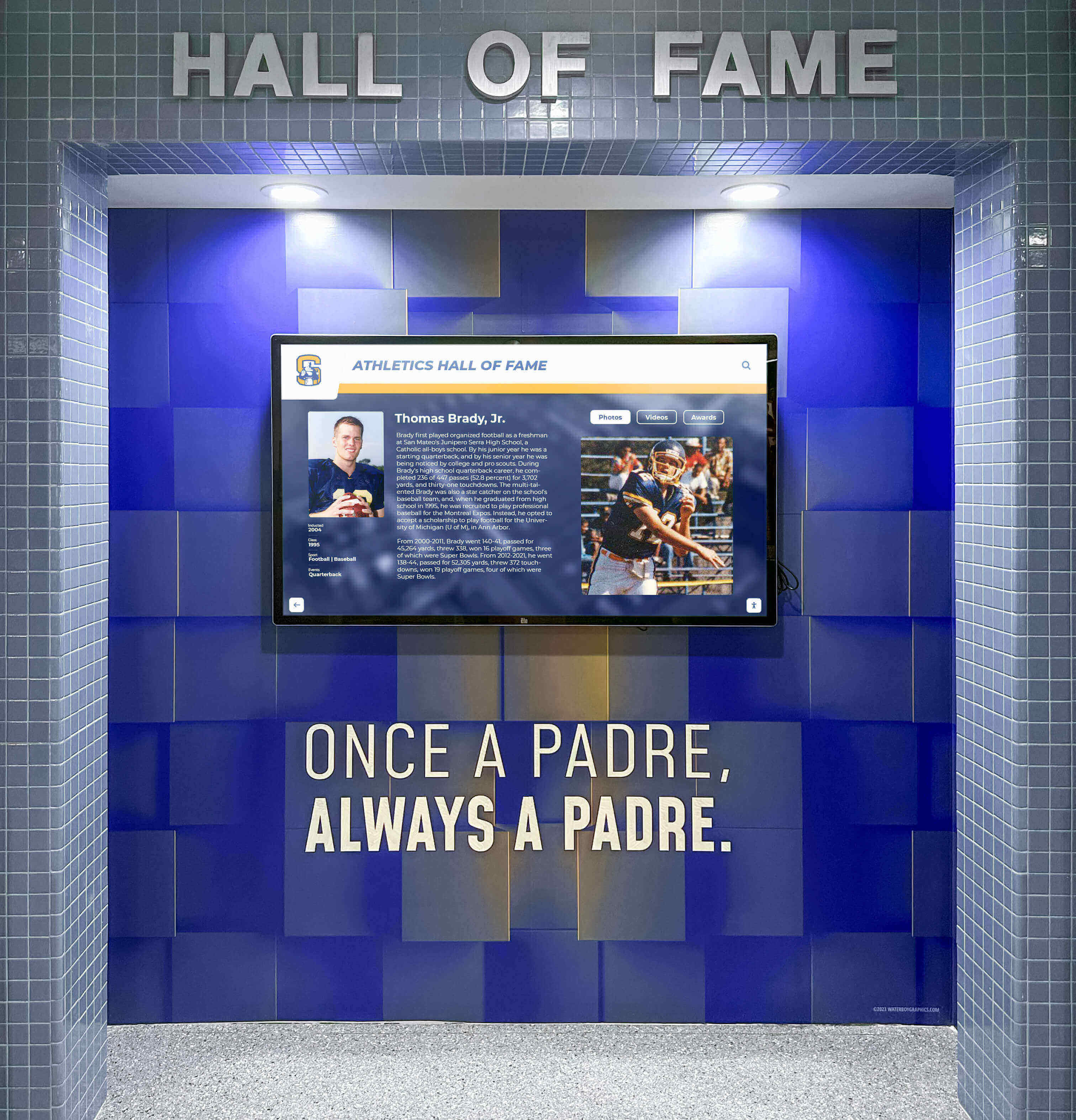
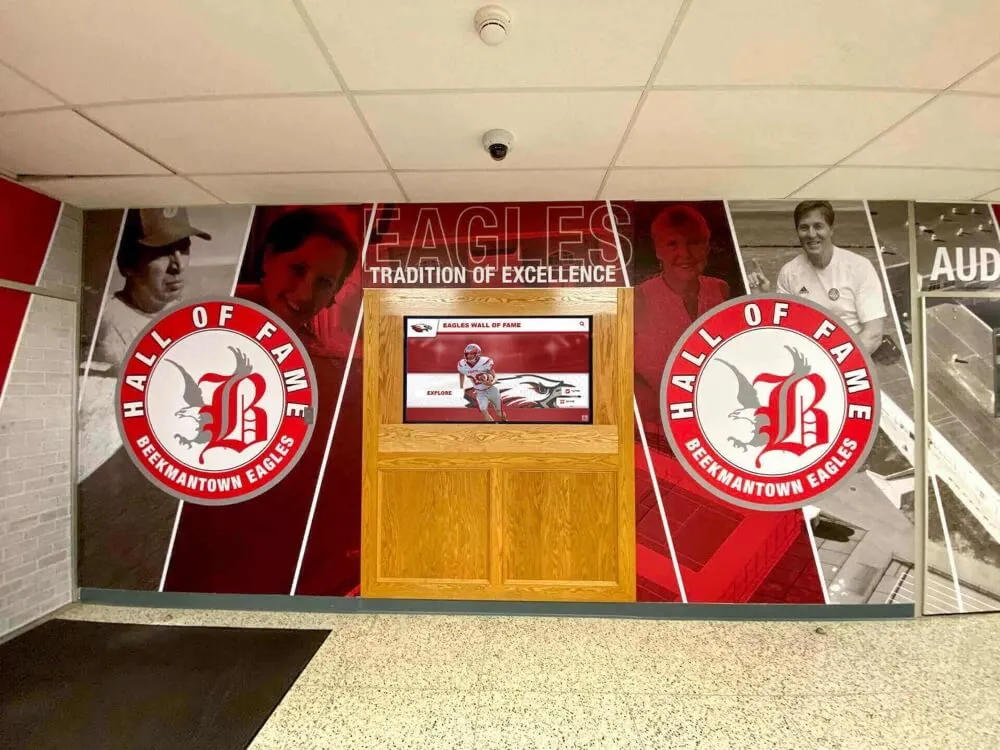
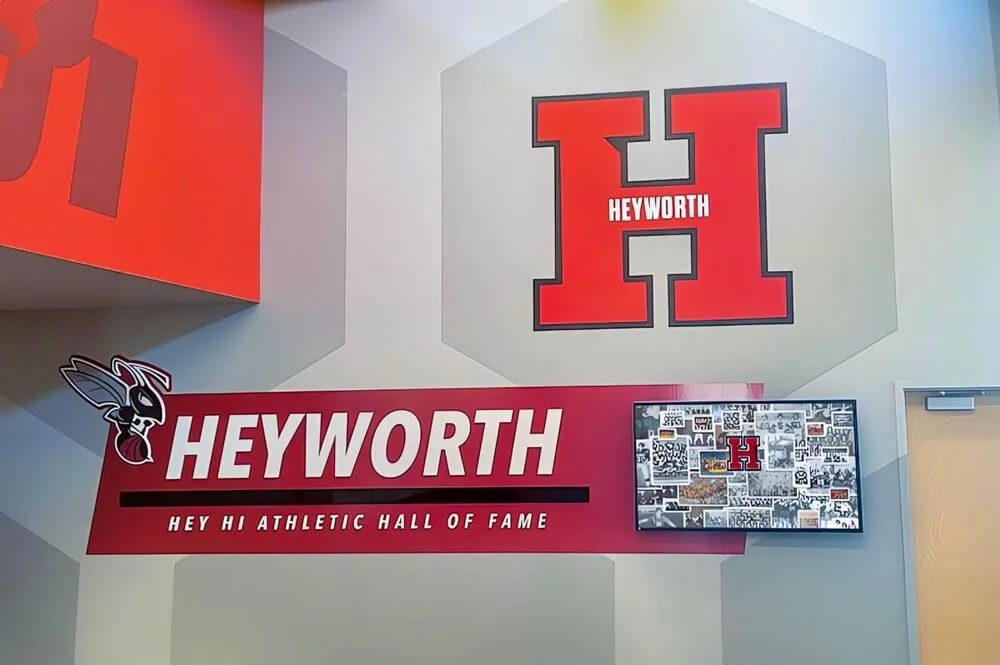
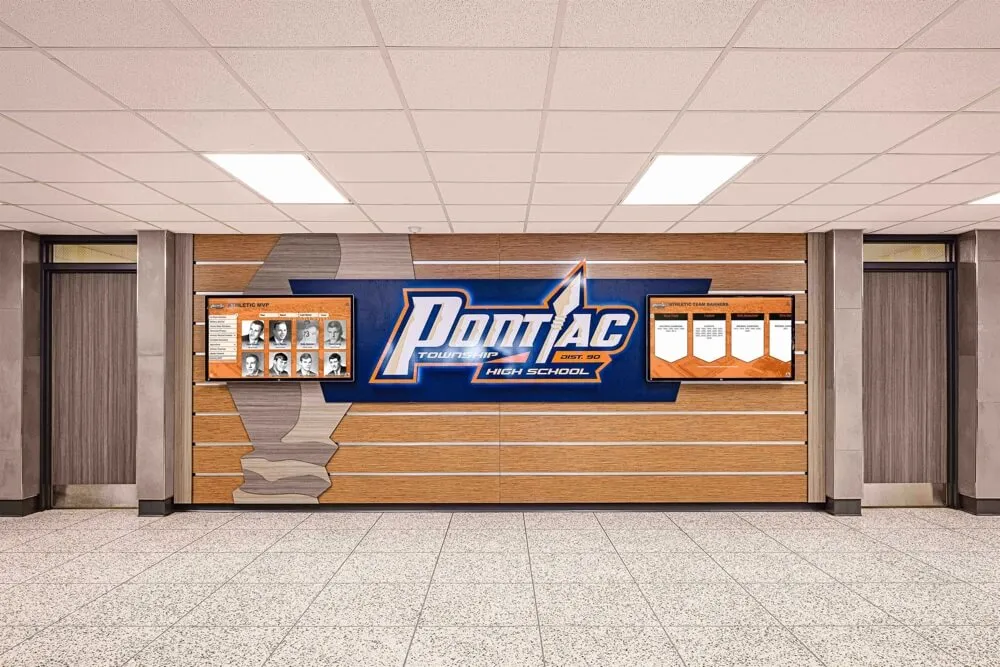
Recognition display installations involve vendors who work directly in school facilities — a COI tracking workflow ensures that the installer's coverage was active on every day they were on-site, from the first site visit through final installation
COI Renewal Timeline: A Reference Calendar
The following timeline applies to any vendor in a recurring relationship with the booster club:
| Timing | Action |
|---|---|
| Contract / PO execution | Request COI from vendor; specify required limits and additional insured requirement |
| COI received | Verify five fields; confirm additional insured endorsement if applicable |
| COI accepted | File in shared storage with filename including expiration date; enter expiration in calendar |
| 60 days before expiration | Send renewal request to vendor contact |
| 30 days before expiration | Follow up if updated COI not received; escalate to board officer |
| 15 days before expiration | Notify vendor that work cannot continue if updated COI is not received by expiration date |
| Expiration date | Suspend any on-site vendor activity if updated COI is not on file |
| Updated COI received | Verify, file, update calendar entry |
Connecting COI Tracking to Recognition and Event Programs
The vendors most commonly involved in school recognition programs — display installers, banner and signage fabricators, event photographers, AV crews for awards ceremonies — are also the vendors most likely to be recurring, multi-season relationships where COI expiration risk accumulates quietly.
Recognition technology vendors, in particular, create a distinctive compliance challenge: the initial installation requires a COI for on-site work, but the ongoing software subscription and support relationship typically involves remote access rather than physical presence. Understanding when each type of vendor interaction requires a physical COI versus a technology services agreement is part of building a complete tracking registry.
Athletic awards banquets and team recognition events involve multiple vendors simultaneously — caterers, photographers, AV teams, and venue staff — each of which may need a COI depending on the event location and district requirements. Programs planning recognition events can find useful vendor coordination frameworks in athletic awards banquet planning resources and sports team recognition guides, both of which address the vendor coordination scope that applies when recognition events bring multiple service providers together.
For programs that fund academic recognition programs alongside athletic ones — academic honor walls, AP Scholar recognition boards, and similar installations — academic recognition program planning guides provide context on the types of installations where COI requirements for installers and fabricators apply in parallel to athletic display work. Similarly, AP Scholar recognition programs often involve vendor relationships for physical display elements that benefit from the same COI tracking discipline.
Common COI Tracking Failures and How to Prevent Them
Even organizations with a COI requirement in place encounter these gaps:
Gap 1: COI collected at contract signing, never renewed. The most common failure mode. A vendor hired in one season returns for a second without submitting an updated certificate, and no one checks. Prevention: calendar-based renewal outreach at 60 and 30 days before every policy expiration.
Gap 2: Certificate holder not updated when organization name changes. If the booster club incorporates, changes its legal name, or the school’s district name changes, old certificates list the wrong organization. Prevention: review all COIs when any organizational name change occurs.
Gap 3: Additional insured coverage assumed from certificate listing. A vendor lists the booster club as a certificate holder — not an additional insured — and the organization files it as sufficient. Prevention: confirm additional insured status in writing and request the endorsement page for significant vendors.
Gap 4: School district additional insured requirement overlooked. Many districts require that the district itself be named as an additional insured, not just the booster club. Prevention: request district requirements in writing at the start of each program year and include them in every COI request template.
Gap 5: No coverage verification for recurring low-dollar vendors. A vendor the booster club has used informally for years — a local printing shop, a preferred photographer — gets added back each season without a formal COI check because the relationship feels settled. Prevention: apply the vendor registry and COI requirement consistently regardless of relationship length.
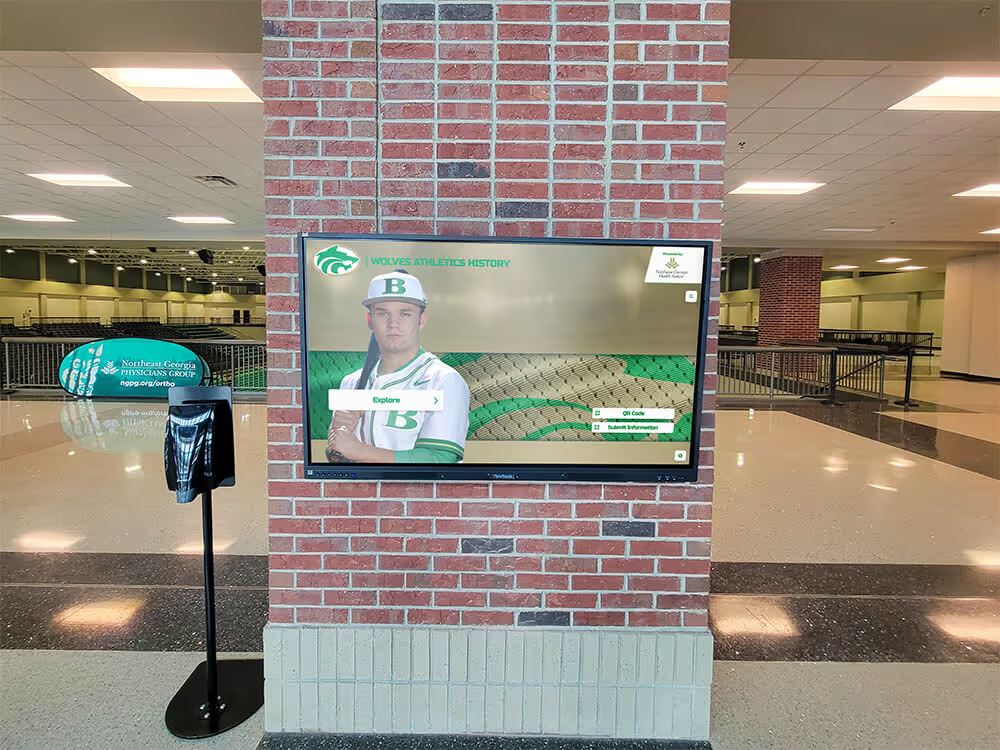
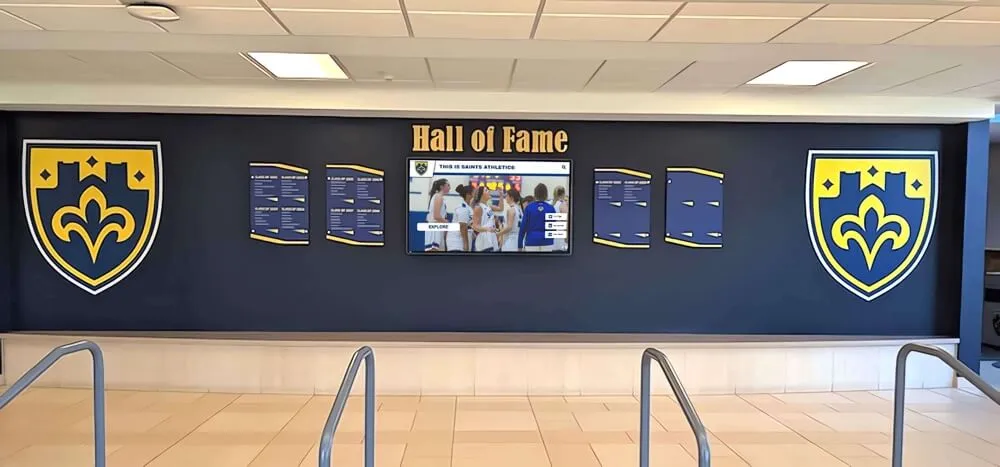
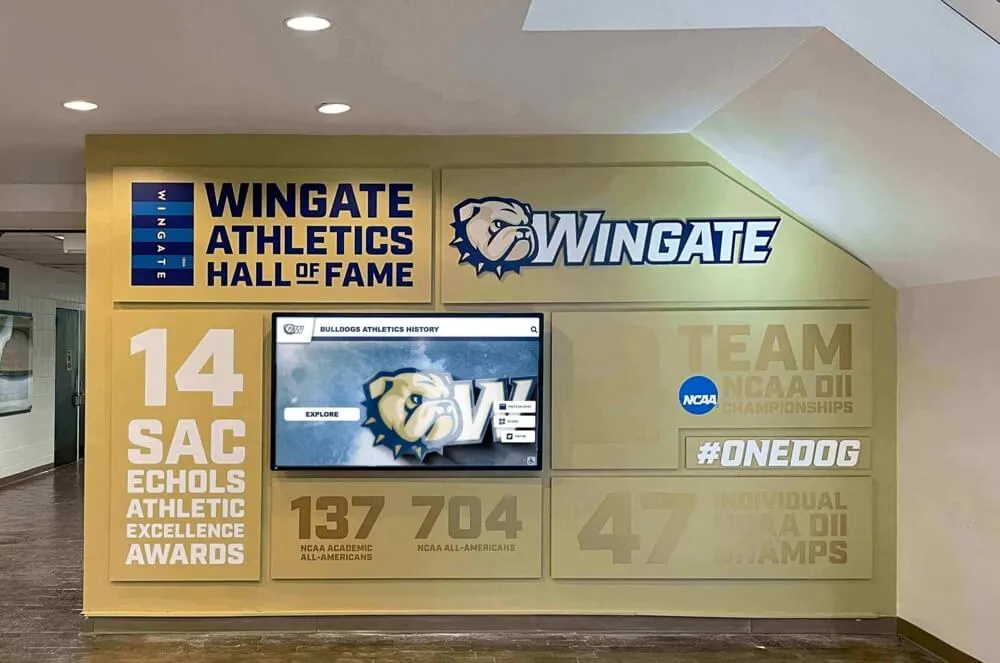
For programs that have built out formal digital recognition installations — hall of fame displays, donor recognition screens, athletic record boards — the vendor relationship for installation and ongoing support is exactly where these gaps emerge over multi-year contracts. Resources on digital hall of fame software and vendor selection help programs understand which vendor interactions involve on-site physical presence (COI required) versus remote software updates (COI typically not required, but review contracts carefully).
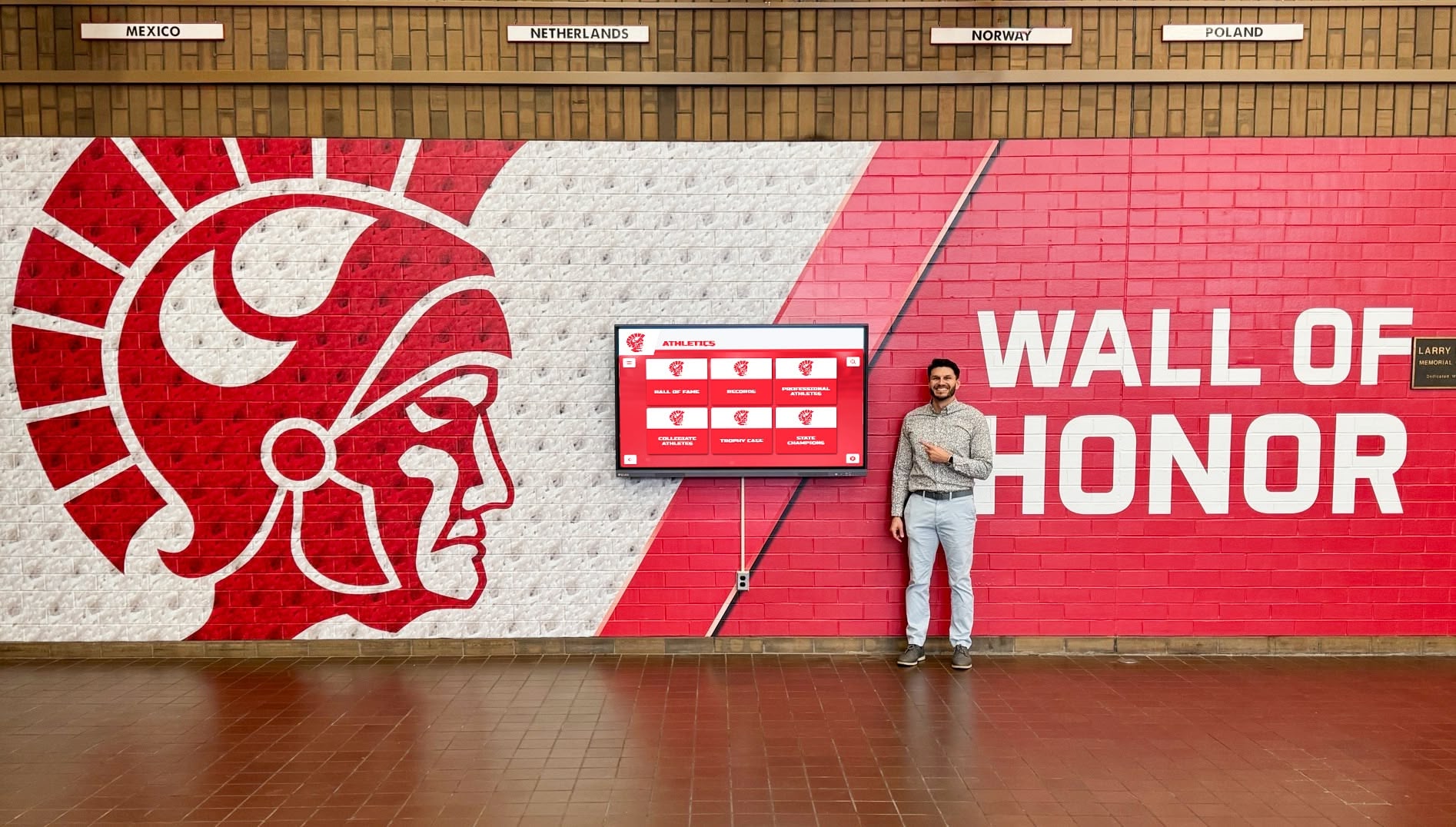
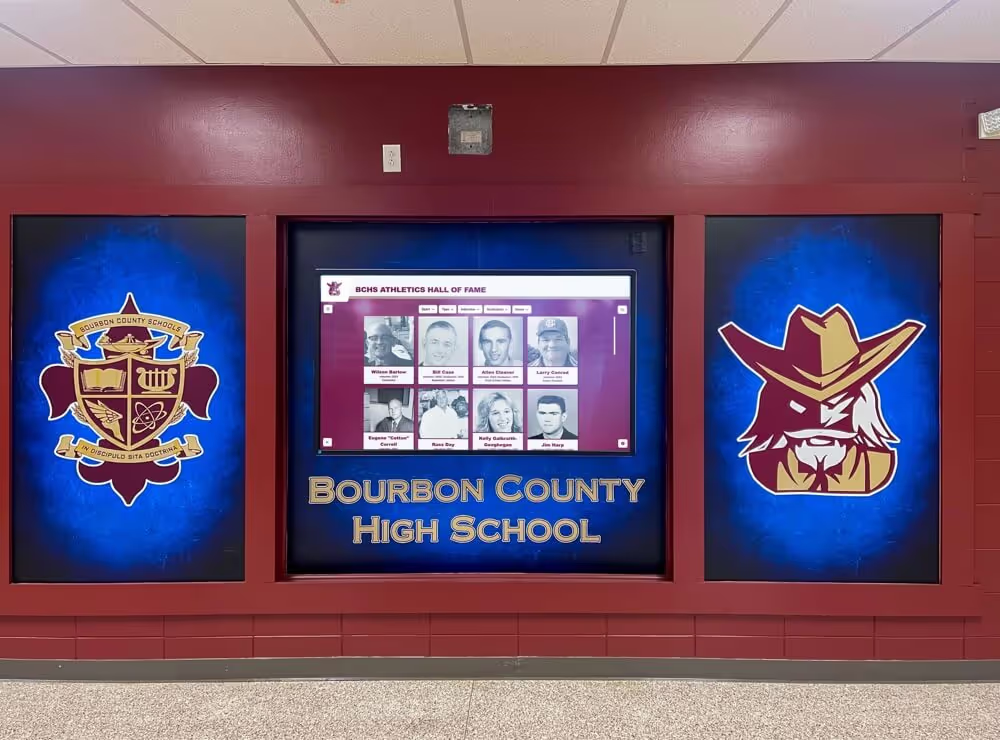
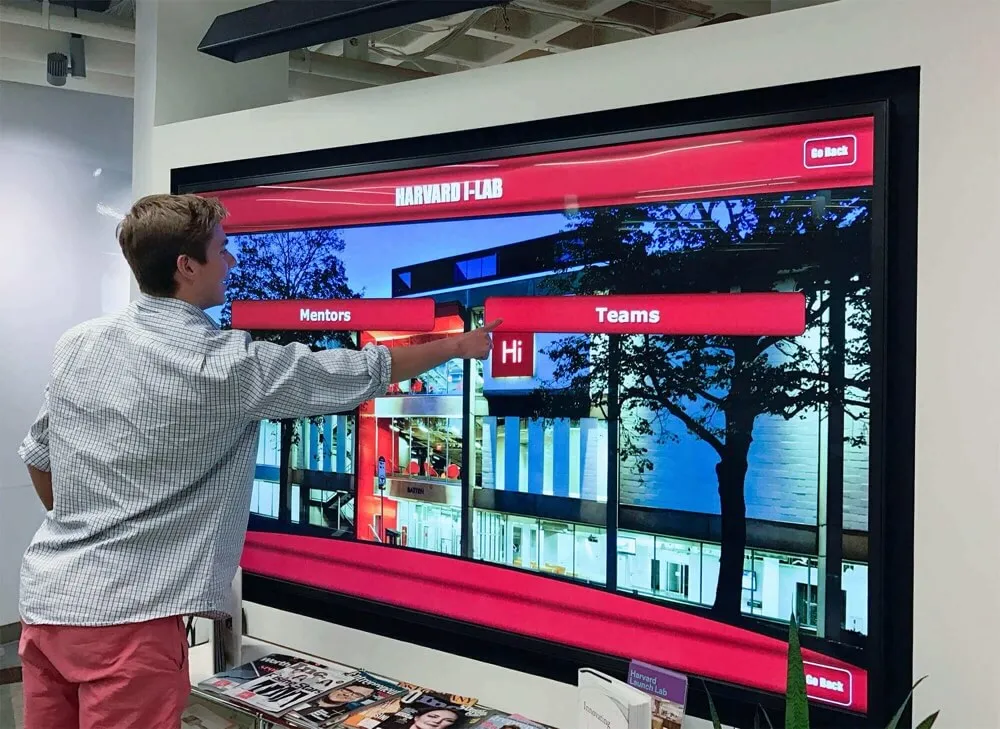
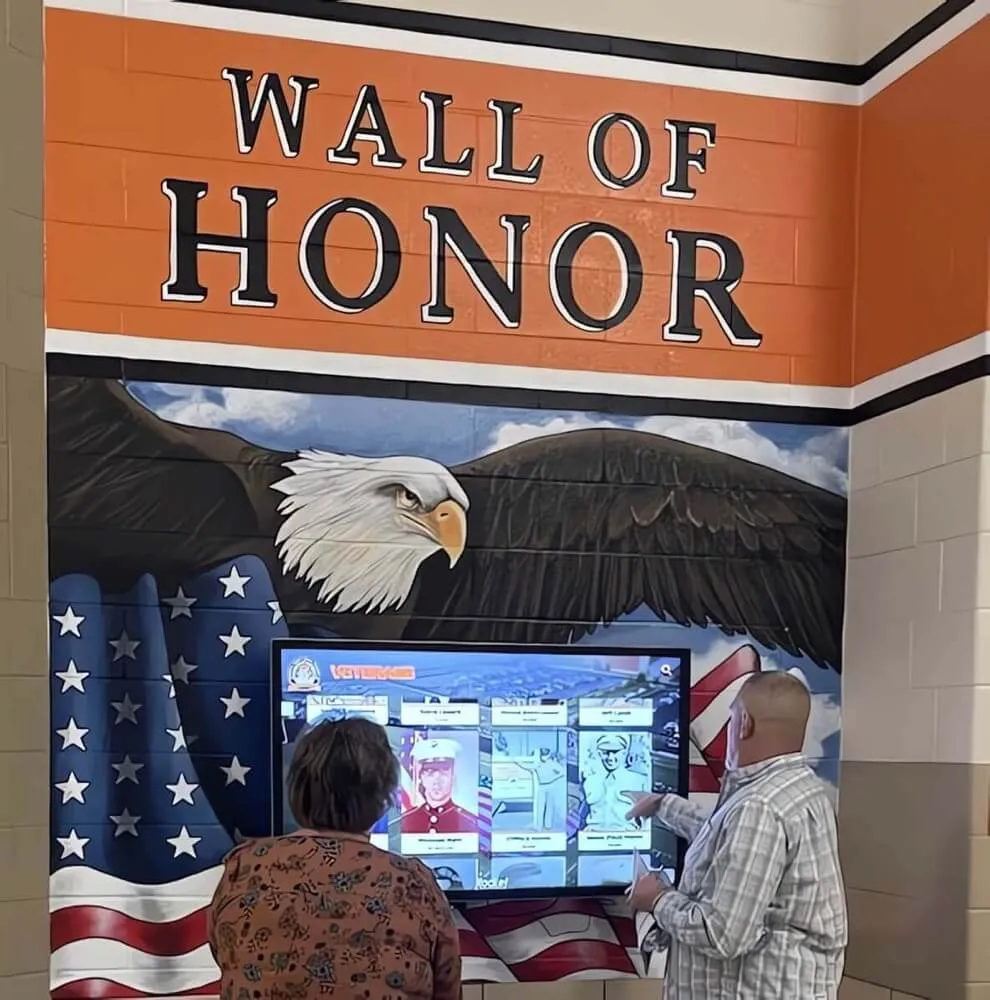
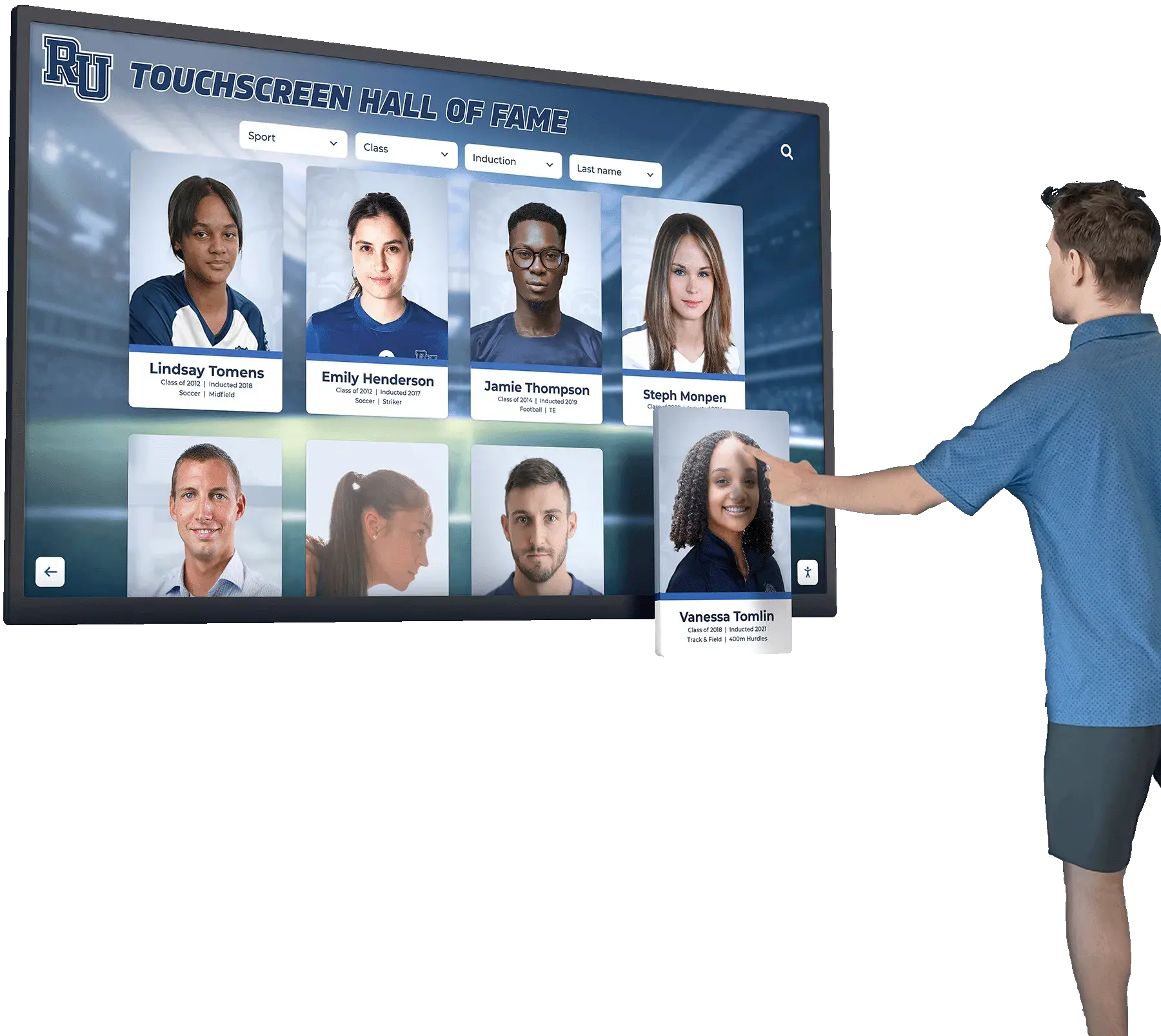
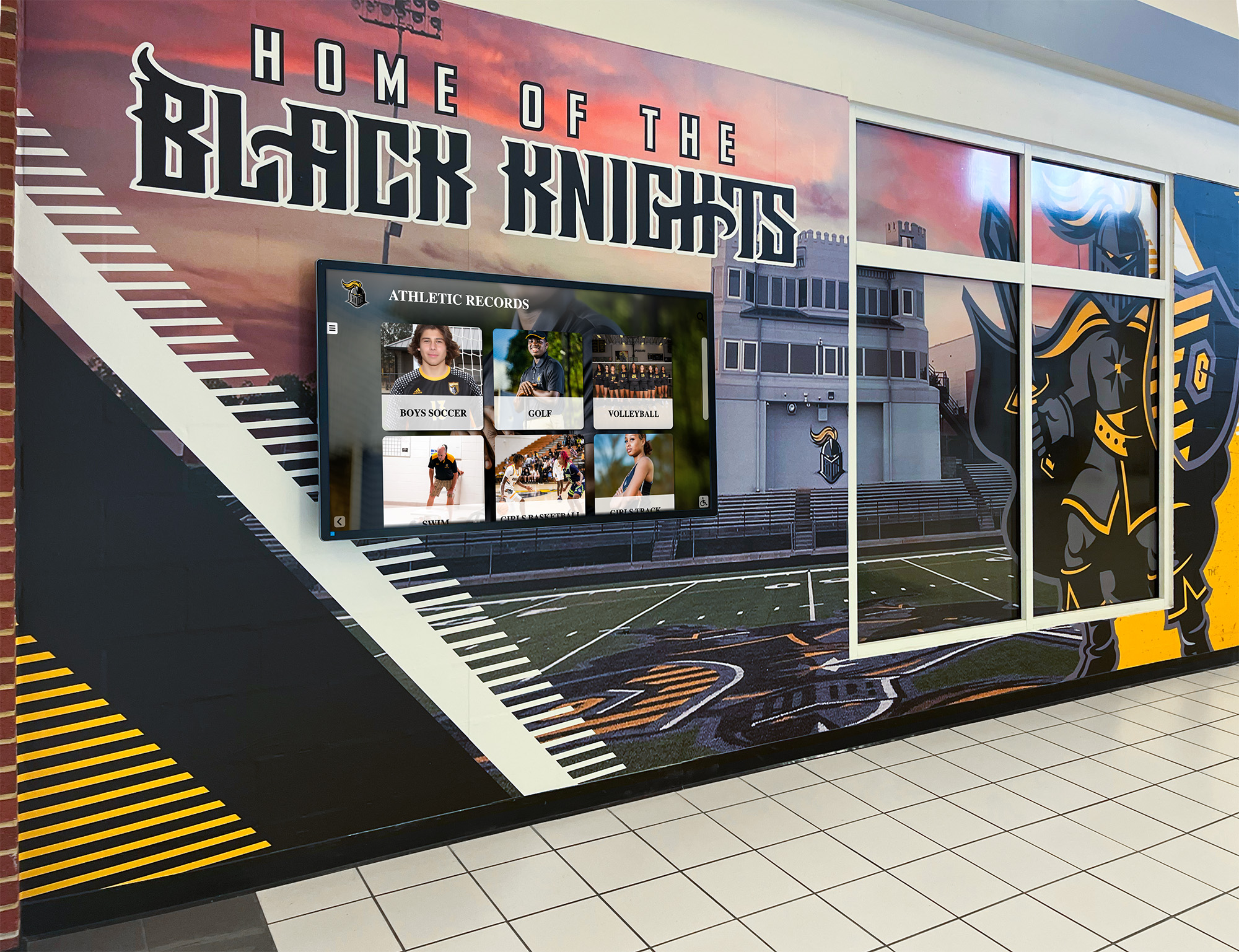
Interactive recognition displays involve installation vendors who physically work in school spaces — each visit during multi-day installations and any subsequent on-site support work requires active, verified coverage from the vendor's current policy period
COI Tracking and School Achievement Recognition Programs
Booster clubs that invest in permanent recognition infrastructure — digital hall of fame screens, donor display walls, athletic record boards, and touchscreen kiosks — are entering vendor relationships that can span five to ten years. The COI tracking obligation extends across every year those relationships are active.
For recognition programs that incorporate academic achievement alongside athletic history — honor rolls, ACT leaderboards, and academic awards displays — the scope of vendor relationships often includes both technology providers and physical installation contractors. Digital ACT score recognition programs and alumni recognition archives are examples of multi-vendor recognition projects where each contractor bringing equipment or personnel onto campus should carry a current COI.
Alumni programs and legacy recognition walls — which often involve fabricators, installation crews, and technology vendors working in sequence — also require coordination of COI timelines so that no gap exists between one vendor’s work ending and another’s beginning. The question of who counts as an alumnus for recognition purposes — and by extension, who the program is honoring — connects to broader alumni engagement strategy that digital hall of fame resources and community recognition display guides address from the audience and content planning perspective.
Booster Club Vendor COI Tracking: Quick Reference Summary
| Workflow Element | Standard Requirement |
|---|---|
| COI collection trigger | At contract execution or board approval of vendor |
| Minimum general liability | $1M per occurrence / $2M aggregate (verify district requirements) |
| Additional insured requirement | Booster club + school district named as additional insureds |
| Storage location | Shared organizational cloud folder, not personal devices |
| Expiration reminder — first | 60 days before policy expiration |
| Expiration reminder — second | 30 days before policy expiration |
| Work suspension trigger | Vendor on-site work paused if COI lapses without renewal on file |
| Retention period | Retain COIs for at least three years after vendor relationship ends |
| Annual registry review | Full vendor list reviewed at start of each program year |
| New officer onboarding | Incoming treasurer receives registry and calendar access at transition |
Frequently Asked Questions
What is booster club vendor certificate of insurance tracking?
Booster club vendor certificate of insurance tracking is the systematic process of collecting COIs from vendors, verifying that each certificate reflects active coverage with required limits and additional insured status, recording policy expiration dates in a shared calendar, and requesting updated certificates before each policy renews. The goal is to ensure that no vendor performs on-site work or provides event services during a period when their liability insurance has lapsed — protecting the booster club and the school district from uninsured exposure. A tracking workflow converts a one-time document collection task into a recurring compliance process managed by the board rather than by any individual officer.
Which vendors must provide a certificate of insurance to a booster club?
Any vendor who performs physical work at a school facility, operates equipment on school property, provides event services to students and families, or signs a contract with the booster club should provide a COI before work begins. This typically includes installation contractors, event photographers and videographers, catering and food service companies, amusement and inflatable equipment operators, transportation providers, cleaning and maintenance contractors, and AV crews. Vendors who produce goods off-site and deliver them — like an apparel supplier — may not require a COI for the delivery transaction, but verify this with your school district’s risk management office because requirements vary. When in doubt, require a COI rather than assuming coverage exists.
What does "additional insured" mean on a vendor COI?
When a booster club is named as an additional insured on a vendor’s policy, it means the vendor’s liability coverage extends to protect the booster club against claims arising from the vendor’s work or presence — not just the vendor itself. This is a stronger protection than being listed as a “certificate holder,” which is purely administrative and confers no coverage rights. For any vendor who works on school property or at a booster club event, require additional insured status in writing, and ask the vendor for a copy of the additional insured endorsement that has been added to the policy. Do not accept a certificate that merely lists the booster club as a certificate holder as a substitute for additional insured status.
How often should a booster club request updated COIs from vendors?
A booster club should request an updated COI from every vendor at each policy renewal, which for most commercial general liability policies occurs annually. The tracking workflow should include calendar reminders at 60 and 30 days before each vendor’s policy expiration date so that renewal requests are sent proactively rather than after a lapse. For multi-season vendor relationships, the renewal request should be a standing item in the board treasurer’s annual calendar — not a task that depends on someone remembering it. Any vendor whose updated COI is not received before the policy expiration date should not perform on-site work until coverage is confirmed.
Where should a booster club store its vendor COI records?
Vendor COI records should be stored in a shared organizational cloud folder — Google Drive, SharePoint, Dropbox, or similar — accessible to all current board officers, not on any single officer’s personal device or email account. File each certificate with a filename that includes the vendor name and policy expiration date so the folder sorted by date shows which certificates are approaching renewal. COIs should be retained for at least three years after the vendor relationship ends. When a treasurer transitions, COI records transfer automatically if they are stored in a shared organizational account rather than in a personal account that requires the outgoing officer’s continued access.
Building a COI Tracking Program That Protects Every Season
A booster club vendor certificate of insurance tracking workflow does not require sophisticated software or significant administrative time — it requires a vendor registry, a verification checklist, a shared storage location, and a calendar-driven renewal process that runs without depending on any single person’s attention. Organizations that build this structure into their annual governance calendar protect their volunteers, satisfy their district’s risk management requirements, and maintain the institutional credibility that makes vendors, sponsors, and school administrators trust that every event and installation the booster club funds was managed responsibly.
The same discipline that makes a recognition installation credible — knowing who installed it, under what authorization, and with what coverage in place — applies to every vendor the program engages. When a new athletic display is commissioned, a fundraising event is scheduled, or a recognition ceremony is planned, the COI tracking workflow is what proves that each vendor showed up insured. That proof matters most not when things go well, but when they don’t.
See How Rocket Alumni Solutions Delivers Recognition With Accountability Built In
Rocket Alumni Solutions builds interactive digital recognition systems for school athletic programs — touchscreen hall of fame displays, digital donor walls, and permanent athletic record boards that become lasting institutional assets. Every installation is backed by documented vendor processes so your booster club has the compliance trail it needs. Request a demo to see what a custom recognition display looks like for your facility.
Schedule a Recognition Display Demo