



A booster club payment processor reconciliation checklist is the step-by-step process a treasurer uses to match every online gift, sponsorship payment, and event registration collected through a payment platform — PayPal, Stripe, Square, Give Lively, Zeffy, or any similar processor — against three records: the processor’s own transaction report, the organization’s internal donor and sponsor ledger, and the bank statement showing the net deposit after fees are deducted. Online payment processors do not send one deposit per gift. They batch transactions, deduct fees before depositing, and sometimes hold funds for days. Without a formal reconciliation process, booster club treasurers frequently encounter unresolved gaps between what donors gave, what the processor reported, what the bank received, and what the organization recorded — each gap a potential audit finding and a potential donor acknowledgment error. This checklist covers every step of the reconciliation process from report export through bank deposit matching, fee verification, and recognition record updates.
Not legal or financial advice: This guide describes commonly used internal control practices for educational purposes only. Your organization’s specific requirements depend on your school district structure, state nonprofit regulations, applicable payment processing agreements, and any requirements set by your school’s governing body. Consult a licensed CPA, attorney, or your school district’s finance office before establishing or revising financial procedures.
Online fundraising has expanded rapidly for school booster clubs. Platforms designed for nonprofits now allow organizations to collect online donations, manage sponsorship payments, run crowdfunding campaigns, and process event registrations — all without a dedicated development office. That accessibility creates a matching obligation: every dollar collected through a processor must be traced through the fee deduction, the batch deposit, and the internal ledger update before the reconciliation can be considered complete.

Every online gift processed through a payment platform generates both a financial obligation — recorded in the ledger and matched to the bank deposit — and a recognition obligation that should be updated when the reconciliation is complete
Why the Booster Club Payment Processor Reconciliation Checklist Exists
Traditional booster club cash reconciliation matches a cash count to a deposit slip. Payment processor reconciliation is more complex because the processor sits between the donor and the bank, transforming one donor transaction into three separate financial records:
- The transaction record — what the donor paid (gross amount), recorded by the processor at the moment of payment
- The processor fee — the platform’s charge, deducted before funds leave the processor’s account
- The net deposit — the amount that actually arrives in the organization’s bank account
When a donor gives $100 through a processor that charges a 2.9% + $0.30 per-transaction fee, the bank receives $96.80, not $100. If the treasurer records the gift as $100 in the donor ledger but the bank statement shows $96.80, the organization has a $3.20 discrepancy it cannot explain without reference to the fee schedule. Multiply that across dozens of gifts and a fundraising campaign, and the unexplained gaps can reach hundreds of dollars — amounts that trigger audit questions and create doubt about the organization’s bookkeeping.
A complete booster club payment processor reconciliation checklist eliminates that ambiguity by requiring a specific sequence of matching steps before any online payment period is closed.
Understanding What the Processor Reports
Before beginning reconciliation, the treasurer needs to understand the structure of the processor’s transaction report and the difference between how transactions are recorded and how deposits are made.
Transaction-level reports list individual payments with: transaction date, donor or sponsor name, gross amount, processing fee, net amount, and transaction ID. This is the record of what happened at the point of payment.
Payout or settlement reports list what the processor actually sent to the bank: a batch deposit date, a batch total (which may include dozens of individual transactions), and a net payout amount. The payout date is often one to three business days after the transaction date. Some processors batch daily; others batch weekly or on a custom schedule.
The reconciliation challenge is matching individual transaction records (which happen at one time) to batch deposits (which happen later and combine multiple transactions). A bank statement entry of $847.43 may represent twelve separate donor gifts that each happened on different days.
Programs that handle significant online fundraising volume — athletic booster clubs running multiple active fundraising streams — benefit from a reconciliation cadence that matches the processor’s payout schedule, not the calendar month. If your processor settles weekly, reconcile weekly.
Online payment collection and digital recognition display both depend on the same discipline: every transaction recorded completely, matched against the source record, and connected to the acknowledgment that follows
The Booster Club Payment Processor Reconciliation Checklist
| Step | Task | Responsible | Verified By |
|---|---|---|---|
| 1 | Export the full transaction report for the period | Treasurer | |
| 2 | Match each transaction to the donor and sponsor ledger | Treasurer | |
| 3 | Verify processor fees against the fee schedule | Treasurer | |
| 4 | Calculate expected net deposits and compare to bank statement totals | Treasurer | |
| 5 | Identify and investigate unmatched or disputed transactions | Treasurer | |
| 6 | Reconcile refunds and chargebacks against transaction records | Treasurer | |
| 7 | Update donor and sponsor acknowledgment records | Treasurer / Recognition lead | |
| 8 | Complete the reconciliation worksheet and obtain second review | Treasurer | President or VP |
| 9 | File all processor reports, bank statements, and the reconciliation worksheet | Treasurer |
Step 1: Export the Full Transaction Report for the Period
Log in to the processor dashboard and export the complete transaction report for the reconciliation period. Most platforms allow exports in CSV or PDF format. Use CSV when possible — it allows sorting and filtering that PDFs cannot support.
The export should include every transaction type: successful payments, refunds, failed payments, chargebacks, and any platform fees charged at the account level rather than per-transaction. Some processors also charge monthly account fees or withdrawal fees that appear in a separate statement — download those records as well.
Set the report date range to the full reconciliation period and verify that the exported record count matches the dashboard’s summary view before proceeding. An export that truncates or omits records will produce a false reconciliation.
Programs reviewing how financial governance fits into the full picture of starting and running a booster club will find that establishing a processor account and documenting the fee schedule at the outset is the step that makes every subsequent reconciliation period straightforward.
Step 2: Match Each Transaction to the Donor and Sponsor Ledger
Open the transaction export alongside the organization’s internal donor and sponsor ledger. Match each processor record to its corresponding ledger entry by transaction ID, donor name, amount, and date.
For each match, confirm:
- The gross amount in the processor report matches the amount recorded in the ledger
- The donor or sponsor name matches exactly (watch for name variations across systems)
- The purpose of the gift — general operating, named scholarship, specific program — is recorded consistently in both places
- The transaction date in the processor report falls within the same ledger period
Flag any processor transactions that do not have a corresponding ledger entry — these represent gifts that were collected online but not yet recorded in the organization’s books and must be added before the ledger is closed.
Flag any ledger entries that do not have a corresponding processor transaction — these may represent gifts recorded in the ledger but not yet processed, or entries that need correction.
For programs managing multiple revenue categories — booster clubs running diverse fundraising campaigns alongside recognition programs — maintaining consistent category codes across the processor export and the internal ledger simplifies this matching step significantly.

Every matched and verified online gift creates the financial record that supports the recognition commitment — whether that is a named entry on a digital donor display, a sponsor acknowledgment panel, or a scholarship fund update
Step 3: Verify Processor Fees Against the Fee Schedule
For each transaction in the export, verify that the processor fee matches the fee schedule in your platform agreement. Most processor fee structures fall into one of four categories:
- Percentage-based — a fixed percentage of the gross transaction amount
- Flat fee per transaction — a fixed dollar amount per transaction regardless of size
- Combined — a percentage plus a flat fee, the most common structure for consumer payment platforms
- Nonprofit rate — some platforms offer reduced rates for registered nonprofits; verify that your organization’s account is receiving the discounted rate it was approved for
Calculate the expected fee for each transaction and compare it to the reported fee. Discrepancies may indicate a fee rate change not reflected in your records, a transaction processed under a different fee tier (some platforms vary fees by payment method), or a platform error that can be disputed.
Most individual discrepancies are small and explained by rounding. Systematic discrepancies — where every fee appears slightly higher than expected across all transactions — may indicate a fee schedule change or a platform configuration error worth investigating through the processor’s support channel.
Step 4: Calculate Expected Net Deposits and Compare to Bank Statement Totals
For each processor payout or settlement batch, calculate the expected bank deposit:
Expected deposit = Gross transaction total for the batch − Total fees for the batch ± Any refunds processed during the batch period
Compare each expected deposit to the corresponding bank statement entry. Matches should be exact, not approximate. If the expected deposit is $1,247.16 and the bank statement shows $1,247.16, the match is confirmed. If the bank shows a different amount, the discrepancy must be located in the transaction-level detail before closing the period.
| Match Type | What It Means |
|---|---|
| Exact match | The processor report and bank statement agree — record as confirmed |
| Small discrepancy (cents) | Usually a refund or account-level fee — check transaction detail |
| Larger discrepancy | A chargeback, a held payment, or a multi-day batch overlap — investigate before closing |
| Missing deposit | The batch may still be in transit — check payout timing for the processor |
| Extra deposit not in report | May be a prior-period settlement arriving late — trace to source |
Common sources of deposit discrepancies include a refund processed during the batch period that reduced the net payout, a chargeback deducted from the batch before deposit, and platform-level fees charged from the payout rather than per transaction.
Document each confirmed match with the batch ID, expected amount, bank statement amount, and match date before moving to the next batch.
Step 5: Identify and Investigate Unmatched or Disputed Transactions
After comparing expected deposits to bank statement entries, the reconciliation should show either confirmed matches or documented discrepancies. For each discrepancy:
- Return to the transaction-level detail for the affected batch and locate the specific transaction or fee causing the gap
- Check whether the transaction was a refund, chargeback, or dispute initiated by the payer
- Check whether the processor deducted any account-level fees from this specific batch
- Contact the processor’s support team with the batch ID and discrepancy amount for any gap that remains unexplained after reviewing the transaction detail
Refunds and chargebacks deserve specific attention. When a payer initiates a chargeback through their bank, the processor may not notify the organization immediately — the first indication may be a smaller-than-expected deposit. Identifying chargebacks through the reconciliation process is one reason the checklist is worth completing promptly after each payment period.
Bank reconciliation checklists for booster clubs cover the parallel process of matching all financial records to bank statements — payment processor reconciliation is a prerequisite to that process, since the net processor deposits must be correctly identified and documented before the bank reconciliation can be completed accurately.
Step 6: Reconcile Refunds Against Transaction Records
Refunds require a separate reconciliation line rather than a simple ledger reversal. For each refund processed during the period:
| Field | What to Record |
|---|---|
| Original transaction date | Date the original gift was processed |
| Refund initiation date | Date the refund was requested |
| Refund settlement date | Date the refund appeared in the processor’s payout |
| Original gross amount | What the donor or sponsor originally paid |
| Refund amount | What was returned — may be gross or net depending on the platform’s policy |
| Fee reversal | Whether the processor reversed the original fee (varies by platform and timing) |
| Net effect on deposit | How the refund changed the batch deposit total |
| Ledger adjustment | Corresponding reversal in the internal donor and sponsor ledger |
Any donor or sponsor acknowledgment that was issued before the refund was processed should be reviewed. If the refund represented a cancelled or reversed gift, the acknowledgment — a thank-you letter, a named recognition entry, a donor wall listing — needs to be updated or voided.
Step 7: Update Donor and Sponsor Acknowledgment Records
Reconciliation is not complete when the numbers match. For every confirmed online gift, the corresponding acknowledgment record must be verified:
- Donor thank-you letters — Were acknowledgments sent for all confirmed gifts? Do the gift amounts in the letters reflect the gross amount the donor paid, before the organization’s processing fees?
- Donor recognition entries — If the organization maintains a donor honor roll or named recognition list, do the names and gift amounts match the confirmed reconciled records?
- Sponsor acknowledgment panels — If sponsor payments were received online, are the corresponding recognition entries — on a website, a printed program, or a digital display — current and accurate?
- Restricted fund acknowledgment — If any online gift was designated for a named scholarship, a specific program, or a capital project, does the restricted fund record reflect the gift correctly?
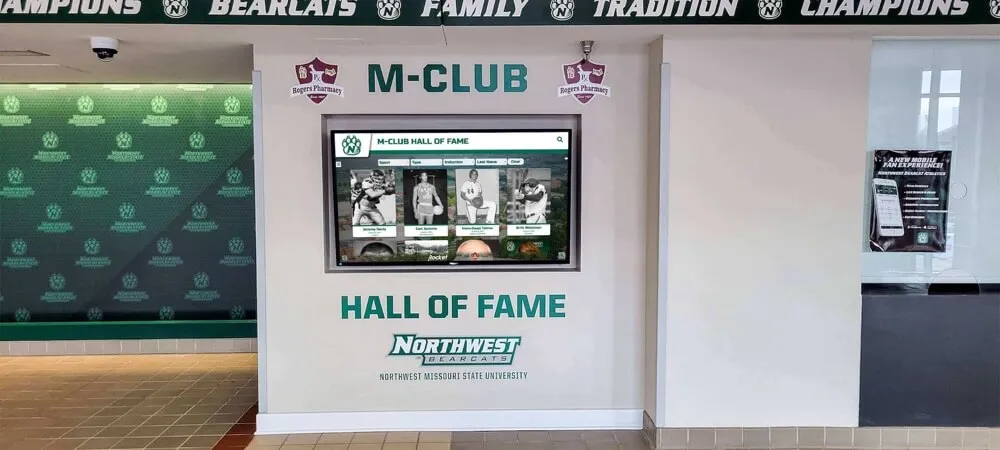
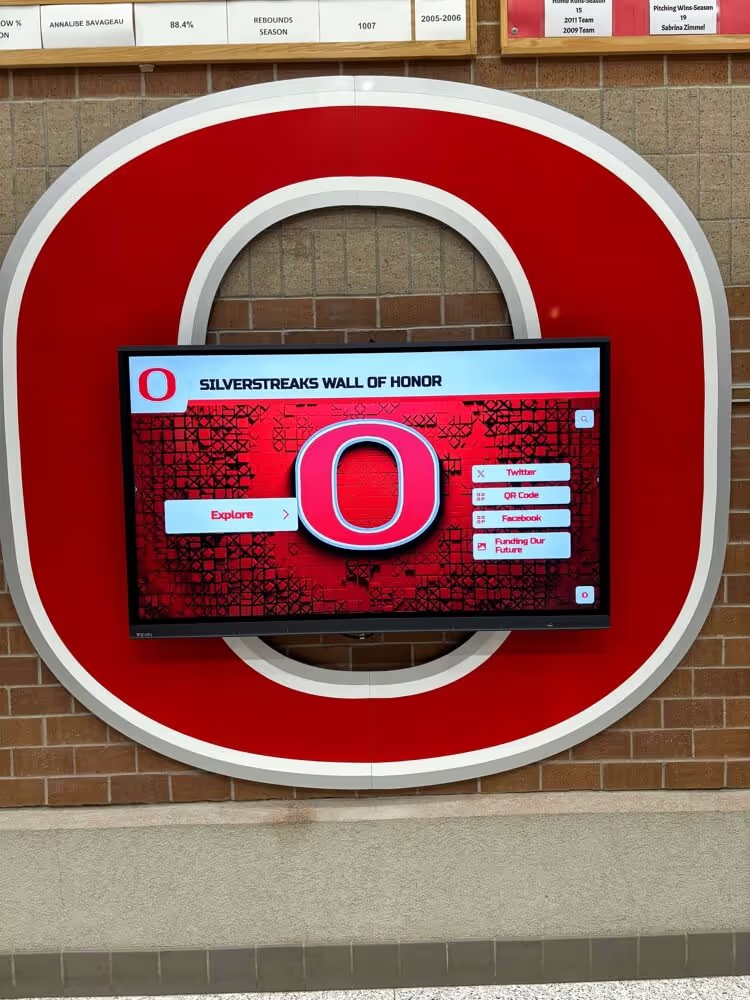
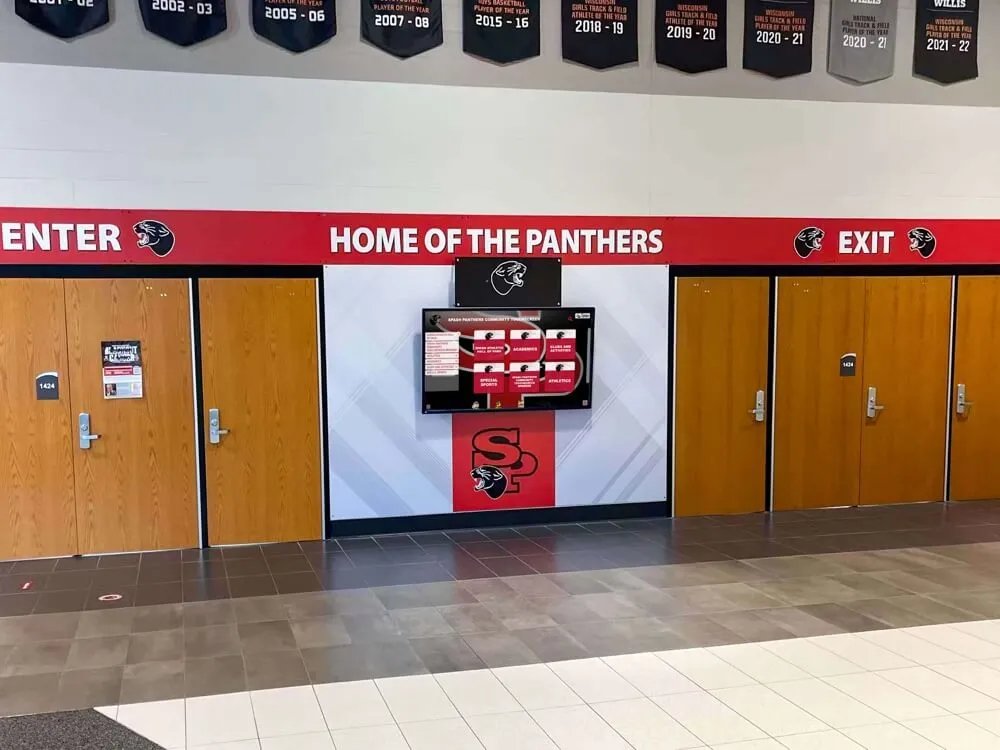
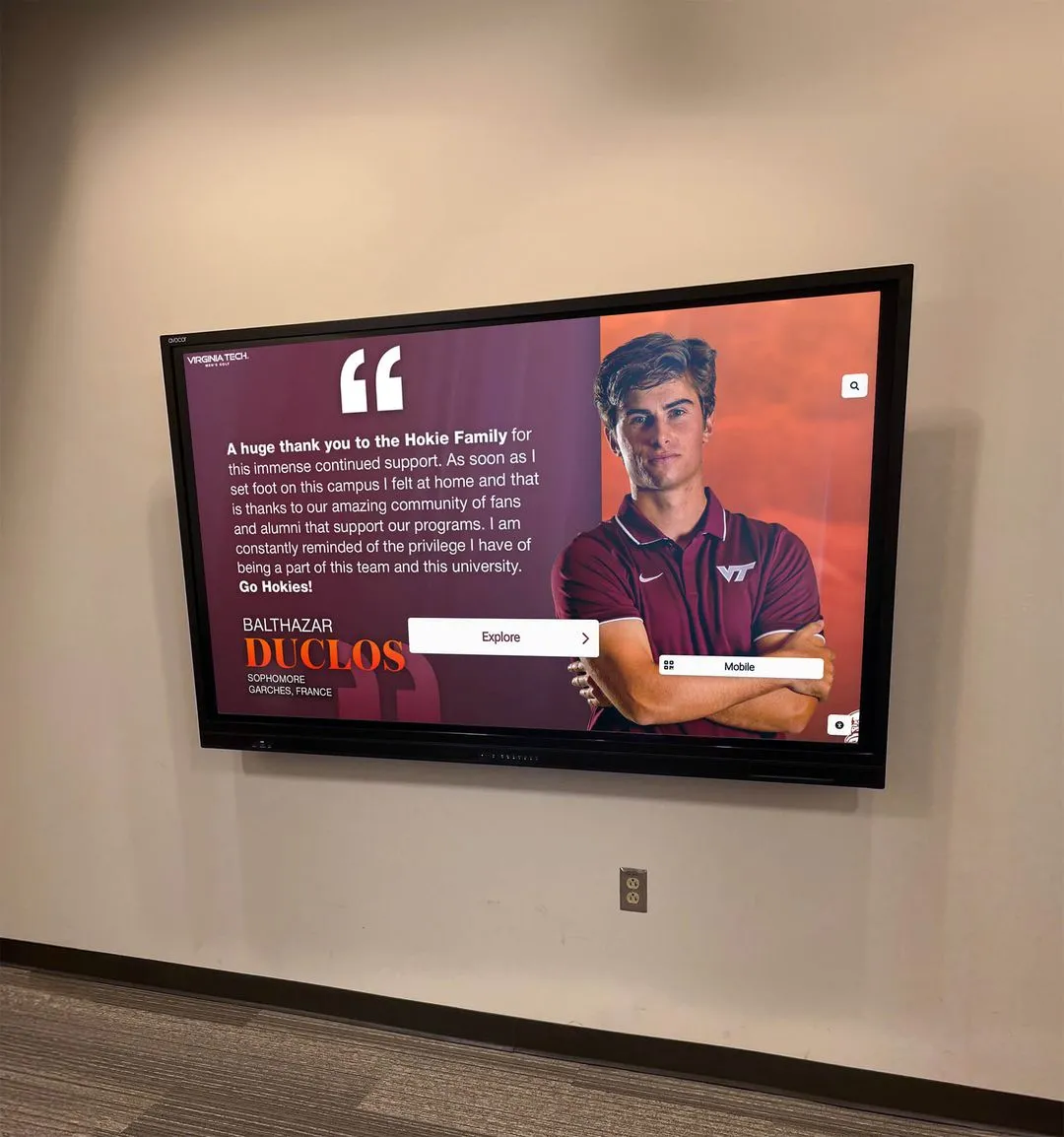
Programs that connect financial records to their recognition infrastructure — a digital hall of fame system or booster club recognition display — find that reconciliation creates a natural update cycle: confirm the gift, confirm the deposit, confirm the recognition entry.

Connecting the payment reconciliation process to donor recognition record updates ensures that the acknowledgment the donor or sponsor receives accurately reflects what was confirmed in the bank — not just what was submitted through the payment form
Step 8: Complete the Reconciliation Worksheet and Obtain a Second Review
At the conclusion of Steps 1–7, compile the reconciliation worksheet. A complete worksheet for a single payment period includes:
| Section | Contents |
|---|---|
| Header | Organization name, processor name, reconciliation period, date completed |
| Transaction summary | Total transactions, total gross amount, total fees, total net |
| Payout summary | Each batch deposit with date, expected amount, bank amount, match status |
| Unmatched items | Any transactions or deposits not fully matched, with explanation |
| Refund summary | All refunds processed in the period with original and refund amounts |
| Acknowledgment status | Confirmation that donor and sponsor records were reviewed and updated |
| Preparer signature | Treasurer name, signature, and date |
| Reviewer signature | Second officer — president, vice president, or finance committee member |
The second-reviewer requirement is not a formality. An independent review of the reconciliation catches errors the preparer may have overlooked and provides the documentation trail that school administrators and auditors expect from a properly governed nonprofit. No reconciliation worksheet should be filed without a second signature.
Online Gifts Deserve On-Display Recognition
When sponsors and donors give online, they expect their support to be acknowledged — not just with a thank-you email, but with visible recognition that reflects the value of their contribution. Rocket Alumni Solutions builds interactive digital recognition displays for school athletic programs, giving booster clubs a permanent, updatable platform to acknowledge donors, sponsors, and scholarship contributors in the facility they helped support. See how it works for your program.
Schedule a DemoStep 9: File All Records with the Reconciliation Worksheet
Attach and file the following with each completed reconciliation worksheet:
- Processor transaction export (CSV or PDF) for the period
- Processor payout or settlement report showing each batch deposit
- Bank statement pages covering the reconciliation period
- Refund documentation — processor confirmation for each refund processed
- Chargeback documentation, if applicable
- The fee schedule currently in effect for the processor account
Retain the complete package for the same period required for other financial records — at minimum three to seven years per IRS guidance for tax-exempt organizations, or the period required by any applicable grant or gift agreement, whichever is longer.
Handling Multiple Processors in the Same Period
Many booster clubs use more than one payment platform. A general online donation form may run through one processor while event registrations use a ticketing platform and a fall fundraiser runs through a specialized school fundraising app. Each processor generates its own transaction report, its own fee structure, and its own deposit schedule.
When multiple processors are active in the same period:
- Run the reconciliation checklist separately for each processor before combining results
- Verify that no transaction appears in more than one processor’s report — this can occur if a payment is processed through one platform and then refunded and re-processed through another
- Confirm that each net deposit in the bank statement is correctly attributed to the right processor; do not merge deposits from different processors into a single reconciliation line
- Maintain a separate fee schedule document for each active processor, updated whenever the platform changes its pricing
Athletic booster clubs that have grown through creative online fundraising strategies often arrive at the point where multiple payment streams are simultaneously active. Running a separate reconciliation pass for each processor before combining results into the master ledger is the structure that scales to those programs without requiring a different process for every platform.
Timing Issues That Complicate Reconciliation
Payment processor timing creates three specific reconciliation challenges that every booster club treasurer should anticipate before closing a period:
Batch cutoff timing: Transactions that occur after the processor’s daily batch cutoff are included in the following day’s payout. A gift received at 11:45 PM may appear in the next business day’s deposit even though the ledger records it on the day it was given. Check the processor’s batch cutoff time and account for it when matching transactions to deposits.
Settlement delays: Most processors take one to three business days to send funds to the bank after the batch closes. A transaction from Monday may not appear in the bank until Thursday. Bank-based reconciliation that only examines bank deposits will always lag the transaction report by this interval — which is why reconciling the processor report and the bank statement in parallel is more reliable than relying on either source alone.
Month-end spanning: When the reconciliation period ends on the last day of the month, some transactions will be in the processor’s report for that month but will not appear in the bank until the first days of the following month. The reconciliation worksheet should explicitly document these in-transit amounts so that the beginning balance for the next period starts correctly without double-counting the arriving deposit.
Connecting Processor Reconciliation to the Full Financial Picture
Payment processor reconciliation is one component of the full financial reconciliation cycle. Once the processor reconciliation is complete and all net deposits are confirmed against the bank statement, those confirmed deposit amounts feed into the bank reconciliation — the broader process of matching all bank statement entries, including checks, ACH transfers, and processor deposits, to the general ledger.
Programs looking for context on how processor reconciliation fits into the broader financial framework — including the full booster club bank reconciliation process that covers account-level matching — will find that processor reconciliation is the upstream step that makes online gift entries in the ledger audit-ready before they are carried into the bank reconciliation.
Booster clubs building toward sustainable fundraising programs that include recurring online giving, annual campaigns, and sponsor payment portals benefit most from a systematic processor reconciliation process that runs on a defined schedule — aligned to the processor’s payout cycles rather than the calendar month alone.

The discipline of reconciling online gifts, verifying fees, and confirming deposits is the same discipline that keeps recognition commitments accurate — every sponsor and donor whose gift is confirmed deserves acknowledgment that matches what was received, not just what was submitted
Connecting Reconciliation to Recognition Commitments
When a sponsor or donor gives online, two parallel commitments are created simultaneously. The financial commitment is tracked through the reconciliation process described in this checklist: the gross gift is recorded, the fees are verified, the net deposit is confirmed, and the ledger is updated. The recognition commitment — an acknowledgment letter, a named entry on a donor honor roll, a sponsor panel in a program display, or a contribution credit on a digital recognition wall — must be fulfilled from the confirmed, reconciled record, not from the unverified payment submission.
Using unreconciled payment data for recognition acknowledgments creates specific risks. A transaction that was submitted but not yet settled may represent a gift that will ultimately fail, be refunded, or be charged back. An acknowledgment issued against an unconfirmed transaction may need to be retracted — an awkward outcome that damages the relationship the acknowledgment was intended to strengthen.
Running the full reconciliation process before updating recognition records ensures that every acknowledgment, every named entry, and every donor display update reflects a confirmed, deposited, and documented gift.
Frequently Asked Questions About the Booster Club Payment Processor Reconciliation Checklist
What does a booster club payment processor reconciliation checklist include?
A booster club payment processor reconciliation checklist includes nine steps: exporting the complete transaction report for the period, matching each transaction to the donor and sponsor ledger, verifying processor fees against the current fee schedule, calculating expected net deposits and comparing them to bank statement entries, identifying and investigating any unmatched or disputed transactions, reconciling refunds and chargebacks against transaction records, updating donor and sponsor acknowledgment records, completing a reconciliation worksheet and obtaining a second-officer review, and filing all supporting records alongside the signed worksheet. Each step builds on the prior one — fee verification must precede deposit calculation, and deposit matching must be complete before the worksheet can be closed.
Why does a booster club need to reconcile payment processor reports separately from bank statements?
Payment processors deduct fees before depositing funds and batch multiple transactions into single deposits. A bank statement entry of, for example, $1,247.16 may represent dozens of individual donor gifts collected over several days, with fees already removed. Without reconciling the processor’s transaction report against the bank deposit, the treasurer cannot confirm which gifts are represented in the deposit, whether the correct fees were charged, whether any refunds or chargebacks were deducted, or whether every gift in the ledger is accounted for in the bank balance. Processor reconciliation is the upstream step that makes online gift entries audit-ready before they are carried into the broader bank reconciliation.
How often should a booster club treasurer reconcile payment processor transactions?
The reconciliation frequency should match the processor’s payout schedule. If the processor settles daily, a weekly reconciliation is typically sufficient. If the processor settles weekly, reconcile weekly. Monthly reconciliation is acceptable for low-volume accounts but increases the risk that errors accumulate before they are discovered. Programs with active online fundraising, recurring giving campaigns, or multiple online payment streams generally benefit from at minimum a monthly reconciliation, and often more frequent reviews during peak fundraising periods such as fall campaigns or end-of-year giving drives.
What should a booster club do if a processor deposit does not match the expected amount?
First, return to the transaction-level export for the affected batch and check for refunds, chargebacks, or account-level fees that may have reduced the deposit. Most discrepancies are explained by one of these. If the transaction-level detail does not account for the full gap, contact the processor’s support team with the batch ID and expected versus actual deposit amounts — most processors can explain any deposit discrepancy within one business day. Document every discrepancy and its resolution in the reconciliation worksheet before closing the period, even if the discrepancy is ultimately explained as a platform-level rounding difference.
Does payment processor reconciliation require a second reviewer?
Yes. The same two-person review requirement that applies to cash reconciliation should apply to payment processor reconciliation. A second officer — typically the booster club president, vice president, or a designated finance committee member — should review the completed reconciliation worksheet, confirm that the methodology matches the checklist, and sign the document before it is filed. The second signature demonstrates that the reconciliation was not completed by a single person without oversight, which is a core internal control requirement for volunteer-run nonprofit organizations handling public trust funds.
Complete the Reconciliation Before Every Deposit Period Closes
A booster club payment processor reconciliation checklist resolves the gap between what donors and sponsors give online, what the processor deducts in fees, and what the bank actually receives. The nine steps in this guide — from transaction export through fee verification, deposit matching, refund accounting, acknowledgment updates, and second-reviewed worksheet filing — give any booster club treasurer the structure to close every online payment period with a complete, auditable record.
Programs that run this process consistently find that the discipline it requires is the same discipline that sustains donor and sponsor confidence over time. When a sponsor renews a multi-year commitment, or a donor increases a recurring gift, it is often because the organization’s financial records — and the recognition that follows from them — demonstrate the kind of careful stewardship that makes a gift feel well-placed.
The recognition commitments connected to those online gifts — a named entry on a donor display, a sponsor acknowledgment panel, a scholarship fund update — are the visible product of the reconciliation work that confirms every transaction, verifies every fee, and matches every deposit. Clean financial records and visible recognition are the same institutional commitment, expressed in two different forms.
Give Online Donors the Recognition They Deserve
Reconciling online gifts confirms the financial record. Displaying them on a digital donor recognition wall completes the acknowledgment. Rocket Alumni Solutions builds interactive digital recognition displays for school athletic programs — platforms that connect booster club financial records to visible, lasting donor and sponsor acknowledgment in the facility those contributors helped support. Schedule a demo to see what your program's recognition could look like.
Schedule Your Recognition Display Demo