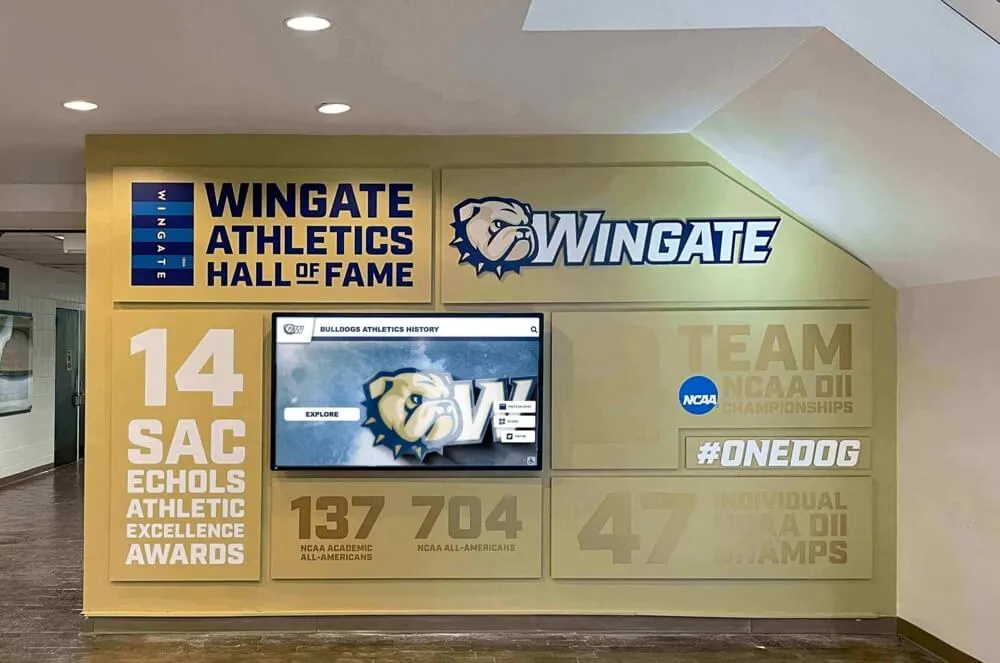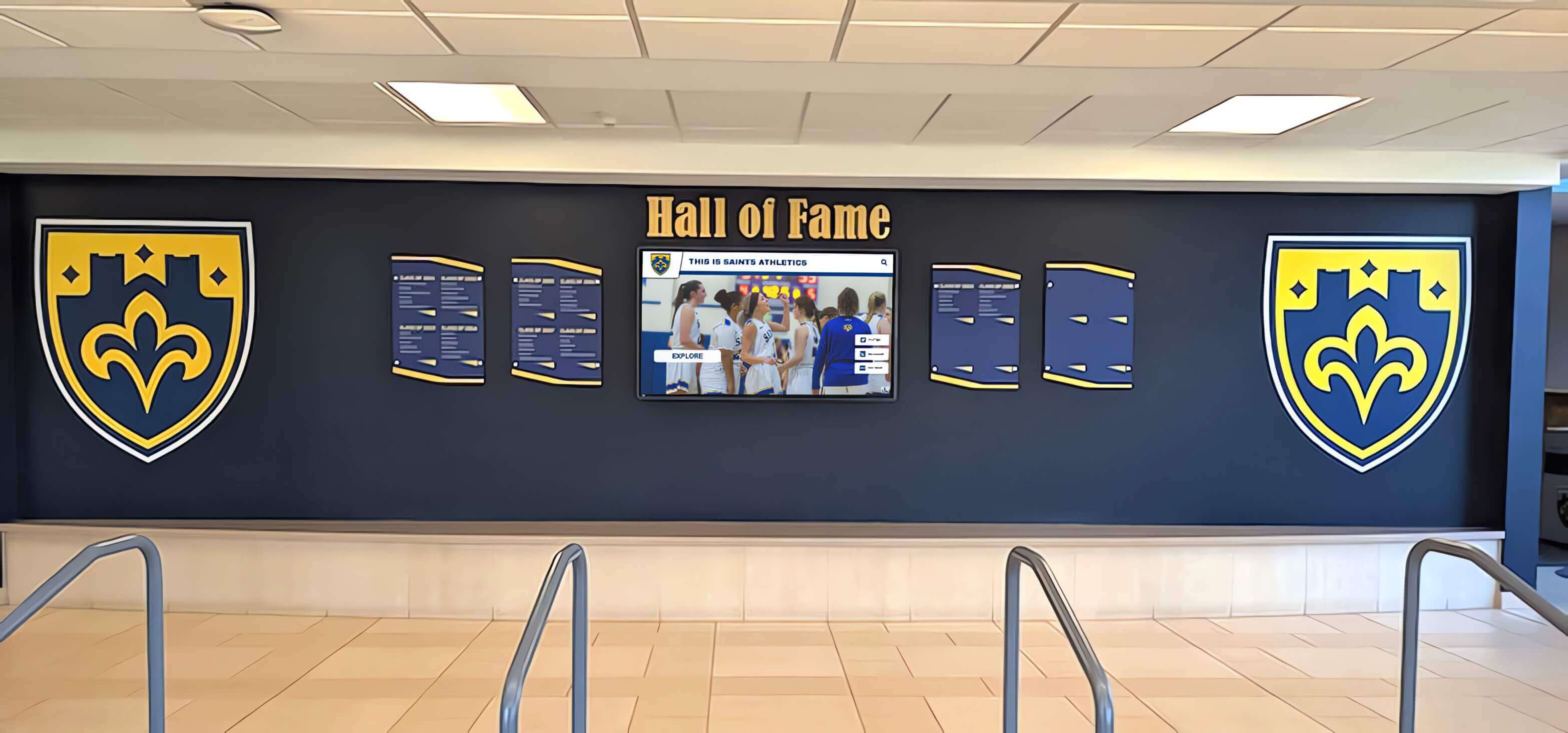




A booster club equipment checkout form is a one-page record that documents which piece of school-owned or club-owned gear is leaving storage, who is responsible for it, where it is going, and when it is due back. Fill in the borrower’s name, item description, quantity, event destination, checkout date, expected return date, and a signature line — then add a return verification column that the equipment coordinator signs when the item comes back undamaged. That single-page workflow closes the accountability loop that verbal requests and informal handoffs leave open, and it keeps the club’s display banners, audio equipment, table linens, trophies, and recognition props accounted for across every game night, awards banquet, and hall of fame induction ceremony on the calendar.
Running a booster club’s event inventory without a formal checkout process is the equivalent of running the concession stand without a register: the gear flows in and out, nothing appears to go wrong, and then one Friday before a home game someone realizes the portable PA system never came back from the spring banquet. Equipment that supports games, donor recognition events, academic award nights, and end-of-season ceremonies is often shared between multiple programs, borrowed by parent volunteers, or loaned to school departments — and without a paper trail, the responsible party and the return deadline are both invisible.
A checkout form is not a trust mechanism. It is a documentation mechanism. It tells anyone who opens the equipment log exactly where every item is, who has it, and when it will be available again.

Booster clubs that manage both equipment and recognition assets — banners, display stands, digital screens, and trophy transport gear — benefit from a checkout workflow that covers all categories of shared inventory
What a Booster Club Equipment Checkout Form Should Include
A functional checkout form covers ten fields. Anything shorter leaves a gap; anything longer becomes a deterrent that volunteers skip.
| Field | Purpose |
|---|---|
| Borrower name | Establishes who accepted responsibility for the item |
| Contact information | Phone or email so the equipment coordinator can follow up without hunting |
| Item description | Name, model or identifier, and quantity — enough to identify the specific piece |
| Condition at checkout | Brief note or checkbox: good, minor wear, damaged — establishes the baseline before the loan |
| Destination / event | Where the item is going and for what event |
| Checkout date | When the item left storage |
| Expected return date | The deadline the borrower agrees to when signing |
| Borrower signature | Acknowledges receipt and current condition |
| Return date (actual) | Filled in when the item comes back |
| Return condition | Good, minor wear, damaged — compared to the checkout condition |
| Equipment coordinator signature | Confirms the item was received and inspected on return |
The form should live in a consistent location — a binder at the equipment room door, a shared Google Sheet linked from the booster club’s shared drive, or a simple paper logbook kept with the key — so that every loan follows the same path regardless of which volunteer is managing inventory that week.
Step-by-Step Equipment Checkout Process
Step 1: Maintain a Master Equipment Inventory List
Before checkout forms can work, the club needs to know what it owns. Create a master inventory list organized by category with one row per item. Include item name, quantity, storage location, purchase date if known, and replacement cost. Review the list annually at the beginning of the season and update it after any purchases, disposals, or confirmed losses.
An inventory list without a checkout log tells you what you own. A checkout log without an inventory list tells you who has something but not what the full set should look like. Both together close the loop.
Step 2: Assign a Named Equipment Coordinator
Designate one named officer or appointed volunteer as the equipment coordinator for each season. This person owns the checkout log, performs condition checks on return, and flags items that do not come back by their return date. The coordinator role does not require physical presence at every event — it requires following up on overdue items within 48 hours of the missed return date.
Step 3: Set Checkout Categories and Default Return Timelines
Organize the checkout form categories to match the types of events the club supports. Common categories for booster clubs running games, banquets, and recognition events include:
| Category | Examples | Default Return Timeline |
|---|---|---|
| Audio / visual equipment | Portable PA system, microphone, projector, presentation remote | 48 hours after event |
| Display and recognition props | Trophies for transport, award plaques, framed photos, banner stands | 24 hours after event |
| Table and décor items | Linens, centerpieces, table skirts, directional signage | 24 hours after event |
| Technology accessories | Laptop, tablet, HDMI cables, extension cords | 48 hours after event |
| Sporting equipment on loan | Team awards, traveling trophies, framed roster photos | 1 week with extension option |
| Printed materials and signage | Pull-up banners, program templates, sponsor recognition panels | 24 hours after event |
| Recognition display accessories | Mounting hardware, display stands, cable kits for digital systems | 48 hours after event |
Setting default return timelines in advance removes negotiation from every individual checkout conversation. The borrower knows when the item is due back before they sign.
Step 4: Complete the Checkout Form at Time of Pickup
The checkout form should be completed at the moment of pickup — not the day before and not after the fact. Condition should be noted while the item is physically present. If the borrower and the equipment coordinator are not in the same location, a photo of the item’s condition sent via text and saved to the shared folder is an acceptable substitute for the in-person inspection, as long as both parties acknowledge it.
Never rely on verbal checkout. A borrower who did not sign a form did not formally check out the item — from the club’s records perspective, the item is still in storage and unaccounted for.
Step 5: Log the Return and Verify Condition
When an item comes back, the equipment coordinator should:
- Compare the returned item to the condition noted at checkout
- Note any damage or wear in the return condition field — do not leave it blank
- Sign and date the return column
- File or archive the completed form in the season records folder
- If the item was damaged, initiate the club’s standard process for repair, replacement, or cost recovery
A completed return entry is as important as the checkout entry. A form with a checkout date and no return date is an open record that says the item has not come back.
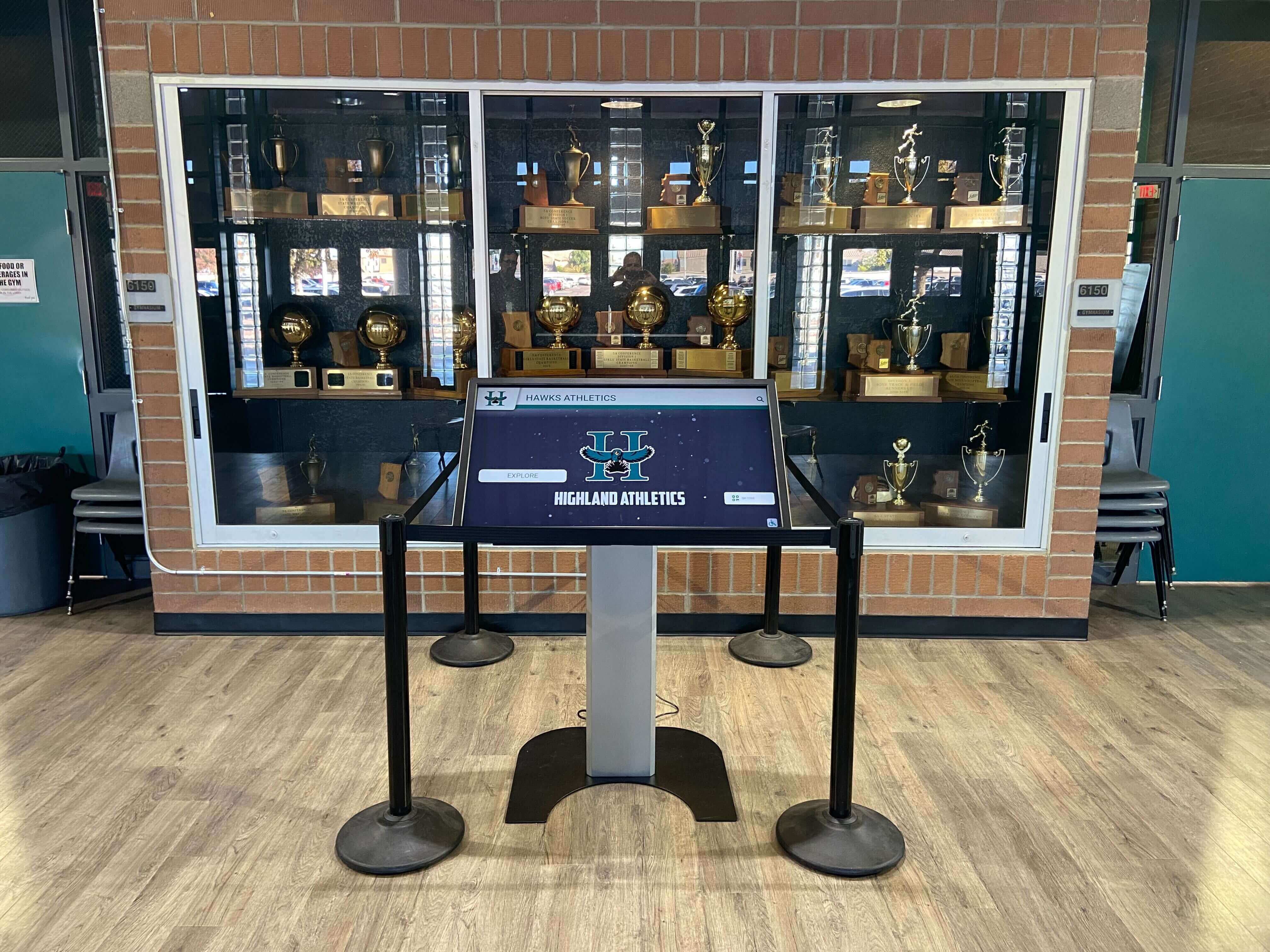
Display and recognition equipment — including items used alongside digital recognition systems — should follow the same checkout and return process as audio, décor, and event technology
Step 6: Follow Up on Overdue Items
Set a calendar reminder or use a simple overdue tracker — a separate column in the checkout log marked “overdue” when the return date passes without a completed return entry. The equipment coordinator should contact the borrower within 48 hours of a missed return date. Most overdue items are not intentional losses; they are forgotten items in the back of a volunteer’s car or a coach’s equipment closet.
A formal follow-up process removes the social awkwardness from overdue reminders: the coordinator is following the club’s process, not accusing anyone of negligence.
Step 7: Reconcile at Season End
At the end of each season, the equipment coordinator should:
- Pull all checkout forms for the season
- Confirm that every checked-out item has a completed return entry
- Compare the current physical inventory to the master inventory list
- Document any losses, write-offs, or items whose status is unknown
- Update the inventory list for the following season before archiving the current year’s records
The season-end reconciliation is also the right time to identify items that are consistently overdue — equipment that borrowers routinely keep beyond the return deadline may need a different loan policy or a tighter default return window.
Sample Booster Club Equipment Checkout Form
The template below can be reproduced as a paper form, adapted to a spreadsheet, or used as the field structure for a digital form tool.
BOOSTER CLUB EQUIPMENT CHECKOUT RECORD
Organization: _________________________________ Season: ___________
| Field | Entry |
|---|---|
| Borrower Name | |
| Contact (Phone or Email) | |
| Item Description | |
| Item Identifier / Serial # (if applicable) | |
| Quantity | |
| Condition at Checkout | ☐ Good ☐ Minor Wear ☐ Damaged Notes: |
| Destination / Event | |
| Checkout Date | |
| Expected Return Date | |
| Borrower Signature |
— RETURN SECTION — (Completed by Equipment Coordinator)
| Field | Entry |
|---|---|
| Actual Return Date | |
| Return Condition | ☐ Good ☐ Minor Wear ☐ Damaged Notes: |
| Equipment Coordinator Signature |
Instructions for equipment coordinator: Complete checkout fields and borrower signature at time of pickup. Set a calendar reminder for the expected return date. Contact the borrower within 48 hours if the item is not returned on schedule. Complete return fields at time of return — do not leave blank. File the completed form in the season folder after the return is confirmed.
Equipment Categories for Games, Banquets, and Recognition Events
Booster clubs that support multiple event types across a season manage equipment across three distinct contexts, each with different handling requirements and return urgency.
Game Day Equipment
Game day equipment includes items used on site at athletic events: PA equipment, sponsor banner stands, scoreboard accessories, recognition display props for pregame or halftime ceremonies, and traveling award hardware. Game day items often need to be returned same-day or the morning after to remain available for the next home event. The checkout form’s expected return date field should reflect this tighter timeline so the equipment coordinator knows when to follow up.
Banquet and Ceremony Equipment
End-of-season banquets, donor recognition dinners, and academic award nights typically require tablecloths, centerpieces, backdrop displays, audio equipment, display stands, and framed recognition items that travel from storage to an event venue. Banquet equipment loans often run longer — the event may be at an off-campus location — making the expected return date field especially important to complete accurately at checkout.
Recognition Event and Archive Display Equipment
Hall of fame induction ceremonies, academic honor roll displays, sports award nights, and donor recognition installations may involve items that are also part of the club’s institutional archive: framed championship photos, traveling trophies, historical rosters, or display hardware used alongside digital recognition screens. These items deserve heightened care in the checkout process because they are irreplaceable. The condition fields at checkout and return should be completed thoroughly for archive-quality items even when condition appears unchanged.
Programs that have invested in digital display systems for recognition events and kiosk installations understand that the physical equipment used alongside digital screens — mounting hardware, display stands, cable kits — requires the same documentation discipline as the screen itself. A missing cable kit stranded in someone’s trunk because no checkout record exists is a preventable disruption on recognition night.
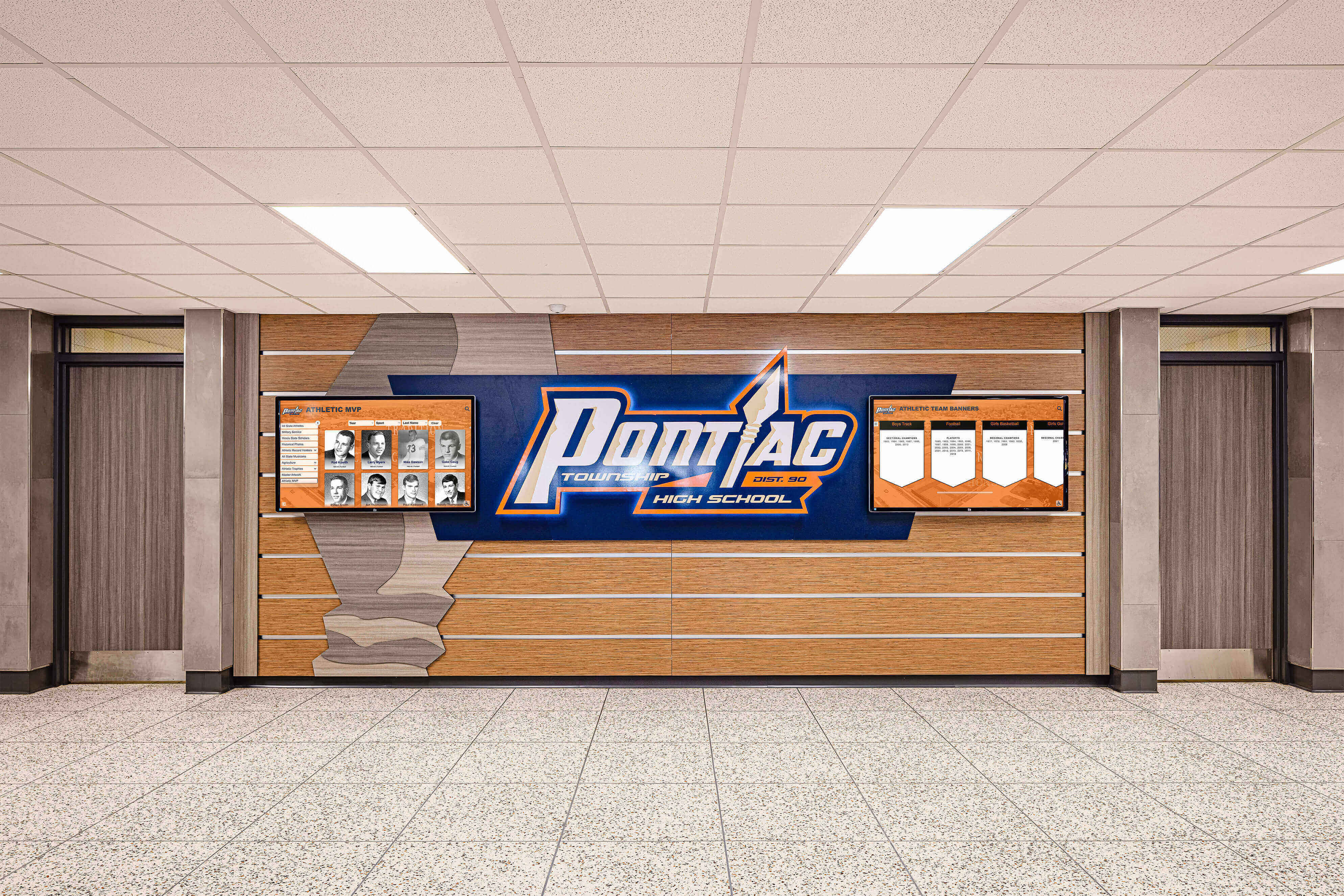
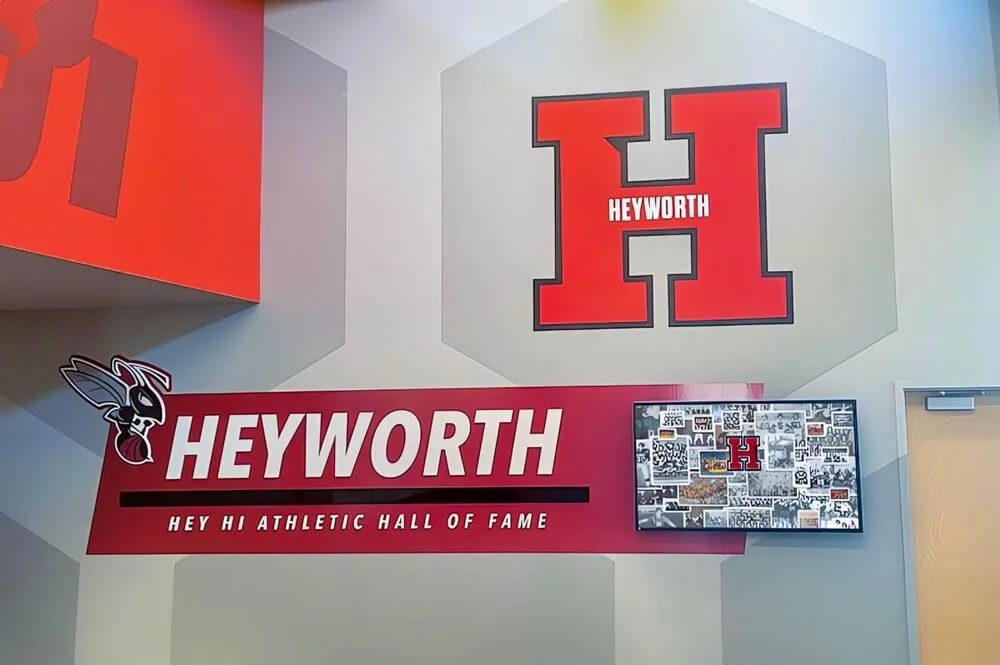
Recognition events that activate athletic honor boards and award displays involve physical equipment — stands, frames, AV connections, display accessories — that needs the same systematic checkout tracking as standard event gear
Connecting Equipment Records to Recognition Program Integrity
A checkout form is an operational tool, but its records also support the recognition program’s institutional history. When a traveling trophy goes to a banquet and back, the checkout log documents that the trophy made the trip, who carried it, and that it returned intact. When framed championship portraits go to a hall of fame induction ceremony, the log confirms chain of custody for irreplaceable items.
This matters because data integrity for digital recognition programs depends on accurate physical records as well as digital ones. A hall of fame installation that displays an inductee’s name on a screen while the corresponding framed portrait is unaccounted for in the equipment room is a documentation gap with two components — the digital record and the physical record — both of which should be maintained with the same rigor.
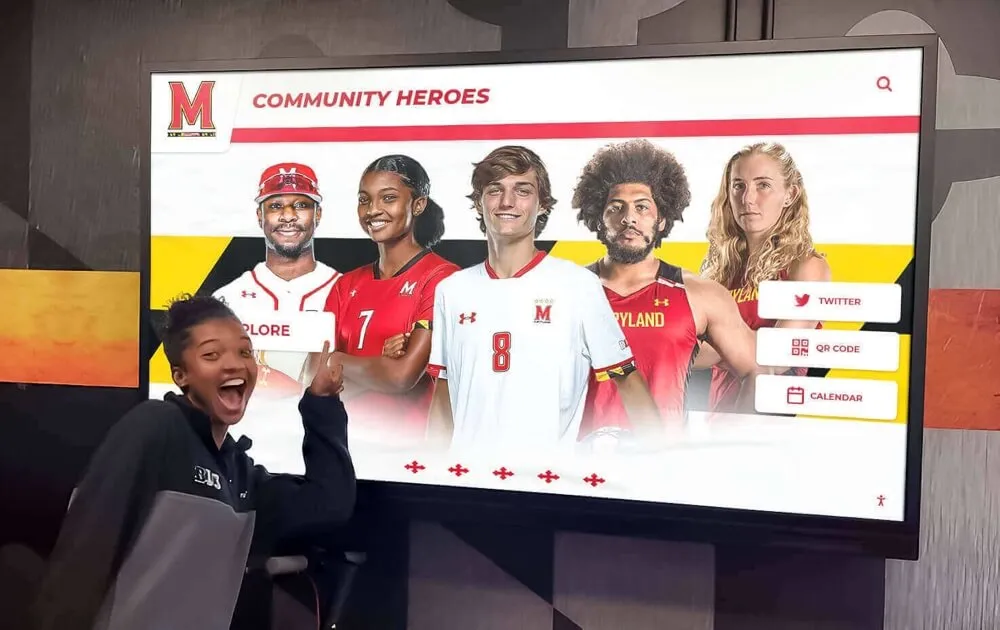
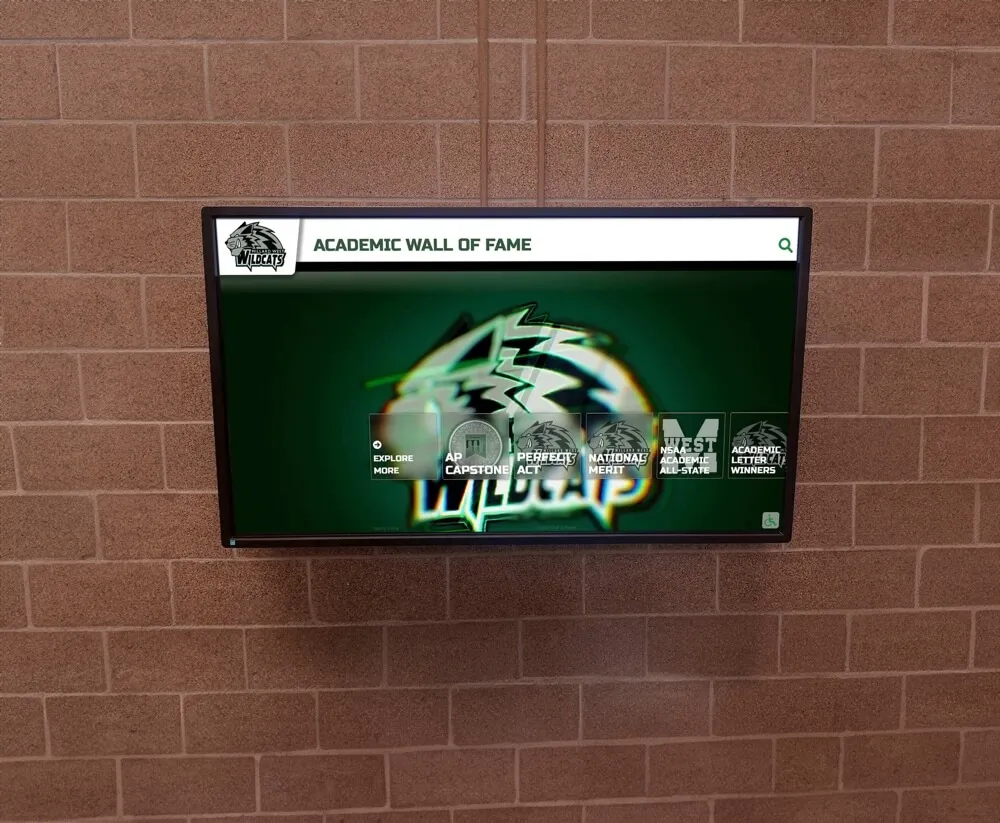
Programs that display academic achievement alongside athletic recognition rely on academic honor roll recognition guides and display frameworks that span display stands, banner systems, and portrait frames rotating through multiple events across a year. A checkout form that tracks these items across their full event lifecycle is part of the documentation infrastructure that keeps both academic and athletic recognition programs credible.
For hall of fame programs that honor outstanding achievements — from championship seasons to youth sports award milestones — the physical equipment used at induction ceremonies and banquets is often the most visible expression of the program’s commitment to recognition. Tracking it carefully is not just inventory management; it is stewardship of the recognition program itself.
See How Digital Recognition Platforms Support Program-Wide Accountability
Rocket Alumni Solutions builds interactive recognition systems for school athletic programs — giving booster clubs a centralized platform where sponsor logos, donor acknowledgments, and athletic history are managed in one shared system. A demo shows what that looks like for your program.
See Recognition Platform OptionsIntegrating Equipment Tracking with Digital Recognition Infrastructure
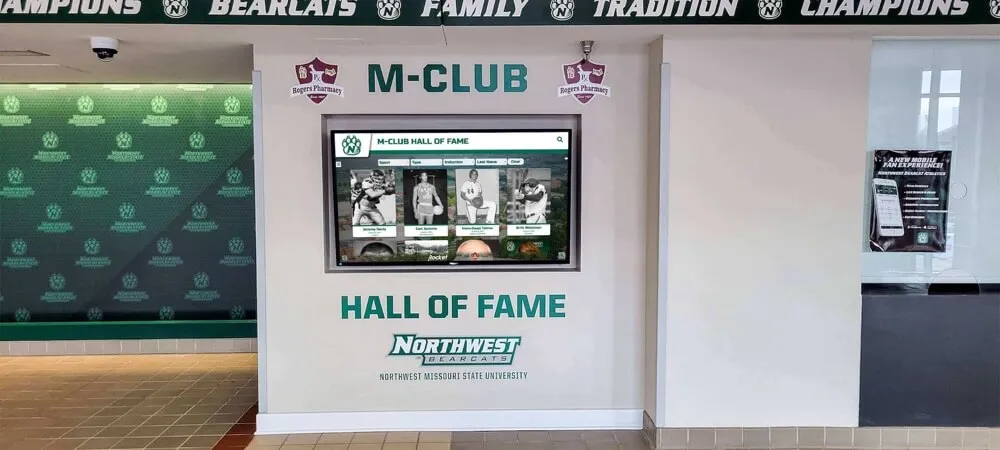
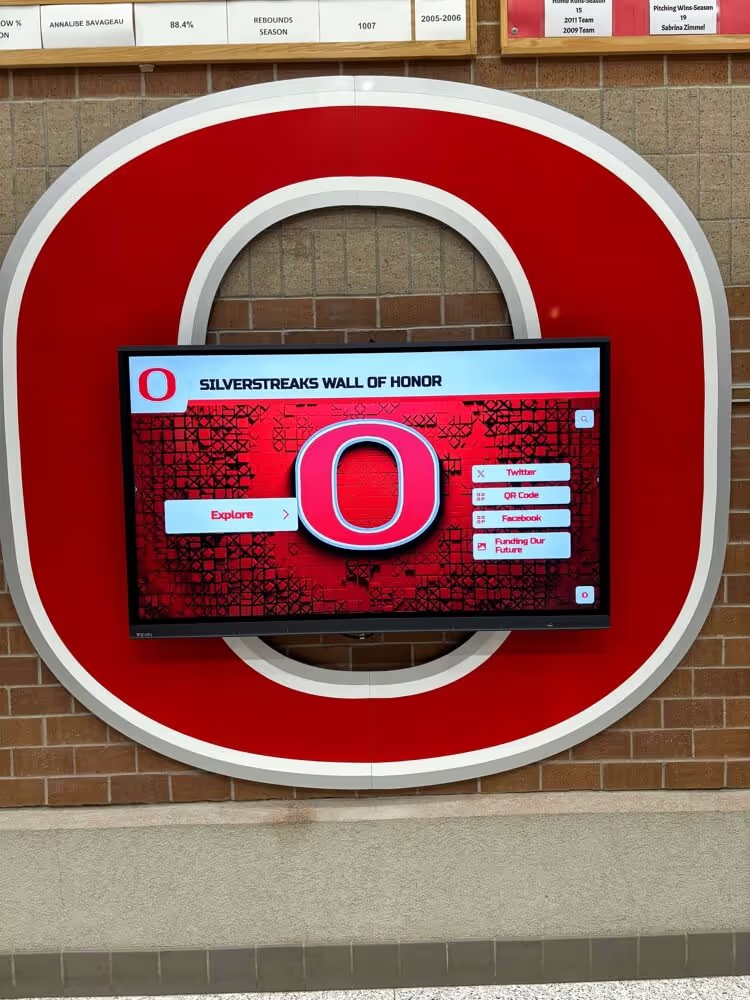
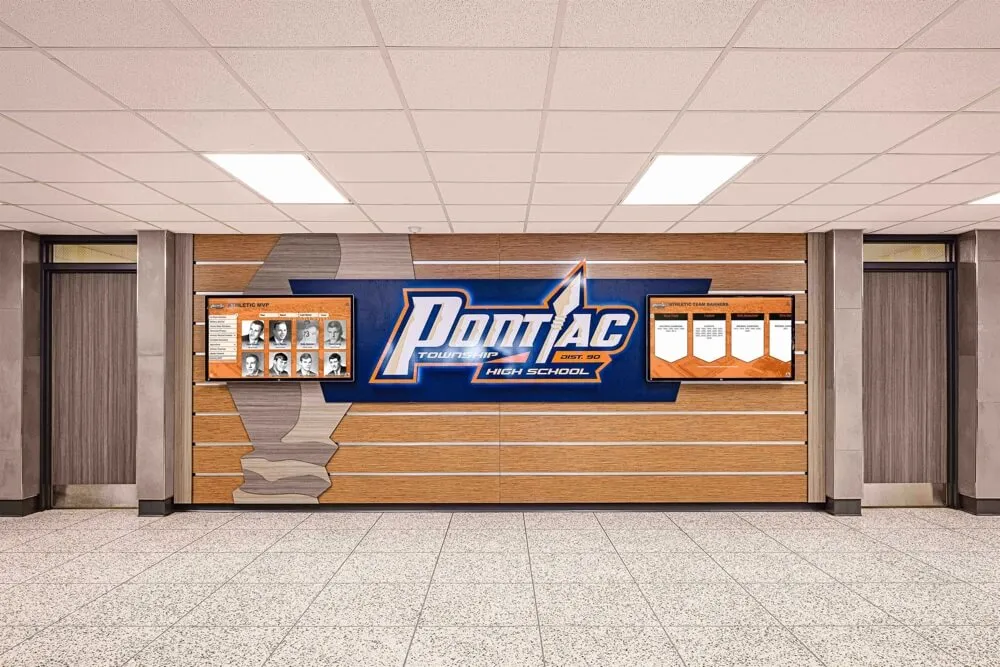
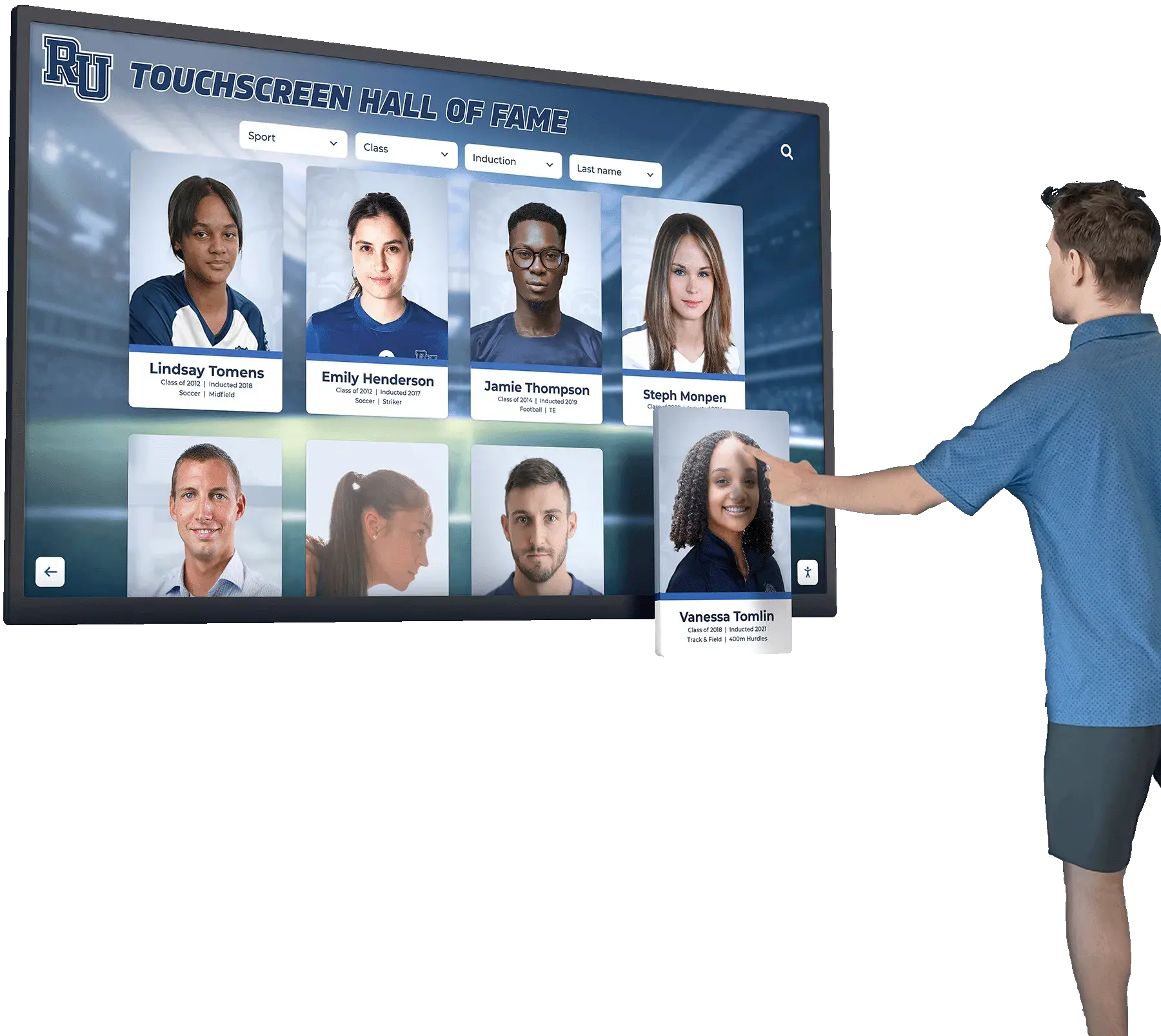
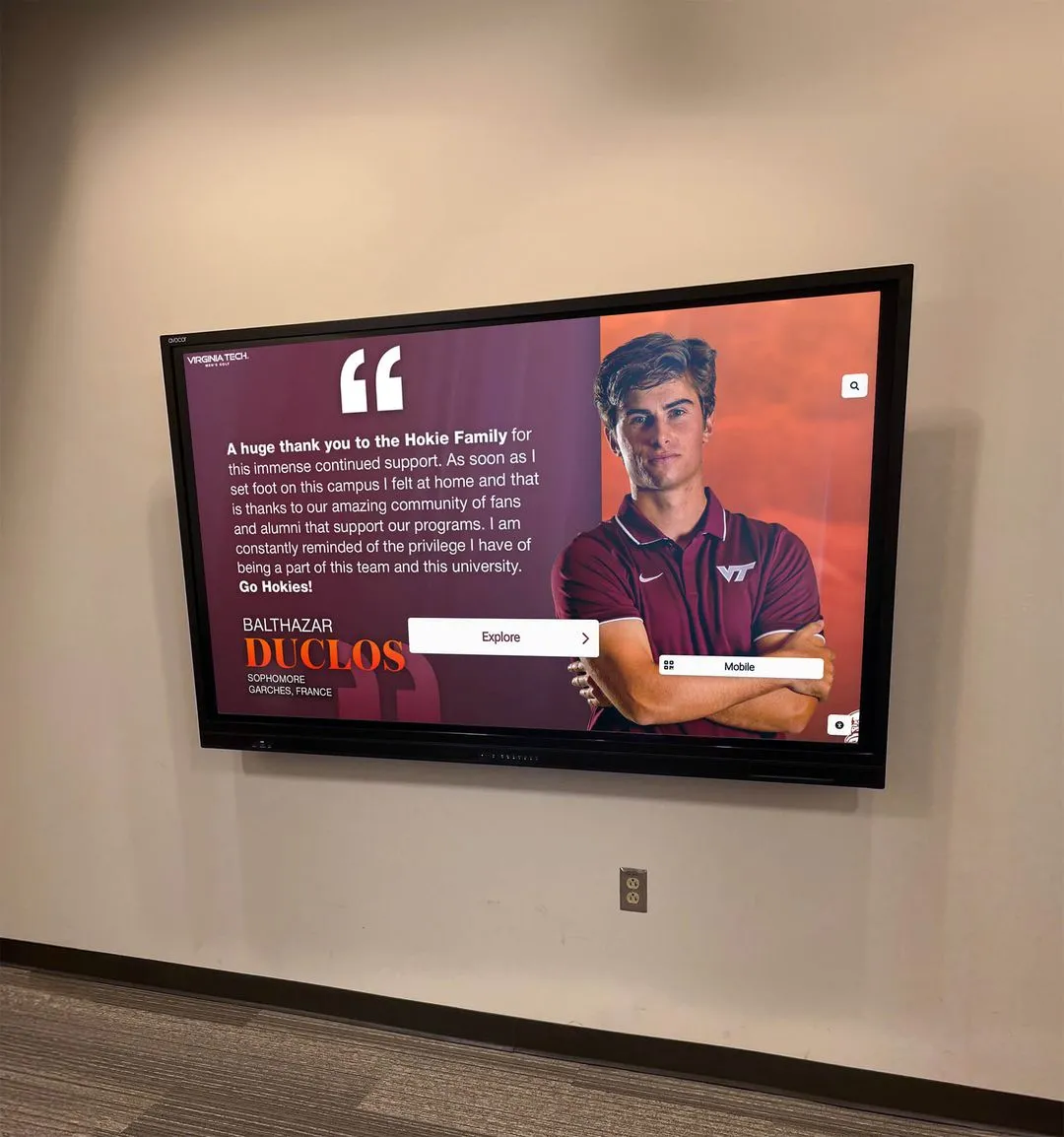
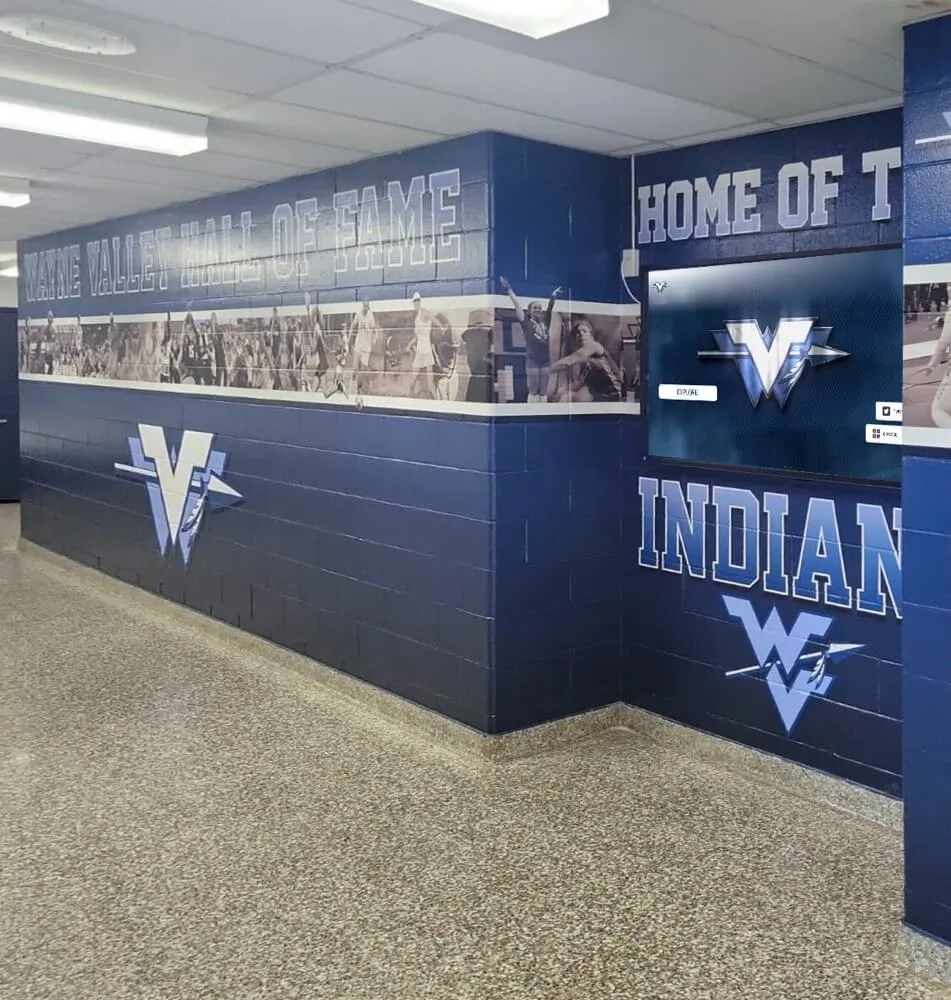
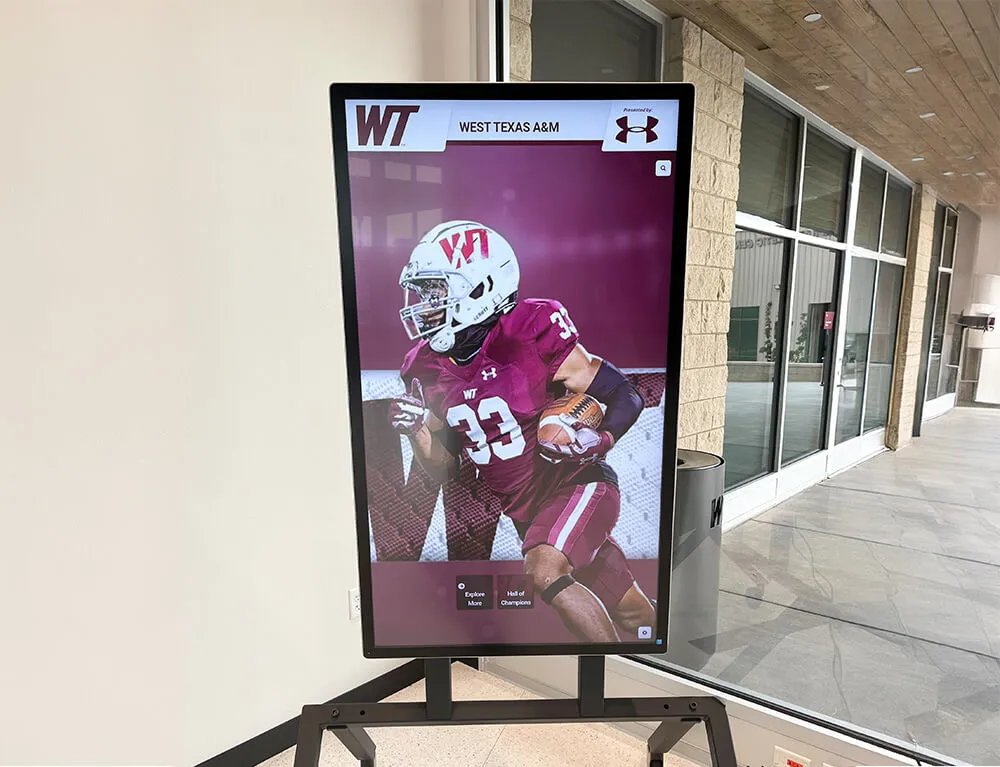
Schools that have invested in interactive digital recognition systems — hall of fame touchscreens, digital donor walls, award history displays — often also manage the physical accessories that support those installations at events. Display stands, portable screens, mounting hardware, cable management kits, and transport cases all follow the same checkout lifecycle as any other club-owned equipment, and they deserve their own category on the master inventory list.
Academic recognition displays and the physical staging environment they occupy — award ceremony backdrops, display stand placement, portable screen positioning — represent a category of equipment that connects directly to the digital recognition program’s credibility. A portable display that fails because an accessory was not returned to storage is a visible gap in what the program promised to deliver.
Programs that maintain both digital and physical recognition infrastructure benefit from treating display accessories as a distinct equipment checkout category with its own tracking fields, including documentation of which digital system each physical accessory supports. Resources covering digital award display systems for academic and athletic recognition reflect how programs integrating digital and physical recognition elements depend on the documentation discipline that a checkout form provides.
For programs that honor championship achievements through permanent recognition — landmark championship recognition installations that mark historic athletic milestones — the physical display materials used at induction and recognition events are part of the institutional record that the checkout form helps protect.
Data integrity practices for digital hall of fame systems apply equally to the physical records that support those systems. A checkout form that documents chain of custody for irreplaceable recognition props is one layer of the broader documentation infrastructure that makes a recognition program trustworthy across many leadership transitions and many seasons.

Digital recognition installations sit alongside physical display equipment — banner stands, framing hardware, mounting accessories — that benefits from systematic checkout tracking when deployed at events outside the primary facility
Building Checkout Records Into the Leadership Transition
Equipment records are particularly valuable at the end of each school year, when booster club leadership turns over. An incoming equipment coordinator who inherits a complete checkout log and a reconciled inventory list knows exactly what the club owns, what its checkout history looks like, and whether any items are still unaccounted for from the prior season.
Organizations that lack checkout records at transition face the opposite situation: the incoming coordinator inherits a storage room with no documented baseline, no history of who last used what, and no way to distinguish a missing item from one that was written off two seasons ago. This is the same documentation gap that affects sponsor files, financial records, and recognition platform access — all are much easier to hand off when records were built consistently throughout the year rather than assembled at the last minute.
A checkout log organized by season and stored in the club’s shared drive is an institutional asset that survives leadership transitions cleanly. Incoming officers should add a review of the equipment checkout log to their orientation checklist alongside the financial review and the recognition platform audit.
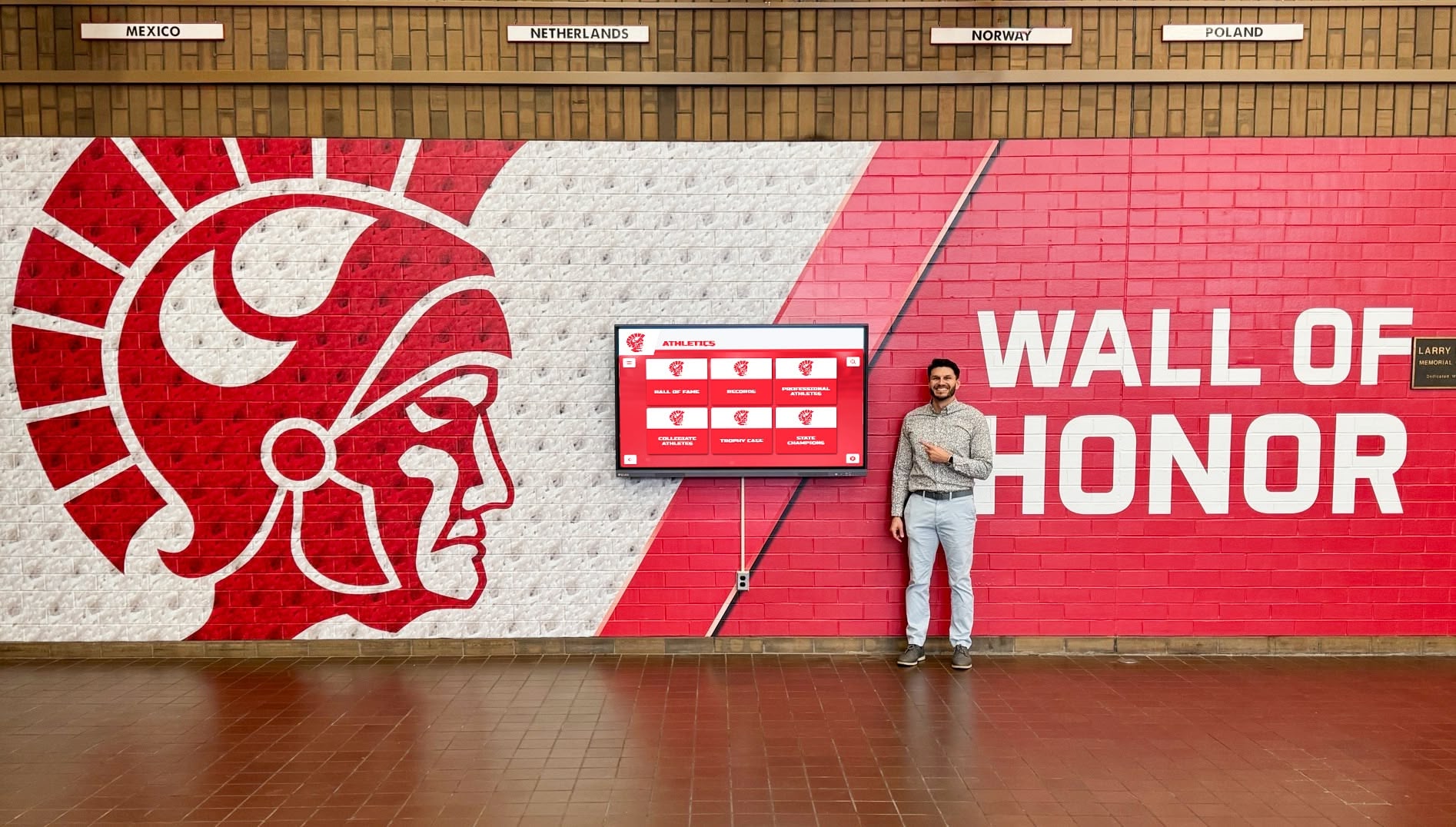
Recognition programs depend on institutional continuity — equipment checkout records that are organized by season and stored in a shared location transfer cleanly to incoming officers, just like the recognition display access credentials they accompany
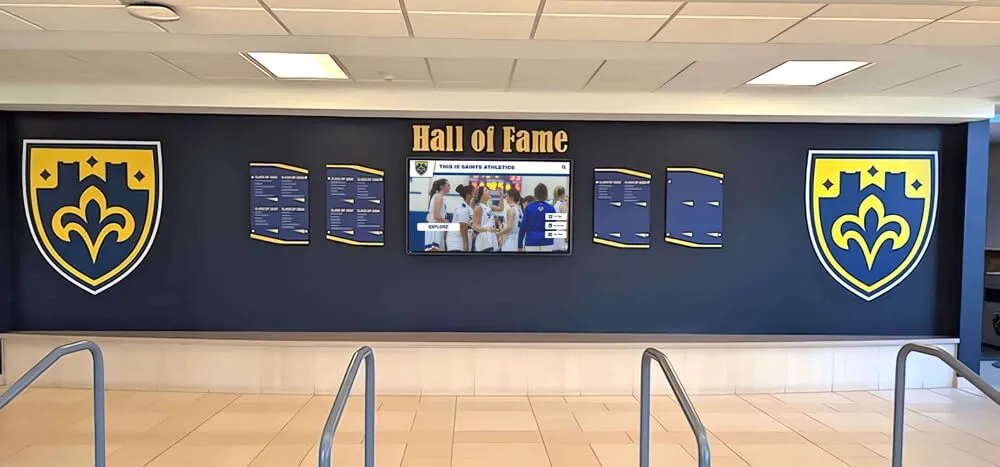
Hall of fame installations involve both digital systems and physical display accessories — a checkout form that covers both categories ensures that nothing supporting a recognition event goes missing between uses
Frequently Asked Questions
What should a booster club equipment checkout form include?
A booster club equipment checkout form should include the borrower’s name and contact information, a description of the item with quantity, the item’s condition at the time of checkout, the destination or event where the item is going, the checkout date, the expected return date, and a borrower signature acknowledging receipt. The form should also include a return section with fields for the actual return date, the item’s condition on return, and the equipment coordinator’s signature confirming the item was received and inspected. Both the checkout and return sections must be completed — a form without a return entry is an open record indicating the item has not come back.
How should booster clubs track equipment used at banquets and recognition events?
Booster clubs should track event equipment through a consistent checkout form completed at the time of pickup. The form should note the event destination, the expected return date (which is often the morning after an off-campus banquet), and the condition of items at checkout. Equipment used at recognition events — display stands, traveling trophies, framed portraits, AV accessories — deserves particular care in the condition fields because some of these items are irreplaceable. The equipment coordinator should follow up within 48 hours if any item is not returned by the expected date, and should conduct a season-end reconciliation comparing all checkout records to the current physical inventory.
Can a booster club use a digital spreadsheet instead of a paper checkout form?
Yes. A shared Google Sheet or cloud-based spreadsheet works well for booster club equipment checkout tracking, particularly for organizations where the equipment coordinator is not always physically present at pickup. The spreadsheet should include all the same fields as the paper form — borrower name, contact, item description, condition at checkout, destination, checkout date, expected return date, and return verification fields. Electronic acknowledgment from the borrower confirming receipt can substitute for a physical signature if the club documents this as its standard process. The key advantage of a shared spreadsheet is that any authorized officer can see the current status of all checked-out items at any time without visiting the equipment room.
How long should booster clubs keep equipment checkout records?
Booster clubs should retain equipment checkout records for a minimum of three years, organized by season. Season-end inventory reconciliation reports — which document any losses, write-offs, or unresolved status items — should be retained alongside the organization’s financial records, typically seven years for nonprofit organizations. Digital records stored in a shared cloud folder require no physical storage space and can be retained indefinitely at minimal cost, making a longer retention period practical for most organizations. Records should survive leadership transitions by being stored in the organization’s shared drive rather than on any individual officer’s personal device.
What equipment categories should booster clubs track with checkout forms?
Booster clubs should track any school-owned or club-owned item that leaves the storage area for an event. Common categories include audio and visual equipment (PA systems, microphones, projectors, laptops), display and recognition props (trophies, framed photos, award plaques, banner stands), table and décor items (linens, centerpieces, directional signage), technology accessories (cables, remotes, extension cords), printed or display materials (pull-up banners, sponsor panels, program templates), and recognition display accessories (mounting hardware, display stand components, cable kits for digital systems). Equipment used alongside digital recognition installations should be tracked as its own category because these items are needed for every recognition event that activates the digital system.
Building Equipment Accountability Into the Recognition Program
A booster club equipment checkout form is most effective when it is treated as a standing operational practice — not a policy invoked only after something goes missing. Organizations that use a checkout form consistently, assign a named equipment coordinator each season, and conduct a season-end reconciliation build an equipment management system that survives leadership transitions because the records exist in a shared location rather than in an individual volunteer’s memory.
The documentation habits a checkout form requires — noting condition, recording dates, completing return verification — are the same habits that support the recognition program’s credibility over time. A booster club that cannot account for where its traveling championship trophy is cannot credibly claim to steward the athletic legacy the trophy represents. A club that knows exactly who has it, when it went out, and when it is due back demonstrates the organizational discipline that sponsors, school administrators, and community stakeholders look for across all of the club’s operations.
See How Digital Recognition Systems Reflect Your Program's Accountability
Rocket Alumni Solutions builds interactive digital recognition displays for school athletic programs — giving booster clubs a lasting platform for honoring sponsors, donors, athletes, and academic achievers. See what a recognition display built for your program would look like.
Schedule Your Recognition Display Demo