



A booster club budget template in Excel is most useful when it does more than track income and expenses — when it also captures what recognition was promised to each sponsor, what assets are owed, and whether every banner, digital placement, and thank-you letter was actually delivered. Most booster clubs start with a basic income/expense spreadsheet and add columns reactively, ending up with a patchwork that no one fully understands by April. This guide gives you a column-by-column framework for building or rebuilding that spreadsheet so it covers the full scope of what a booster club treasurer actually manages across a season.
The column structure below is designed to capture the three areas where Excel tracking breaks down most often: sponsor fund commitments, physical and digital asset fulfillment, and recognition delivery. Each section includes a table you can use to map directly to your own spreadsheet.
Running a booster club budget in Excel is manageable when the spreadsheet is designed from the start to track what matters — not just money in and money out, but the obligations that come with every sponsorship agreement and donation. A sponsor who paid for a banner, a digital display rotation, and a PA announcement at three home games is owed three distinct deliverables. A template that only tracks the dollar amount misses two of them.

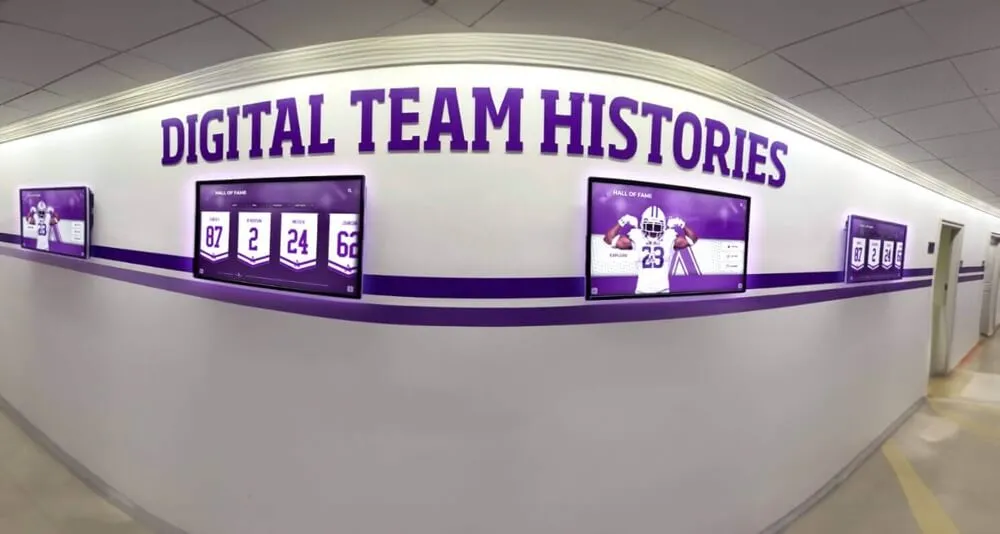
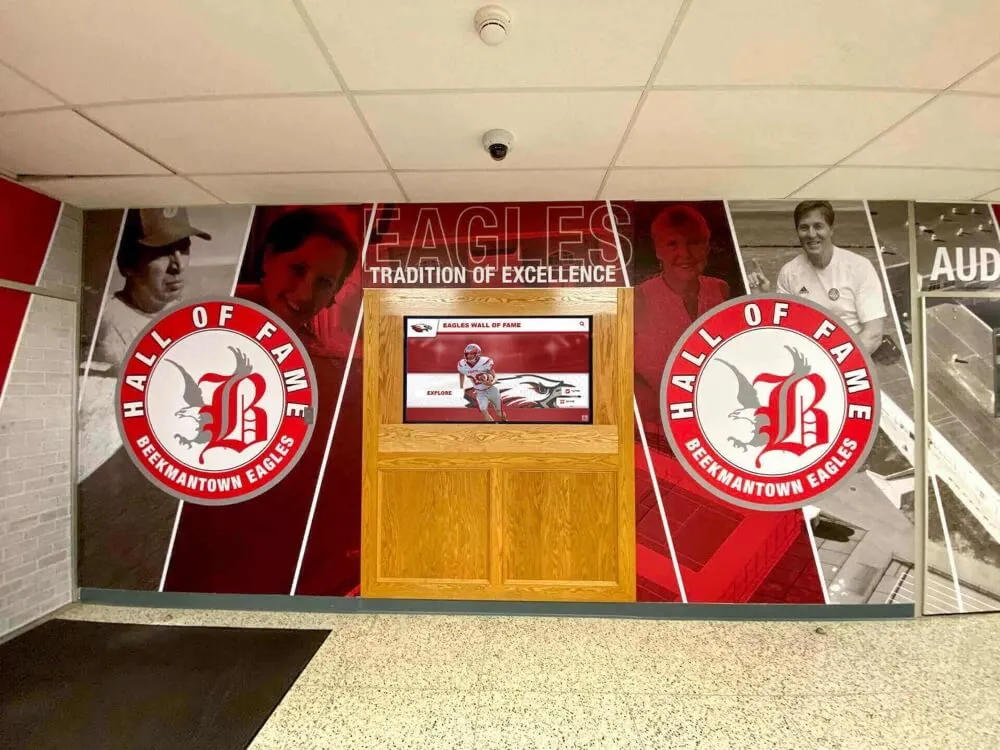
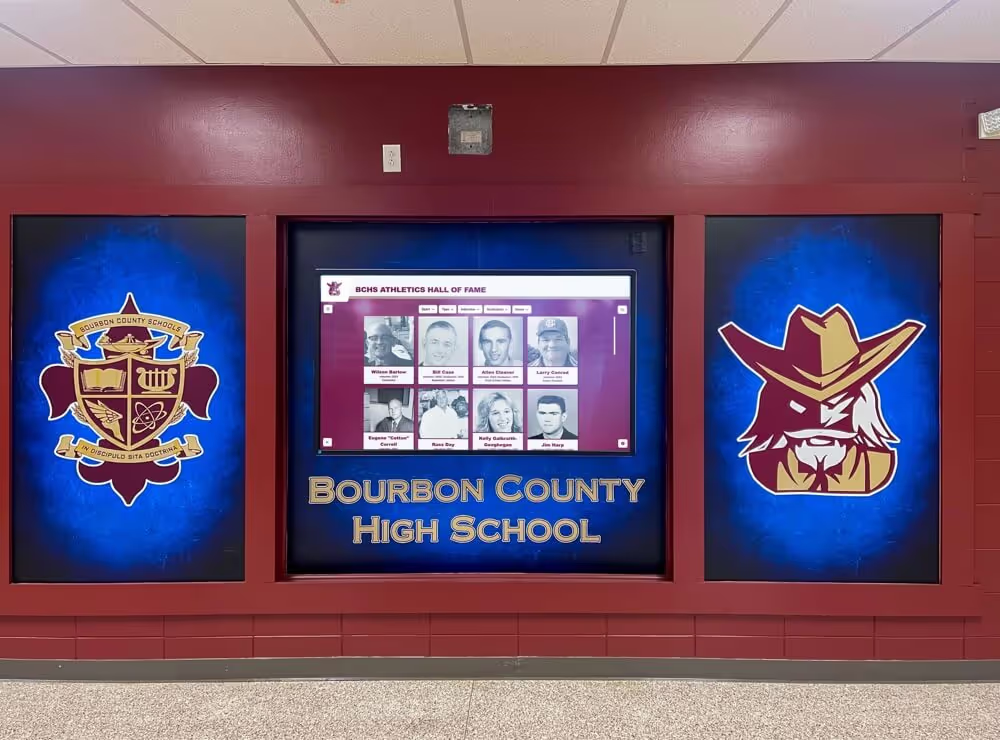
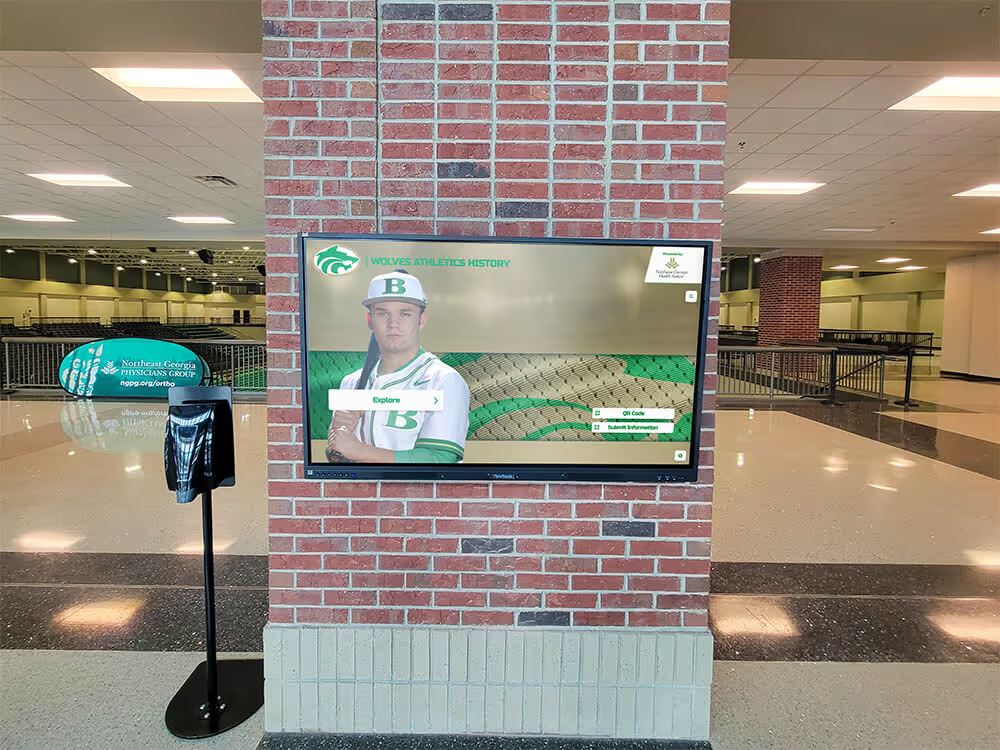
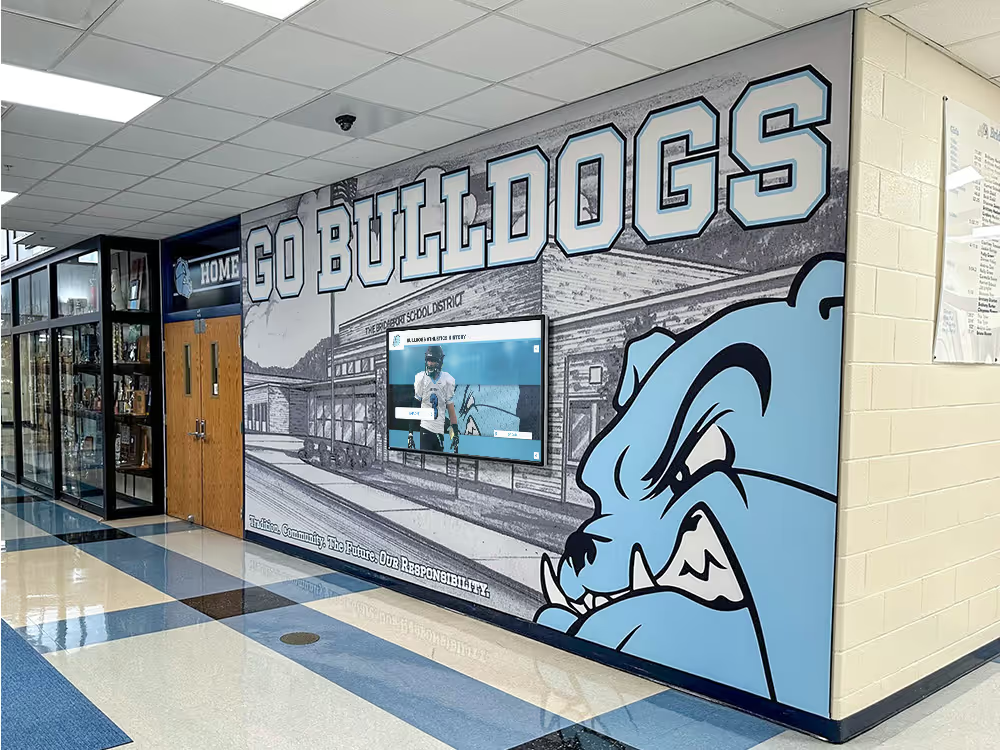
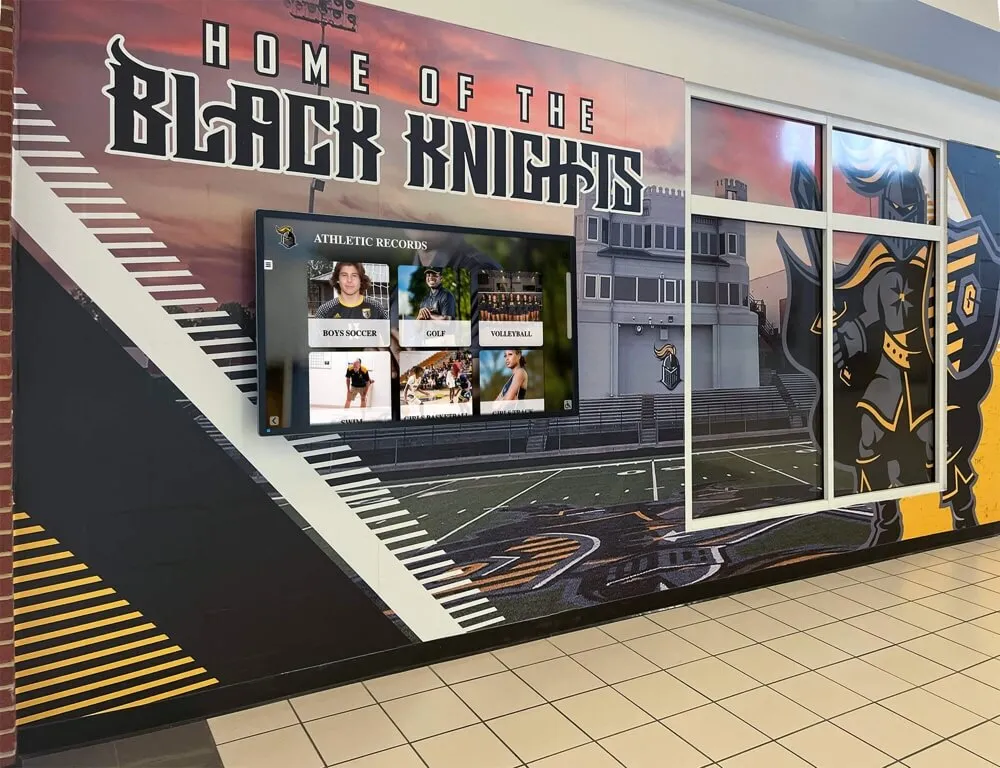
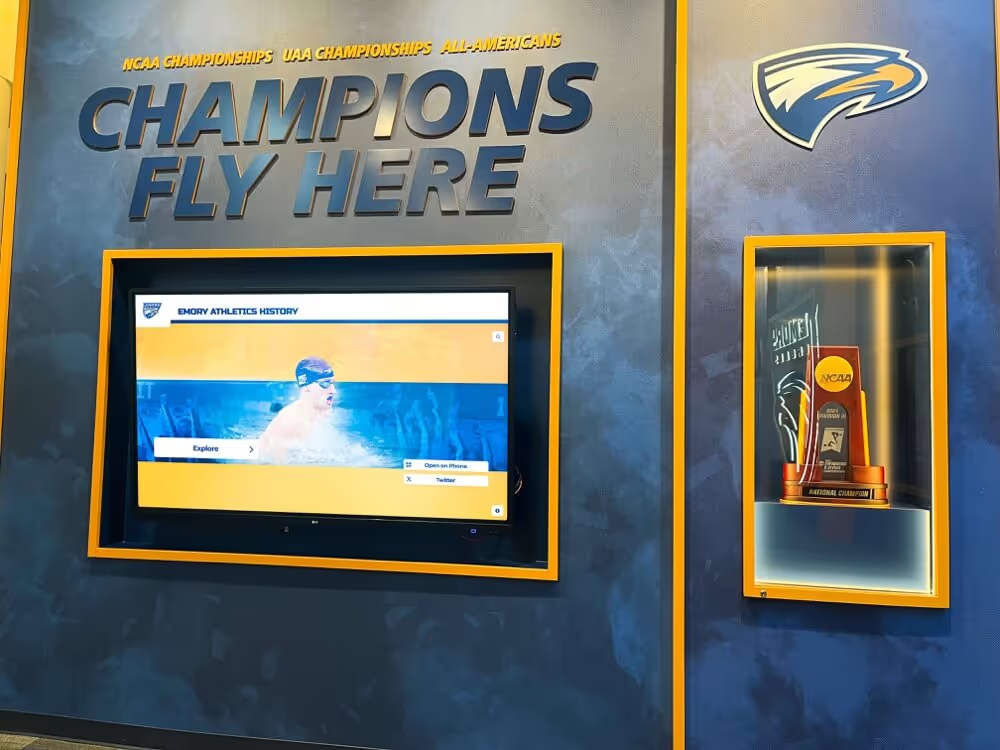
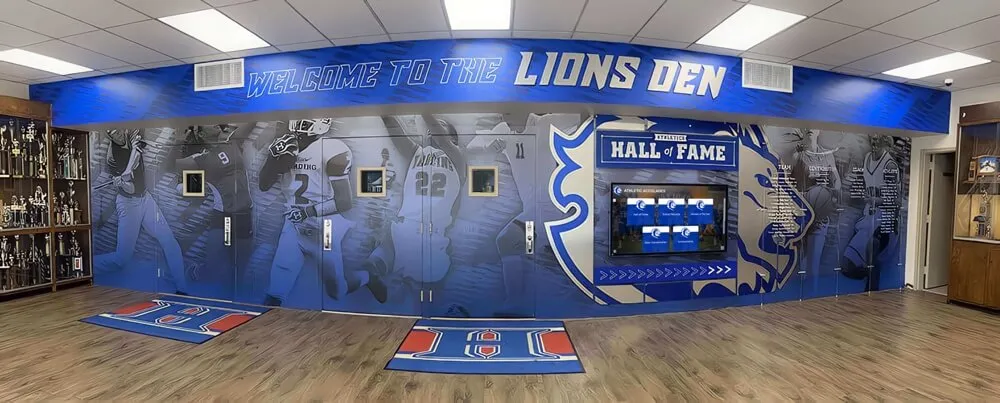
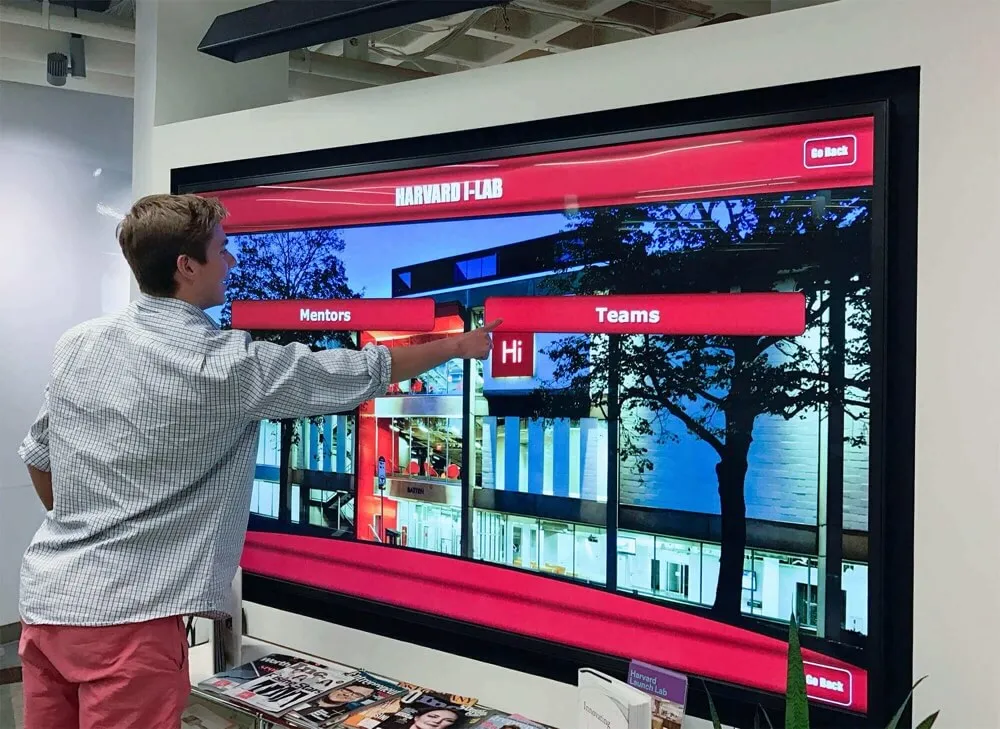
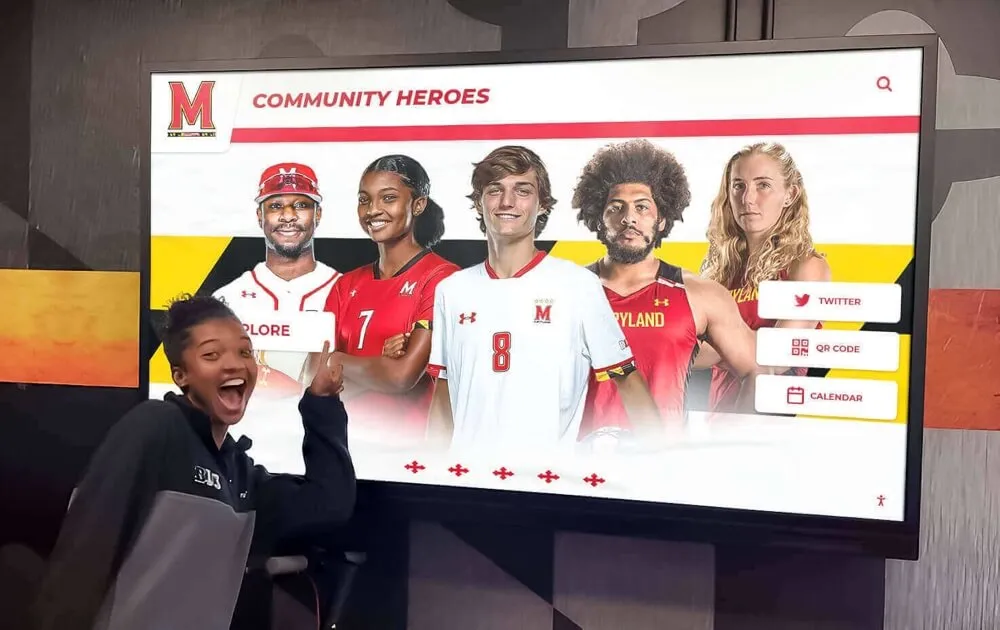
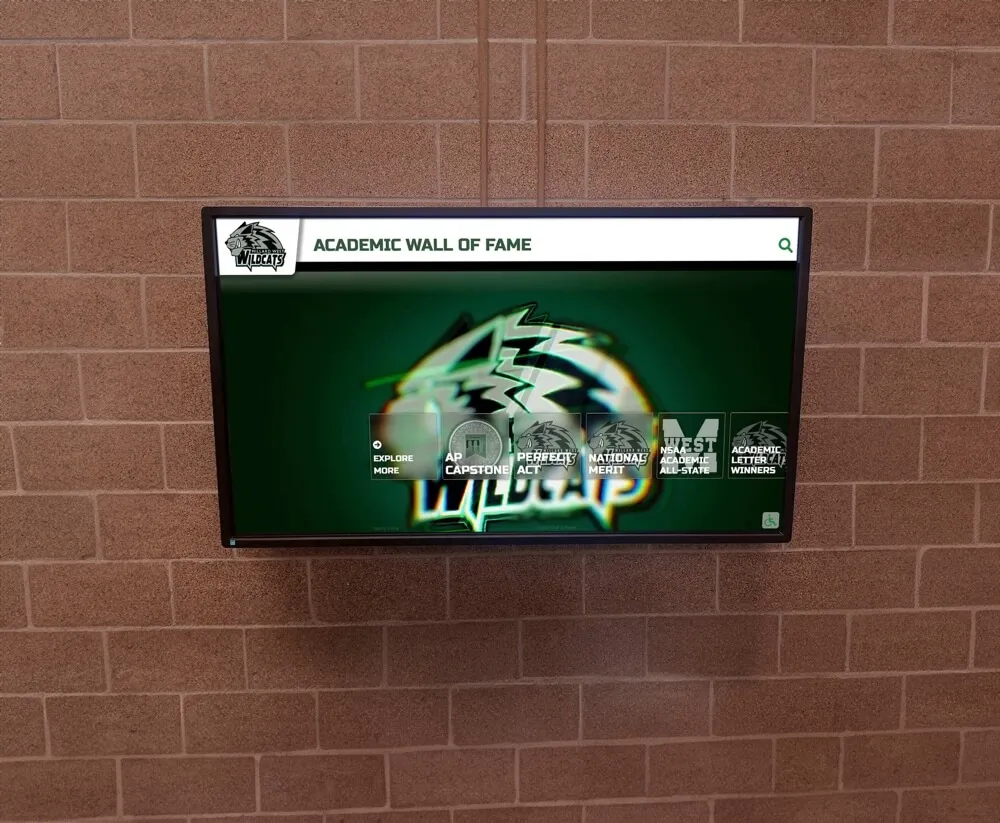
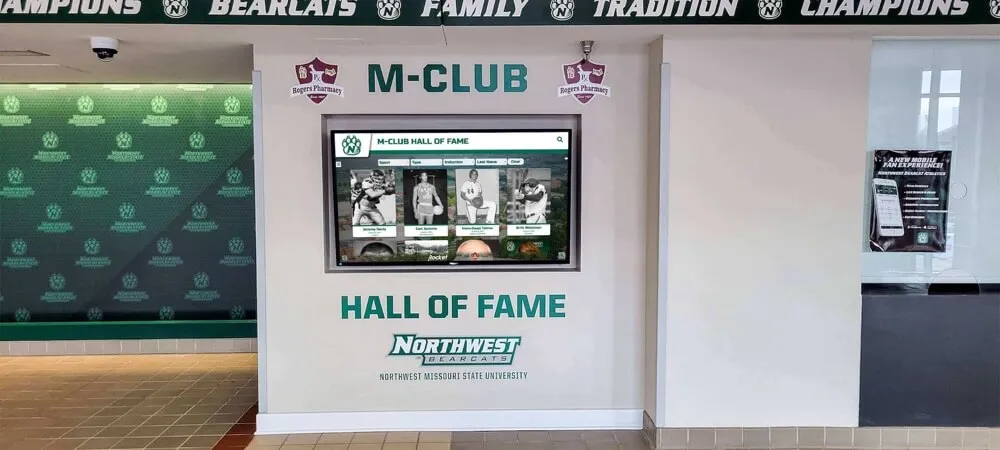
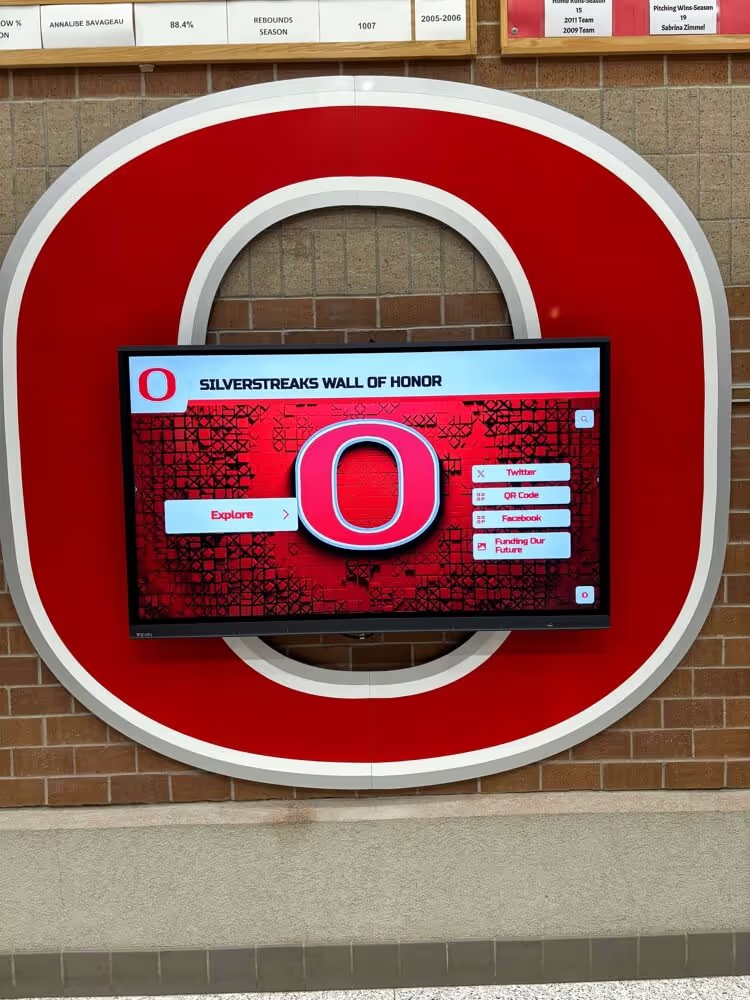
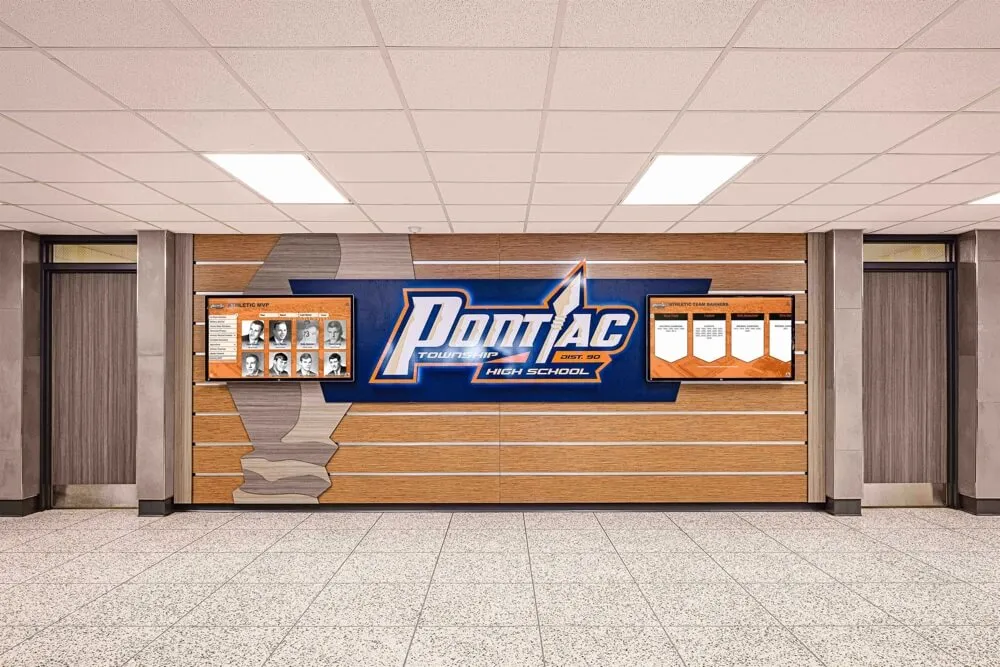
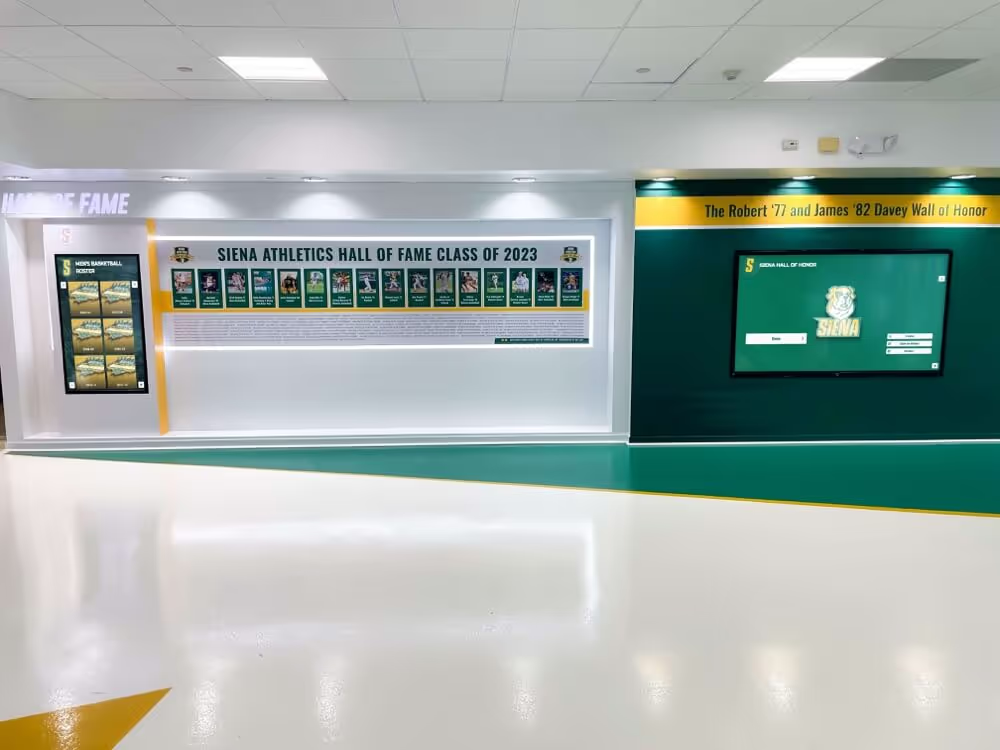
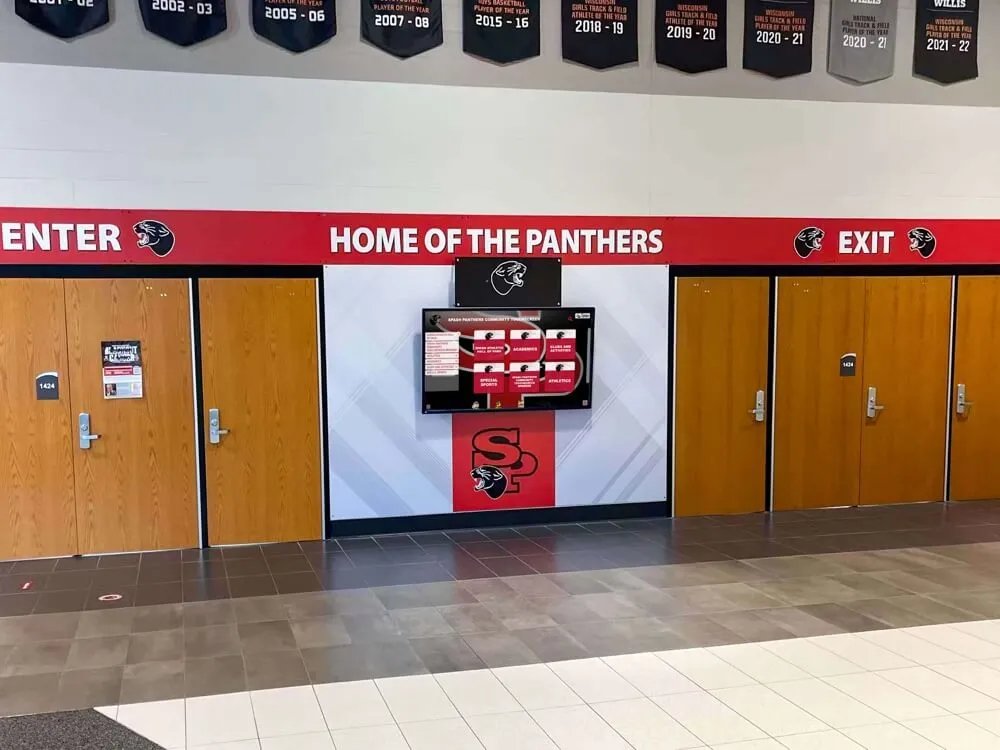
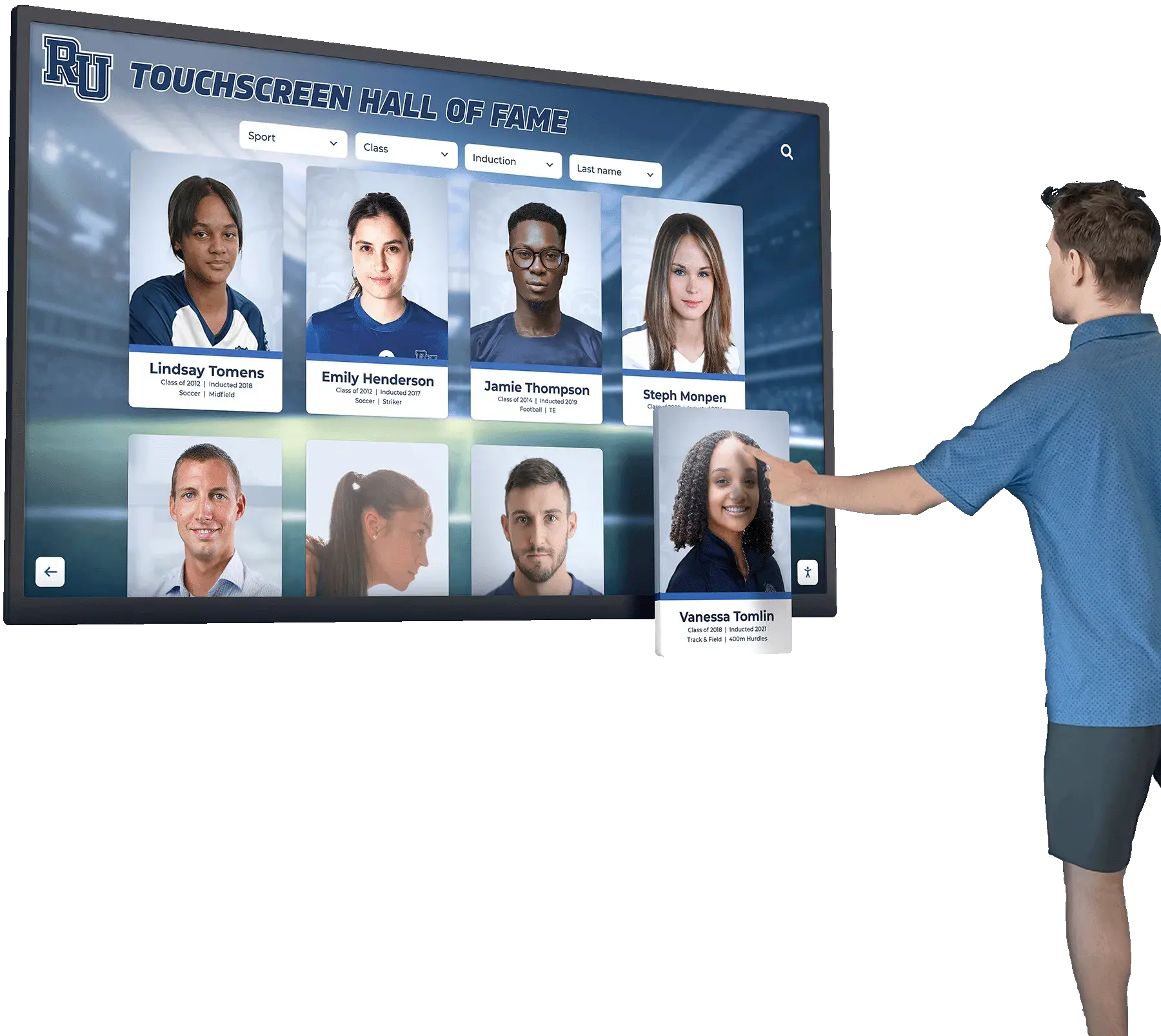
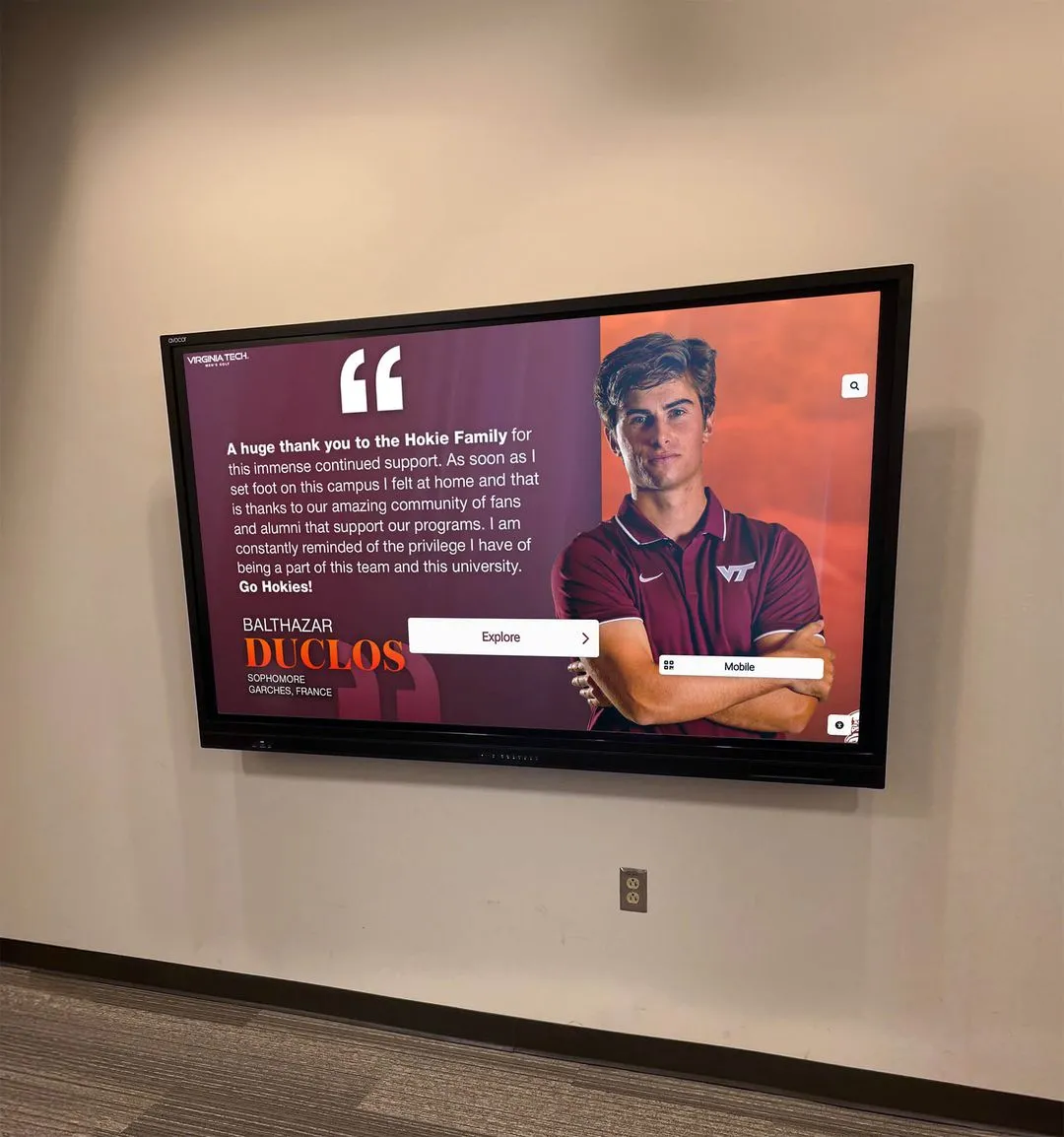
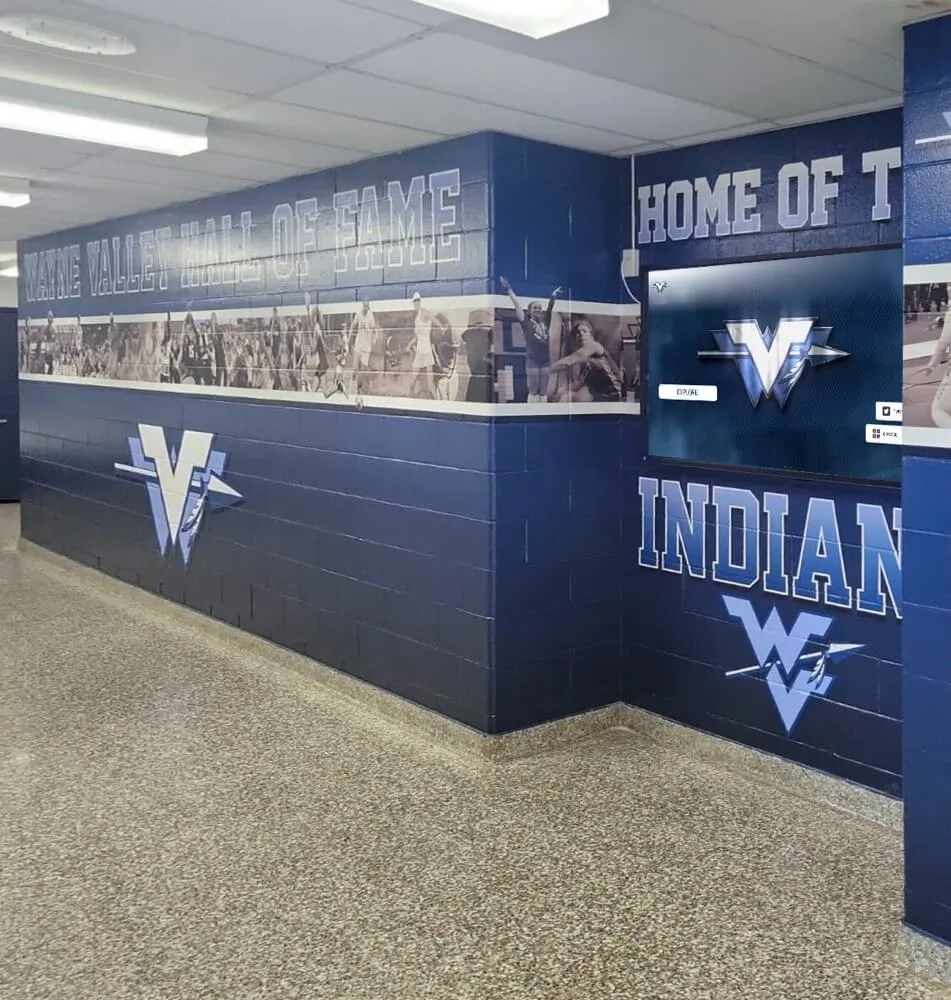
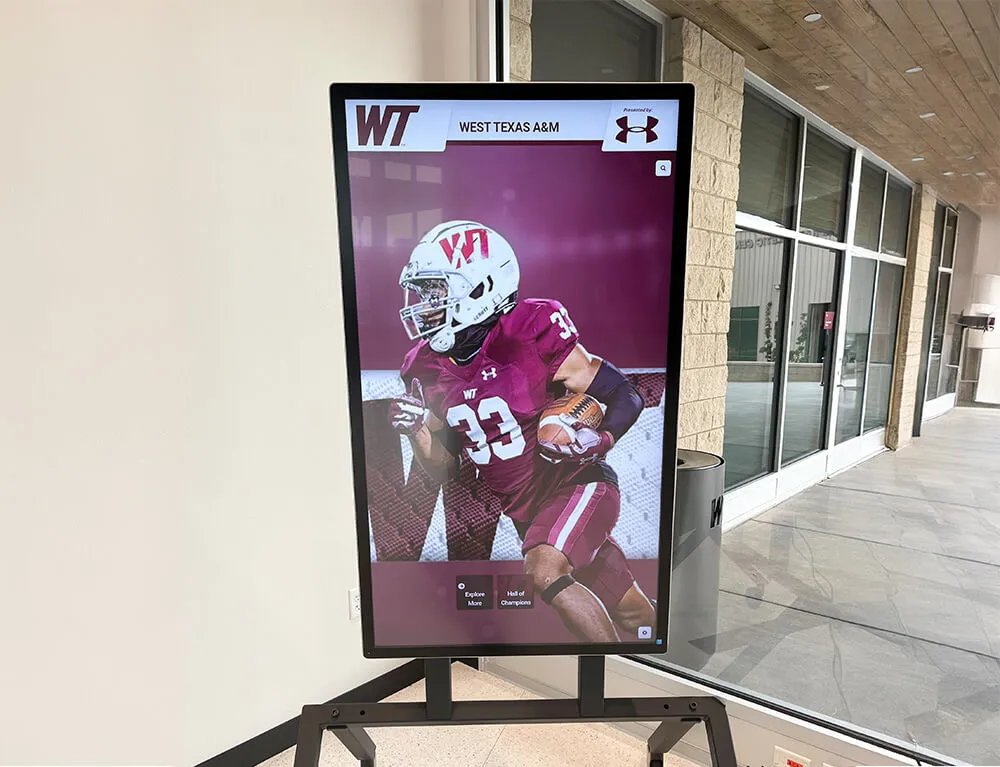
Digital display recognition has become a standard deliverable in school sponsorship programs — and a budget template that doesn't include an asset column for digital placements will consistently miss fulfillment gaps until a sponsor notices them first
Why Most Booster Club Budget Templates Fall Short
The most common version of a booster club budget in Excel has four columns: income source, date received, amount, and expense category. That structure works for an audit — it tells you whether the books balance — but it does not help you run the program. By mid-season, no one can answer the questions that matter: Which sponsors have not had their banner installed yet? Which digital display rotations were promised but never uploaded? Which donors are due a thank-you letter?
A template built for booster club operations rather than just accounting splits the spreadsheet into three interconnected sections: the Sponsor Ledger, the Asset Tracker, and the Recognition Log. Each has its own column structure, and together they give the treasurer and athletic director a complete picture of where the program stands at any point in the season.
Section 1: The Sponsor Ledger — Columns for Financial Commitments
The sponsor ledger is the financial core of the template. It tracks every business that has committed support, the amount and payment status of each commitment, and the recognition tier that commitment purchased. This is where the budget template connects dollars to deliverables.
Sponsor Ledger Column Breakdown
| Column | What to Capture | Example Entry |
|---|---|---|
| Sponsor Name | Business legal name | Riverside Plumbing LLC |
| Primary Contact | Name and email address | Jane Doe — jdoe@example.com |
| Sponsor Tier | Level name from your tier menu | Gold / Silver / Bronze / Community |
| Commitment Amount | Total pledged for the season | $1,500 |
| Payment Schedule | Lump sum or installment plan | Lump sum / 2 installments |
| Payment 1 Received | Date and amount of first payment | $750 on 9/12 |
| Payment 2 Received | Date and amount of second payment | $750 on 11/5 |
| Balance Outstanding | Calculated: Committed minus Received | $0 |
| Overdue Flag | Y/N based on schedule | N |
| Renewal Target Date | When to initiate next-season conversation | April 1 |
| Notes | Context not captured elsewhere | “Wants to move to Platinum next year” |
The overdue flag and renewal target date are the two columns most templates omit — and the two most valuable for year-round sponsor management. A treasurer who can filter the ledger by overdue flag in September avoids the awkward situation of a sponsor asking where their banner is while payments are still outstanding. A renewal target date column, reviewed in February, prevents the annual scramble to contact sponsors before they’ve already committed elsewhere.
Programs building more structured sponsorship outreach can draw on the framework used in academic recognition program development — the same tiered-commitment structure and renewal cycle logic that runs a recognition program year to year applies directly to athletic sponsorship tracking.
Section 2: The Asset Tracker — Columns for Banners, Print, and Digital Placements
The asset tracker is where most booster club budget templates have no columns at all. Assets — banners, program ads, digital display uploads, social media posts — are recognition deliverables tied to dollar commitments, but they live outside the financial ledger. The result is that the treasurer knows a sponsor paid $1,200 but has no structured way to confirm whether the $1,200 included a banner that has not been installed yet.
Asset Tracker Column Breakdown
| Column | What to Capture | Example Entry |
|---|---|---|
| Sponsor Name | Match to ledger row | Riverside Plumbing LLC |
| Tier Deliverables List | Every asset owed per agreement | Banner + Program Ad + Digital Display |
| Banner: Size & Location | Specific dimensions and placement | 3×8 ft — West gym wall |
| Banner: Order Date | When the print order was placed | 8/15 |
| Banner: Install Date | When the banner went up | 9/1 |
| Banner: Photo Documented | Y/N confirmation with file reference | Y — Drive/Banners/RiversidePlumbing.jpg |
| Program Ad: Placement | Where in the printed program | Back cover / Interior half-page |
| Program Ad: File Received | Date sponsor submitted artwork | 8/20 |
| Program Ad: Confirmed in Print | Y/N after print run reviewed | Y |
| Digital Display: Asset Received | Date sponsor submitted logo/graphic | 8/22 |
| Digital Display: Upload Date | When content went live on screen | 8/28 |
| Digital Display: Rotation Confirmed | Weekly verification Y/N | Y |
| Signage Removal Due | When any seasonal signage comes down | May 31 |
The three documentation columns — photo confirmed, print confirmed, and rotation confirmed — are the difference between a deliverables system and a deliverables intention. Requiring a Y before a row can be marked complete means someone actually checked, not just assumed.
For programs managing multiple sponsors across multiple sports seasons, the practical structure of how schools manage digital displays day-to-day offers a realistic picture of what a well-run digital asset workflow looks like in an athletic facility — useful context when deciding how frequently to audit the Digital Rotation Confirmed column.
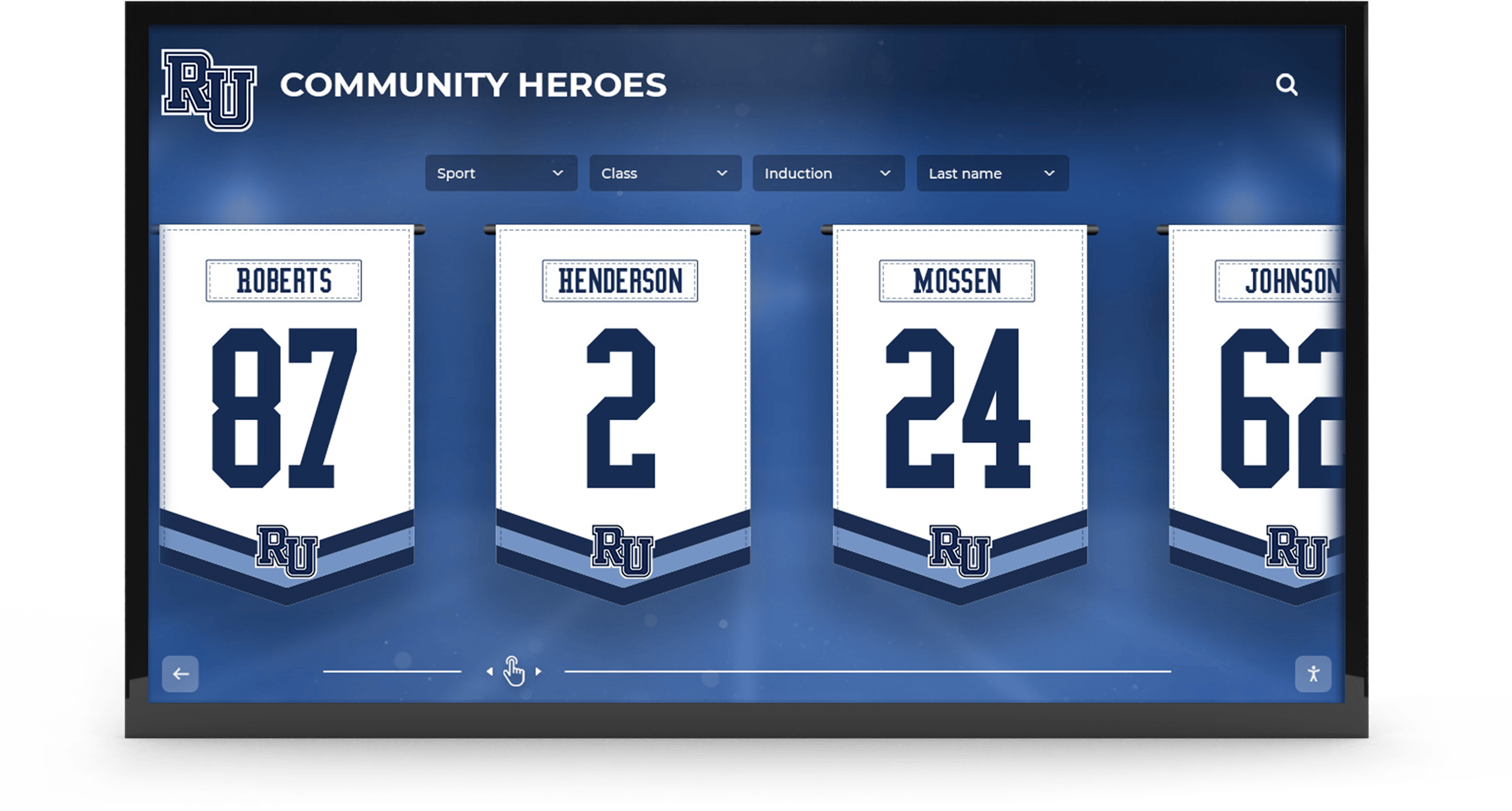
Physical banners and digital display rotations are distinct asset types that require separate tracking columns — a sponsor who paid for both needs confirmation that both went live before the season got underway
Section 3: The Recognition Log — Columns for Thank-Yous, Events, and Documentation
The recognition log tracks the acknowledgment side of sponsor relationships: thank-you letters, event invitations, PA announcements, and the end-of-season fulfillment summary that either cements a renewal or explains why a sponsor hesitates. This section is the most commonly absent from budget templates and the most consequential for sponsor retention.
Recognition Log Column Breakdown
| Column | What to Capture | Example Entry |
|---|---|---|
| Sponsor Name | Match to ledger row | Riverside Plumbing LLC |
| Pre-Season Thank-You Sent | Date letter was sent | 9/8 |
| Thank-You Method | Email / Physical letter / Both | Physical letter |
| PA Announcement Schedule | Game dates with scheduled PA mention | 10/3, 10/17, 11/2 |
| PA Announcements Completed | Count of announcements delivered | 3 of 3 |
| Event Invitation Sent | Y/N for banquet/awards invite | Y — sent 4/10 |
| Event Attendance Confirmed | Y/N if sponsor RSVP’d | Y |
| Season-End Impact Letter Sent | Date end-of-season summary was sent | 5/15 |
| Impact Letter Included Photos | Y/N for documentation package | Y |
| Fulfillment Summary Complete | Y/N — all deliverables documented | Y |
| Renewal Conversation Held | Date of renewal discussion | 5/20 |
| Renewal Status | Confirmed / Pending / Declined | Confirmed — $1,750 for next season |
The Renewal Status column, read across all sponsors in April and May, gives the treasurer and athletic director an instant picture of next season’s projected revenue and which relationships need attention before commitments are made elsewhere. A program that can see — in one column — that 9 of 12 sponsors have confirmed renewal, 2 are pending, and 1 has declined has exactly the information it needs to plan outreach, not guess at it.
For programs thinking about how recognition acknowledgment connects to longer-term donor relationships, understanding how schools define, display, and preserve student honors offers useful parallel thinking about the documentation infrastructure that makes recognition meaningful over time — the same rigor that makes an awards program durable applies to a sponsor recognition program that wants to earn renewals year after year.
See How Digital Recognition Makes Sponsor Fulfillment Visible
Rocket Alumni Solutions builds interactive digital recognition displays for school athletic programs — giving booster clubs a year-round platform that makes digital sponsor deliverables visible, verifiable, and easy to document in any tracking system. Request a demo to see what your facility could look like.
Request a Recognition Display DemoBuilding the Full Template: How the Three Sections Connect
The power of a three-section Excel template comes from linking the sections by sponsor name. In practice, this means:
- The Sponsor Ledger is Tab 1 (or Sheet 1) — financial tracking and tier assignment
- The Asset Tracker is Tab 2 — physical and digital deliverable fulfillment
- The Recognition Log is Tab 3 — acknowledgment and relationship milestones
Every sponsor appears in all three tabs, linked by a consistent naming convention in the Sponsor Name column. When a treasurer wants to review a specific sponsor relationship, they can search the name across all three sheets and see the complete picture: what they paid, what assets were delivered, and what acknowledgment they received.
This structure also protects the program during leadership transitions. When a booster club treasurer changes — which happens frequently given the volunteer nature of most booster club leadership — the incoming treasurer inherits a complete record, not a memory. Athletic director transition planning follows the same logic: the most successful leadership handoffs are the ones where documentation is thorough enough that the new person can act confidently from the first week, without reconstructing institutional knowledge from scratch.
Donor Tracking: Adding a Fourth Section for Individual Contributors
Sponsors are businesses making commercial investments. Donors are typically individuals — parents, alumni, and community members — giving without expectation of recognition deliverables. The tracking requirements differ enough that a well-built booster club budget template includes a fourth section specifically for individual donors.
Donor Log Column Breakdown
| Column | What to Capture | Example Entry |
|---|---|---|
| Donor Full Name | Legal name for acknowledgment | Robert and Susan Hernandez |
| Mailing Address | For physical acknowledgment letters | 42 Elm St, Springfield |
| For digital acknowledgment | rhernandez@email.com | |
| Gift Date | Date contribution was received | 10/15 |
| Gift Amount | Amount of contribution | $250 |
| Designated Fund | General / Equipment / Scholarship | General operations |
| Acknowledgment Letter Sent | Date letter was mailed or emailed | 10/22 |
| Cumulative Giving (All Seasons) | Running total across all years | $875 |
| Multi-Year Donor Flag | Y if donor has given in 3+ seasons | Y |
| Recognition Milestone | Any named recognition trigger | 3-year supporter plaque |
| Notes | Context for personalized outreach | “Alumnus — class of 1998” |
The cumulative giving column is the one most programs skip and later regret. A parent who gives $200 every season for four years has contributed $800 in total support — a relationship that warrants different acknowledgment than a first-time $200 gift. Programs that track cumulative giving can distinguish between those two donors; programs that only record single-year transactions cannot.
Recognizing sustained academic achievement for students uses the same cumulative logic — the most meaningful recognition is the kind that acknowledges a sustained pattern over time, not just a single performance. The same principle applies to donor acknowledgment: the cumulative giving flag creates the institutional memory that makes multi-year recognition meaningful rather than accidental.
Annual Budget Summary: Tying Sections Together
Beyond the operational tracking tabs, a summary sheet that aggregates totals across sections gives the booster club board the financial visibility they need for monthly meetings and annual reporting.
Summary Sheet Column Structure
| Summary Row | Formula/Source | Purpose |
|---|---|---|
| Total Sponsor Commitments | SUM of Ledger — Commitment Amount | Projected season revenue from sponsors |
| Total Sponsor Payments Received | SUM of Payment 1 + Payment 2 received | Actual cash collected |
| Outstanding Sponsor Balances | Ledger — Balance Outstanding column total | Receivables still due |
| Confirmed Renewals (Next Season) | COUNT of Renewal Status = “Confirmed” | Forward revenue visibility |
| Total Donor Contributions | SUM of Donor Log — Gift Amount | Individual giving total |
| Cumulative Donor Giving (All Years) | SUM of Donor Log — Cumulative Giving | Long-term relationship value |
| Assets Fully Delivered | COUNT of completed asset rows | Fulfillment percentage |
| Assets Pending | COUNT of incomplete asset rows | Outstanding deliverable exposure |
| Thank-You Letters Sent | COUNT of Recognition Log — Pre-Season Thank-You | Acknowledgment completion |
| Season-End Summaries Sent | COUNT of Impact Letter Sent = date | End-of-season documentation rate |
A summary sheet built from these rows gives the booster club president and athletic director a one-screen answer to the questions most likely to come up at board meetings: how much money did we raise, what’s still owed, are we on track for renewals, and have we fulfilled our commitments?
For programs that also run formal awards and recognition programs alongside their athletic sponsorship, resources for planning and structuring student recognition across the school year provide additional budgeting context — recognition events have their own line items (venue, awards production, printed programs) that can be integrated into the booster club budget template as additional expense categories.
Digital Displays as a Budget Line Item
Digital recognition displays have shifted from a premium option to a standard expectation in school athletic programs over the past several years. For a booster club budget template, this means adding a line item category that most older templates do not have: digital recognition infrastructure.
This category covers the annual or multi-year investment in the display hardware, content management software, and content production that make digital sponsor recognition possible. It also covers the operational cost of maintaining and updating the system — which, for cloud-managed platforms, is typically a subscription fee rather than a per-update labor cost.
From a budget perspective, digital display infrastructure has a different cost structure than banners or print: higher upfront investment, lower ongoing cost per sponsor served, and a longer useful life across multiple seasons. A banner costs money to produce and install each season; a digital display system produces sponsor recognition across every season once installed, with only content updates required.
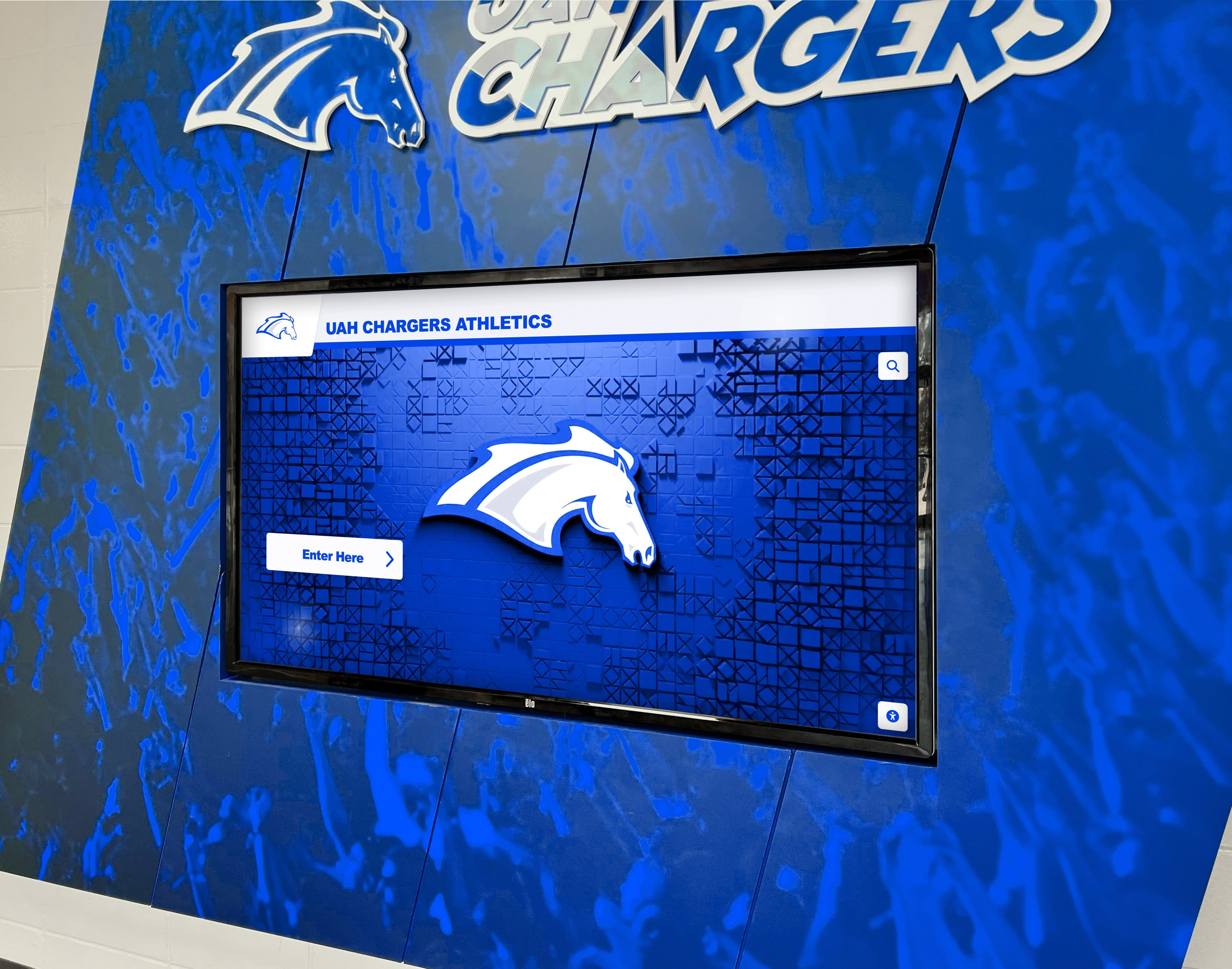
Digital display systems represent a distinct budget category — one that amortizes across multiple seasons and enables sponsor recognition deliverables that print and physical signage alone cannot match
The range of tools available for school digital recognition has grown significantly. An overview of the best hall of fame and recognition tools for athletic programs and donors provides a useful landscape view — understanding the range of what exists helps a booster club treasurer and athletic director budget for the right capability level rather than over- or under-investing based on limited information.
Budget Line Items for Digital Recognition
Add these rows to the expense section of the booster club budget template when the program includes digital displays:
| Line Item | Description | Budget Category |
|---|---|---|
| Display Hardware (Year 1) | Screen, mount, media player, installation | Capital equipment |
| Content Management Software | Annual subscription for cloud-based CMS | Technology services |
| Initial Content Design | Sponsor graphics, layout setup, onboarding | Design/production |
| Annual Content Updates | New sponsor files, new season graphics | Ongoing production |
| Hardware Maintenance Reserve | Set aside annually for repair/replacement | Reserves |
For programs evaluating what digital recognition looks like as part of a broader school recognition environment, the academic recognition program landscape shows how schools integrate digital displays into recognition programming that serves multiple audiences — athletes, donors, academic honorees, and community partners — within a single infrastructure investment.
Seasonal Maintenance: Keeping the Template Current
A booster club budget template in Excel is only useful if it is updated continuously through the season rather than reconstructed at year end. Three practices keep the template current without requiring the treasurer to spend hours maintaining it:
Weekly: Asset check-in. Ten minutes per week to update the Digital Display Rotation Confirmed column and flag any print or banner items that are overdue. This catches fulfillment gaps early enough to correct them.
Monthly: Recognition review. At the monthly booster club meeting, walk through the Recognition Log and confirm that PA announcements were delivered, social media posts went out, and any mid-season check-in calls were made. This is also when the Renewal Status column gets updated as conversations happen.
End of season: Complete documentation pass. Before the final meeting of the year, every row in every tab should have a status. Outstanding balances should be flagged for follow-up. Fulfillment summary documents should be assembled. The renewal pipeline should be visible in a single column view.
A template maintained this way is ready for the annual transition conversation — and ready to hand off if the treasurer role changes. The institutional memory lives in the file, not in a single person’s head.
Frequently Asked Questions About the Booster Club Budget Template in Excel
What columns should a booster club budget template in Excel include?
A complete booster club budget template in Excel should include columns for: sponsor name and tier, commitment amount and payment status, individual deliverables by asset type (banner, program ad, digital display), delivery and documentation status for each asset, recognition acknowledgment milestones (thank-you letters, PA announcements, event invitations), end-of-season fulfillment documentation, renewal status, and individual donor records with cumulative giving history. A summary sheet should aggregate totals from each tab for board reporting. Most off-the-shelf booster club templates cover only the financial columns and miss the asset and recognition tracking that drives sponsor retention.
How should booster clubs track sponsor banners in their Excel budget template?
Banner tracking in a booster club Excel template should include at minimum: sponsor name, banner size and location, order date, installation date, a photo-documented confirmation column (Y/N with a file reference), and a removal or replacement due date. Common tracking gaps include not recording the installation date (so no one knows whether a banner was up for the full season or installed late) and not documenting the placement with a photo (so there is no evidence to share in the end-of-season fulfillment summary). Banners installed before the first home event and documented with photos give the treasurer concrete proof of delivery for renewal conversations.
What is the best way to track digital display deliverables in a booster club spreadsheet?
Digital display deliverables should have their own columns in the booster club asset tracker: date sponsor submitted logo or graphic files, date content was uploaded to the display system, and a weekly rotation confirmation column (Y/N, reviewed at the booster club meeting or via a brief walk-through of the facility). For programs using a cloud-managed display platform, the content management system typically logs what was published and when — that log is the most reliable documentation source and should be referenced rather than recreated in the spreadsheet. The spreadsheet column should capture the date the first rotation was confirmed active, with a note pointing to the platform’s own log for detailed documentation.
How do booster clubs track cumulative donor giving in Excel?
Cumulative donor giving is tracked in a dedicated donor log tab, with a column for each season’s gift amount and a running total column that uses a SUM formula across the seasonal columns. When a donor makes a new contribution, the treasurer adds the amount in the current season column and the running total updates automatically. A separate multi-year donor flag column (Y/N, triggered when the running total exceeds a threshold or spans three or more seasons) makes it easy to filter the donor list and identify which donors warrant personalized recognition for sustained support. This cumulative record should be preserved across treasurer transitions — it is one of the most valuable pieces of institutional knowledge a booster club can maintain.
What budget line items should booster clubs add for digital recognition displays?
Digital recognition displays require a distinct budget category that covers: hardware acquisition (screen, mount, media player, and installation — typically a one-time capital expense), annual content management software subscription, initial content design and setup, annual content update production costs, and a hardware maintenance reserve (typically 10–15% of hardware cost per year). Unlike print and banner expenses that recur in full each season, digital display infrastructure amortizes across multiple years — the per-season cost decreases over time as the hardware investment is spread across successive seasons. Budgeting for digital recognition should treat hardware as a capital line item separate from the recurring software and production costs.
A Template That Works for the Whole Season, Not Just the Audit
The goal of a booster club budget template in Excel is not to satisfy an auditor at year end — it is to help the treasurer, athletic director, and booster club board run the program confidently throughout the season. A template built around the three-section structure described here — sponsor ledger, asset tracker, and recognition log — gives every member of the leadership team a shared source of truth they can open on any device and trust to reflect what is actually happening.
Sponsors who see their deliverables tracked and delivered stay sponsors. Donors whose cumulative giving is acknowledged feel seen. Athletic directors who can hand a successor a complete, organized file rather than a folder of scattered emails protect the institutional relationships that took years to build.
The columns are not overhead. They are the operational infrastructure that keeps recognition commitments — financial, physical, digital, and personal — from falling through the cracks between the day a sponsor writes a check and the day they decide whether to write another one.
Give Your Sponsors Recognition They Can See All Year
Rocket Alumni Solutions builds interactive digital recognition systems for school athletic programs — giving booster clubs a permanent display platform that makes sponsor and donor acknowledgment visible, verifiable, and easy to document in any budget tracking system. Request a demo to see what your program's recognition could look like on a custom display.
Schedule a Recognition Display Demo